
Install the app
How to install the app on iOS
Follow along with the video below to see how to install our site as a web app on your home screen.
Note: This feature may not be available in some browsers.
-
After 15+ years, we've made a big change: Android Forums is now Early Bird Club. Learn more here.
You are using an out of date browser. It may not display this or other websites correctly.
You should upgrade or use an alternative browser.
You should upgrade or use an alternative browser.
Post your Prime Homescreens
- Thread starter An UrgeTo Dance
- Start date


blaxican25
Android Expert


VIC555
Newbie
Here are my current:


nice wallpaper/background! what do you call that wallpaper?
hiyas guys i just brought my prime back on the 30th of last month, i'm updated to ics,and i can't quite to figure out how to add more homescreens. anywho i thought to get in with the pictures of the home screens. XD it's nothing fancy XD
Attachments
![Screenshot_2012-04-12-02-53-23[1].jpg](/data/attachments/23/23678-0ea144cfef54493aee5b2b6f02245030.jpg?hash=DqFEz-9UST)

An UrgeTo Dance
The Hero of the Winds
My current set up, if you can't tell I love the Zelda series. The hearts are my battery life.
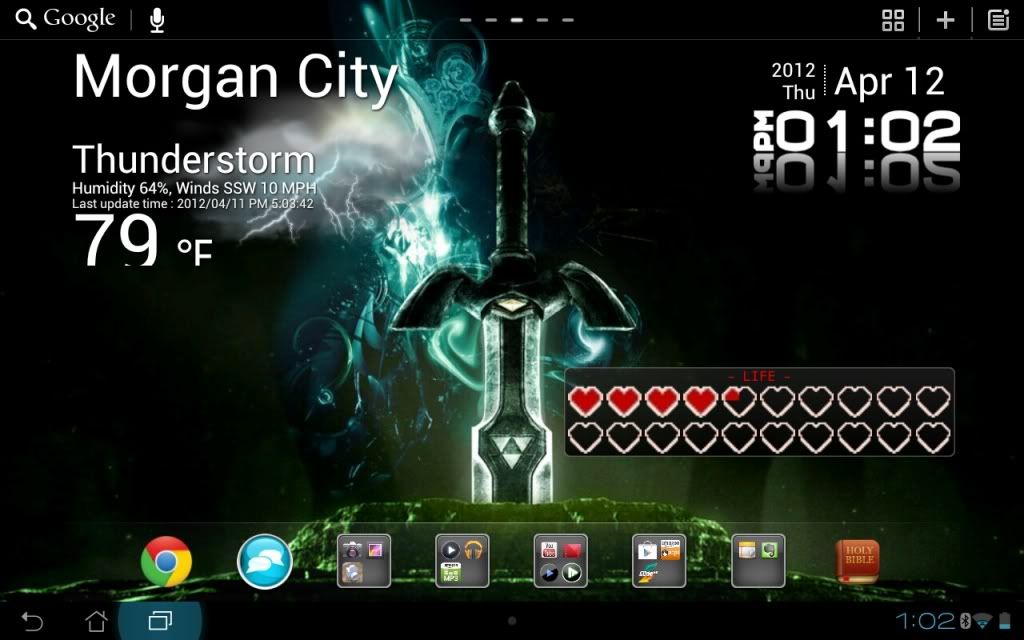
Also I am using the Go Launcher HD launcher.
Also I am using the Go Launcher HD launcher.
liljohn883
Newbie
Dude--- The Zelda theme is Awesome!!!! The battery widget is the coolest thing I have seen in a long time!!!!!!
An UrgeTo Dance
The Hero of the Winds
Dude--- The Zelda theme is Awesome!!!! The battery widget is the coolest thing I have seen in a long time!!!!!!
Thanks, I plan on doing some of the icons, but haven't decided how I want them to look yet. Also I need to find out if desktop visualizer will work with the dock in Go Launcher, if not back to Nova.
For anyone wanting the battery widget, here it is. It has different themes including original 8-bit and OoT/MM style.
This my setup. Screenshot is about a month old, i should have probaly changed the label for "market" to "play store" =)

How do you get those slick text icons along the bottom?

fcortes626
Android Enthusiast
My current set up, if you can't tell I love the Zelda series. The hearts are my battery life.
Also I am using the Go Launcher HD launcher.
sweet how do i get that theme? do i have to be rooted?
An UrgeTo Dance
The Hero of the Winds
sweet how do i get that theme? do i have to be rooted?
All it is is a wallpaper and this widget. I don't ave a link to the wallpaper right now but I will try to find it and post the link later. You don't have to be rooted to do any of it. I did use the picspeed app to apply the wallpaper because it doesn't make you crop the picture like the stock wallpaper chooser does.
EDIT: Wallpaper link
fcortes626
Android Enthusiast
![Screenshot_2012-04-12-14-07-18[1].jpg](/data/attachments/23/23697-dcd5470e730d523ac405575ae0317b65.jpg?hash=3NVHDnMNUj)

mjschmidt
Android Expert
nice wallpaper/background! what do you call that wallpaper?
Can't remember where I got it originally. I thought it came with the TPrime, but maybe I'm wrong.
NEway... a google search finds:
https://picasaweb.google.com/lh/photo/NLW4py2GZ9gvAC9Iw0-VQXFE8UkkeSrbhRJbP9mi6pM
Hexagonal | zero7.org
fcortes626
Android Enthusiast
![Screenshot_2012-04-13-14-00-10[1].jpg](/data/attachments/23/23718-28c94e42ac89fe50208e1620f43f38b2.jpg?hash=KMlOQqyJ_l)
An UrgeTo Dance
The Hero of the Winds
My most recent homescreen running Apex Launcher. I may or may not have based it off the tablet's name:
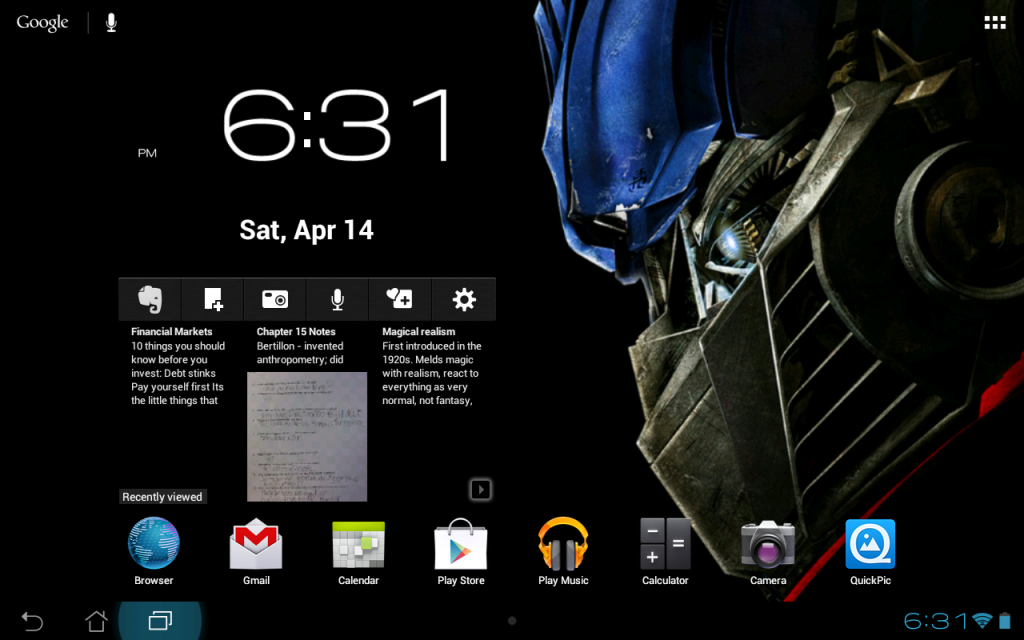
Nice!!
Any chance you can share what those widgets are, more specifically the one with the evernote icon on it.

Tman5293
Well-Known Member
Nice!!
Any chance you can share what those widgets are, more specifically the one with the evernote icon on it.
That is just the stock Evernote widget.
You can get it here: https://play.google.com/store/apps/...251bGwsMSwyLDYsImNvbS5ldmVybm90ZS53aWRnZXQiXQ..
The clock widget is Beautiful Widgets Super Clock with the Roboto Clear skin.


fcortes626
Android Enthusiast
My most recent homescreen running Apex Launcher. I may or may not have based it off the tablet's name
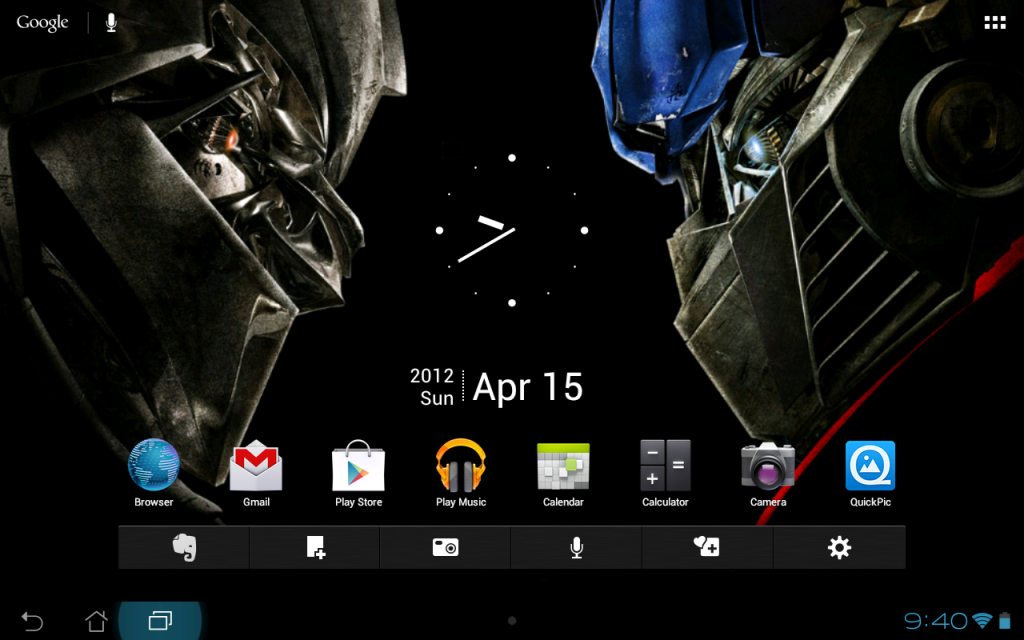
i based mine off the tablets name. got some transformers images and photoshoped my own wallpaper.
fcortes626
Android Enthusiast
how do you guys make your pictures come up so big. mine only shows up as a tumbnail when i upload it...
Tman5293
Well-Known Member
how do you guys make your pictures come up so big. mine only shows up as a tumbnail when i upload it...
You have to upload it to a separate image hosting site and then post it as an image.

critcher
Member
Here's mine -

And a cheeky one of the cube transition effect. I'm using the Apex launcher -

I'm embarrassed to admit it, but I couldn't get my head round the simple text app at all. Then I found out that "Amazing Text" had added a tap-to-launch action to it's otherwise static text widgets, and it's really easy!
The widgets are APW minimal magic theme, text icons by amazing text. And clockr
And a cheeky one of the cube transition effect. I'm using the Apex launcher -
I'm embarrassed to admit it, but I couldn't get my head round the simple text app at all.
Then I found out that "Amazing Text" had added a tap-to-launch action to it's otherwise static text widgets, and it's really easy! The widgets are APW minimal magic theme, text icons by amazing text. And clockr
critcher
Member
Someone above mentioned doing an LCARS star trek theme, and it occurred to me that you could obtain the trek font and load it into amazing text. Then make a load of text widgets and bung them on a plain-ish lcars wallpaper. Just need some beeps and flashing leds!
It's brilliant how customisable this is.
It's brilliant how customisable this is.
An UrgeTo Dance
The Hero of the Winds
Here's mine -
View attachment 30700
And a cheeky one of the cube transition effect. I'm using the Apex launcher -
View attachment 30701
I'm embarrassed to admit it, but I couldn't get my head round the simple text app at all.
The widgets are APW minimal magic theme, text icons by amazing text. And clockr
Nice setup, and don't feel bad about simple text. It can be confusing sometimes because you have to have a launcher that supports changing icons or an app like desktop visualizer for it to work. Even then you can only make icons that are 1x1 on the homescreen.