mriff
Member
A little off topic, but I really like these. Would there be a thread around here that explain how to change icons? Is it hard to do?
Follow along with the video below to see how to install our site as a web app on your home screen.
Note: This feature may not be available in some browsers.
A little off topic, but I really like these. Would there be a thread around here that explain how to change icons? Is it hard to do?

Here is what mine currently looks like.


A little off topic, but I really like these. Would there be a thread around here that explain how to change icons? Is it hard to do?
How did you get the icons like that?

Chrome Rings? Help me. I looked and can't find it anywhere.

I thought I outlined it on the first page fairly well.
Download "one more clock free". use the widget and it's one of the "clocks" built into the app.
:stupid: Sorry. When I said "everywhere" I meant almost everywhere. Bad Travis. Bad.

did you get it?


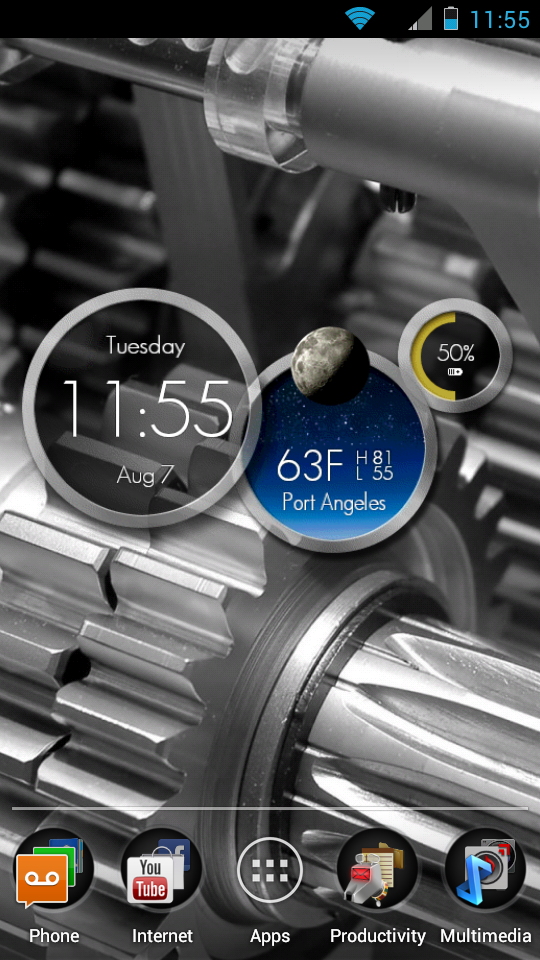
Any chance you could share that wallpaper?

How did you get the icons like that?

I did. Still playing around with it. Right now I have it on my lock screen.


They are hosting them outside of the forum and linking them.