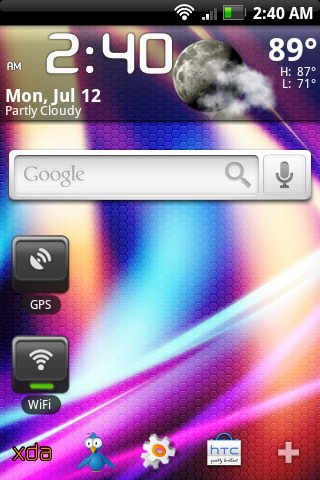
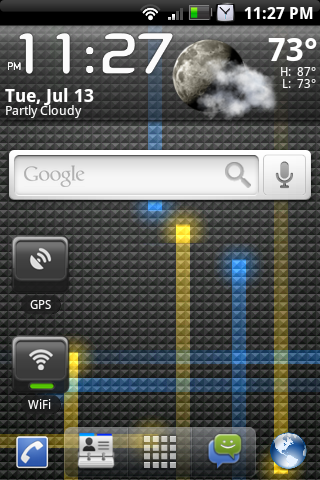
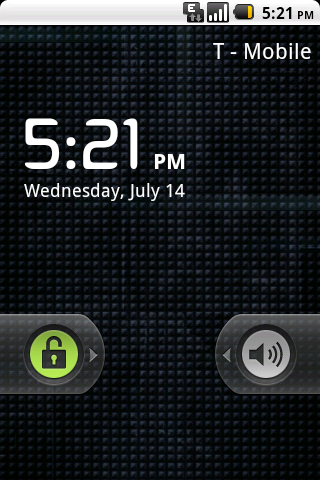
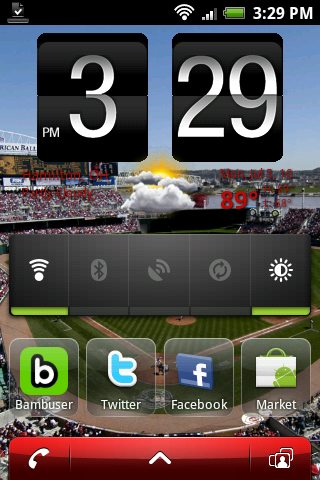
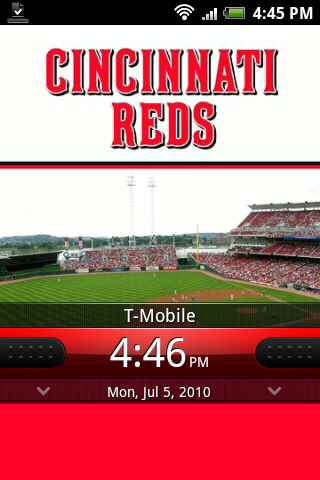
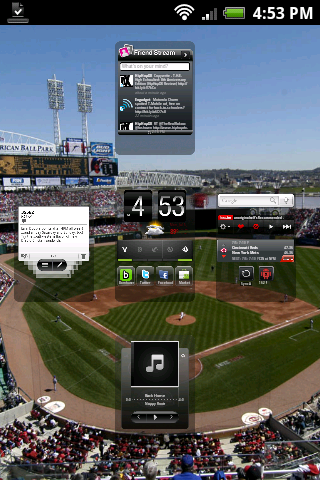
pardon my ignorance but i cant find the big clock/weather widget. I really want it but cant find it. Any help on what to search for?
Go to the clocks widget and scroll till you see it. I had a hard time finding it at first too.

Follow along with the video below to see how to install our site as a web app on your home screen.
Note: This feature may not be available in some browsers.
pardon my ignorance but i cant find the big clock/weather widget. I really want it but cant find it. Any help on what to search for?

Now I'm curious...Lol...close

Yeah like I said,Follow the ddsm instruction link I already posted! It's post number 3 of this thread.

Use USBdview and manually delete anything that says htc or mytouch then install htc sync from the htc support sight to get the correct drivers installed


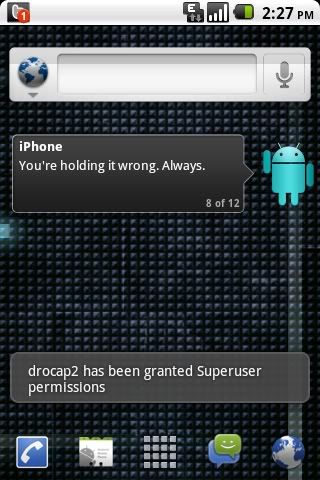
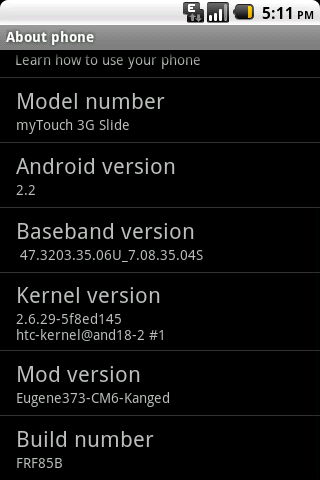
I can't figure out how to take the screenshots. I followed the instructions...I need instructions that are MTS specific.
So far went to 3 different tutorials and they all said to do slightly different things. I ended up downloading a bunch of stuff that I will now need to go back and uninstall.

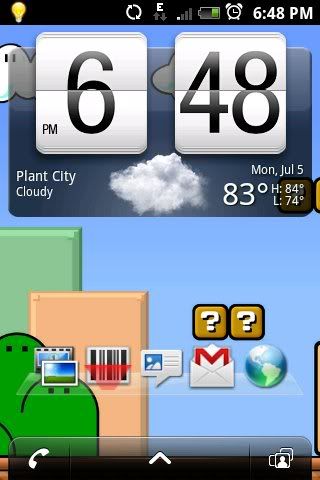
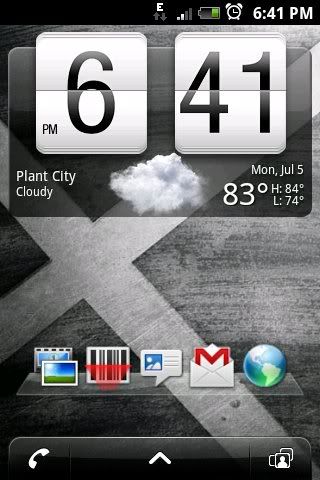
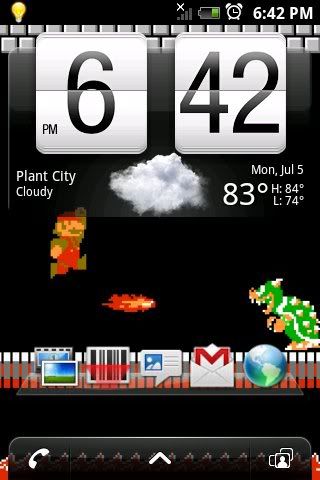

Android Amature, (or anyone who knows) What is that widget on your home screen? (The one with the 5 programs across the screen.) And is it customizable to put any 5 progams on it? (If not thats okay.)