D
Deleted User
Guest
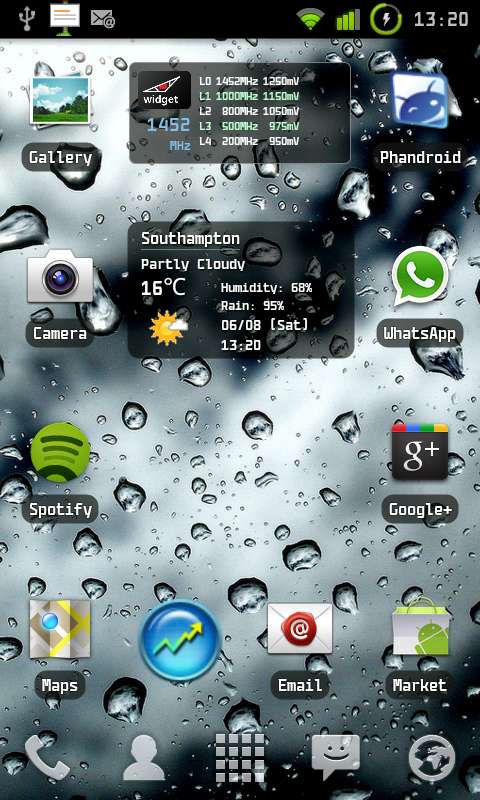
Can someone using Simi weather/time widget tell me how to get the weather further to the right?
Follow along with the video below to see how to install our site as a web app on your home screen.
Note: This feature may not be available in some browsers.

Can someone using Simi weather/time widget tell me how to get the weather further to the right?


Decided I needed a change.

Very nice....simple, yet elegant!! When I get my hands on my S2, this is definitely the way to go. EXCELLENT!!updated mine.


Hi mate...
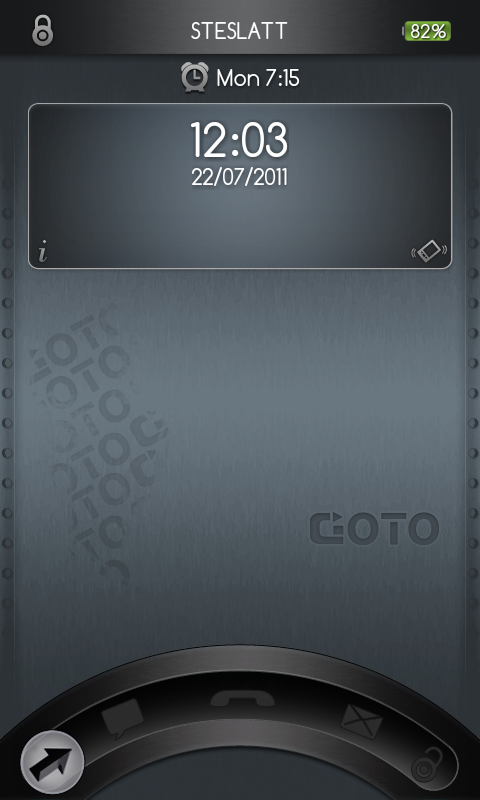
What is this lock screen? I can't seem to find it anywhere!
Cheers,
Matt.
. A good place to start might be to look up alternative home screen interfaces (GoLauncher and Launcher Pro are the most popular I think), and many of us seem to use WidgetLocker for the lock screen.updated mine.

What calender widget are you using on Pic 2 please?I actually quite like touchwiz 4... *blushes*
What calender widget are you using on Pic 2 please?

Its called "simple calendar Widget", its meant to go with "simi clock widget", but is developed by someone different I think. With a bit of customization you can make them both look fairly identical though

My current lock and home screen (I hope the wallpaper is considered tasteful enough for this forum, otherwise I apologize and assume a mod will delete the post).
Having parts of the interface pushed right up against the edge doesn't look all that great in screenshots, but since the pure black areas of the wallpaper blend almost seamlessly with the frame of the phone, it looks much better there.
WidgetLocker for the lock screen, GoLauncher for the home screen.

Hi mate!
What is the lock screen?
What are the launcher/facebook/calender/twitter/clock widgets?
Thanks alot! Looks amazing!
Matt
Here's what mine has looked like the last couple of days.
I use WidgetLocker for the lock screen - the "Tool Mode" and "Long press..." text doesn't appear on the actual lock screen, but since I couldn't take a screenshot there, I grapped one from the customization screen instead.
For the home screens I'm using GoLauncher.