shivers316
Godmember
Here ya go:


Follow along with the video below to see how to install our site as a web app on your home screen.
Note: This feature may not be available in some browsers.

How do they change the screens appearance to make it look less Iphone-ish? I'd rather not install it just to see LOL
What screenshot app is everyone using?


That's really sharp. How can you implement the folders as you have done? I see how you can add a folder to the home screen, but the folders can't be directed to or contain a set of apps by category like the new iOS 4, can they?
For those who are skeptical about rooting, it really isn't as dangerous as you might think. Check out the link I made if you at least just want to do some research: http://androidforums.com/all-things-root-vibrant/132904-howto-root-your-vibrant.html
Anyways, here are my screens. Very simplistic but efficient.
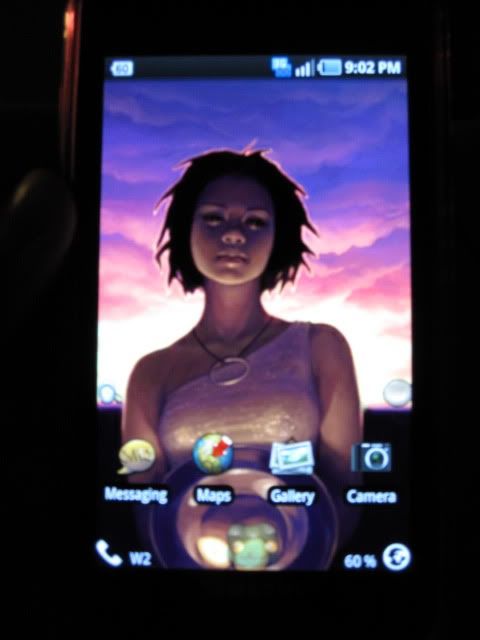
What wallpaper is this?
Experimenting with some new icons.
Mix of Carol and Suave iPhone icons.
See if Shootme will work without root.
It does on my slide

Just got my Vibrant Sunday (August 1st) and this is my first Android phone... What clock/weather app is that you have there?
That is the HTC Sense Clock which is only available on HTC phones the the Sense UI. You will not be able to get that exact clock, but the widget called Fancy Widgets looks nearly identical to it. Fancy Widgets is not available in the market though, so You are going to have get the application file from someone else as I am not sure if you can download it from their website. There is also beautiful widgets, which has many skins that makes the clock look like the HTC Sense clock, and beautiful widgets comes with many more widgets.
Would you happen to be an incredibly kind soul that has the app??
Would you happen to be an incredibly kind soul that has the app??