• After 15+ years, we've made a big change: Android Forums is now Early Bird Club. Learn more here.

Post Your Vibrant Screenshots!

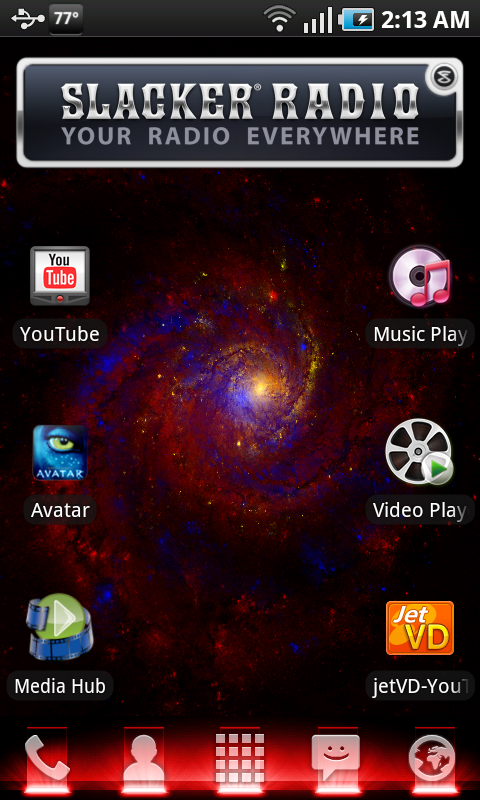
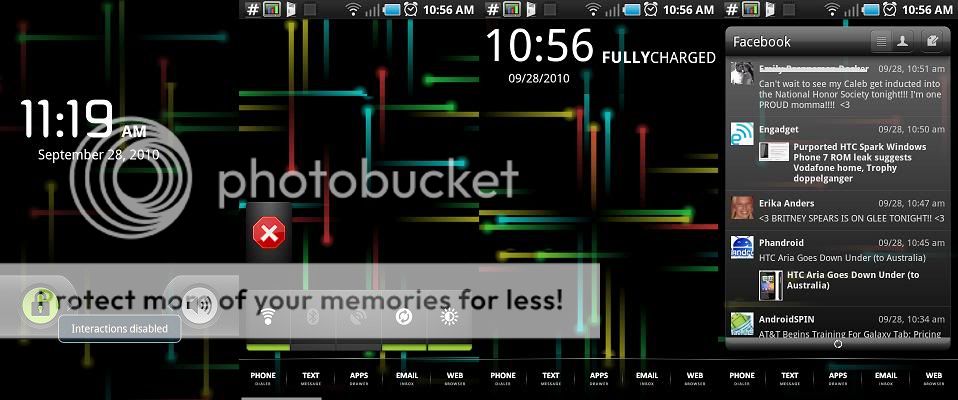
snap20100928_021348.png

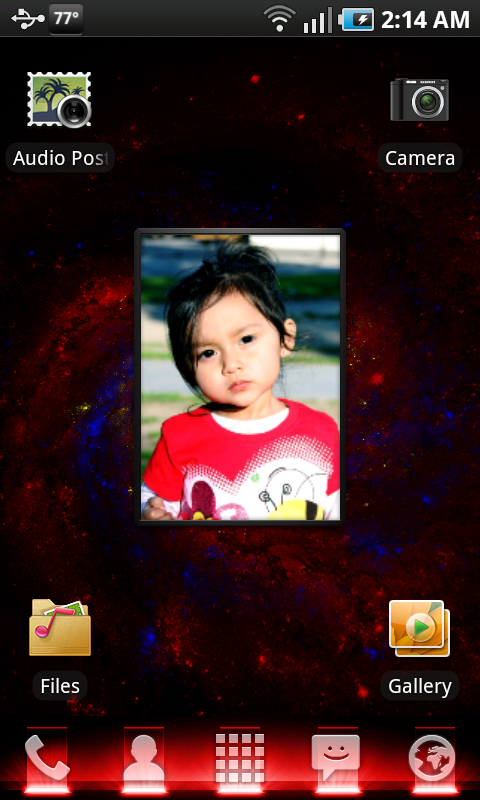
snap20100928_021456.png
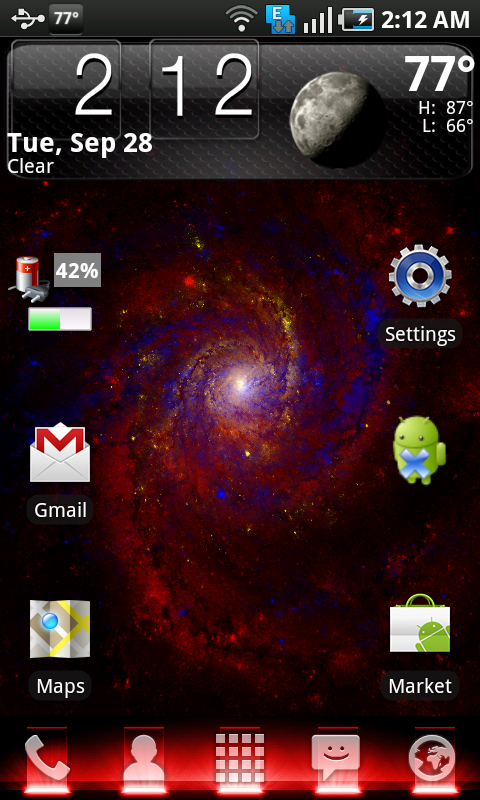
snap20100928_021249.png

Its too hot for being 2 am :(
 
you said you made / altered your icons? How did you manage to do that? Is there a program or did you use paint/photoshop?

I use Photoshop. Create icon over transparent background, size it down to 72x72px, and then I use the png24 setting of the "save for web/device " option.

Ill post another screenshot of my one page that's full of icons LOL

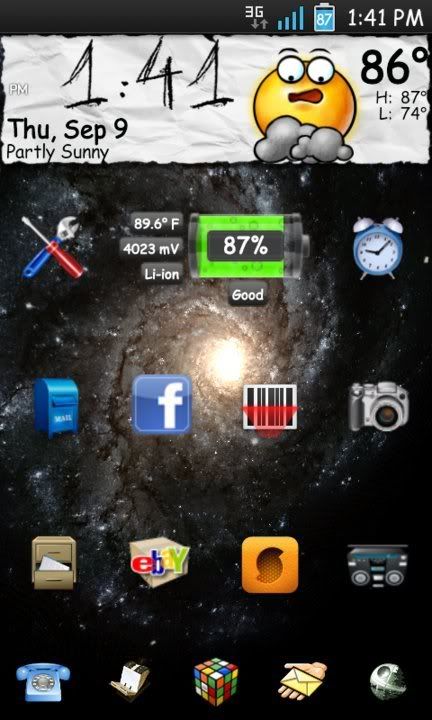
2rqd2f9.png

Left to right:
1st row: Shazaam, wireless tether, ebay, facebook
2nd row: photoshop express, foursquare, discover card, xbox (open spark)
3rd row: my days (girly stuff :P ), flickr, barcode scanner, weighty (tracks my weight)
4th row: Opera Mini, Yahoo! messenger, visual voicemail, RSS reader
5th row: DVR, notes, sims 3, personal assistant (tracks my accounts)
 
How do I post screen shots?

First, is your phone rooted? If YES, download the "Shoot Me" App (or something like it) from the Market...

If NO, The first step is setting up the SDK on your computer.

Make sure you download the correct sdk for your platform.
Make sure you're up to date with the Java Run Time Envrionment from Sun.

Plug your phone into your computer and start up the ddms tool. On a Windows machine, you open your SDK\tools folder and double click the icon. On Linux or a Mac, open your terminal in the sdk/tools and enter ./ddms

Make sure you select your device from the list in the right pane of the ddms application, then select device -> screen capture from the menu bar.

Grab your phone, set up the image you want to grab, and hit the refresh button. When you're satisfied with the results, click save and tell the ddms app where to save it.

If all of this is to confussing, hit up Google and search "How to take screenshots without rooting".
 
LauncherPro, Beautiful Widgets, Battstatt and Smooth Calendar. I'm looking for a better icon pack, I dont like the style of text icons I have right now. Anybody know where I can find another set? I'd make my own, but dont have Photoshop....too expensive.


attachment.php
 

Attachments

  • screenshot1.jpg
    screenshot1.jpg
    30.1 KB · Views: 656
ok,ive had it ive tried numerous times with the sdk download and havent got it to work. seems i may have read it isnt compatible with windows 7 is that true?
 
ok,ive had it ive tried numerous times with the sdk download and havent got it to work. seems i may have read it isnt compatible with windows 7 is that true?

Are you trying to root your phone? It's easier to do it without windows. Just copy the update.zip file onto your phones memory. Then, shut the phone down. Hold down the volume button and power button until it starts booting up, then let go. You'll have a menu that says "Reboot phone, Reload Packages, Reset to Default". Select the Reload Packages by using the volume button to scroll, and the power button to select. That's it, your phone will be rooted.
 
droidshots.jpg

Lockscreen:
Widget Locker
Battstatt

Screen 1:
Google Search
LauncherPro Plus Friends

Homes Screen:
Battstatt
Beautiful Widgets (Destroy Clock Skin)
SwitchPro

Screen 3:
LauncherPro Icons
LauncherPro Plus Bookmarks

Dock:
Dreamlyfe Lux Dock (customized in photoshop)
Dreamlyfe Lux Icons

Wallpaper: Album cover for "Before the Thrones of Infection" by Annotations of an Autopsy
 
damn i wish i could root my phone i love the look of all the stock 2.1s. im too scared im going to mess something up tho is it really that hard?
 
damn i wish i could root my phone i love the look of all the stock 2.1s. im too scared im going to mess something up tho is it really that hard?
You can download and use LauncherPro without rooting. This would let you modify the themes, and the default LauncherPro looks a lot more like stock Android than TouchWhiz.
 
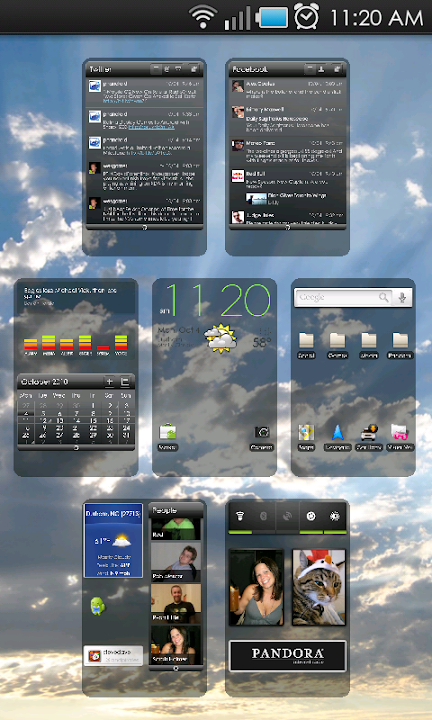
Here's my final product
Using LauncherPro
From left to right.
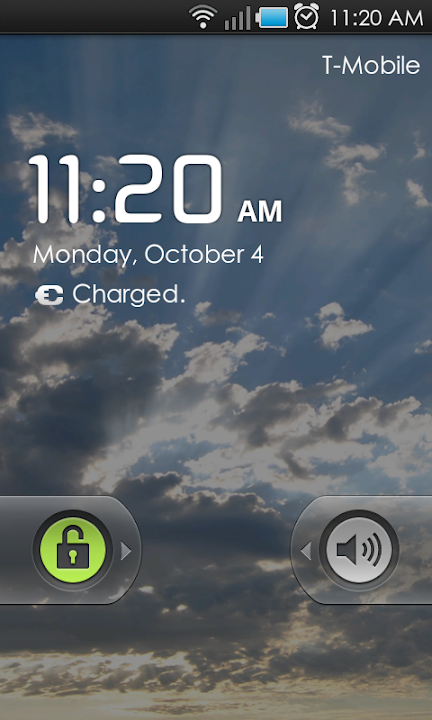
Screen 1) WidgetLocker, Beautiful Widgets, Battstatt
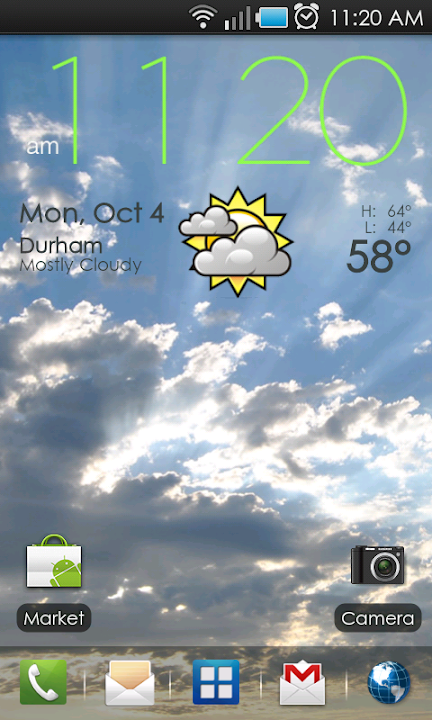
Screen 2) This is my default screen. Beautiful Widgets, BattStatt, SwitchPro, Smooth Calendar
Screen 3) Picture Frame(x2), Pandora, Contact Widget (click on the pictures to call the person)
Screen 4) LauncherPro Facebook Widget, Google search
attachment.php
 

Attachments

  • phone.jpg
    phone.jpg
    70.1 KB · Views: 646
I think the best that I have had set up was with the..

LauncherPro with DreamLyf theme.
WidgetLocker with Basic android set up.
Notification bar removed.
It worked wonders for me!
 
Does anyone have any complaints with beautiful widgets? there are alot of whiners in the app market, seems everyone here uses them.I bought different weather app and I don't think it looks as good as beautiful widgets.thanks.
 
this is mine as of 15 minutes ago. already changed it but haven't screen capped yet. right side screen apps change frequently.
 

Attachments

  • snap20101010_164158.jpg
    snap20101010_164158.jpg
    226.5 KB · Views: 123
  • snap20101010_123705.jpg
    snap20101010_123705.jpg
    195.7 KB · Views: 111
  • snap20101010_164237.jpg
    snap20101010_164237.jpg
    204.5 KB · Views: 93
Back
Top Bottom