

Install the app
How to install the app on iOS
Follow along with the video below to see how to install our site as a web app on your home screen.
Note: This feature may not be available in some browsers.
-
After 15+ years, we've made a big change: Android Forums is now Early Bird Club. Learn more here.
You are using an out of date browser. It may not display this or other websites correctly.
You should upgrade or use an alternative browser.
You should upgrade or use an alternative browser.
Prevail Homescreen
- Thread starter APOPHiS420
- Start date
werewolves69
Newbie
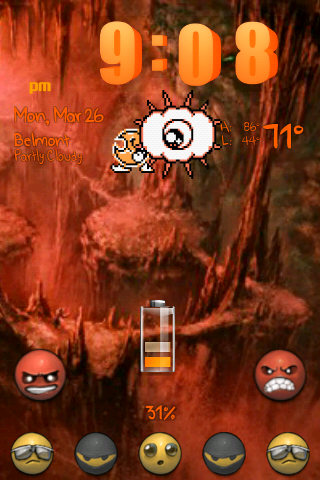
Trying to make go launcher themes so I made one of my favorite movie
Darn screenshot, the icons are actually blood red...


Darn screenshot, the icons are actually blood red...

MrOblige
Member
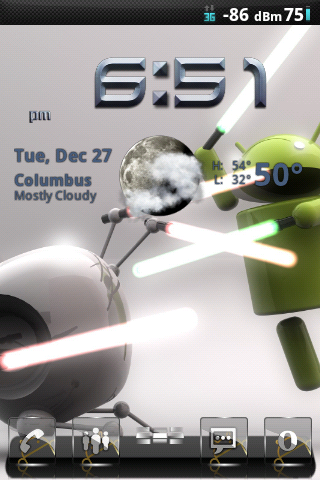
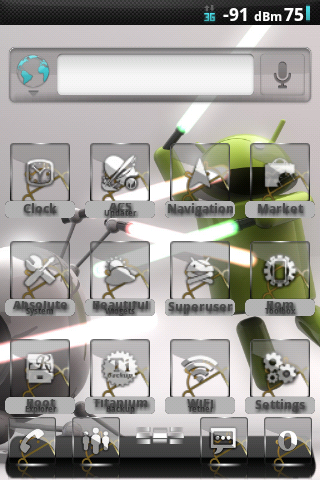
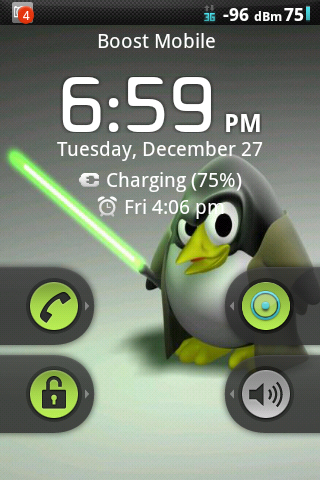
I used to like Go Launcher, but as soon as I switched to Cyanogenmod back in October, I fell in love with the "changebility" of ADW. My new home screen consists of the Sense HD icons for ADW from the market, and the clock is "Brushed Steel" from Beautiful Widgets, and the theme is Crystal for the theme changer. The lock screen is a work in progress.... I change mine up a bunch, but I might leave this one for a bit.
So, the only way to download this them is to have ADW launcher? and is there an app that can edit the lock screen like yours?

SpCowboy2842
Android Enthusiast
So, the only way to download this them is to have ADW launcher? and is there an app that can edit the lock screen like yours?
Several other Launchers have customizable themes and icons too, but the choices seem limited. I prefer ADW for the reason that there is so many icon sets and themes to pick from that the possibilities seem almost endless. I am running Hroark's version of Cyanogenmod 7 so all I have to do is go into the Cyanogen settings or flash a CM7 theme add on through Metamorph and adjust my lock screen accordingly. There are several apps that are on the Market to change your lockscreen though if you aren't running CM7, but some don't play to nicely with our phones. Go Locker used to be a good app to use if you had Go Launcher installed, but I just checked and it's now incompatible.

wetbiker7
Extreme Android User
Several other Launchers have customizable themes and icons too, but the choices seem limited. I prefer ADW for the reason that there is so many icon sets and themes to pick from that the possibilities seem almost endless. I am running Hroark's version of Cyanogenmod 7 so all I have to do is go into the Cyanogen settings or flash a CM7 theme add on through Metamorph and adjust my lock screen accordingly. There are several apps that are on the Market to change your lockscreen though if you aren't running CM7, but some don't play to nicely with our phones. Go Locker used to be a good app to use if you had Go Launcher installed, but I just checked and it's now incompatible.
I agree with you 100% Cowboy. There are a lot of options with ADW, CM7 and Metamorph.

Also a lot of options with MIUI.
Lordvincent 90
▓▓▓▓▓▓▓▓▓▓▓▓▓▓▓▓▓▓▓▓


Lordvincent 90
▓▓▓▓▓▓▓▓▓▓▓▓▓▓▓▓▓▓▓▓
Wow man! That's nice too LV.
i took parts from five themes to make it, and the background is a picture i took in eastern Wyoming
I also found if i set bw to use gps for location, and force gps with tracker booster, i can make the weather locate me (w/out tracker booster it wont lock... Gps pops for like two second, and no go on location...
wetbiker7
Extreme Android User
i took parts from five themes to make it, and the background is a picture i took in eastern Wyoming
No doubt bro. That sucker is sweet!

TheRealMillah
Member

TheRealMillah
Member
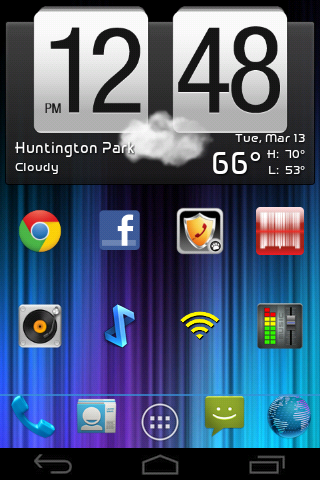

Lordvincent 90
▓▓▓▓▓▓▓▓▓▓▓▓▓▓▓▓▓▓▓▓


MI buuf

MrOblige
Member
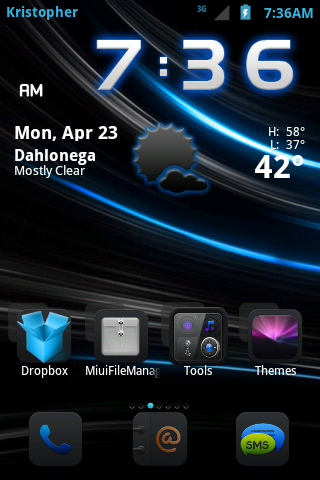
Id love to make my lil addition...from all my noobness this is the result.
Attachments


kristopher5823
Android Enthusiast
I figured i would make my lil addition
Miui
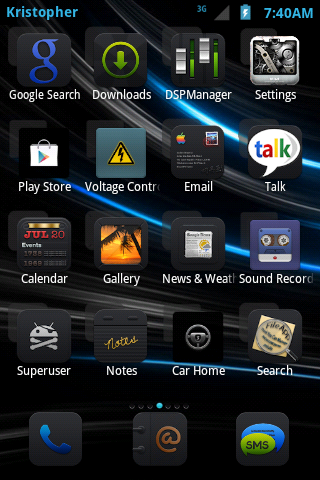
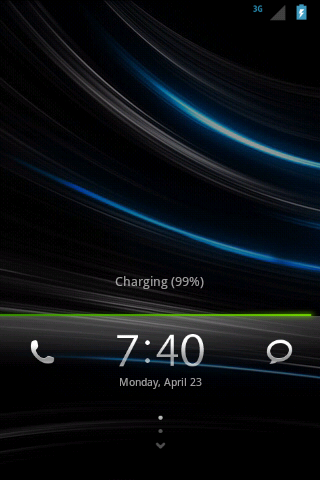
Cm7
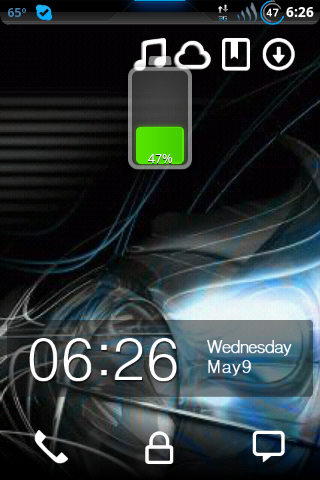
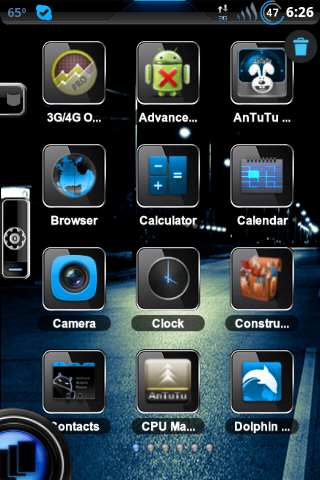
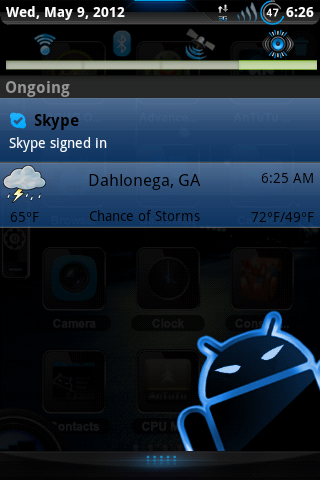
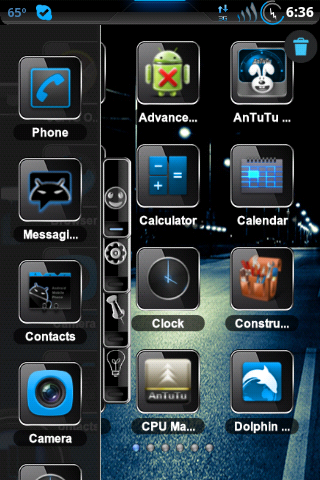

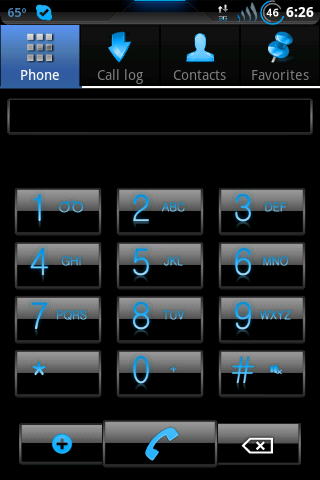
Well i Guess you can tell i like blue lol
Miui
Cm7
Well i Guess you can tell i like blue lol

BirdWithBowtie
Member
I figured i would make my lil addition
Miui
That's quite nice.
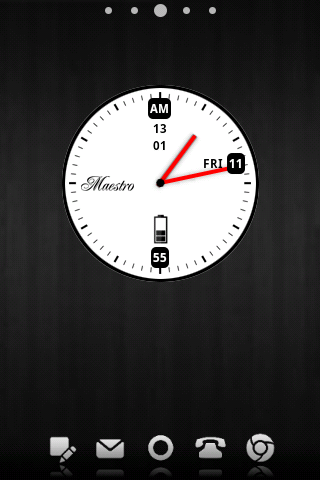
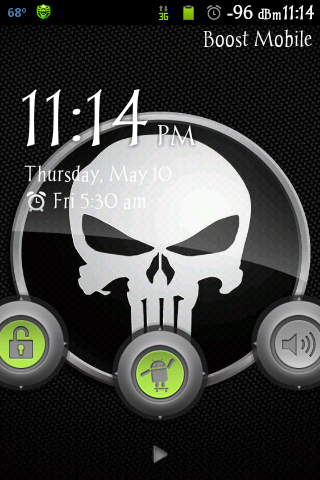
My little addition, too. I emailed the ADW dev earlier to ask why I can't seem to hide the page indicator at the top since I've tried every setting I can find but with no luck. Maybe a bug? If anyone has any wisdom I'd be grateful.




The~Skater~187
Android Expert


wetbiker7
Extreme Android User
Ohh yeah just found it buried from inactivity. I guess not many new users posting their screens.....
Right on man. Just wanted to let you know before the thread gets merged with it.