
Install the app
How to install the app on iOS
Follow along with the video below to see how to install our site as a web app on your home screen.
Note: This feature may not be available in some browsers.
-
After 15+ years, we've made a big change: Android Forums is now Early Bird Club. Learn more here.
You are using an out of date browser. It may not display this or other websites correctly.
You should upgrade or use an alternative browser.
You should upgrade or use an alternative browser.
Root [Rom][Port] LeWa OS Beta
- Thread starter blovadova
- Start date

ninjarabbit
Well-Known Member
a little something until the next miui update
Thanks man... Its always nice to have some options...

Lordvincent 90
▓▓▓▓▓▓▓▓▓▓▓▓▓▓▓▓▓▓▓▓
Downloading now.


CuriousNoob
Android Enthusiast
Question, how did you create the APN by default in network settings called Boost?
Also, you have no data until you check it, do you have to do that every boot?
Also, you have no data until you check it, do you have to do that every boot?

blovadova
Member
Question, how did you create the APN by default in network settings called Boost?
Also, you have no data until you check it, do you have to do that every boot?
Its self writes based on phones apn and yes it does appear to have to be selected every boot
Lordvincent 90
▓▓▓▓▓▓▓▓▓▓▓▓▓▓▓▓▓▓▓▓
First thing i noticed is that it's odexed....
blovadova
Member
First thing i noticed is that it's odexed....
the lewa files and folders are. Olicious' cm 7 base that I used is not. Although I do have a odexed version I could build off of if need be.
Lordvincent 90
▓▓▓▓▓▓▓▓▓▓▓▓▓▓▓▓▓▓▓▓
If the ROM is deodexed, aren't the odexed files just taking up space? If the framework doesn't call for it, is it needed?
blovadova
Member
If the ROM is deodexed, aren't the odexed files just taking up space? If the framework doesn't call for it, is it needed?
not needed no. small gains in apk runs and faster boot times. but i agree, will 86 em in next release.
Lordvincent 90
▓▓▓▓▓▓▓▓▓▓▓▓▓▓▓▓▓▓▓▓
not needed no. small gains in apk runs and faster boot times. but i agree, will 86 em in next release.
Either that or odex the whole thing lol...

tivofool
Well-Known Member
I installed and this is very nice. I like the layout.
It does have network problems connecting. Like you said. Seems to be working better after a few reboots.
Wifi tether worked.
gps and compass worked, seemed a little flakey, like it didn't want to turn off after I closed google maps.
music worked even on the lock screen.
camera and video camera worked.
youtube worked well.
Not sure how to set voicemail dial by long pressing #1.
The program called "intercept" that was on the phone says that the phone keeps sending text messages to 9230. Nine times so far.
Runs very quick. I installed adreno drivers and it's at least as fast as cm7MIUI.
it installed very well with my partitioned card
I see where swapper came preinstalled and is getting root permission, so that must be working.
Edit: After a few hours I have all my apps on it, it's running strong without any problems. Thanks Impressive new addition for us.
It does have network problems connecting. Like you said. Seems to be working better after a few reboots.
Wifi tether worked.
gps and compass worked, seemed a little flakey, like it didn't want to turn off after I closed google maps.
music worked even on the lock screen.
camera and video camera worked.
youtube worked well.
Not sure how to set voicemail dial by long pressing #1.
The program called "intercept" that was on the phone says that the phone keeps sending text messages to 9230. Nine times so far.
Runs very quick. I installed adreno drivers and it's at least as fast as cm7MIUI.
it installed very well with my partitioned card
I see where swapper came preinstalled and is getting root permission, so that must be working.
Edit: After a few hours I have all my apps on it, it's running strong without any problems. Thanks
Impressive new addition for us.
kristopher5823
Android Enthusiast
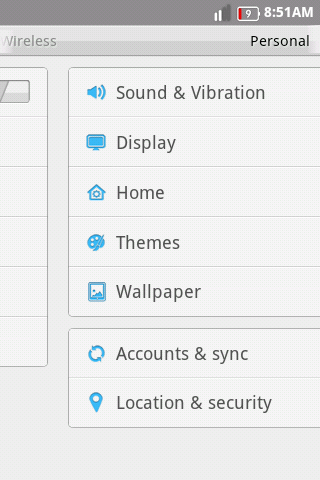
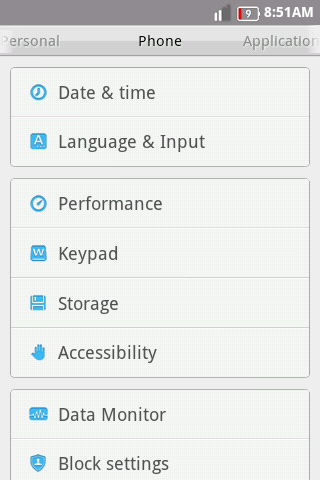
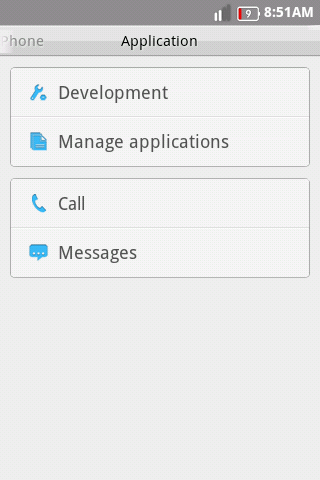
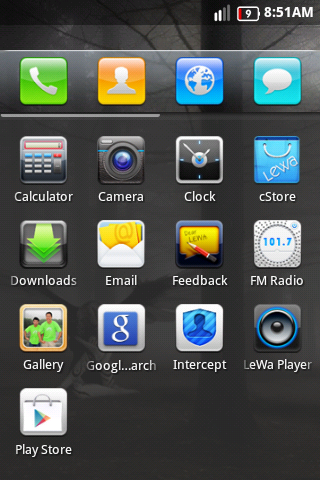
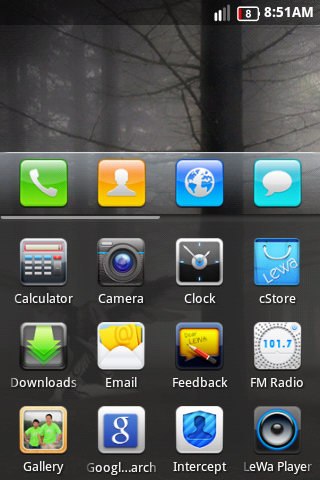
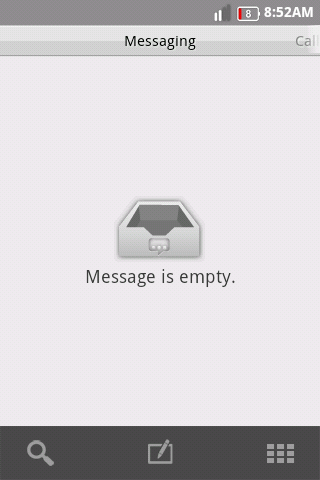
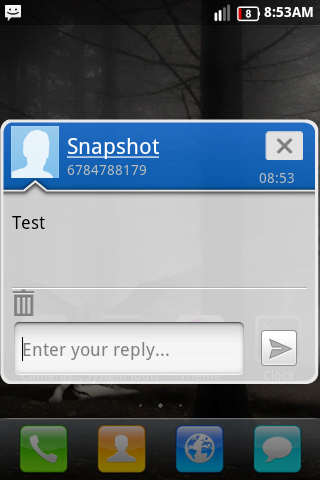
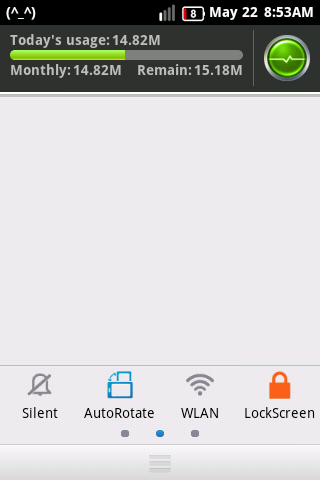
Figured i would post some screenshots
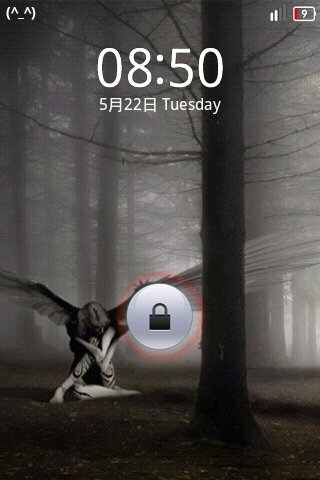
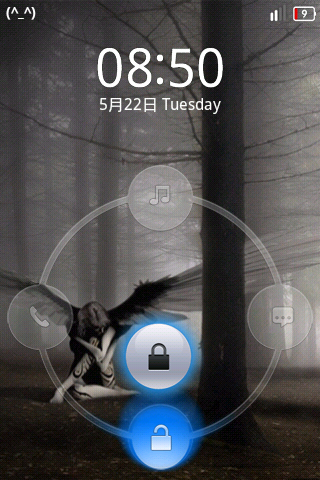
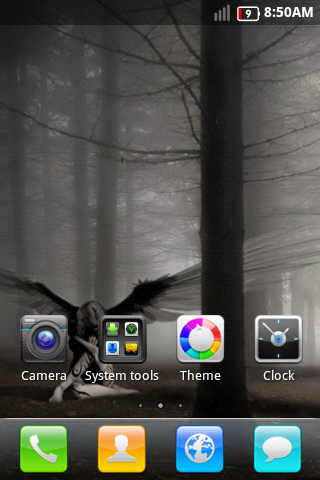
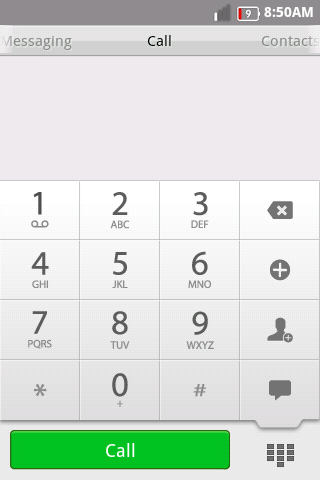


Xruptor
Android Enthusiast
Interesting according to those screenshots it looks like the messaging app is unique to the rom. It even has a popup window. This rom looks like it's full of win already. Will be testing it out when I get a chance. Thanks for the contribution!
P.S: The download is sorta not working for me. I'll give it a go a bit later as it seems the download service is down.
P.S: The download is sorta not working for me. I'll give it a go a bit later as it seems the download service is down.
very solid and even though I didn't add all apps (ctmod I got about 120 +/-) I could tell it fast ROM. I had wifi issues but I didn't really investigate. couldn't authenticate on a wpa2 and then connected to McDonalds wifi but was unable to get to page to accept terms for access. even with wefi and Starbucks autoconnect.
idk if my issue unique or simple fix I was just browsing for a min see what up.
I've always preferred cm7 over miui so this nice blend.
this ported by OP or just pointing out?
idk if my issue unique or simple fix I was just browsing for a min see what up.
I've always preferred cm7 over miui so this nice blend.
this ported by OP or just pointing out?
Its self writes based on phones apn and yes it does appear to have to be selected every boot
mine just took one try to set. dot was filled in after reboot. or do it always stay selected and you gotta navigate to that menu every?
kristopher5823
Android Enthusiast
After reboot it appears to stay selected but no 3g so i had to keep going through and selected it every time i rebootmine just took one try to set. dot was filled in after reboot. or do it always stay selected and you gotta navigate to that menu every?
kristopher5823
Android Enthusiast
Keep getting a text from 9230 saying that i sent a text to an invalid number.
Edit: I figured out what was doing it. If you have your contacts cell number set as home the rom detects it as a number that cant receive text so i just changed the type to mobile and now i don't get the 9230 text, Also i turned off request read report in the sms app.
Edit: I figured out what was doing it. If you have your contacts cell number set as home the rom detects it as a number that cant receive text so i just changed the type to mobile and now i don't get the 9230 text, Also i turned off request read report in the sms app.
kristopher5823
Android Enthusiast
Interesting according to those screenshots it looks like the messaging app is unique to the rom. It even has a popup window. This rom looks like it's full of win already. Will be testing it out when I get a chance. Thanks for the contribution!
P.S: The download is sorta not working for me. I'll give it a go a bit later as it seems the download service is down.
Well just in case servers don't come back up I made a mediafire link LeWa_CM7.2.zip
blovadova
Member
Tried to install, it just bootlooped..... any pre-install tips I should have had??
Thanks
Nothing special just wipe wipe wipe as normal. Intercept application is annoying I disabled in the application itself. I was receiving the 9230 when attempting to text anyone but the text were going thru it seems. Data is like I said in the op, a little wonky and hit and miss
Also lockscreen themes work. Gotta apply them separate and reboot phone to apply
kristopher5823
Android Enthusiast
Tried to install, it just bootlooped..... any pre-install tips I should have had??
Thanks
CWM wipe everything twice, and you may have to have it partioned also not sure tho
kristopher5823
Android Enthusiast
http://androidforums.com/galaxy-pre...42936-banner-remover-cm7b5-miui-data-ext.html This also works on it 
