
• After 15+ years, we've made a big change: Android Forums is now Early Bird Club. Learn more here.

Share how you use your screens

hey what is the volume controll bar that u have on this screen, above slacker radio?


That's AudioManager in the Marketplace.
It comes with that widget, and a smaller one. I saw someone on here with the smaller one, somewhere...

I just thought it looked cool. I kind of want a widget that size, but with like a tape deck looking thing. For the Music on the phone... lol
 
That's AudioManager in the Marketplace.
It comes with that widget, and a smaller one. I saw someone on here with the smaller one, somewhere...

I just thought it looked cool. I kind of want a widget that size, but with like a tape deck looking thing. For the Music on the phone... lol

Yeah, I have the smaller widget on my phone (I think it's in one of the screen shots above). Just wish it would allow you to adjust the volume from the widget without opening the app.


Only problem is mine force closes due to error pretty often. Not sure if it's my settings or a problem with the program, but I've noticed it happen once a day or so.
 
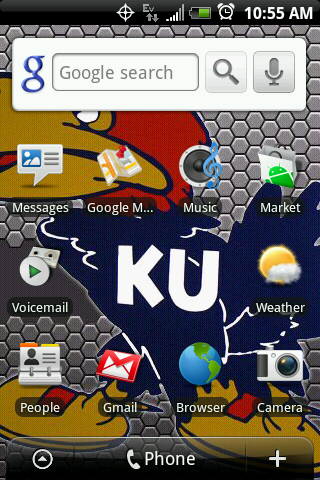
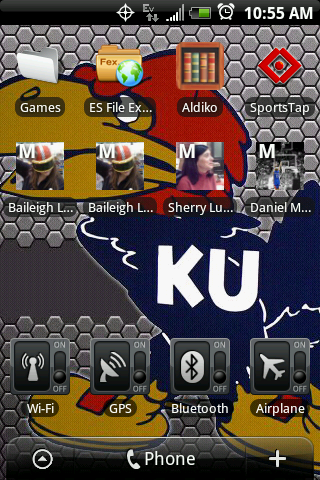
I like to keep my homescreens uncluttered for simplicity and for speeds sake. I'm only using 3 screens right now and I have space for one full-widget or more icons on one of them. Can't decide what to put there yet.

Anybody know how to change the icon of a folder?

snap20100114_105511.png
snap20100114_105517.png

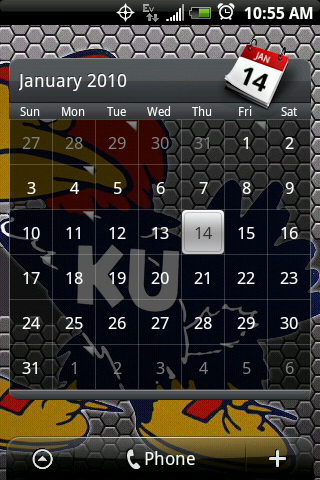
snap20100114_105536.png
 
Anybody know how to change the icon of a folder?

If you take a look at my screen you see the icon called "Apps" - that's actually a folder I created using an app called "Apps Organizer" from the market.

It's really great. As far as I know though the only thing you can put in it is apps, but I believe the dev makes similar versions for contacts and other stuff. I recommend it!

Here's how it looks open. You can see it's a bit different from the default folder interface....I like it better personnally.
snap20100114124257.png
 
I like to keep my homescreens uncluttered for simplicity and for speeds sake. I'm only using 3 screens right now and I have space for one full-widget or more icons on one of them. Can't decide what to put there yet.

Anybody know how to change the icon of a folder?

No, but I can help you get that disgusting bird off of your background. ;)
 
Beautifulwidgets in the market. Comes with lots of great Widgets. My screen has the included "Smaller Home" widget.
 
Try using App Organizer in conjunction with whatever icon packs you want (tons are free out there).

You can create labels and make shortcuts to them, and customize the icons. That's how I did mine. I downloaded and used the Xbox 360 and Windows Vista icons. Moved them to my SD card to save room on my phone and the icons still work.

Here's a sample of some I've made and use with great success. The top 4 icons are all ones I've done myself

ThuJan14133128EST2010.png


These two below are what you see when you click on one of the AppOrganizer icons you put on the desktop. Works just like a folder. You can also sort them to be the "stared" (favorites) to show up first.

ThuJan14132817EST2010.png


ThuJan14132835EST2010.png
 
Thanks for the pointers guys. Since I am only using 3 of my homescreens, I suppose I could just use one more and fill it with my games.
 
haha, I wondered if I'd get any comments about that. Who's your team?

KState, of course! We've got a big game coming up here in a couple weeks. You guys are looking pretty strong, but I have seen some weaknesses over these past couple games. I'm excited for it though, should be a good match up!
 
Cool. Yeah, we've got plenty of talent, they just aren't playing well at all right now. I have faith that Self will get it all figured out sooner or later though. I don't expect to lose to you guys in Allen Fieldhouse (at least I hope not), but I wouldn't be surprised at all if you get us in Manhattan. We'll definitely have to bring the A game this year.

We probably shouldn't muddy up this thread with bball talk, haha. You can shoot me a pm if you wanna chat some more.

KState, of course! We've got a big game coming up here in a couple weeks. You guys are looking pretty strong, but I have seen some weaknesses over these past couple games. I'm excited for it though, should be a good match up!
 
lOCK sCREEN THEN LEFT TO RIGHT ACROSS 7 SCREENS.

Using Fresh 1.1, Clear Widget add-on, Lockbot Lock Screen, Background from "Backgrounds" app. Why are my screen shots so tiny???

lol... I like how you've got a dude named "F@g" as a contact... :S
 
This is mine. I added a blank one, there are 3 more blank screens but I didn't think it would be necessary.
 

Attachments

  • Screen1.png
    Screen1.png
    90.7 KB · Views: 120
  • Screen2.png
    Screen2.png
    104.5 KB · Views: 150
  • screen3.png
    screen3.png
    113.1 KB · Views: 110
  • screen4.png
    screen4.png
    57.4 KB · Views: 108
  • screen5.png
    screen5.png
    112.8 KB · Views: 111
Bettercut is wonderful, but as far as I know it does not have the ability to make and edit folders.


I don't know... I thought that was how I was doing it.
I know I was changing them somehow, when I had that and Openhome installed.
It had to have been one of those, didn't it?
 
I like to keep my homescreens uncluttered for simplicity and for speeds sake. I'm only using 3 screens right now and I have space for one full-widget or more icons on one of them. Can't decide what to put there yet.

Anybody know how to change the icon of a folder?

snap20100114_105511.png
snap20100114_105517.png

snap20100114_105536.png
Where did you get the Jayhawk background? I need it! Thanks.
 
Back
Top Bottom