
Install the app
How to install the app on iOS
Follow along with the video below to see how to install our site as a web app on your home screen.
Note: This feature may not be available in some browsers.
-
After 15+ years, we've made a big change: Android Forums is now Early Bird Club. Learn more here.
You are using an out of date browser. It may not display this or other websites correctly.
You should upgrade or use an alternative browser.
You should upgrade or use an alternative browser.
Show off your home theme
- Thread starter blaxican25
- Start date
-
- Tags
- lg optimus m

TheAmazingDave
Android Expert
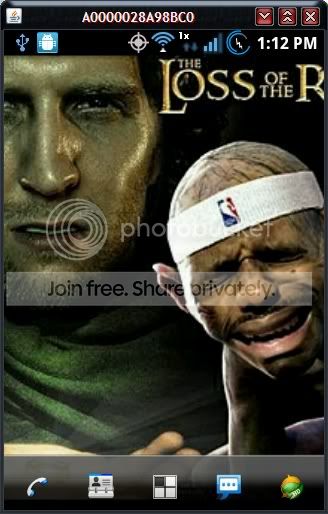
^ nice wallpaper

reppard
Android Enthusiast
^ nice wallpaper
I think of setting up my themes and backgrounds as an art form



blaxican25
Android Expert


teh_dude
Android Enthusiast
Jabbawest, long overdue epic wallpaper award. LOL @ lebron = gollum.
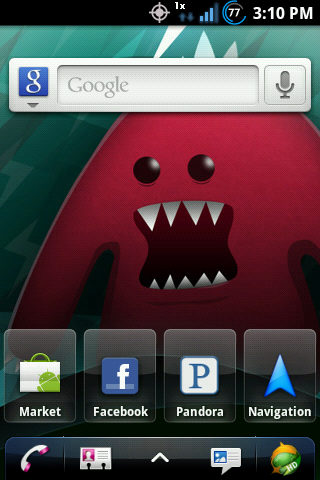
Blaxican25, I LOVE the status bar icons man. Here's the visual results (and an extra one for sheer hilarity) of my new theme mixed with Joneidy's sense. Basically his sense with diff status icons and a diff font. UOT Kitchen is the shit.
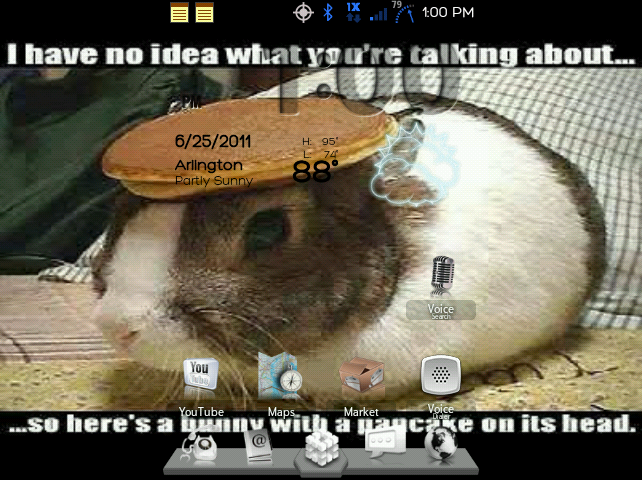
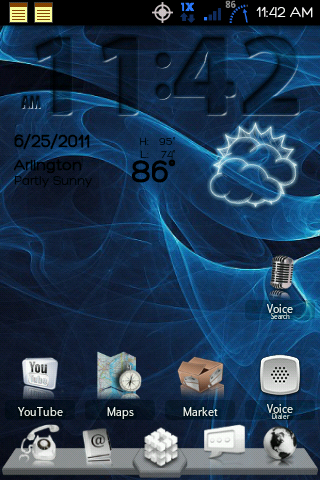
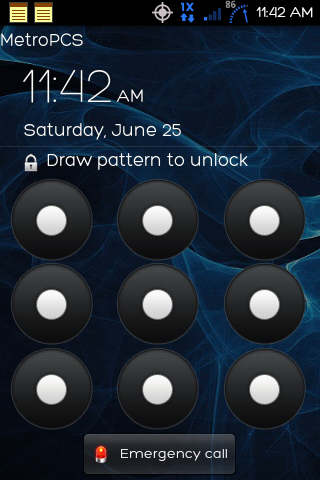
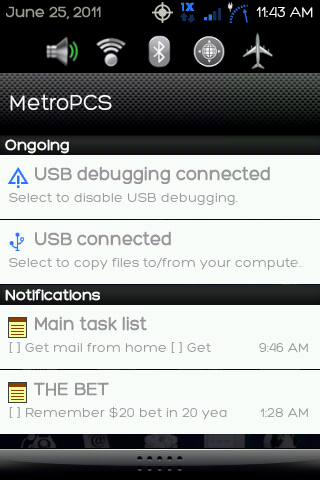
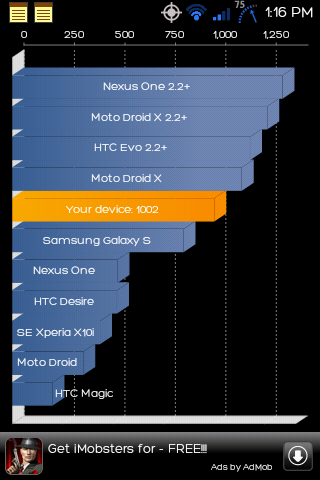
Yes, that's right. 1002 highest quadrant score.
Blaxican25, I LOVE the status bar icons man. Here's the visual results (and an extra one for sheer hilarity) of my new theme mixed with Joneidy's sense. Basically his sense with diff status icons and a diff font. UOT Kitchen is the shit.
Yes, that's right. 1002 highest quadrant score.

starstress
Android Enthusiast

Cant figure out how to change the app drawer icon on the dock arrgh, what an eye sore
Cant figure out how to change the app drawer icon on the dock arrgh, what an eye sore
Hold down the app drawer icon, and then hit edit, then you will see to the left the pic of the icon and hit that. Then it will allow you to change it to any icon you want.


popovpumpkin
Well-Known Member
........
Taylor9932
Lurker
i was told maybe you can help me okay well my lg optimus m is stuck on the fast boot start mode and its says reset, portchange and the last thing said is Stall Get_discriptor 128 6 1536 0 10 please help
teh_dude
Android Enthusiast
Aplus, is that a screenshot from a tablet?
Taylor9932, I don't know where to tell you to post in an already existing thread, but if you've already read through where you can in the LG Optimus M forum and sub forum (all things root) already, you might try posting a new thread, and offering a more thorough description of what led up to that result. Also people will see your reply more if you post a new thread.
Taylor9932, I don't know where to tell you to post in an already existing thread, but if you've already read through where you can in the LG Optimus M forum and sub forum (all things root) already, you might try posting a new thread, and offering a more thorough description of what led up to that result. Also people will see your reply more if you post a new thread.
teh_dude
Android Enthusiast
While this is only somewhat related to a home theme, seems like the best place to post it. I got a zagg skin. Nothing too fancy, but I like it. I do wish they made 'em where they cover the sides on this phone though. basically this covers the battery cover.
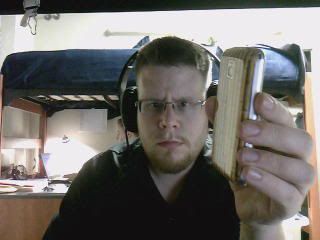 Ooh shiny like glass!
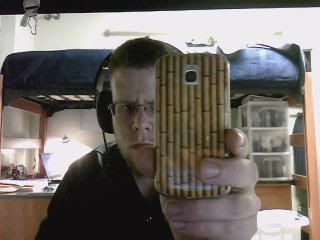 Bamboo FTW

Aplus
Android Enthusiast
Aplus, is that a screenshot from a tablet?
No, that's my OptM. I only have two home screens atm.

starstress
Android Enthusiast
How do you take a screen shout of your phone?
Download shoot me off the market.
starstress
Android Enthusiast
It's my lock screen but I thought I'd share since I installed widgetlocker and was finally able to be rid of the MetroPCS text.
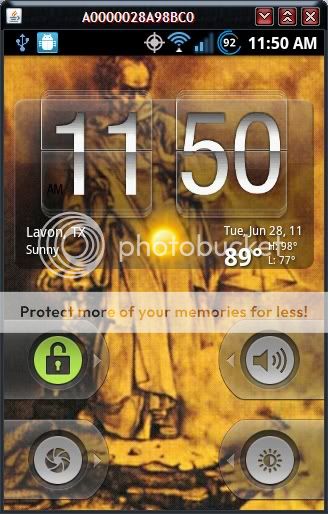
What's that Java thing on ya status bar. I c that alot
Aplus
Android Enthusiast
What's that Java thing on ya status bar. I c that alot
It looks like he uses his computer to take screen shots.

jabbawest
Android Enthusiast
Alright, I'll share.
Unzip it, connect your phone and double click droidAtScreen-0.3.jar
It takes about 5-10 seconds for the screen to pop up.
Then click on the screen, move you mouse out of the way and hit Alt+Print Screen.
Now open your favorite image editor and paste.
Unzip it, connect your phone and double click droidAtScreen-0.3.jar
It takes about 5-10 seconds for the screen to pop up.
Then click on the screen, move you mouse out of the way and hit Alt+Print Screen.
Now open your favorite image editor and paste.