• After 15+ years, we've made a big change: Android Forums is now Early Bird Club. Learn more here.

Root [SplashScreens] by Maco Designs

First off, huge thanks to nuggyunlimited over at XDA for the guidance and help on the splashscreens.

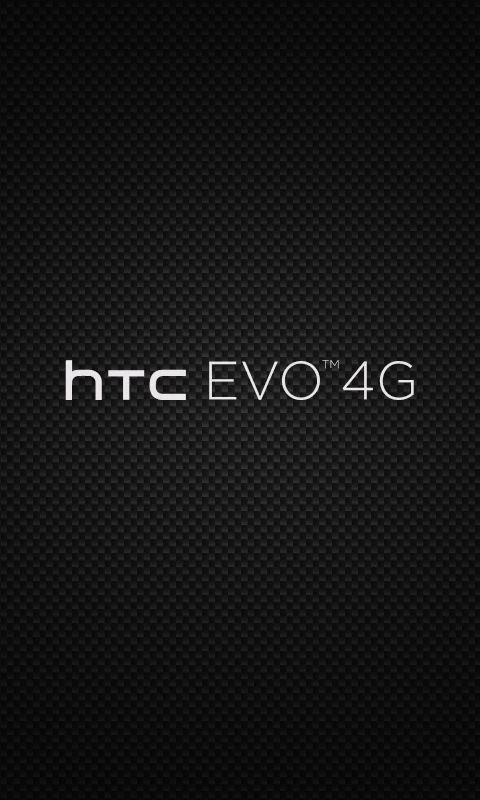
Here is my first attempt at building splashscreens, all feedback would be helpful. If you have a request or wallpaper you would like to see as a splashscreen, please let me know.

Instructions: How To Install Splashscreen.

1. NANDROID BEFORE YOU DO ANYTHING PLEASE.

2. Take the PC36IMG.zip and put it on the root of your SD Card after you NANDROID.

3. Reboot into Bootloader or turn off phone and hold power and volume down.

4. Press up on volume so it can scan for the zip If it finds the update your good.

5. Press the volume up button to install the splash update.

6. Reboot and you will see your new SplashScreen.

Disclaimer:
I​
 
First off, huge thanks to nuggyunlimited over at XDA for the guidance and help on the splashscreens.

Here is my first attempt at building splashscreens, all feedback would be helpful. If you have a request or wallpaper you would like to see as a splashscreen, please let me know.

Instructions: How To Install Splashscreen.

1. NANDROID BEFORE YOU DO ANYTHING PLEASE.

2. Unzip The Zip.

3. Take the PC36IMG.zip and put it on the root of your SD Card after you NANDROID.

4. Reboot into Bootloader or turn off phone and hold power and volume up.

5. Press up on volume so it can scan for the zip If it finds the update your good.

6. Press the volume up button to install the splash update.

7. Reboot and you will see your new SplashScreen.

Disclaimer:
I​
 
You have to do both. Currently I am stuck on the three androids on skateboards splash as I can't make a correct pc136img to flash in and the guy at XDA only has that one. I just want a dang dark screen! lol


Also, while your doing the Black/White reverse... see if you can do green letters too.

Thanks buddy this is appreciated so much!
 
I found one:

htc_evo.png


Download the Zip here:

xda-developers - View Single Post - [MOD] White On Black Evo Splash Screen


I think the carbon fiber looks great.
 
Is it hard to make your own splash screen into a flashable or hboot-able image?

I say this because ive changed mine to the black with white letters (looks so much more smooth) and i like it, but id like to be able to change my splash screen more frequently lol.

I have photoshop and know how to make the image and in the right size, i just dont know how to make it flashable.

And i use a mac, which i think i saw a way to do it on a pc only.
Thanks :)
 
There is a walk through I was using on XDA but I could never get it to work for me. I can't find the link or thread right now.

But, I'm not sure it applied to MAC
 
There is a walk through I was using on XDA but I could never get it to work for me. I can't find the link or thread right now.

But, I'm not sure it applied to MAC
Thanks. I think i remember that one, or one like it.
Its been a while since i checked it out, ill try to dig it up
 
Here's the walk through I use. If you guys need help, let me know. It really takes 5 minutes to make one and another 3 minutes to flash it.

Get it HERE
Oh man that is awesome. Huge props for sharing that.
I thought there was an .exe you had to run to do it all, and when i saw the exe in there it scared me. But with this way, i can do it on my mac.

Ill give it a shot later.

Thanks again
 
Not a problem, glad I could help. When you are ready for boot animations, let me know ;)

I'd be interested to see what you got. I'm unsing Boot Animations Installer from the Market but it seems to be Droid oriented and has a lot of Junk I will never use. I would like to see some good boot animations.
 
Back
Top Bottom