
Install the app
How to install the app on iOS
Follow along with the video below to see how to install our site as a web app on your home screen.
Note: This feature may not be available in some browsers.
-
After 15+ years, we've made a big change: Android Forums is now Early Bird Club. Learn more here.
You are using an out of date browser. It may not display this or other websites correctly.
You should upgrade or use an alternative browser.
You should upgrade or use an alternative browser.
Root [Verizon] root ?
- Thread starter chizler
- Start date

Well, if you don't think something installed correctly, you can always run Casual again. 
If you need help with posting a pic, here is how you can do it:
http://androidforums.com/faqs/511679-android-forums-faq.html#26
If you need help with posting a pic, here is how you can do it:
http://androidforums.com/faqs/511679-android-forums-faq.html#26

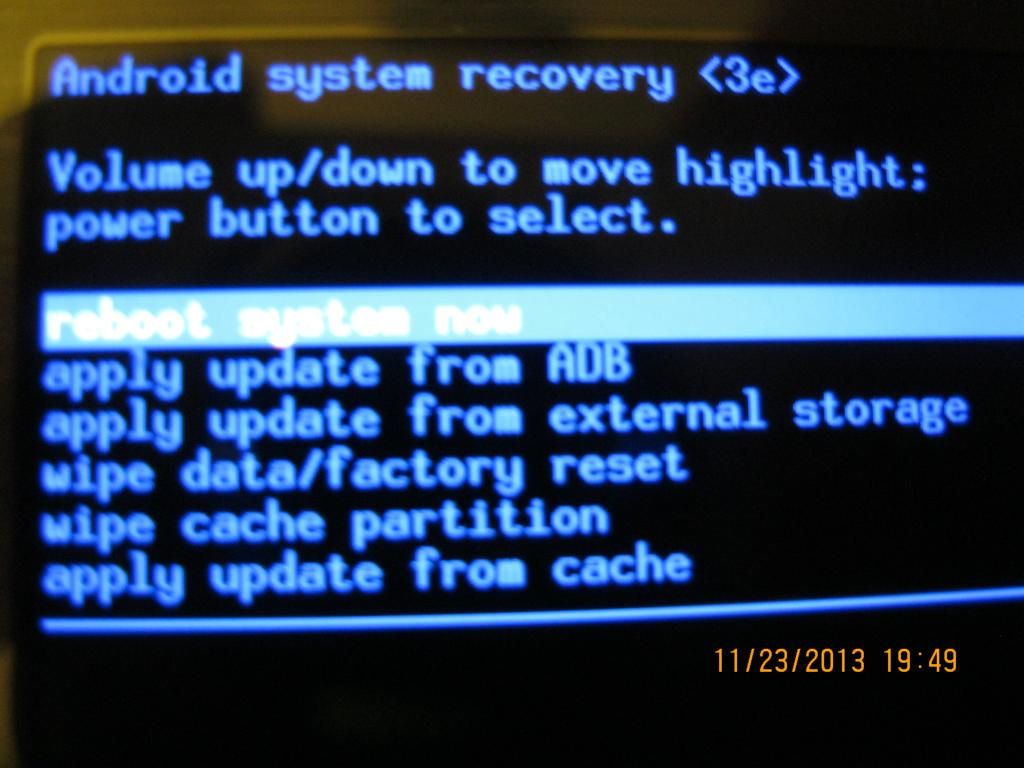
o.k...I see you still have the stock recovery....(I'll fix your pic in a minute for you)
Anyways, don't worry about flashing a rom yet,....let's get you sorted with a recovery first.
Does casual ask you to install that recovery?
Sorry, it's been quite a while since I rooted my wife's Note 2
Anyways, don't worry about flashing a rom yet,....let's get you sorted with a recovery first.
Does casual ask you to install that recovery?
Sorry, it's been quite a while since I rooted my wife's Note 2
Just ran casual, at menu screen now.
I did 'Swipe to unlock'.
What do I do.
Swipe it baby
Edit: by the way, I just watched the video on the Casual thread here:
http://forum.xda-developers.com/showthread.php?t=2272066
I didn't see anything about swiping to unlock...but the video is a couple months older than the thread update itself, so it may have changed slightly...
I just saw your edit
Casual should install the recovery.
Are you using the one linked above in my post?
Casual should install the recovery.
Are you using the one linked above in my post?
No, this one.
Screenshotfrom2013-11-23193615_zpsef101fbe.png Photo by dlw1145 | Photobucket
This is the screen I'm at.

Screenshotfrom2013-11-23193615_zpsef101fbe.png Photo by dlw1145 | Photobucket
This is the screen I'm at.
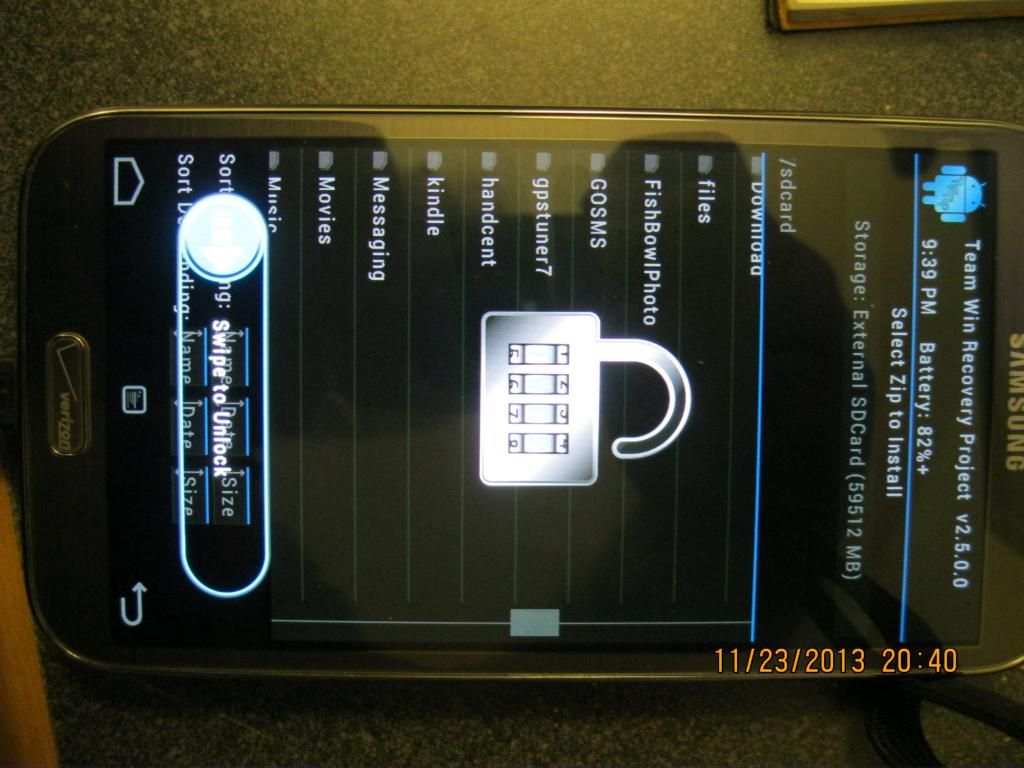
I don't know where that one is from?
Tell you what, I'm not familiar with that version (r532b)
What website did that come from? It appears to be a newer one than the one posted on XDA.
Perhaps read thru the instructions on XDA and use the one posted on XDA.
Personally, other than AF, I trust downloads from XDA.
Edit: I saw your last post...you have TWRP recovery!!!!!! That's nice!!!!!
Tell you what, I'm not familiar with that version (r532b)
What website did that come from? It appears to be a newer one than the one posted on XDA.
Perhaps read thru the instructions on XDA and use the one posted on XDA.
Personally, other than AF, I trust downloads from XDA.
Edit: I saw your last post...you have TWRP recovery!!!!!! That's nice!!!!!
o.k....so you have a custom recovery installed.
That "swipe to unlock" just means to unlock the screen to use the recovery...that's all.
That "swipe to unlock" just means to unlock the screen to use the recovery...that's all.
o.k...make sure that rom is for your device and carrier.
Before the flash, make a backup via recovery.
Do a factory reset, wipe cache, dalvik cache, then flash the rom.
Reboot.
If the instructions on the download site are different on how to flash that rom, follow those instead, but basically, that is how to flash the rom.
Also make sure you check the md5 of the download and make sure it matches what is posted on the download site. If the numbers match, then the file is intact and not corrupt.
If you need more info on how to check the md5, see this:
http://androidforums.com/faqs/443074-md5-verification.html
I've got to go for the night...if you need more help, I'll be checking in tomorrow to see how you are doing, unless someone else chimes in
If you need immediate help, hit me up with a p.m. and I'll do my best to assist
Before the flash, make a backup via recovery.
Do a factory reset, wipe cache, dalvik cache, then flash the rom.
Reboot.
If the instructions on the download site are different on how to flash that rom, follow those instead, but basically, that is how to flash the rom.
Also make sure you check the md5 of the download and make sure it matches what is posted on the download site. If the numbers match, then the file is intact and not corrupt.
If you need more info on how to check the md5, see this:
http://androidforums.com/faqs/443074-md5-verification.html
I've got to go for the night...if you need more help, I'll be checking in tomorrow to see how you are doing, unless someone else chimes in
If you need immediate help, hit me up with a p.m. and I'll do my best to assist
Nice!! What was the issue?

Got Liquid Smooth installed!!!
I thank you for all your help.
dlw
Welcome to the world of rooting. Now that your rooted you will never want to go back (unless you have too that is).
And a big thanks to Mike for hanging in with you.