
-
After 15+ years, we've made a big change: Android Forums is now Early Bird Club. Learn more here.
Help Video calls
- Thread starter DonB
- Start date
-
- Tags
- htc evo 3d
Follow along with the video below to see how to install our site as a web app on your home screen.
Note: This feature may not be available in some browsers.

I've tried it on both my wifes and mine and we aren't having that problem.

Has anyone tried doing video calls with Fring or Quik, when I do they say they see me upside down I checked in the settings and did not see anything that can adjust that, any input
I, too, am appearing upside down on FRING video calls when I use my EVO 3D (even on the FRING video test call). Not sure why, perhaps software glitch with HTC or FRING?
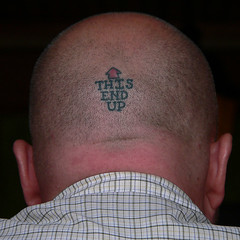

did you guys read the directions correctly? Click the "show" button to read the directions: