Hey guys,
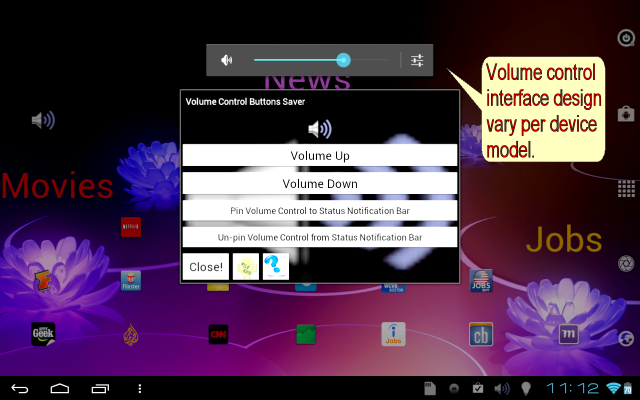
I love the incredible but I have one pet peeve and that's the volume control buttons. I always seem to press it by accident and go into vibrate mode.
Are there any other uses for this button besides camera zoom? Is there something more logical it can be mapped to? You can always have your volume control on the home screen, so I figure it's best to disable it alltogether or use it for something else. Any suggestions?
I love the incredible but I have one pet peeve and that's the volume control buttons. I always seem to press it by accident and go into vibrate mode.
Are there any other uses for this button besides camera zoom? Is there something more logical it can be mapped to? You can always have your volume control on the home screen, so I figure it's best to disable it alltogether or use it for something else. Any suggestions?