• After 15+ years, we've made a big change: Android Forums is now Early Bird Club. Learn more here.

What do your X Screens look like?

Are these all usable widgets on each screen? I really like the way they look. How can I get them? Thanks


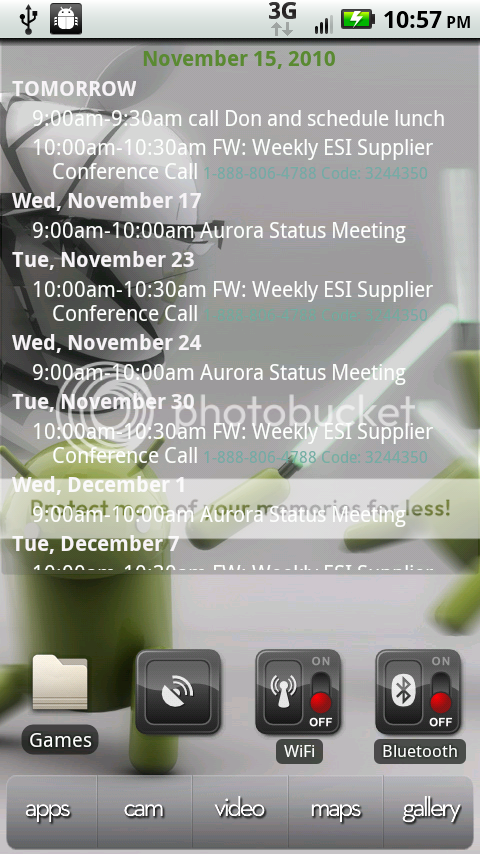
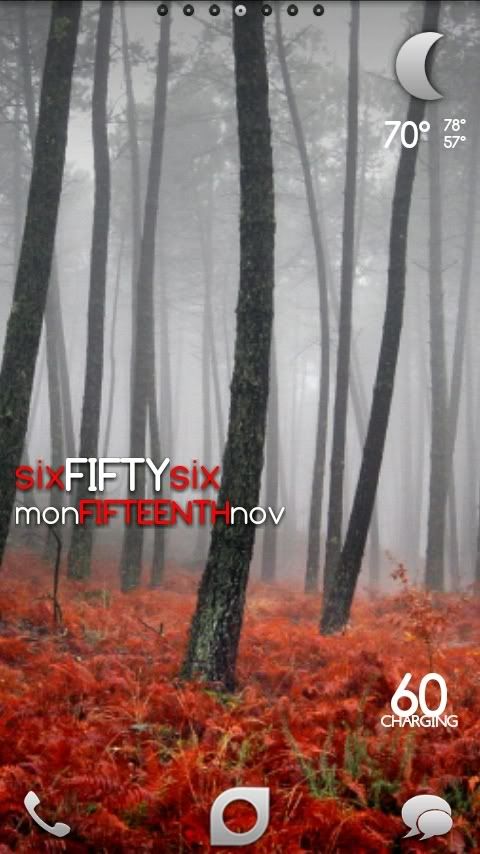
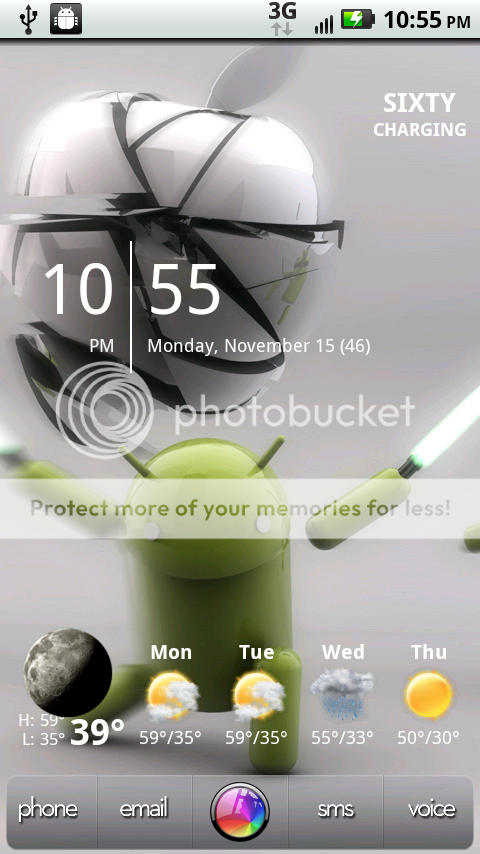
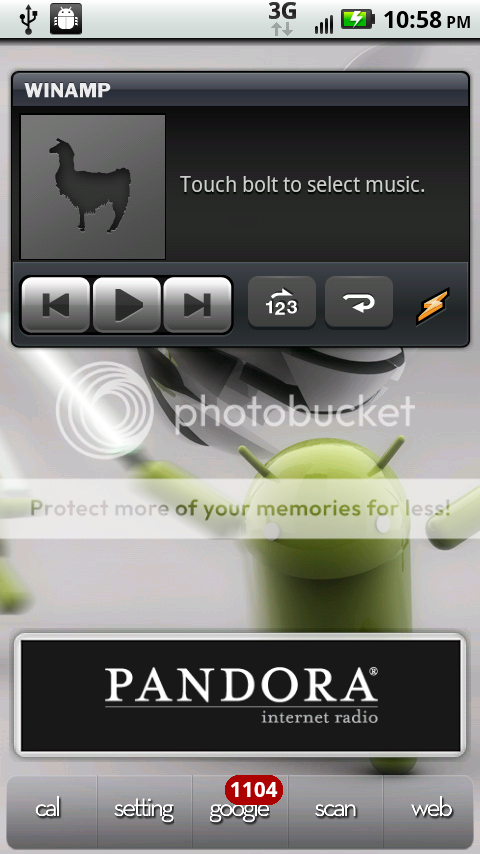
My latest screens...

snap20101110_080610.png


snap20101110_080616.png


snap20101110_080620.png


snap20101110_080624.png
 
It's really a basic setup. I'm rooted but that's not even needed for the setup. I'm not currently using any roms or anything.

It's just the following apps/widgets

Launcherpro - turn off the app labels
Launcherpro icons - to customize my icons and have more options
Simiclock 3x1 widget
Beautiful widgets - beautiful weather 4x1 (using the Tick skin)
Switchpro widget
Wave - Live wallpaper

That's about it... just tweak the various options until you get what you're looking for.

Thanks got it to work now! Beautiful
 
Noob question here but i'm having a hell of a time getting a screenshot. Have downloaded and extracted Android SDK onto desktop. Pointing driver install to usb_driver folder, which contains amd64, i386, android_winusb, androidwinusb86, androidwinusba64 and source.properties. Still cant get that driver error to go away...any help is appreciated. And yes..USB debugging is turned on.
 
The setup consists of..
-LP Plus no themes added (where the SMS widget comes from as well as the bookmark widget)
- Pure Grid Calendar (paid app from the market)
- ToDo List Widget (free app from the market)
-Weather Forecast widget with icon pack (some free some paid)
-The home screen clock is Beautiful Weather widget (paid app from the market
- Launch-X Pro (launch-x - Search Android Apps on AppBrain)
- MixZing widget (free market app)
-Vlingo Control (free market app)
-Weather widget donate Toggle Bars 1 & 2

The wall paper is something i saw somewhere on the web and modified it some and added the Formula 1 Logo

f1screen2.gif
 
Alright, I installed Fission 2.1 with the Black Out theme. I then installed the Apex clock removal mod and changed the battery icons to the Apex Revolution white circle icons using NinjaMorph.

snap20101116_091501.png
snap20101116_091506.png
snap20101116_091509.png
 
^^^ Do you have or know where I can find a .zip file for that white Revolution battery icon?

You can just download the theme and pull the images from the theme if you want. I'm checking with Fab to see if he minds that I upload the images for others to use. I'm post back once I hear from him.
 
^^^ Do you have or know where I can find a .zip file for that white Revolution battery icon?

Most of the round Icons you are seeing are coming from here, the custom type.
UOT Kitchen
Once I got to the sample images of what I created page, I just right clicked and saved the images I needed.
 
How do you get the SiMiClock widget from overlaying on the weather widget? Like... you guys have it where SiMi is the background, but on mine, it will be the foreground. How do I stop that from happening?

Whichever one you load last will be on the bottom on my phone with other apps. I assume it is the same across the board.
 
Noob question here but i'm having a hell of a time getting a screenshot. Have downloaded and extracted Android SDK onto desktop. Pointing driver install to usb_driver folder, which contains amd64, i386, android_winusb, androidwinusb86, androidwinusba64 and source.properties. Still cant get that driver error to go away...any help is appreciated. And yes..USB debugging is turned on.

You could try the Motorola driver install utility. It is normally posted with RSDLite. I had trouble doing some of the sdk and root tutorials that had the USB drivers you needed to point to. I got a new machine and I used the Motorola utility and it went smoothly.

Edit to add: Sorry, I really didn't intend on responding to more than 1 post, and then two, and then the third just happened. Please merge if you wish mods.
 
Whichever one you load last will be on the bottom on my phone with other apps. I assume it is the same across the board.

How do I get it to stay like that though? Sometimes it will jump over top of it, and that forces me to delete the widget and readd it. Is there anyway for this to not happen?
 
Here are mine:
2cy35ut.jpg
29n6vq1.jpg

avmw6x.jpg
2vjreib.jpg

2w5t5di.jpg
2dgsyg1.jpg

1zq692f.jpg


1st: Buzzbox
2nd: Facebook from LPP
3rd: LPP agenda and word of the day.
4th main: Beautiful widgets with the ravieglass2 skin no background. folders using folder organizer
5th: Beautiful toggle widgets; Beautiful weather; Pandora; Audio manager; Android central
6th: LPP people
7th: Texts from last night; Music (stock); Memo.

Running Fission 2.1 with blackout theme and applied my the circle battery mod thanks to Airmaxx for the tutorial. Made the background myself as well in photoshop :)
 
How do I get it to stay like that though? Sometimes it will jump over top of it, and that forces me to delete the widget and readd it. Is there anyway for this to not happen?

It is always going to switch at some point since it isn't a "feature" just an effect of having that many rows/columns on the screen. I have Beautiful Widgets small home widget with Exec Assistant 3x1 widget. When it switches I delete the BW widget and add it back. BW is already setup so I just have to place the widget. It is 5 seconds I am willing to spend occasionally to have this type of setup.

black.jpg

CAP201011160814.jpgCAP201011160830.jpg

BTW, I love the Beautiful Widgets toggle skins. I am so glad it was added.
 
Debating these two final home screen setups... dont know which one I like more, love the Wave live wallpaper though!

CAP201011141840.jpg

I pefer this weather widget since it matches the wallpaper more. I think it'd look better if you have the weather widget above and the battery widget where the wave is.
 
Back
Top Bottom