
Install the app
How to install the app on iOS
Follow along with the video below to see how to install our site as a web app on your home screen.
Note: This feature may not be available in some browsers.
-
After 15+ years, we've made a big change: Android Forums is now Early Bird Club. Learn more here.
You are using an out of date browser. It may not display this or other websites correctly.
You should upgrade or use an alternative browser.
You should upgrade or use an alternative browser.
What Does Your Epic 4G Screen Look Like?
- Thread starter YaBoiD
- Start date
-
- Tags
- samsung epic 4g


cruiser771
Well-Known Member
welcome to the board. i think dock icons might have a predetermined size. unless its in the settings, large icons will just resize themselves. you might want to look at a specific launcher that allows large dock icons, but you'll probably be sacrificing a lot of the things found in launcher pro.


buggerritt
Member


Bmerz
Well-Known Member
How do you change the icons? I know how to change the bottom one but not the top ones. I have LP installed.
Hi, Sorry for the delayed response - I haven't been on the Epic side of the forums in awhile. Hopefully by now you have found the answer to your question, but in case you haven't - here are the instructions I used:
[ICON PACK] [MORPHS] Droidz Extended |Update: 29.Sept| - Page 5 - xda-developers
Good luck!


Johnny Cakes
Android Enthusiast
I've learned an amazing amount of information from this thread and gotten lots of idea.
Here's a question: I know how to do a custom icon for a program. No problem. But how do I do a custom icon for a widget? Desktop Visualizer and Better Cut seem to want to run the programs but not widgets. Clearly, I'm missing something.
Here's a question: I know how to do a custom icon for a program. No problem. But how do I do a custom icon for a widget? Desktop Visualizer and Better Cut seem to want to run the programs but not widgets. Clearly, I'm missing something.


Just keeping it simple.
Where did you get the background?

Sebnotic
Newbie
I got it from the app called "Backgrounds"(Yes, it's actually called that). The background was in the category "For men". I'll upload it if you want me to.Where did you get the background?
I got it from the app called "Backgrounds"(Yes, it's actually called that). The background was in the category "For men". I'll upload it if you want me to.
I found it. Thanks!

Sedan_Clan
Member
You guys/girls have some AMAZING looking screens. Damn!
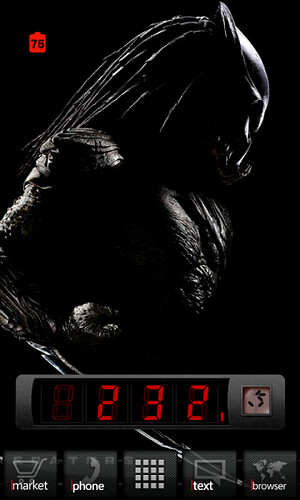
November86
Lurker
Sorry, I'm new to the Epic. How did you get the battery percentage and time/date like that on the 2nd pic?

YaBoiD
Android Enthusiast
Here's mine:
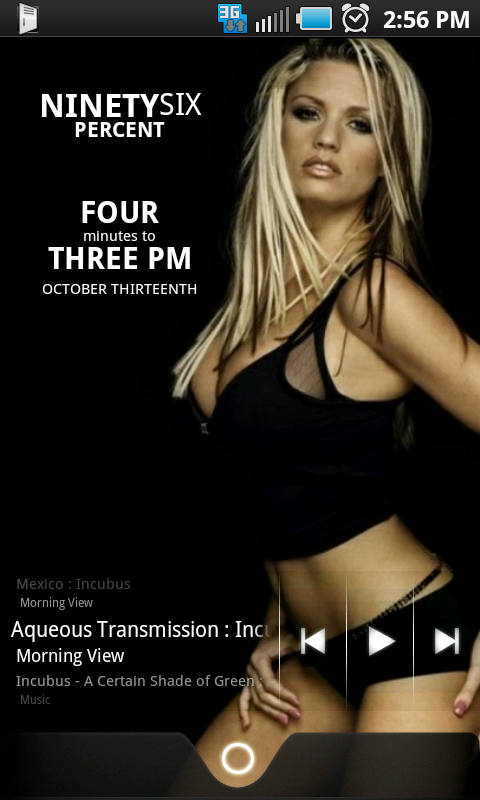
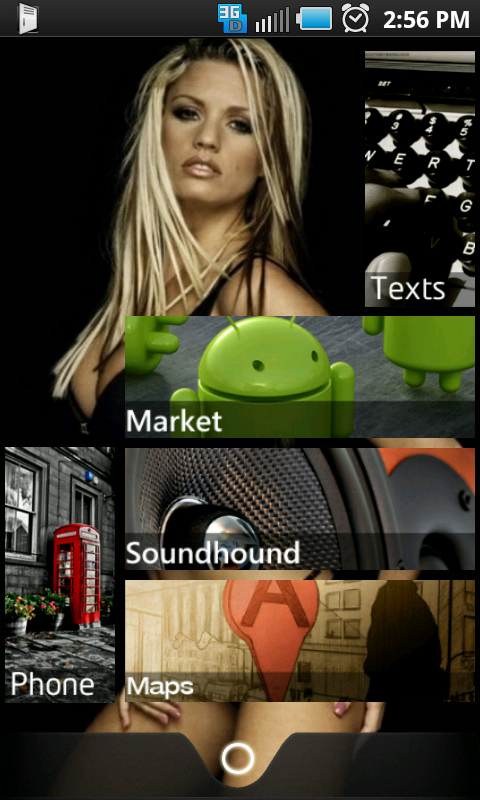
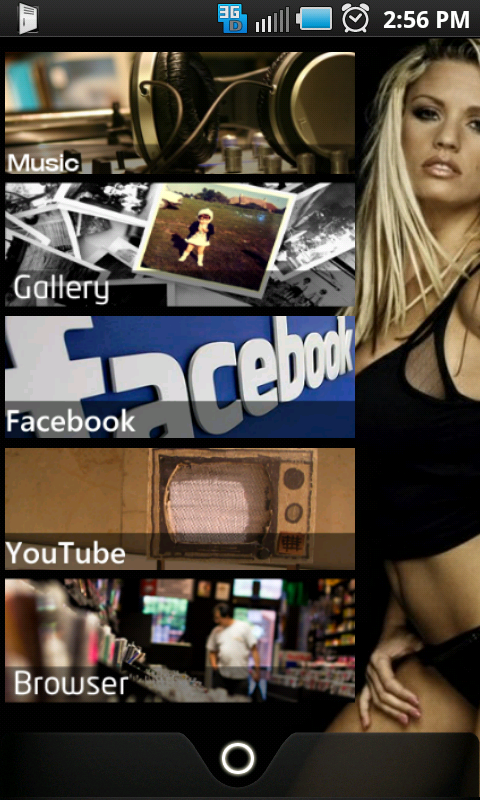
Do you mind posting the dock you're using? TIA
Sedan_Clan
Member
Do you mind posting the dock you're using? TIA
Post your dock, and your icons (..or how you made them). Your screens look good.

Seddy
Android Enthusiast
Here's the new smokey green dialer I modded:

I want a new dialer so bad... Is there a place I cant download any or possibly a tutorial on how I can make my own?
Sedan_Clan
Member
I want a new dialer so bad... Is there a place I cant download any or possibly a tutorial on how I can make my own?
Me too, and I want that battery indicator as well.
Seddy
Android Enthusiast
Me too, and I want that battery indicator as well.
I know you have to create an .apk file to take place of the stock dialer and I read somewhere that you need ADB in order to make the replacement happen. Unfortunately thats all I've got.

***
I'm currently tinkering with Desktop Visualizer to give my screens a new look. Screenshots will be posted upon completion.
Sedan_Clan
Member
I know you have to create an .apk file to take place of the stock dialer and I read somewhere that you need ADB in order to make the replacement happen. Unfortunately thats all I've got.
***
I'm currently tinkering with Desktop Visualizer to give my screens a new look. Screenshots will be posted upon completion.
Thanks, although I don't quite understand how the .apk file is created.
I have downloaded DV, but I haven't used it yet. Is it fairly user friendly?
AbuNaeemah
Lurker
The Epic is my first smartphone; had it for about a week now.


Seddy
Android Enthusiast
Thanks, although I don't quite understand how the .apk file is created.
I have downloaded DV, but I haven't used it yet. Is it fairly user friendly?
I'm in the same boat as you are, and unfortunately I have no idea what DV is. LOL, but I do plan on reading up on .apk creating and i'll make a thread with my findings.
***
So after 2 days or resizing, copying and pasting here's what i've come up with. It doesn't compare to the screen's I've seen in this thread (jealous) but it's not bad for my first try.
