
Install the app
How to install the app on iOS
Follow along with the video below to see how to install our site as a web app on your home screen.
Note: This feature may not be available in some browsers.
-
After 15+ years, we've made a big change: Android Forums is now Early Bird Club. Learn more here.
You are using an out of date browser. It may not display this or other websites correctly.
You should upgrade or use an alternative browser.
You should upgrade or use an alternative browser.
What Does Your Epic 4G Screen Look Like?
- Thread starter YaBoiD
- Start date
-
- Tags
- samsung epic 4g
D
dksnet
Guest
I am an HTC junkie....just came from the Hero

Where did you get this? Imma HTC junkie also....LOL

droid newb
Android Enthusiast
Where did you get this? Imma HTC junkie also....LOL
I believe that is a Beautiful Widgets clock skin.


someguy1984
Member

droid newb
Android Enthusiast
Learning new things. Tweaking here and there.




droid newb
Android Enthusiast
SPB Shell 3D
What is that you're using in image 7 to organize apps like that???
What is that you're using in image 7 to organize apps like that???
Thats one of the 3 ways you can have your "folders" displayed in SPB Shell. you can have it extend across the screen like mine, or a single 1x1 spot or a 2 row folder. and the transition to open them is pretty cool as it fades in and expands instead of just appearing like tw
someguy1984
Member
Updated flashed theme.


DaSchmarotzer
Blame it on me
Lots of nice screens in here, thanks for the inspiration guys. 
Updated flashed theme.
What are you using? That's gorgeous.

someguy1984
Member
What are you using? That's gorgeous.
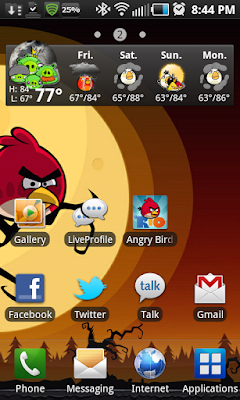
Rooted on midnight rom 5.2 using the emotionless beast theme and using launcher pro. I found the background in the market and downloaded the bottom icons on my computer then put them on my sd.
I'm constantly changing it around lol, but like this one the best.

rounsy222
Android Enthusiast
Rooted on midnight rom 5.2 using the emotionless beast theme and using launcher pro. I found the background in the market and downloaded the bottom icons on my computer then put them on my sd.
I'm constantly changing it around lol, but like this one the best.
Amazing! Nicely done.

Dazednc0nfused
Lurker
My newest layout on my Epic.


someguy1984
Member
My newest layout on my Epic.
Nice. What are you using for all of this? I like the time.
Dazednc0nfused
Lurker
Nice. What are you using for all of this? I like the time.
Thank you.
The clock is from Beautiful Widgets from the Market. The skin on Beautiful Widgets is called TruePapyrus-Cyan.
The icons are from two different icon packs but I found them on the XDA site. Not sure what the text icons are called, but the other icons are Cyanogen Icons - HDPI. You can search for them on XDA.
The Transparent Cyan Facebook and Transparent Cyan XDA apps can also be found on XDA. I will include the link for those at the bottom.
Using Handcent SMS from the Market for my messaging and just went into the setting and customized it. ADW EX for my launcher. AudioManager Pro with a Neon Blue skin also from the Market.
The link for the Transparent Cyan Facebook and XDA can be found below. Just scroll down past the themes there and you will see all of the other goodies.
[THEME] 'Slayer69's CYAN Dragon's, Skulls, & Butterfly's' V2.7 *PURPLE THEME IS HERE* - xda-developers

MadBrown
Well-Known Member
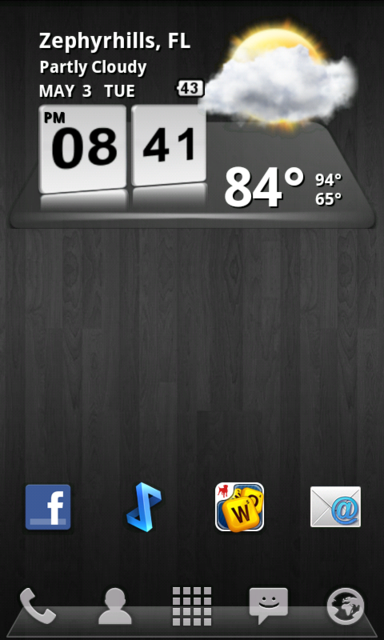
I love that BW clock/weather! What is the name of that skin?
Is there any screen shot programs that are currently working with the epic that do not require root?
Could try this?
https://market.android.com/details?id=com.edwardkim.android.screenshotitfull
If that doesnt work heres the long way to do it:
Take Android screenshots without root | Android Central
I love that BW clock/weather! What is the name of that skin?
That's actually not a BW skin. It's a different app, called 3D Digital Weather Clock. It only has the one skin, but it's a good one!
 Oh, and it's free on the market.
cds0699
Android Expert
Hey everyone, I have a question, I didn't read the whole thread so apologies if it has been asked. I want to change my battery icon in my notification bar, similar this screen shot (right next to the time)....
Do I need to be rooted to do this? How do I change the default battery icon in the notification bar to show the circular design style with a percentage number? I don't really want to change my whole theme as I really like what I have currently, I only want to change that default battery icon in the notification bar.
So here is my new custom theme.
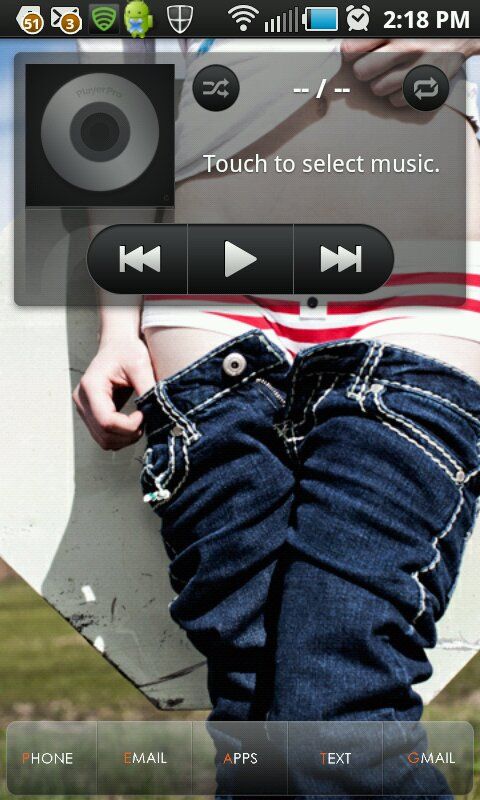
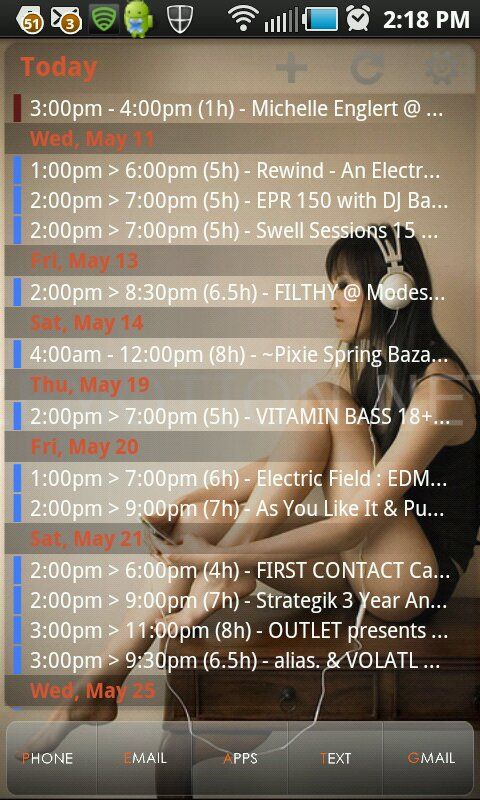
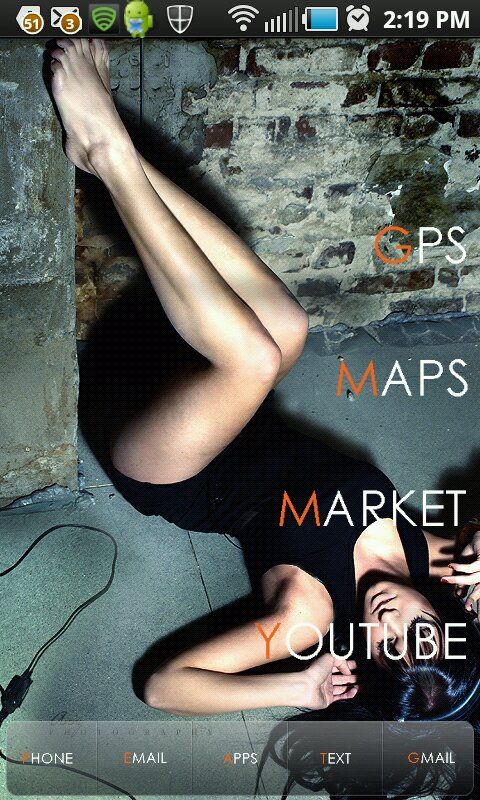
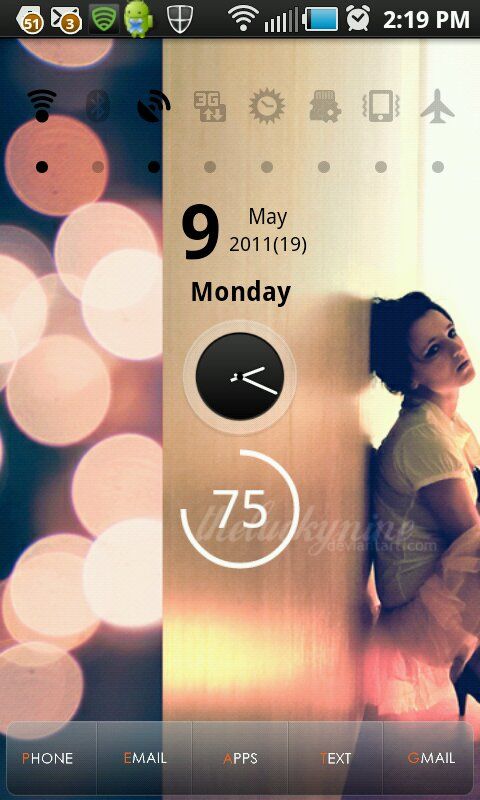
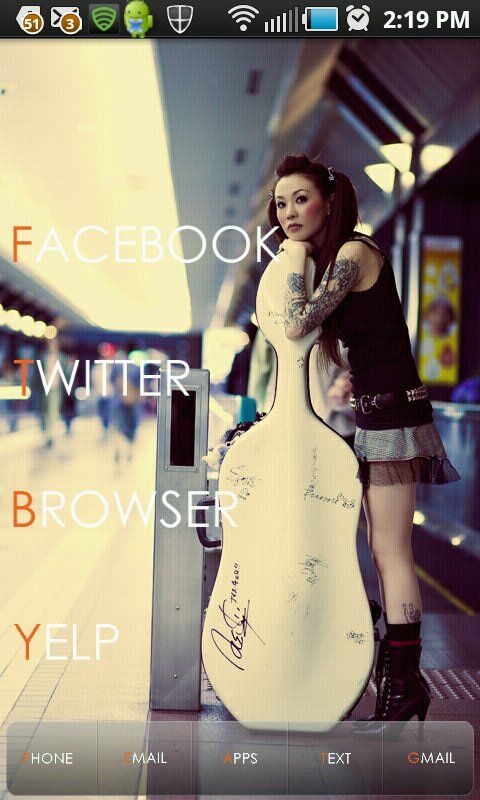
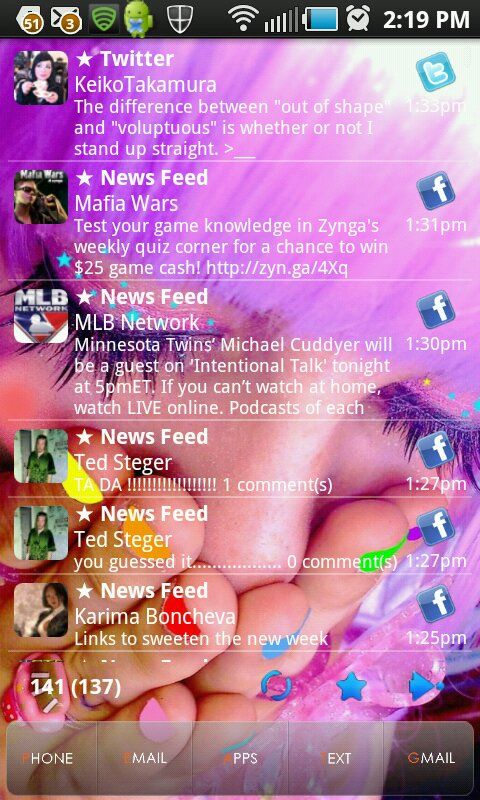
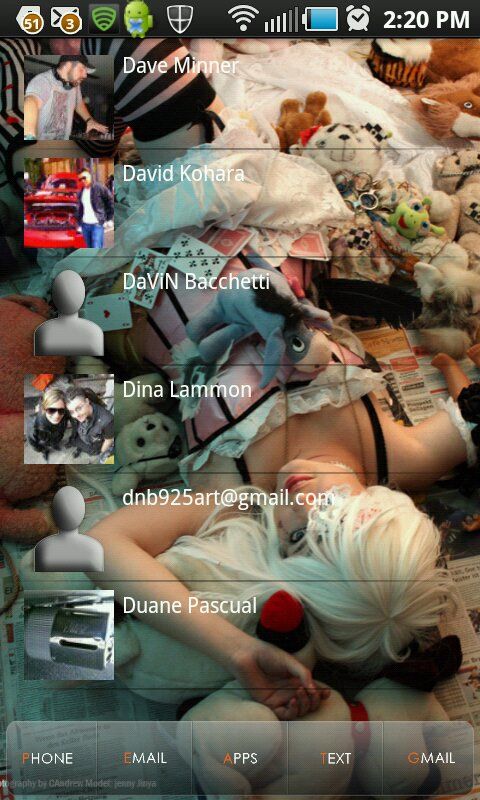
Wallpaper on Launcher Pro Plus 7 home Screens using Multi Picture Live Wallpaper app and pics from Deviant Art with 3D scrolling
Screen 1: Music Player Pro widget
Screen 2: Pure Calendar scrolling widget
Screen 3: Custom made font icon shortcuts made with Photoshop
Screen 4: (Main screen): Switch Pro widget; Analog clock widget; Circle Battery widget; ExtDate widget
Screen 5: More custom made font icon shortcuts (Century Gothic font)
Screen 6: Pure Messenger scrolling widget
Screen 7: Scrollable Contacts widget
Launcher Pro Dock icons: Launcher Pro dock bar and custom made font icons
Wallpaper on Launcher Pro Plus 7 home Screens using Multi Picture Live Wallpaper app and pics from Deviant Art with 3D scrolling
Screen 1: Music Player Pro widget
Screen 2: Pure Calendar scrolling widget
Screen 3: Custom made font icon shortcuts made with Photoshop
Screen 4: (Main screen): Switch Pro widget; Analog clock widget; Circle Battery widget; ExtDate widget
Screen 5: More custom made font icon shortcuts (Century Gothic font)
Screen 6: Pure Messenger scrolling widget
Screen 7: Scrollable Contacts widget
Launcher Pro Dock icons: Launcher Pro dock bar and custom made font icons