
Install the app
How to install the app on iOS
Follow along with the video below to see how to install our site as a web app on your home screen.
Note: This feature may not be available in some browsers.
-
After 15+ years, we've made a big change: Android Forums is now Early Bird Club. Learn more here.
You are using an out of date browser. It may not display this or other websites correctly.
You should upgrade or use an alternative browser.
You should upgrade or use an alternative browser.
Lets see your UI layout!
- Thread starter GrdLock
- Start date
-
- Tags
- htc droid eris

funkyfender
Well-Known Member
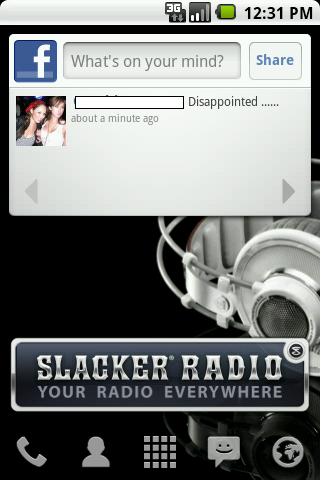
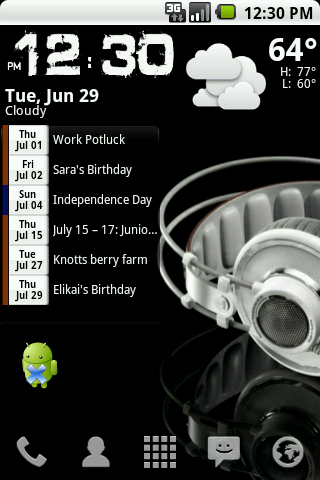
From Left to Right:


Notifications:

Lock Screen:

White Widow 4.4 with Launcher Pro
Notifications:
Lock Screen:
White Widow 4.4 with Launcher Pro

fmadrigal
Well-Known Member
From Left to Right:
What is that Phandroid.com Widget you got there?

surgeon0214
Android Enthusiast
From Left to Right:
What is that Phandroid.com Widget you got there?
It looks like an RSS feed widget, with the latest feeds from Phandroid.com
funkyfender
Well-Known Member
It's an RSS widget called Feedr.
ok so i know i've seen this background, but where did you get it??
I got it in the backgrounds application for android... if you want I can try to find the file in my phone and post it, but it won't be as high quality
Thats alright, after some googling I found it on the interwebz, thanks though!
funkyfender
Well-Known Member
Double post, delete.

AdrianC14
Android Expert
my setup is pretty basic since i cant root/dont have the money to spend on a lot of apps. but i decided to share anyway:
Lock
Anyone can root now including leakers. How can you not root?
Anyone can root now including leakers. How can you not root?
Ha ha... You make it sound like it's easy.


cfoley23
Member
Anyone can root now including leakers. How can you not root?
i dont want to yet until the methodology is a little better (i am on v3 leak). plus im not very good with code and dont want to mess my phone up.

jreed2560
Android Expert
my setup is pretty basic since i cant root/dont have the money to spend on a lot of apps. but i decided to share anyway:
Lock

Right
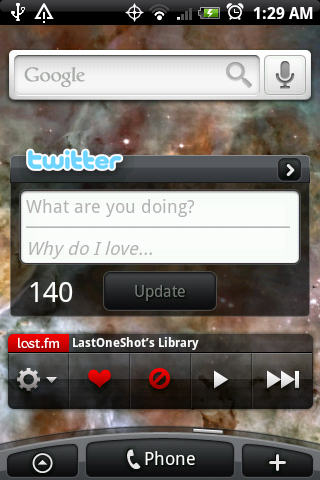
Center

Left
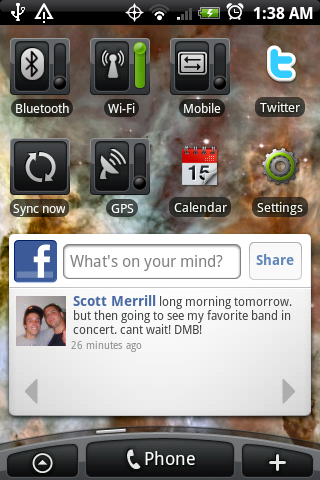
Ok man, lock screen is tight, but wtf is the background on your home screens?
cfoley23
Member
Ok man, lock screen is tight, but wtf is the background on your home screens?
Thanks a lot. and It's the Carina Nebula. im a big space junkie.

cableguynoe
Android Expert
The clean look I've always wanted, no notification bar, etc..
Is that standard with xtr? Or did you flash some add-on?
Also, are you able to customize the 4 icons in the bottom to whatever you want?

Frisco
=Luceat Lux Vestra=
Is that standard with xtr? Or did you flash some add-on?
Also, are you able to customize the 4 icons in the bottom to whatever you want?
I customized the icons in the Launcher Pro dock; any picture can be used.
The hiding of the notification bar is another feature of LP, as is the "glass" look of the dock.
I used to keep the dock transparent, but went with a different appearance this time.

Flyphoenix
Well-Known Member
I love your background and that camera 360 icon is cool
Center
Center
CrazyKnight128
Well-Known Member
Heres mine pretty simple, Im running launcher pro.
Center Dock 1

Center Dock 2

Center Dock 3

The rest of the screens are with different dock icons, everything else is the same
Left 1

Right 1

Right 2

Lock screen

Tell me what you think. Im thinking about changing the lock screen icons back to "stock".
Center Dock 1
Center Dock 2
Center Dock 3
The rest of the screens are with different dock icons, everything else is the same
Left 1
Right 1
Right 2
Lock screen
Tell me what you think. Im thinking about changing the lock screen icons back to "stock".
surgeon0214
Android Enthusiast
Heres mine pretty simple, Im running launcher pro.
Center Dock 1
Center Dock 2
Center Dock 3
The rest of the screens are with different dock icons, everything else is the same
Left 1
Right 1
Right 2
Lock screen
Tell me what you think. Im thinking about changing the lock screen icons back to "stock".
Cool design but I hate the picture for the lockscreen wallpaper

SyDTRaKKeD
Android Enthusiast
Lock Screen

Far Left - Games & Customization Folders

Mid-Left - Entertainment, Food, & Tools Folders

Center - Home Screen

Mid-Right - Social

Far Right - Settings

Droid X Keyboard

Folder

Left Dock - Freq. Used Apps

Right Dock - Freq. Contacts

Far Left - Games & Customization Folders
Mid-Left - Entertainment, Food, & Tools Folders
Center - Home Screen
Mid-Right - Social
Far Right - Settings
Droid X Keyboard
Folder
Left Dock - Freq. Used Apps
Right Dock - Freq. Contacts
Create a folder on your SD card where you want to keep them ... I named mine Icons. Copy the files to that folder and install BetterCut from the Market. Used BetterCut to create shortcuts on your screen, it allows you to change the Icon. When you click the "Change Icon" option, navigate to the Icon folder and select the icon you wish to use. Its actually quite easy. You can also change the name under the icon using BetterCut
I wish I understood all this. lol

NPH-
Well-Known Member

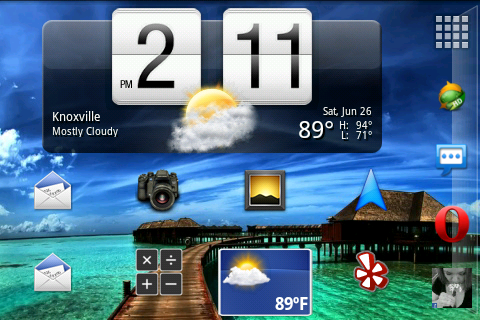
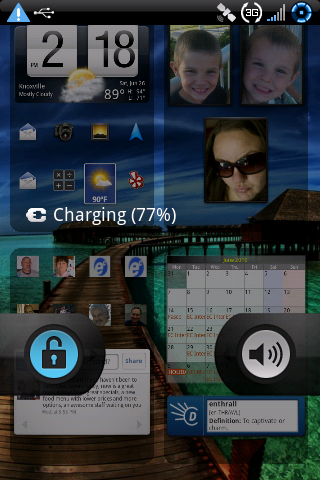
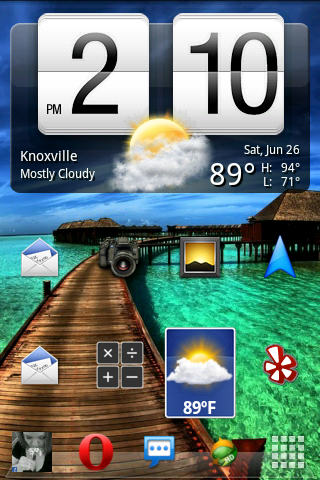

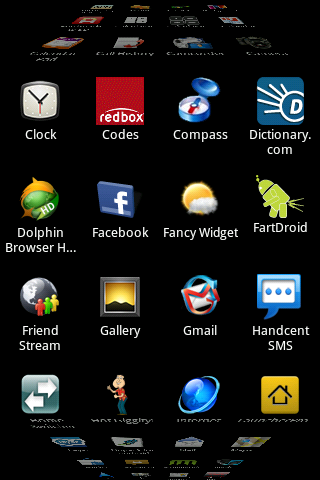
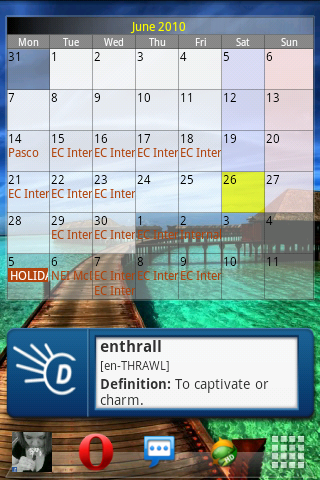
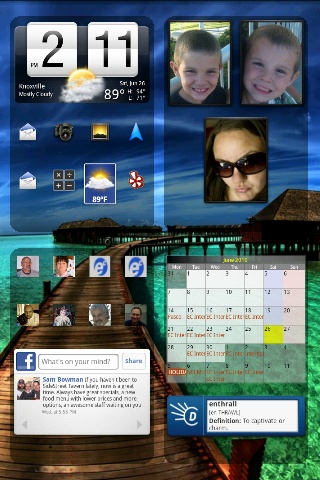
how did you get your htc weather widget to work with LP?
or does someone know what widget it is that I would need to download?
NPH-
Well-Known Member
Home:

and here it is again...
how do i get this clock/weather widget to work on launcher pro
thanks in advance!

xx_bishop_xx
Android Expert
and here it is again...
how do i get this clock/weather widget to work on launcher pro
thanks in advance!
That one looks like Fancy Widget. It's free in the Market. Although I've read that HTC is forcing them to stop that particular widget, as it looks too much like the SenseUI widget.