
Install the app
How to install the app on iOS
Follow along with the video below to see how to install our site as a web app on your home screen.
Note: This feature may not be available in some browsers.
-
After 15+ years, we've made a big change: Android Forums is now Early Bird Club. Learn more here.
You are using an out of date browser. It may not display this or other websites correctly.
You should upgrade or use an alternative browser.
You should upgrade or use an alternative browser.
Post your Screenshots and Wallpaper!
- Thread starter Rimzy
- Start date
-
- Tags
- samsung fascinate


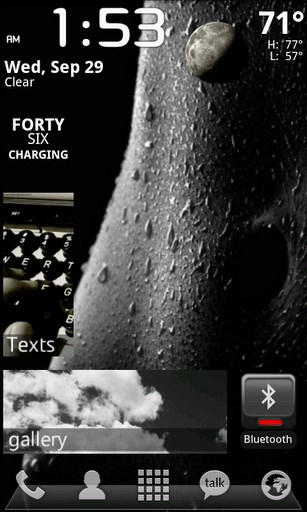
Home
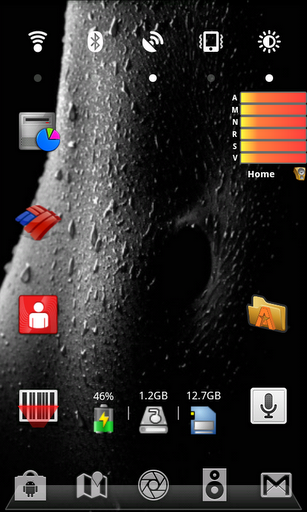
Right 1
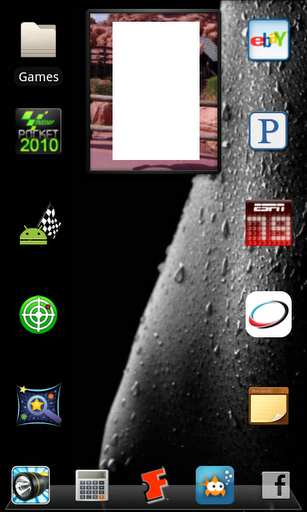
Left 1
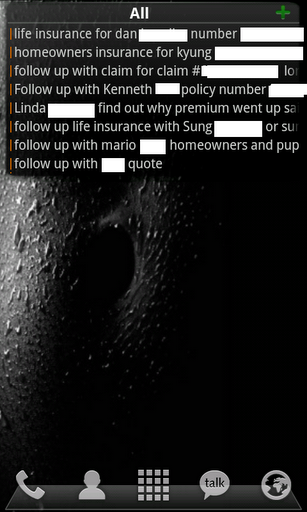
Right 2
Left 2
http://i1199.photobucket.com/albums/aa467/odanko/snap20100929_015345.png
Attachments


GoBruins
Well-Known Member
Super small can't see! But cool nonetheless..
My screens for the day
Using LP+ with Windows 7 icons in the dock
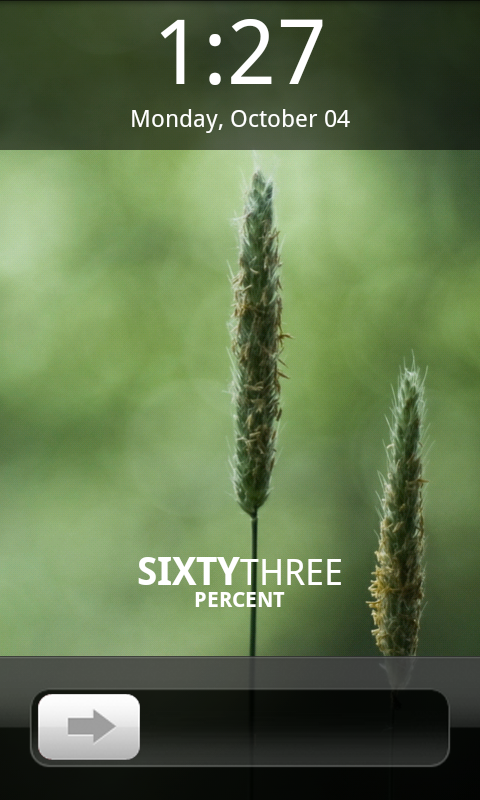
Lock Screen: WidgetLocker w/Digital Clock Widget and Battstatt
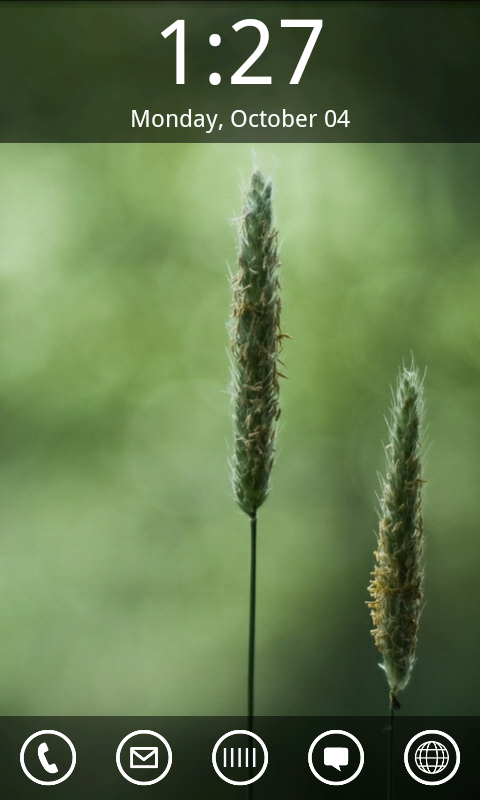
Home Screen: Digital Clock Widget
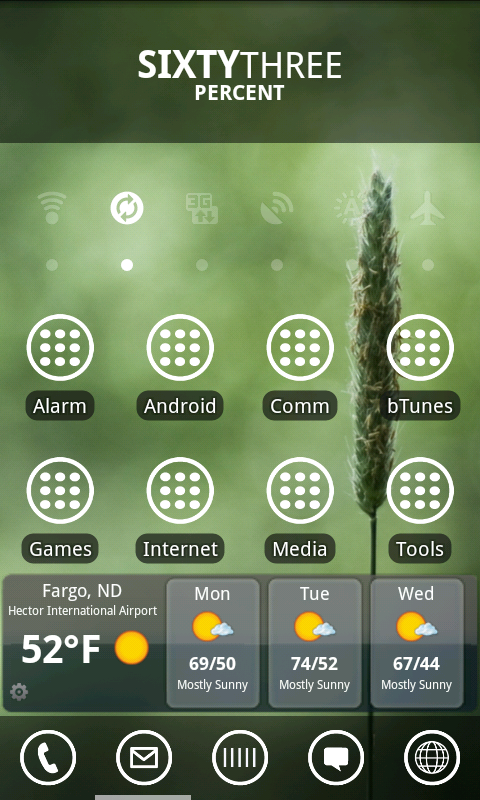
Left Screen: Battstatt, SwitchPro, Smart Shortcuts w/Windows 7 icons, WeatherBug Elite
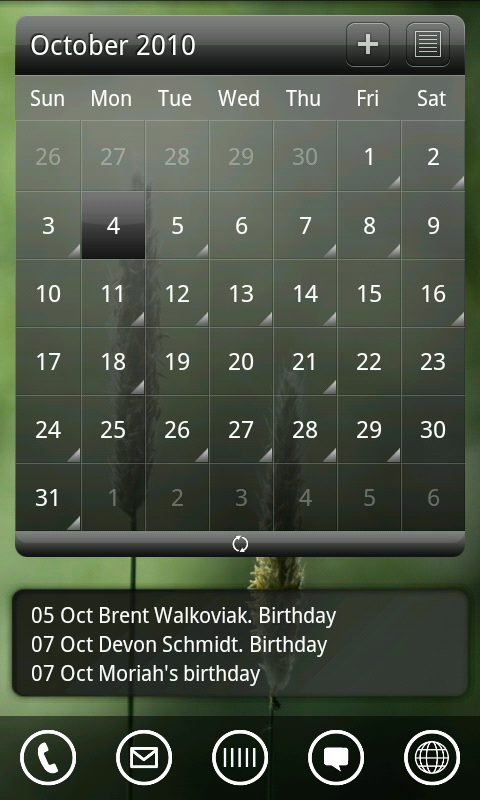
Right Screen: LP+ Calendar Widget, Smooth Calendar
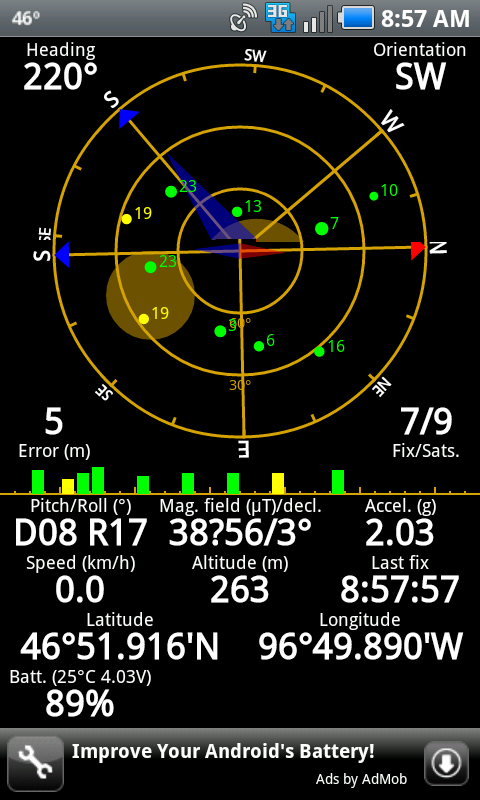
And I'm so happy I finally got a GPS lock (app is GPS Status)
Using LP+ with Windows 7 icons in the dock
Lock Screen: WidgetLocker w/Digital Clock Widget and Battstatt
Home Screen: Digital Clock Widget
Left Screen: Battstatt, SwitchPro, Smart Shortcuts w/Windows 7 icons, WeatherBug Elite
Right Screen: LP+ Calendar Widget, Smooth Calendar
And I'm so happy I finally got a GPS lock
(app is GPS Status)
My screens for the day
Using LP+ with Windows 7 icons in the dock
Lock Screen: WidgetLocker w/Digital Clock Widget and Battstatt
How'd you get the "unlock" widget?
How'd you get the "unlock" widget?
That's WidgetLocker with the iPhone style slider
Right Screen: LP+ Calendar Widget said:http://i95.photobucket.com/albums/l145/b33nz01/Screen%20Shots/snap20101004_132728.png[/IMG]
what calendar widget is that?
edit: i don't know what happened to my post but this question is for jrid32.
Are you sure that question isn't for me? I looked at the link and it is a picture of my screen shot.
The top one is part of LauncherPro Plus (paid version) and the bottom one is smooth calendar.
haha yes, now that i look at it that question was for you. thank you for pointing out my mistake, and thank you for answering my question


Nice. What background is that? Also, what are those toggle buttons?w00t it does work! So I'm very new to smart phones, though I tech savvy as a mofo. So this is my first go at customizing my SF. Let me know if i forget to label something please.
Using Launcher Pro Free which I mostly used to change the dock, get rid of extra screens I don't need (yet =P), and to hide bloatware. I have Battery Indicator Pro up top in the notification bar and Beautiful Widget on my main screen for clock and weather.
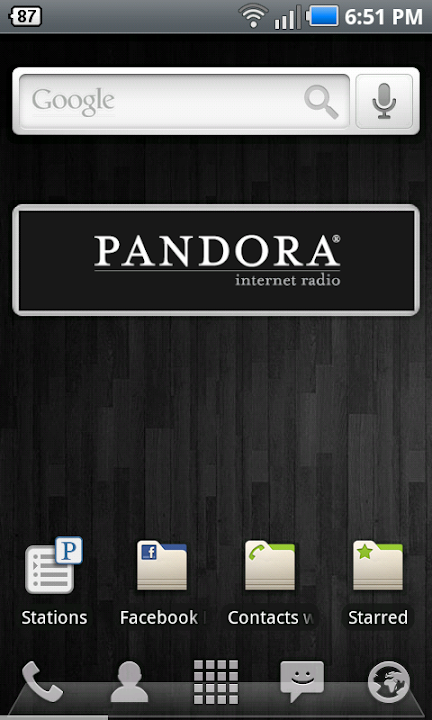
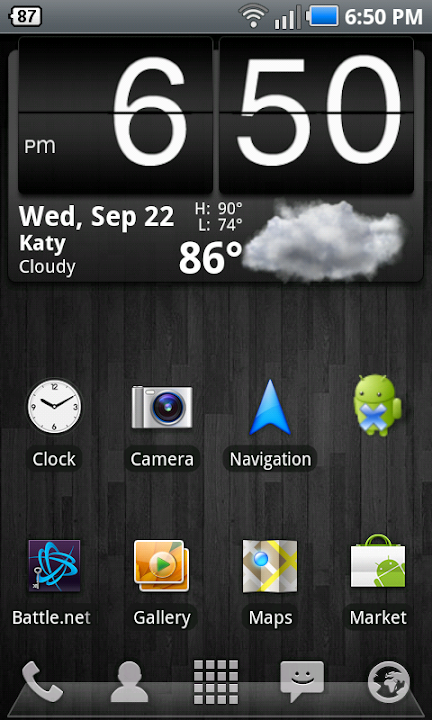
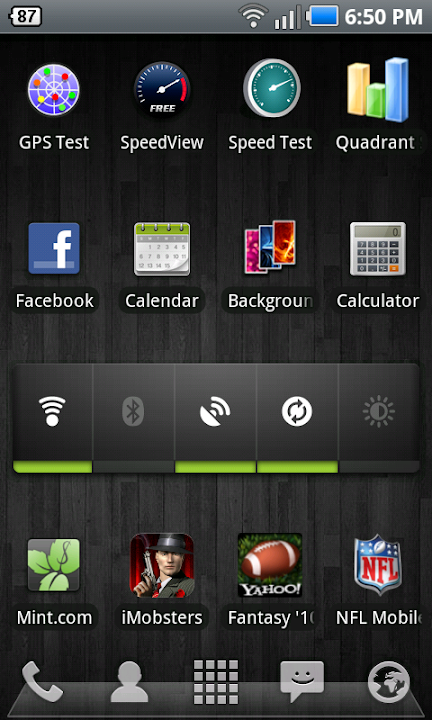
Hehe I just previewed my post - it looks nice =P
quick question - to post the screenies, I did what someone above mentions which was upload them to picasa. Then I just right clicked and copied location and pasted that to the 'Insert Image' prompt. That the right way to do it?
Im a Droid X owner, and one thing that annoys the hell out of me is that it only shows the batterry percentage in 10% increments. I guess the SF does 1%?

saps
Extreme Android User
Yes the SF does 1% incrementsNice. What background is that? Also, what are those toggle buttons?
Im a Droid X owner, and one thing that annoys the hell out of me is that it only shows the batterry percentage in 10% increments. I guess the SF does 1%?
I passed on the chance to ditch the X and get the SF last Friday at BB with the free SF.Yes the SF does 1% increments
Man that % thing annoys me though.
Where'd you get this background? I cant seem to find the right size for our phone.
Home
Right 1
Left 1
Right 2
Left 2
saps
Extreme Android User
Yeah, every device has its quirks. The battery thing is relatively small compared to reception or GPS issuesI passed on the chance to ditch the X and get the SF last Friday at BB with the free SF.
Man that % thing annoys me though.
Right here: http://androidforums.com/samsung-fascinate/172282-post-your-screenshots-wallpaper.html
Screen is 480x800 but the recommendation is 960x800 due to scrolling screens
I grabbed a few of the images Rimzy posted there but it won't let me use the full resolution image for the wallpaper and wants me to crop it....which kind of defeats the purpose of getting a hi-res background in the first place. I'm presuming I'm missing a step here....HALP!

GoBruins
Well-Known Member
Right here: http://androidforums.com/samsung-fascinate/172282-post-your-screenshots-wallpaper.html
Screen is 480x800 but the recommendation is 960x800 due to scrolling screens
Yeah thats a great thread. You'll get a ton of ideas from wallpapers, to apps, and even icons.


Retrokid223
Well-Known Member


noroth
Member
Nice. What background is that? Also, what are those toggle buttons?
Im a Droid X owner, and one thing that annoys the hell out of me is that it only shows the batterry percentage in 10% increments. I guess the SF does 1%?
I found the background under the patterns category in the Backgrounds App.
Also, the toggle buttons came with the phone. I don't think it's directly a samsung widget since I use Launcher Pro and can't use those.
I grabbed a few of the images Rimzy posted there but it won't let me use the full resolution image for the wallpaper and wants me to crop it....which kind of defeats the purpose of getting a hi-res background in the first place. I'm presuming I'm missing a step here....HALP!
You need to stretch the little orange box by grabbing one of the edges.