• After 15+ years, we've made a big change: Android Forums is now Early Bird Club. Learn more here.

What do your X Screens look like?

Boo why do I need see any of your pics?

You don't, but if you don't want to see user pics you should probably stay away from threads like "What do your X screens look like".

And if you don't want to see them, you probably shouldn't quote them all. :)
 
Ummm. I'm not sure how to answer that one. :p (It was more to do with the fact that it took up so much space with so many pics, and then there are the genius folks who decide the quote the whole freaking thing!! You know who you are. :rolleyes:)

They were supposed to be side by side to make it no longer than other posts, but it didn't post correctly. Don't want anyone breaking a scroll wheel now. :)
 
Gotta post it. My custom lock screen I made the other day.

CAP201010111316.jpg


I meant....GO BROWNS!
 
To do the custom screens do you have to be rooted? I recently took a trip through some national parks and such out west and thought it would be cool to do some icons and screens with the pics I took.
How hard is it for a novice to do this??

Thanks
 
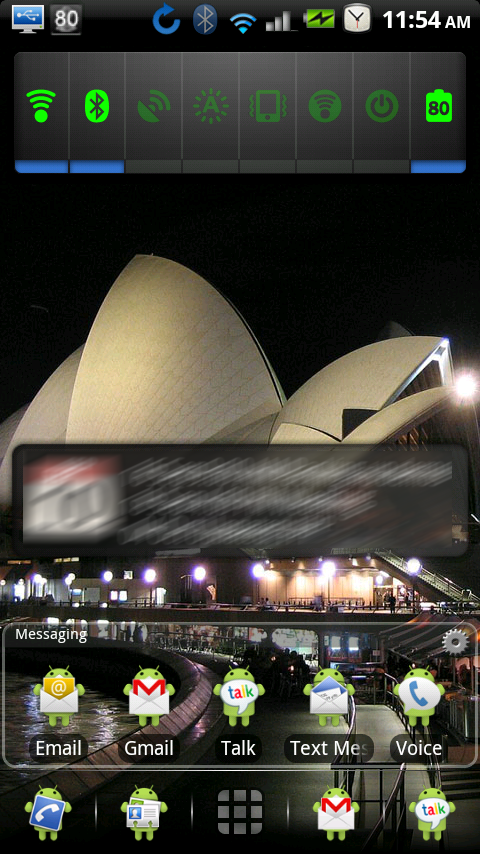
Galaxy S theme with beautiful widgets and launcher pro plus in addition to Rotating Wallpaper set to change every minute.

I don't know why I waited so long to root.


To do the custom screens do you have to be rooted? I recently took a trip through some national parks and such out west and thought it would be cool to do some icons and screens with the pics I took.
How hard is it for a novice to do this??

Thanks

Better Cut and Any Cut will allow you to change the icon when creating shortcuts. You can change the wallpaper with stock Android. Launcher Pro lets you change the dock background, dock icons, and shortcut icons.

You need to create the icons and wallpapers on your computer and copy them to your phone. I use Fireworks but you can use any graphics editing program like Photoshop, GIMP (free opensource app), etc... These are the ones I have used, but I am sure there are others.

You can review the sizing for icons here. Wallpaper should be 480x854 for a single static screen wallpaper. If you want the wallpaper to scroll it needs to be 960x854.

Root is not required for any of these. The only think you can't change without root is the status bar.
 
To do the custom screens do you have to be rooted? I recently took a trip through some national parks and such out west and thought it would be cool to do some icons and screens with the pics I took.
How hard is it for a novice to do this??

Thanks

I use Desktop Visualizer, which is free unlike better cut. I highly recommend it.

http://www.appbrain.com/app/desktop-visualizer/jp.co.bii.android.app.dskvzrhttp://www.appbrain.com/app/desktop-visualizer/jp.co.bii.android.app.dskvzr
 
I had a bunch of messages about these docks, icons, and wallpapers, so I zipped up most of the stuff I had and uploaded it to my host. Some of them are finished while others (mainly wallpapers) need to be cropped when applying. These were my first attempt and any graphics for android so don't blame me if they don't work out. :)

Download the zip file here to get a bunch of goodies.

halloween.jpg
 
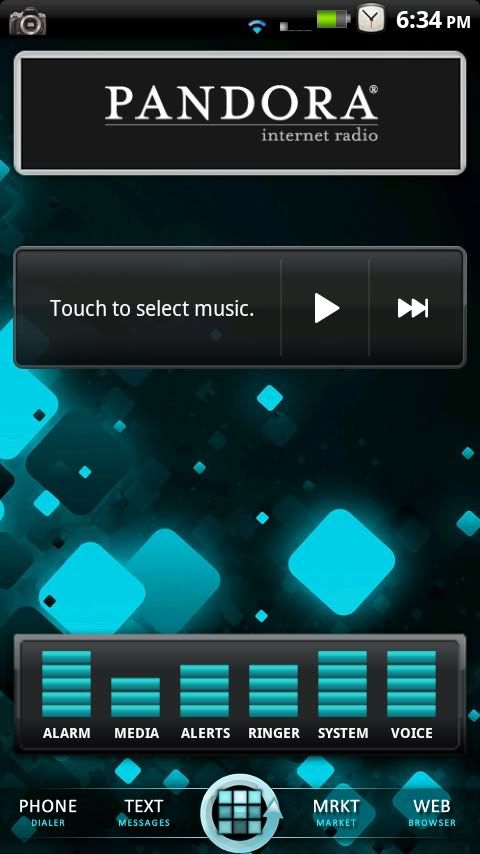
My new setup I've been working on the last few days after installing RubiX, still working on it but thought I'd go ahead and post my screens


CAP2010101318332.jpg

What app is on the far left (looks like a microchip)? Also, can you verify that the CPU on the X can be overclocked? I see you have SetCPU, but I thought it didn't work for the X yet. Thanks.
 
What app is on the far left (looks like a microchip)? Also, can you verify that the CPU on the X can be overclocked? I see you have SetCPU, but I thought it didn't work for the X yet. Thanks.

AutoKiller Memory Optimizer, havn't messed with setcpu much but I have seen many ppl post that they have overclocked their X
 
What app is on the far left (looks like a microchip)? Also, can you verify that the CPU on the X can be overclocked? I see you have SetCPU, but I thought it didn't work for the X yet. Thanks.

AutoKiller Memory Optimizer, havn't messed with setcpu much but I have seen many ppl post that they have overclocked their X

There is a mod that allows you to overclock, but I don't think it works on Froyo.

I use setCPU to under clock my X when the screen is off, makes a big difference with battery life.
 
I really need to figure out theming. I wish it weren't so difficult unlike the *gasp* iPhone.

Theming is actually pretty easy. Download a zip file, boot into recovery, apply zip and reboot. Doesn't get much easier.

There are some themes that are not packaged into a zip to make it that easy, but most of them are and if they aren't it still takes less than 10 minutes to apply a theme.
 
Theming is actually pretty easy. Download a zip file, boot into recovery, apply zip and reboot. Doesn't get much easier.

There are some themes that are not packaged into a zip to make it that easy, but most of them are and if they aren't it still takes less than 10 minutes to apply a theme.

I'll pm you tomorrow and maybe you can help me out :)
 
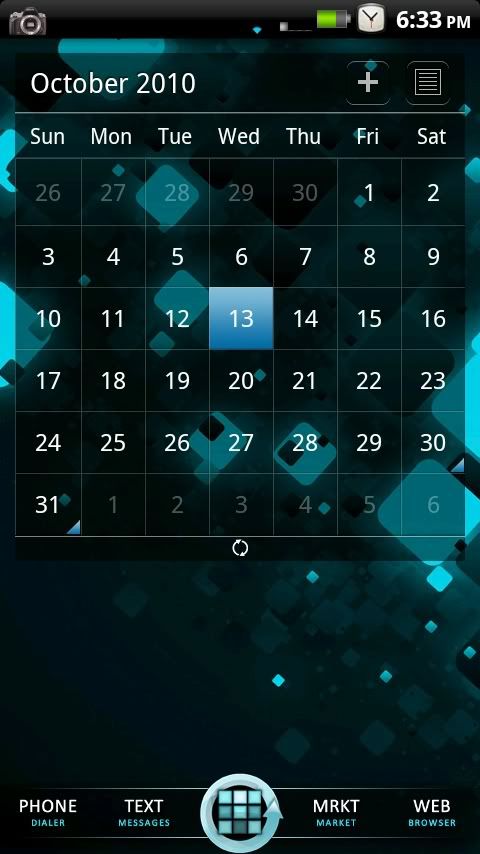
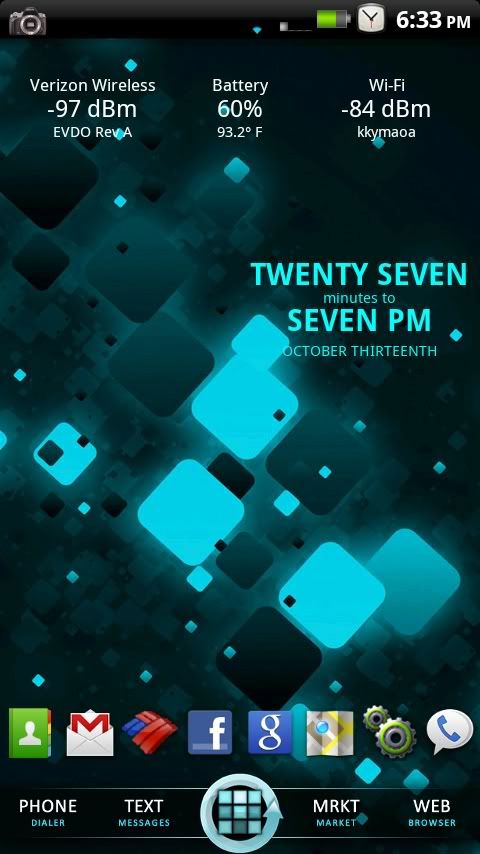
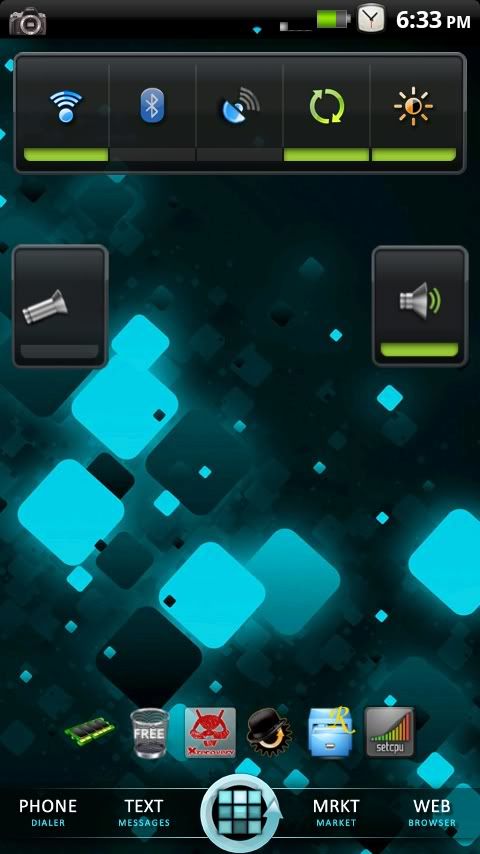
OK, so I have my Halloween screens done. Also this was the first time I have actually went in and changed images to make my own dock icons.
 

Attachments

  • snap20101014_104412.png
    snap20101014_104412.png
    74.1 KB · Views: 73
  • snap20101014_104424.png
    snap20101014_104424.png
    74.4 KB · Views: 99
  • snap20101014_104434.png
    snap20101014_104434.png
    64.7 KB · Views: 94
  • snap20101014_105329.png
    snap20101014_105329.png
    79.7 KB · Views: 92
Back
Top Bottom