Did you reinstall Bootstrapper, give it root access, and rebootstrap it? I'm not going to get into the specifics why it keeps rebooting into recovery, but basically there's a file the bootstrapper uses to load recovery at boot each time, but once a full boot completes, the file is deleted by the bootstrapper app.
If you don't have the app, it doesn't delete the file.
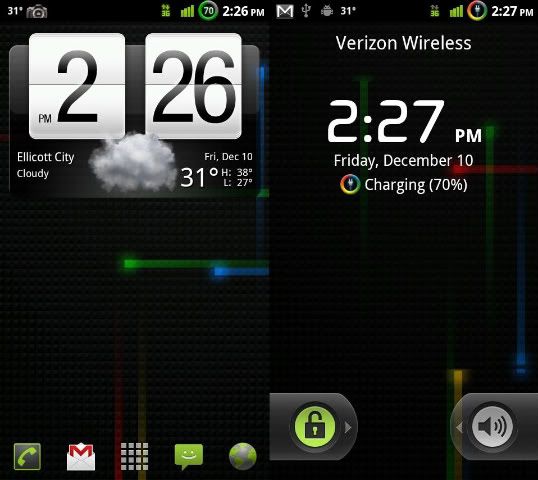
Swipe up on the screen to get your notification bar back. Swipe down on where the main dock is to get it back.
You can load up my adw settings, which does away with both of these features (but keeps swipe down on screen for notification bar) by doing the following:
In terminal
su
fabadw
return home, hit menu, adw prefs, scroll down and restart adw
Ok, gimme a sec to look over my script. It may not be correctly changing back the library files.





 If not.... can I go back to stock 2.3.15 then update then root then install this? And if so, what's the easiest way to get back to stock 2.3.15?
