
Install the app
How to install the app on iOS
Follow along with the video below to see how to install our site as a web app on your home screen.
Note: This feature may not be available in some browsers.
-
After 15+ years, we've made a big change: Android Forums is now Early Bird Club. Learn more here.
You are using an out of date browser. It may not display this or other websites correctly.
You should upgrade or use an alternative browser.
You should upgrade or use an alternative browser.


SamuraiBigEd
Under paid Sasquatch!
Cool background!


Well here's mine after getting it rooted. Running Fresh Rom. I'm looking to get a transparent lock screen. Just can't get it. Found something at xda but it was in french. Plus I'm still new at getting this working correctly.
Elefntkpr, how did you get that weather bug widget? I only have two on mine and neither have the extended outlook.
It's WeatherBug Elite, the paid app. The free app doesn't include that widget.
Isn't that the Droid lockscreen? How did you get it on the Hero?
Also will you please post the original background image?


BOO5TED
Android Enthusiast
It's WeatherBug Elite, the paid app. The free app doesn't include that widget.
Figures
 I just have the free version.
NewShockerGuy
Well-Known Member
Isn't that the Droid lockscreen? How did you get it on the Hero?
Also will you please post the original background image?
Yes please post the original image,.. that's so bad ass, I love it!
-Nigel


702DROID
Android Enthusiast
looks like hes running fresh 1.0Teph - what home are you using? I'm able to see the hash mark that wanders as you scroll thru your windows..

Thetaman
Android Enthusiast
Isn't that the Droid lockscreen? How did you get it on the Hero?
I had the same question. How did you get that lockscreen?


blindfaith76
Newbie
Yeah I couldn't find a blue one either, so i edited it myself in photoshop.Would you mind sharing the "Blue" Android texture. The only ones that I can find are red or green. Thanks in advance.
here's my version so you don't have to go through all the work


Teph
Newbie
looks like hes running fresh 1.0
I'm running 1.1 but using clear widgets theme from pre-kitchen.
702DROID
Android Enthusiast
that woudl explain the dif framwork thenI'm running 1.1 but using clear widgets theme from pre-kitchen.

t1jordan
Android Enthusiast
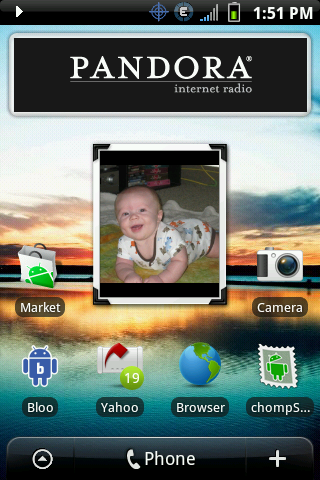
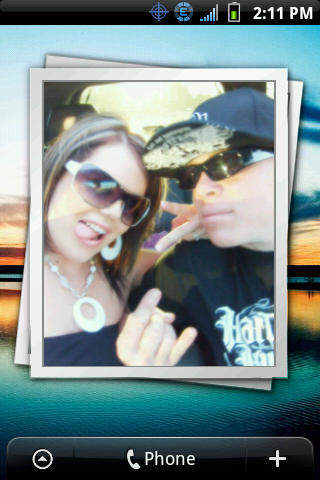
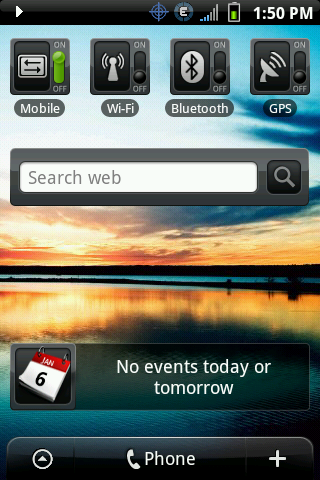
I guess your phone is rooted. Your screens are slickI am just wondering if anyone would like to share pics of how you have you 7 screens setup
added mine
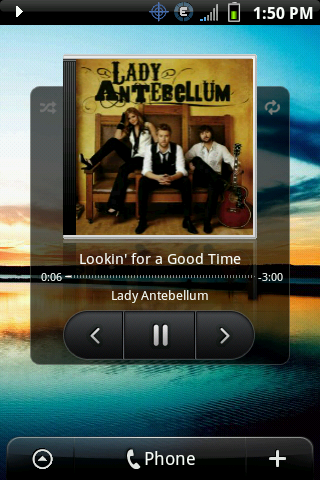
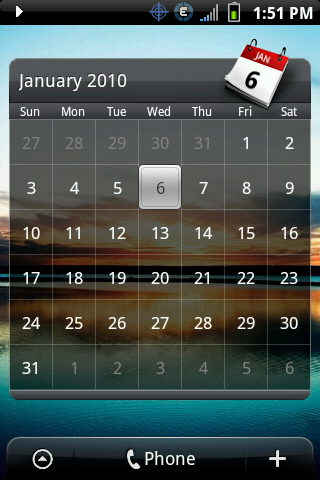
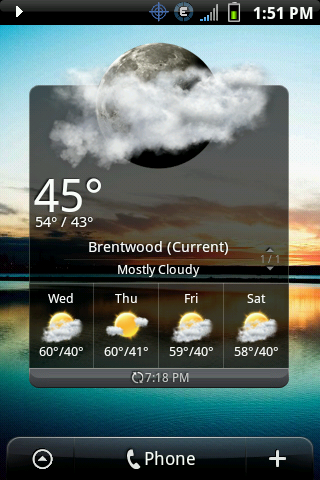

t1jordan
Android Enthusiast
How do you get those lock screens? Or do you have to use a different ROM or something.Here is what I am rocking for the second...
First Two are lockscreens
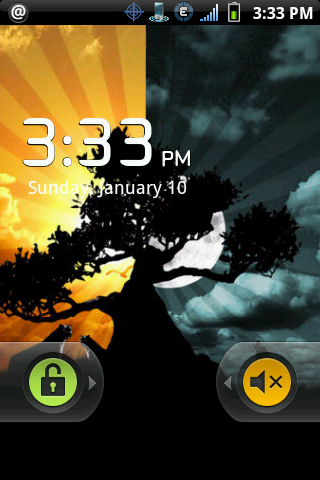
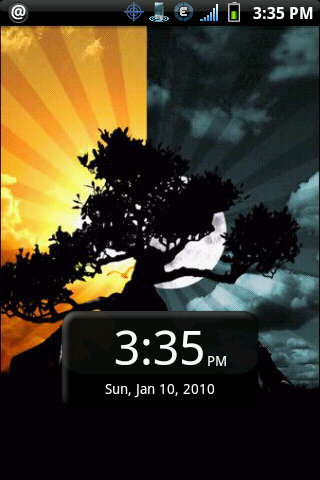
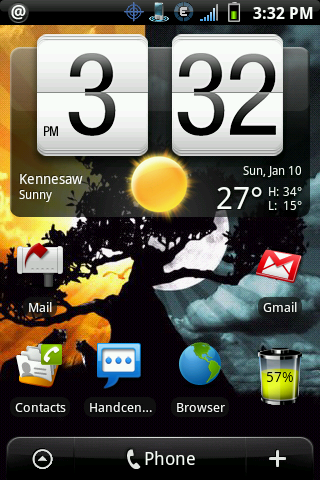
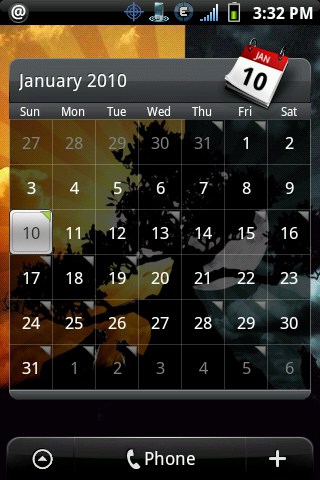
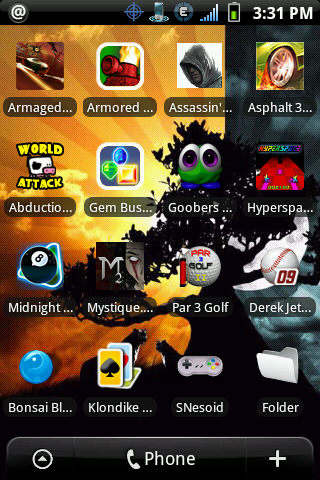
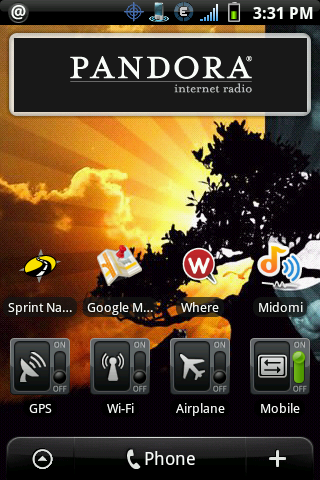
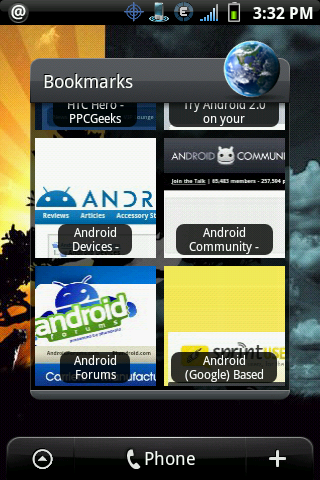
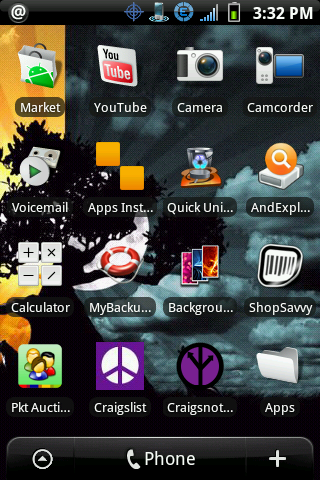
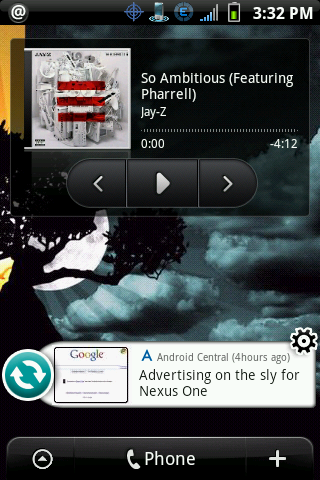
No particular order but this works for me the best.
If I had to guess I'd say he's using Lockbot Pro for those lock screens.
LockBot Pro v1.8.2 Application for Android | Entertainment
LockBot Pro v1.8.2 Application for Android | Entertainment
Thetaman
Android Enthusiast
If I had to guess I'd say he's using Lockbot Pro for those lock screens.
LockBot Pro v1.8.2 Application for Android | Entertainment
Possibly, but would be nice if Droidone would confirm that. I have seen some posts on Xda that lead me to think you can change by changing some files via root.
Droidone, can you confirm? Thanks.
How do you copy your screen in this forum? What steps are involved, thanks..
You need to get an app like shootme or picme from the market to take screenshots of your homepage. They only work if you are rooted. After you take pics you can post them from your phone to this forum. Its easiest if you use a photo hosting site like photobucket.
Possibly, but would be nice if Droidone would confirm that. I have seen some posts on Xda that lead me to think you can change by changing some files via root.
Droidone, can you confirm? Thanks.
Fairly certain Droidone's is using Lockbot Pro. I have it as well, and his looks like the Flan default lock screen with a custom background. I'm running the same one and love it. I like the sound mute option slider as well.
Here's what my new one looks like:

Thetaman
Android Enthusiast
Fairly certain Droidone's is using Lockbot Pro. I have it as well, and his looks like the Flan default lock screen with a custom background. I'm running the same one and love it. I like the sound mute option slider as well.
Here's what my new one looks like:
Thanks, you have any problems with it? Does it have any effect on the battery. Thought I had read some reviews where people that it sucked the battery or cause other problems.
Thanks, you have any problems with it? Does it have any effect on the battery. Thought I had read some reviews where people that it sucked the battery or cause other problems.
Hmmm, good question. I was having poor battery life before I got it about 2 weeks ago, haven't noticed any difference. It actually has improved lately, but due to other changes.
I might try uninstalling it for a couple days and see if it improves.
Overall, though, I love it! I love the lock screen options, ease of customization, and best of all no more butt dialing! I didn't like doing the password unlock ontop of the regular slide unlock. With Lockbot, haven't accidentally unlocked my phone once yet.
I also like that you can do a full screen lock OR leave the taskbar unlocked so you can slide it down and check your notifications without unlocking the phone. Very handy for reading text messages or seeing or getting to your e-mails without unlocking the phone.
It also works well with Handcent's quick reply. Works just like the stock lock screen.
702DROID
Android Enthusiast
Possibly, but would be nice if Droidone would confirm that. I have seen some posts on Xda that lead me to think you can change by changing some files via root.
Droidone, can you confirm? Thanks.
You need to get an app like shootme or picme from the market to take screenshots of your homepage. They only work if you are rooted. After you take pics you can post them from your phone to this forum. Its easiest if you use a photo hosting site like photobucket.
that is one way but if your not rooted here is another way to do it
Step 1: Enable USB Debugging
On your Android phone (in this case, the G1), go to Settings, then Applications, and then Development. Check the checkbox for "USB debugging."
Step 2: Download the Android SDK
Download the SDK for your platform here. Google also has some great installation documentation if you get lost. You will need to make sure you have a current copy of the JDK. To use the SDK, you also need to download an IDE like Eclipse. After installing Eclipse, you can install the Eclipse plugin to connect Android and the IDE together, or just do a lot of stuff via the command line.
Go ahead and plugin your Android handset into a USB port on your computer, if it is not plugged in already.
Step 3: Run DDMS
After configuring Eclipse or whatever IDE you use to work with Android, you need to open up the DDMS application from within the "tools" folder in the Android SDK's main folder.
After DDMS launches, select your handset from the menu on the left (it should be the only device listed). You might see an error message, but the debug tool should be loaded. Then, click CTRL-S on your keyboard. This will bring up the "Device Screen Capture" interface. From here, a static image is captured from what is appearing on your handset. You can save the image (nicely defaulted as PNG) and then refresh to your heart's content to grab updated or different screenshots from your phone.
That's it!

TF1984
Android Enthusiast
lOCK sCREEN THEN LEFT TO RIGHT ACROSS 7 SCREENS.
Using Fresh 1.1, Clear Widget add-on, Lockbot Lock Screen, Background from "Backgrounds" app. Why are my screen shots so tiny???
Using Fresh 1.1, Clear Widget add-on, Lockbot Lock Screen, Background from "Backgrounds" app. Why are my screen shots so tiny???


