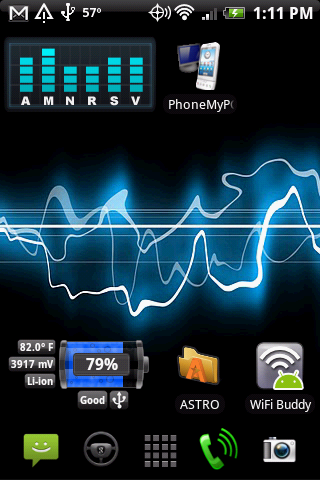
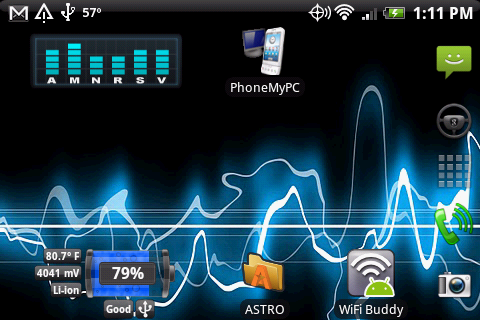
droidkevlar
Android Expert
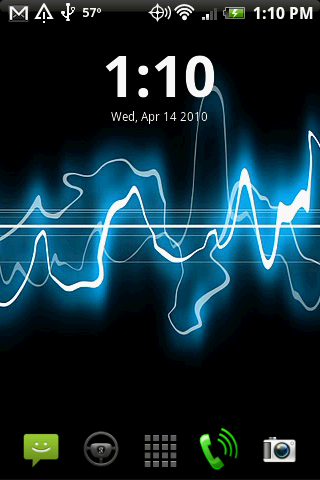
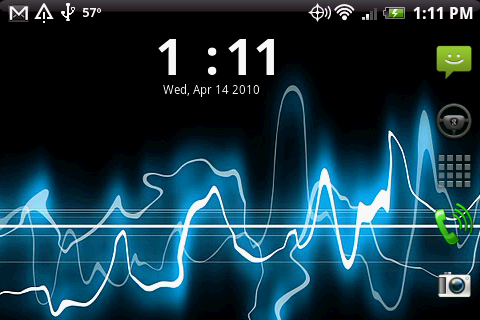
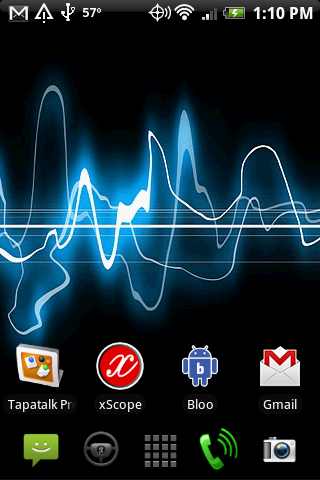
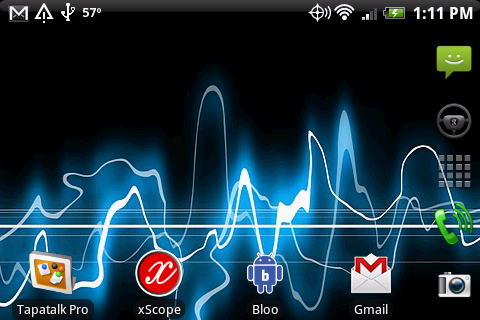
My latest layout. I know, I know. I change it a lot. 

Follow along with the video below to see how to install our site as a web app on your home screen.
Note: This feature may not be available in some browsers.

It's on the market.hey how did you get that sperm live wallpaper???
Nice bootscreen droidkevlar (good work twynn)
It's on the market.

Nice bootscreen droidkevlar (good work twynn)

do you know how to make this work? I tried in the market, and it didn't work...

Do you mind sharing what clock and weather app you're running ??
TYIA

My latest layout. I know, I know. I change it a lot.
you kno I hate you, right...... jk lol
Sent from my Eris using Tapatalk

What? Why? Cuz of that sick app, Car Home?
FYI, I just flashed to yet another ROM. This time. Custom. But prob wont post as it looks the same, just faster in use wise.

bootscreen, lockscreen, home from left to right
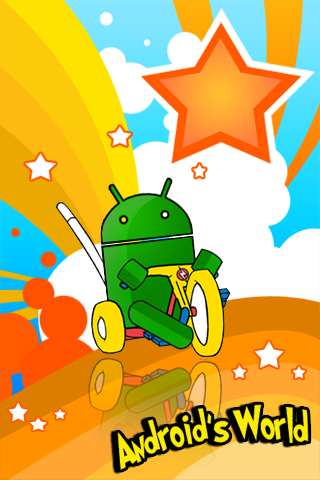
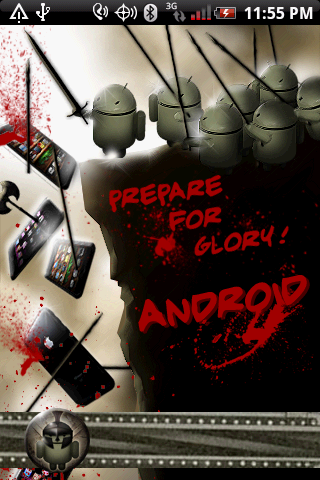
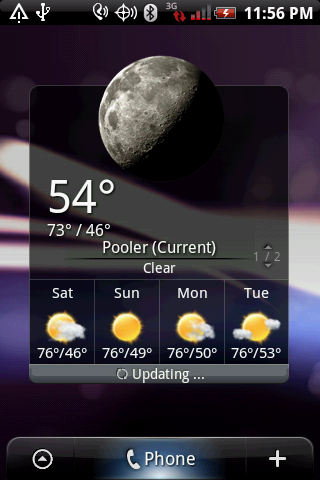
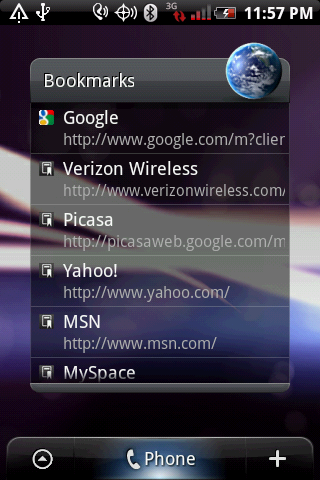
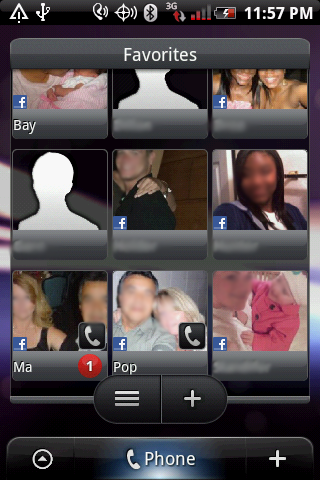
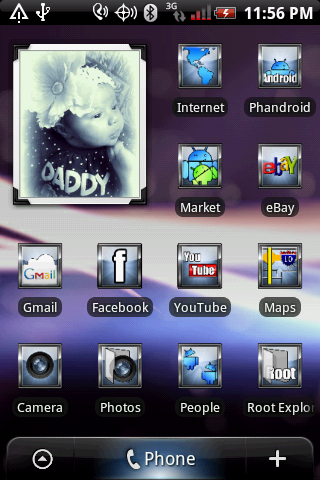
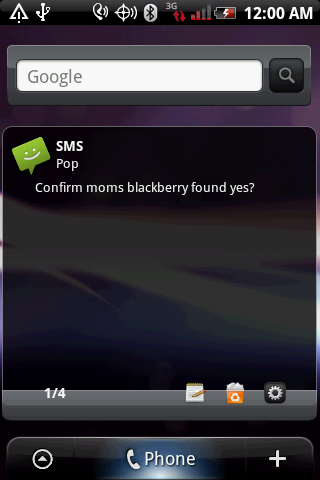
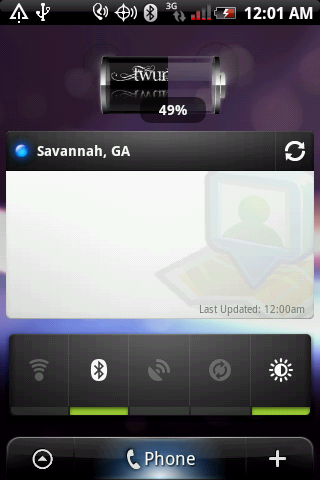
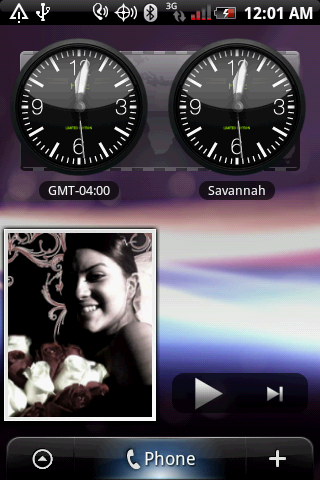
Hattrick... I have it I can send it to you. I tired to post it but gave up.
Tony... Look in market theres a few 3g widgets
Sent from my Eris using Tapatalk
This is gorgeous. The rom isn't available to me because I'm not rooted, but on the 2.1 leak. I have a couple of questions. Which battery widget is that, the skin is gorgeous? Also, the sms pop widget you have, is that available for download somewhere?
Does anyone know of a skin like this for one of the home replacements? I'm in love I think. Thanks!
How do you use icons people have put up on this thread? Specifically the ones mothy put up on page 10.

Is there anyway to get a widget for 3g without using sense?