safeincloud
Member
Fields is the most important part of a card. What operations do users need for fields?
So, I decided to implement the first two actions, but skip the last two for a cleaner and simpler user interface.
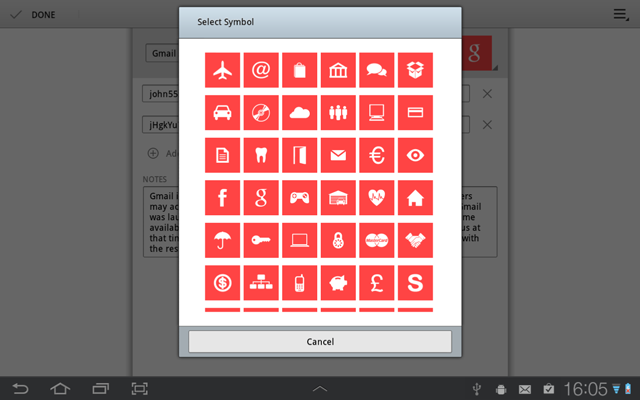
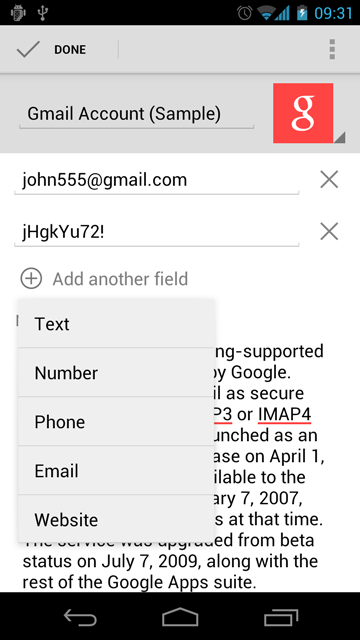
Pressing the Add another field button brings a popup with field types. These types determine the type of online keyboard used for a field editing (text, numeric, or optimized for specific data).
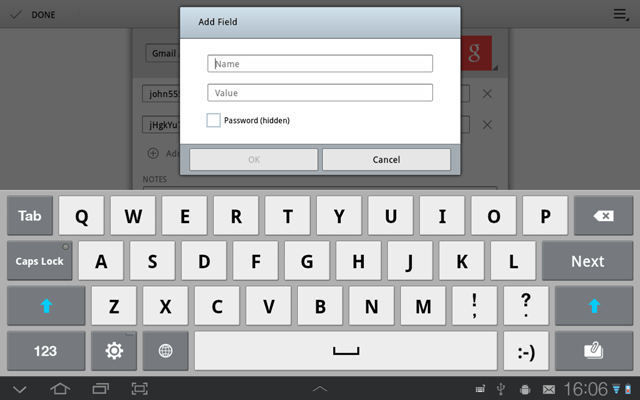
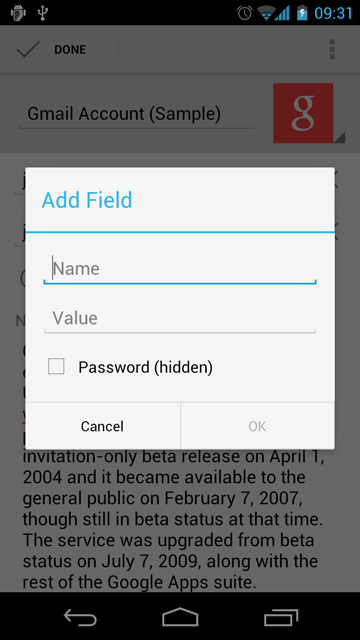
Then the Add Field dialog appears, where a user can enter a field name and a field value.
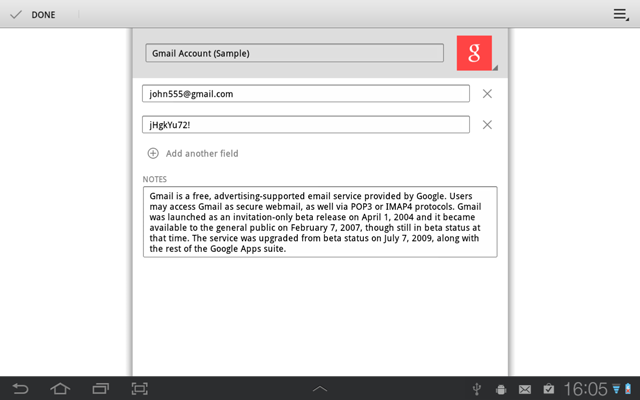
There are cross icons next to each field. Pressing such icon brings a confirmation popup (instead of the standard modal confirmation message box). This approach is more easier and faster for a user, because his finger already in a right place. I got it from Android ICS Gallery app (image deletion).

- Add a new field - Yes
- Delete an existing field - Yes
- Modify existing field properties (Name, Type) - probably No (very rare)
- Reorder fields - the same, probably No
So, I decided to implement the first two actions, but skip the last two for a cleaner and simpler user interface.
Pressing the Add another field button brings a popup with field types. These types determine the type of online keyboard used for a field editing (text, numeric, or optimized for specific data).
Then the Add Field dialog appears, where a user can enter a field name and a field value.
There are cross icons next to each field. Pressing such icon brings a confirmation popup (instead of the standard modal confirmation message box). This approach is more easier and faster for a user, because his finger already in a right place. I got it from Android ICS Gallery app (image deletion).