• After 15+ years, we've made a big change: Android Forums is now Early Bird Club. Learn more here.

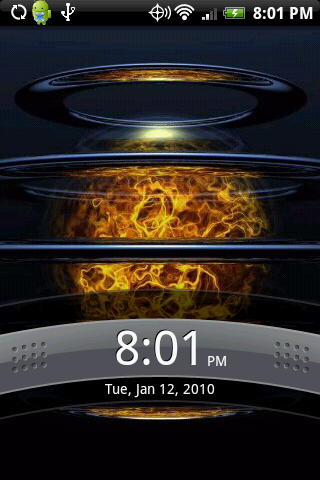
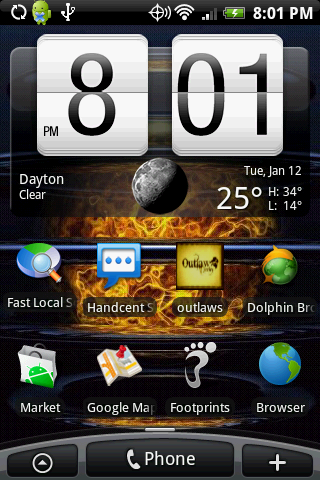
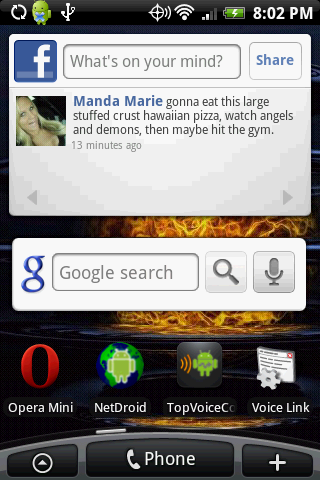
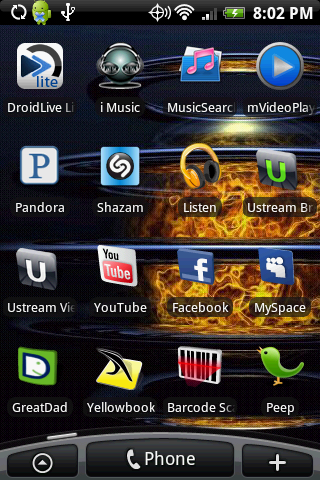
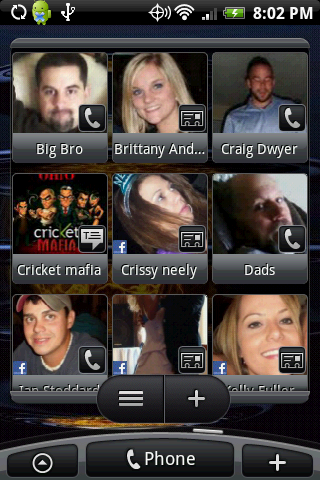
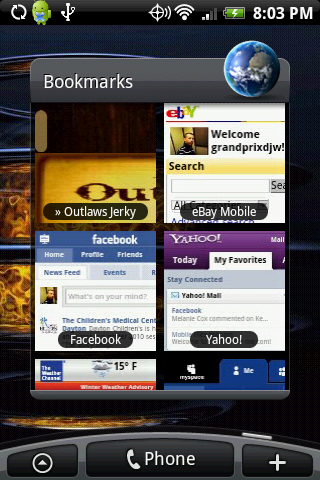
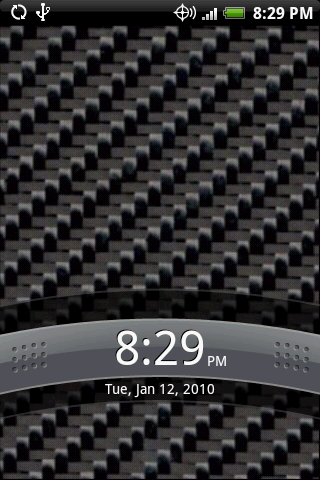
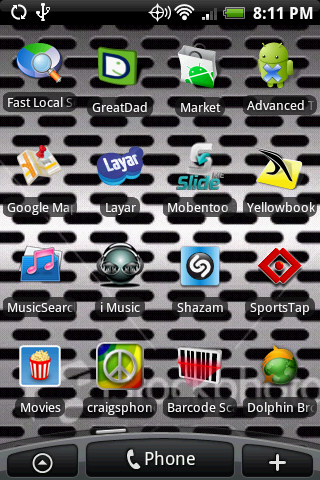
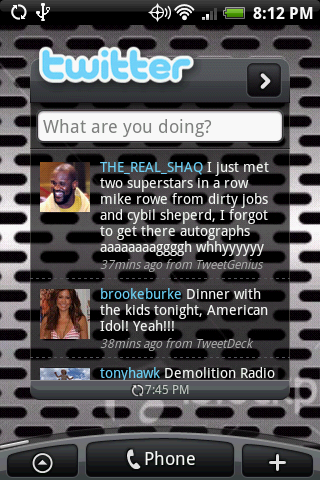
Lets see your UI layout!

what i did was downloaded the background application...then i pressed save background and saved it to my sd card...then when it uploaded on my computer i moved the file into my albums so that i could upload it like i would any other album photo...its pretty complicated im sure someone has found and easier way.
 
4211647037_6128873bf5_o.png


It's a Hero but same difference.

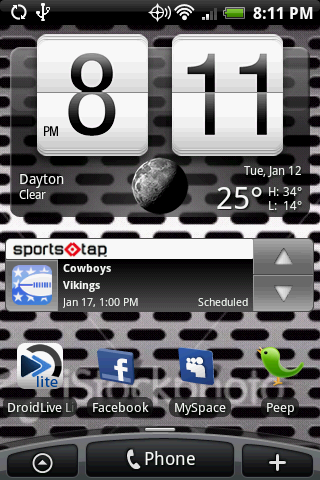
I had that clock but ever since I did the update I can't find it. What is it called exactly? I'm wondering if I can't find it in the market because of the update.
 
I had that clock but ever since I did the update I can't find it. What is it called exactly? I'm wondering if I can't find it in the market because of the update.

I think the clock is Digital Clock Widget by Maize. Interesting. I have it installed still, but it's not showing up in my Downloads after the OTA Update a couple days ago. It's not showing up in Market search either. I better not uninstall it.

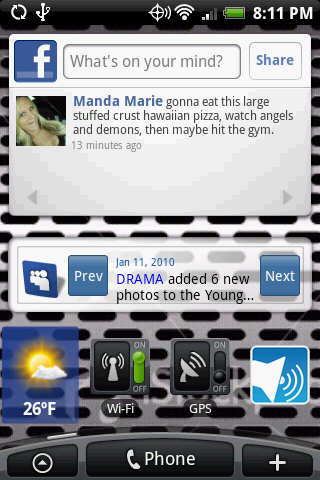
I'm not sure what that Weather app is.
 
I think the clock is Digital Clock Widget by Maize. Interesting. I have it installed still, but it's not showing up in my Downloads after the OTA Update a couple days ago. It's not showing up in Market search either. I better not uninstall it.

I'm not sure what that Weather app is.

I loved that damn clock, lol. If I knew I was going to lose it I would have never done the manual update. Someone needs to get a message to the creator and tell him to put the current firmware down as compatible.
 
I'm with you Agent. In fairness to the phone, they've done such a good job giving you so many options to personalize your phone, you don't need to do much rooting or hacking to make the phone unique. Props to Android on that one. Of course, there's always going to be people out there who no matter how many options you give someone, they always want more.
 
lol to bad Digital clock widget is not the same thing as that clock at least not on market

Hello,

Well, to me, it looks like Digital Clock Widget by Maize. I have it installed on my phone.

Digital Clock Widget (Maize Lab)

And yes, it's not visible in the Market anymore after the OTA update a couple days ago. It doesn't show up in Market/My Downloads either. But, it is still installed on my phone. Weird.

I tried to use Astro with Tools/Backup, but it says the application is (private) in my phone and it won't let me, or I'd try to share it.

Rick
 
what i did was downloaded the background application...then i pressed save background and saved it to my sd card...then when it uploaded on my computer i moved the file into my albums so that i could upload it like i would any other album photo...its pretty complicated im sure someone has found and easier way.

I can't find a My albums folder when I am looking at my SD card through my pc. I have no idea where to drag the saved wallpapers.

Plenty of people on here have different lockscreens... Someone must know what im doing wrong here.
 
I can't find a My albums folder when I am looking at my SD card through my pc. I have no idea where to drag the saved wallpapers.

Plenty of people on here have different lockscreens... Someone must know what im doing wrong here.

I created a folder in the root of the SD card called 'Wallpaper'. Android should search your SD card when it's unmounted and index any new images it discovers.

When I'm looking at Albums (either directly, or when changing the lock screen) the 'Wallpaper' folder I created shows up as an album. Of course its contents are also available in the default album 'All photos', too.

Does that help?
 
I think my phone has a bug. I did the same exact thing, made a folder, ect... but when I go to change the lockscreen, it stills says no photos, and no folder I made will show up. I tried saving them as jpg, png... nothing.

BAH!
 
I really want to know how to customize the favorite people widget so that when you tap their pic, the contact information comes up, rather than text or call.
 
Anyone know where to get the sportstap that goes across the screen like above? I dled tap from the market but all I get is an icon
 
Back
Top Bottom