cableguynoe
Android Expert
what is the crosshair icon in the notification bar?
cheers!
gps
Follow along with the video below to see how to install our site as a web app on your home screen.
Note: This feature may not be available in some browsers.
what is the crosshair icon in the notification bar?
cheers!


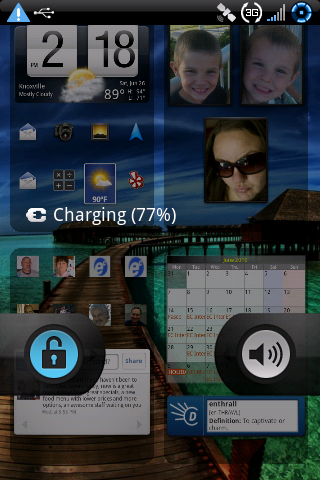
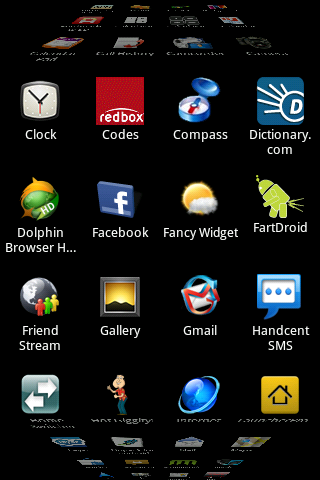
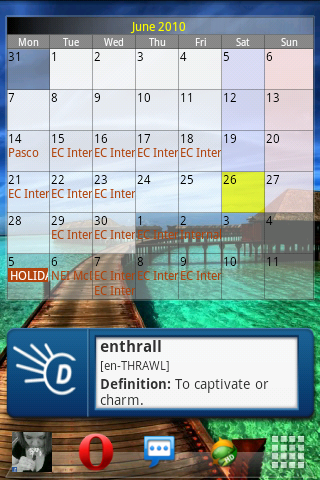
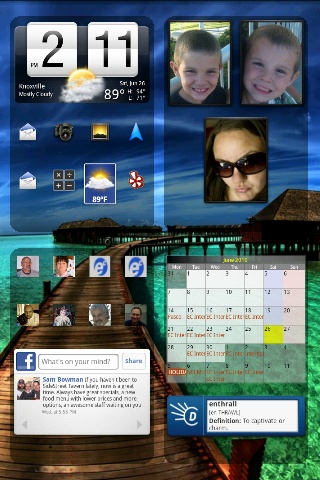
I am an ADW ADVOCATE but I had to try the 3D app drawer of LauncherPro and sadly I love it. Here is my eris
How'd you get lockscreen to look like that? Sorry if you already answered and I missed it - I scrolled though but see anything.

I am an ADW ADVOCATE but I had to try the 3D app drawer of LauncherPro and sadly I love it. Here is my eris
How'd you get lockscreen to look like that? Sorry if you already answered and I missed it - I scrolled though but see anything.
Nope its ok, I haven't answered it... LockBot Pro with some customizing of the clock through the application. Takes about 3 minutes to set up without root
Nope its ok, I haven't answered it... LockBot Pro with some customizing of the clock through the application. Takes about 3 minutes to set up without root
Thanks!
Dumb question prolly, but new to Android Forums and I like all these other people who use Androids and throws ideas and tips out there.
Is there a way to view recently viewed threads? I get tired of searching "Let's see your UI" everytime lol
Dumb question prolly, but new to Android Forums and I like all these other people who use Androids and throws ideas and tips out there.
Is there a way to view recently viewed threads? I get tired of searching "Let's see your UI" everytime lol
You can subscribe to each thread you like so that you get an email everytime a message is posted that links you right to it... or once a day.
2 way to do this:
Top of the thread you'll see a drop down menu "Thread Tools". Select "subscribe to this thread"
or
When you post a message, click Go Advanced, then click on the second "submit reply" in additional options.
This way you can keep up with all your favorite threads
I found it - thanks guys - sorry I'll be out of NOOB mode eventually.


My new semi-transparent HTC lock screen:


Is this actually transparent or just a pic? Verry cool if you could see through to the actual screen and see the time and strategically placed widgets without unlocking.
Sorry about the previous reply. It wouldnt let me delete it.
Yes, rooted phones can have transparent (or "semi-transparent") HTC lock screens. Same with HTCthebestdroid's HTC lock screen. I don't think the widgets update while the screen is locked, though. Notice my big clock says "12:04" even though my notification bar says "12:05". So it's not terribly useful, just a cool effect.
The pic I see both ur clocks are 12:05

I am an ADW ADVOCATE but I had to try the 3D app drawer of LauncherPro and sadly I love it. Here is my eris
LOCKSCREEN:

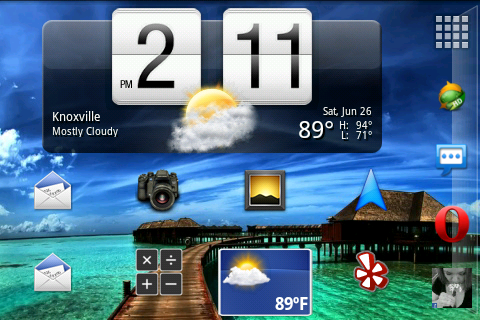
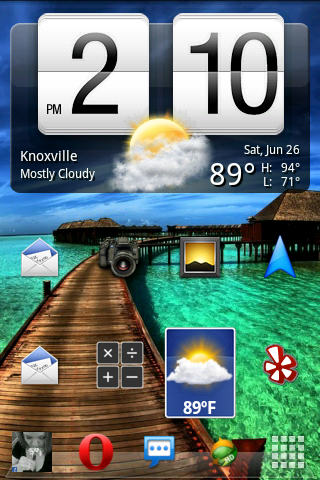
Home:

App Drawer:

Left 1:

Left 2:

Right 1:

Right 2: (It's a folder with all my contacts and I just leave it open for quick contact access

ok so i know i've seen this background, but where did you get it??