
Install the app
How to install the app on iOS
Follow along with the video below to see how to install our site as a web app on your home screen.
Note: This feature may not be available in some browsers.
-
After 15+ years, we've made a big change: Android Forums is now Early Bird Club. Learn more here.
You are using an out of date browser. It may not display this or other websites correctly.
You should upgrade or use an alternative browser.
You should upgrade or use an alternative browser.
Lets see your UI layout!
- Thread starter GrdLock
- Start date
-
- Tags
- htc droid eris
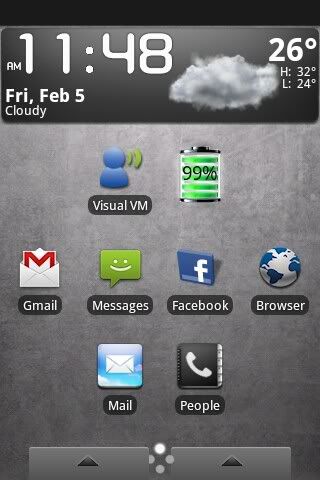
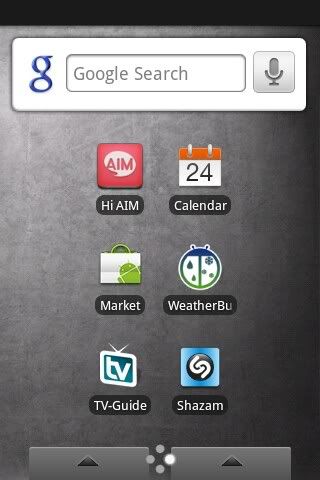
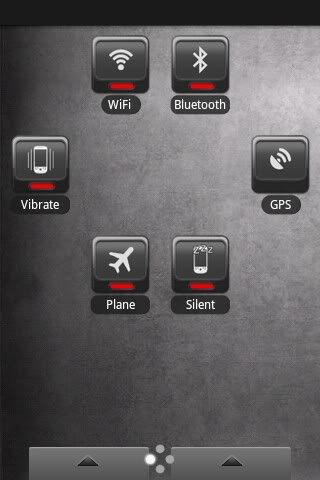


OfTheDamned
The Friendly Undead
I think those widgets come with beautiful widgets and the lock screen looks like lock 2.0.

cevMkV
Well-Known Member
I think those widgets come with beautiful widgets and the lock screen looks like lock 2.0.
yup beautiful widgets for sure

GrdLock
Android Enthusiast
You the same NPH from the TA board?thx OTD!

But yeah, they were right, Beautiful Widgets and Lock 2.0.


OfTheDamned
The Friendly Undead
Hey i Like your lock screen what are you using.. .. Plus what clock is that its awsome i want that ..
Beautiful Widgets with naked skin for the clock. Lock screen is lock 2.0 with the default blue skin/theme I believe.
D
Deleted User
Guest
How do i change the font colors to Black instead of White, when using the NakedDroid Skin for beautiful widgets?

hattrick
Well-Known Member
Oh well. They show up in the notification bar. Thanks for confirming.no i dont think there is a way to do that.
droidmonkey
Lurker
droidmonkey
Lurker
It did the same thing to me W4LLY. I just set HTC Sense as the default when it pops up.

EddieVersatile
Member
I use all 7 home screens, and Lock 2.0 for my lock screen 
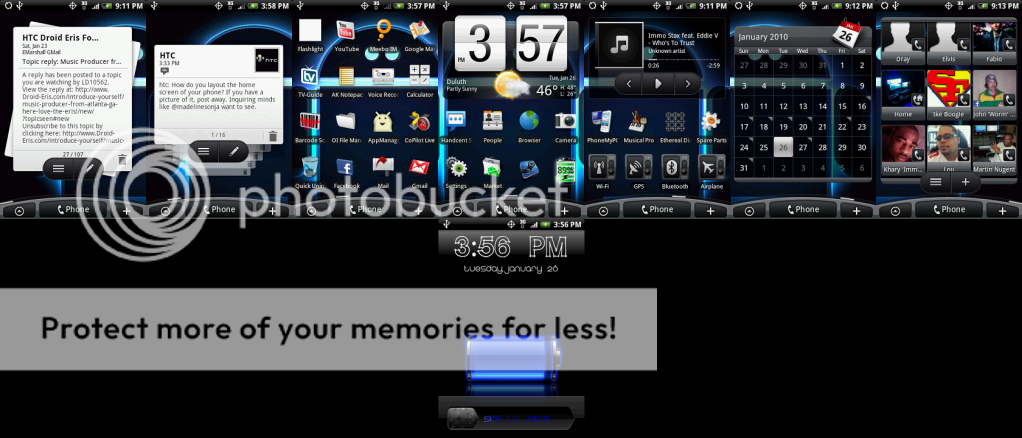
OK here is mine using dx top, a theme for it, and a icon pack. click to enlarge images
dxtop home (top) screen, in landscape (sweet)
View attachment 1641
top screen portrait
View attachment 1642
bottom screen
View attachment 1643
right screen
View attachment 1644
left screen
View attachment 1645
couple lock screens from lockbot
View attachment 1646
View attachment 1647
Caddyman,
Where exactly did you get those icons? I just downloaded Beautiful Widgets thinking it was that, but it doesn't change the icon. What exactly is the "icon pak" you're talking about.
Thanks! Great looking desktop, btw.
EDIT - Actually I read further down and it looks like Dxtop. Is that right?


Caddyman
Android Expert
Caddyman,
Where exactly did you get those icons? I just downloaded Beautiful Widgets thinking it was that, but it doesn't change the icon. What exactly is the "icon pak" you're talking about.
Thanks! Great looking desktop, btw.
EDIT - Actually I read further down and it looks like Dxtop. Is that right?
yeah the icon pack is glared icons.

W4LLY
Android Enthusiast
Caddy: Any speed diference in dx vs. Sense?
Also: I remember at the beginning of this thread we had a whole bunch of icons someone made. Where did those go? Now that I have better cut, I want to put them to use . Did we create a new thread for them, I can't remember @.@
Also: I remember at the beginning of this thread we had a whole bunch of icons someone made. Where did those go? Now that I have better cut, I want to put them to use
. Did we create a new thread for them, I can't remember @.@



davros
Android Enthusiast
Caddy first how the hell did you even get lock bot to work? i cant figure it out lol i also would guess the Droid lock screen is a skin?
......
Oh and BTW mazie digital clock is back on Market
hmm seems my quoting skills are lacking....