• After 15+ years, we've made a big change: Android Forums is now Early Bird Club. Learn more here.

Let's see your XOOM Desktop Home / Wallpaper

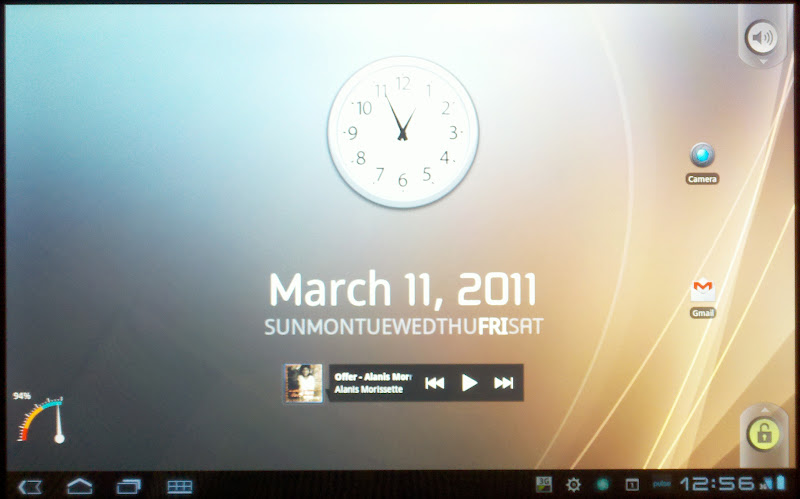
You are having a problem with DesktopVisualizer and APs Organizer? That was the easy part to me... I had a hard time with the date, time, battery and day widget (Minimalistic Text).

Did they remove folders from the Xoom? I haven't figured out a way to add a folder to the home screen using the built in functions.
 
ok i've been busy with work so i haven't had a chance to play around much with my homescreen. i was just trying to add the icons that you zipped for us (thanks again) but when i add them using desktop vis they come out really small. is there a way to resize them?
 
ok i've been busy with work so i haven't had a chance to play around much with my homescreen. i was just trying to add the icons that you zipped for us (thanks again) but when i add them using desktop vis they come out really small. is there a way to resize them?

Your desktop resize them or they are sized badpsed on the widget size you use. All the icons are 80 x something so they are plenty big enough.
 
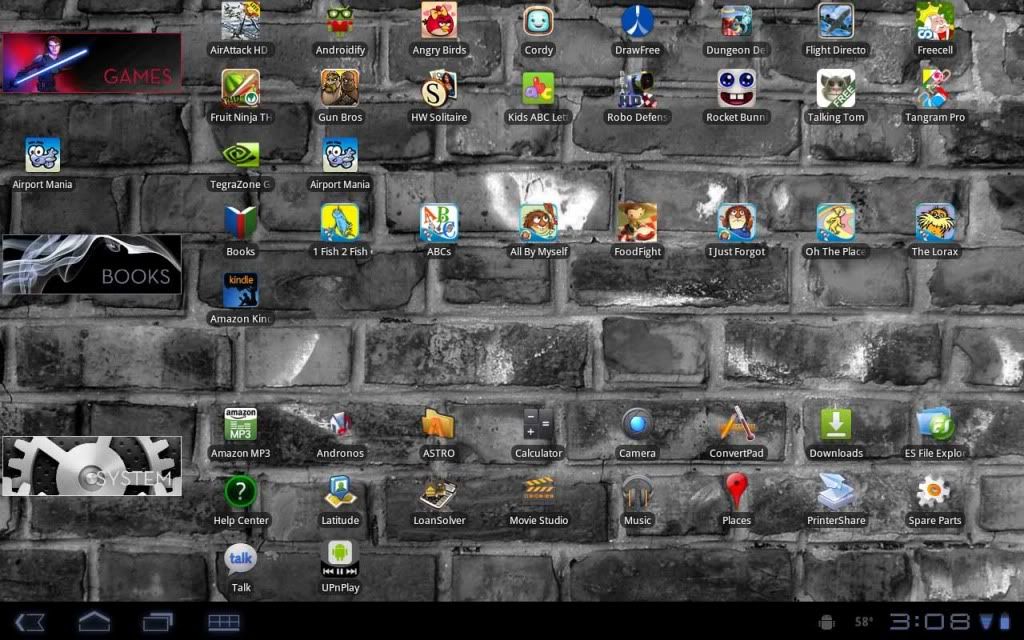
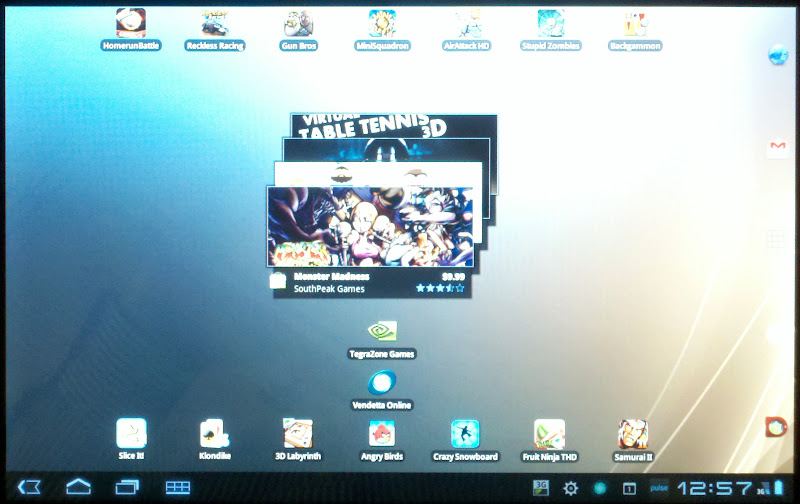
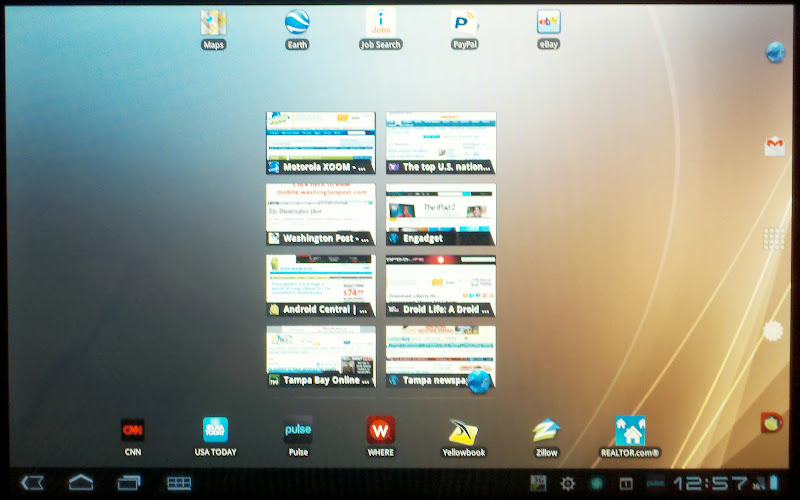
Here's my first try at this:

device_2.jpg


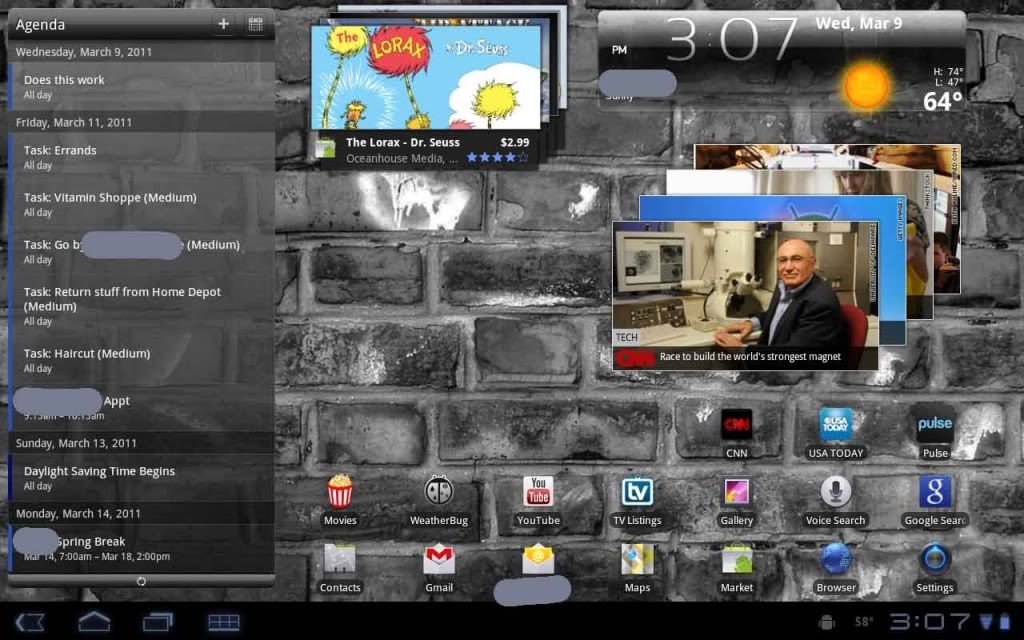
and this:

device.jpg


I guess that didn't work! Ooops, that little 'Airport Mania' guy is errant. Gotta delete him to the left.
 
The Kid's ABC Letters (paid version) is pretty good - not great. I'd like to find a good letters tracing program so he can get better forming his letters.

It is LauncherPro Plus with blanks in the dock to make it disappear. I use LaucherPro for my phone and this Agenda is better than anything out there. As you can see it syncs tasks from Outlook 2007 (all done behind the scenes with CompanionLink). This is the only way I remember birthdates or appts.
 
It is LauncherPro Plus with blanks in the dock to make it disappear. I use LaucherPro for my phone and this Agenda is better than anything out there. As you can see it syncs tasks from Outlook 2007 (all done behind the scenes with CompanionLink). This is the only way I remember birthdates or appts.

Cool, does LP speed up the UI a bit Like it does on phones? Looks like the stock widgets are still available too, eh?
 
You are having a problem with DesktopVisualizer and APs Organizer? That was the easy part to me... I had a hard time with the date, time, battery and day widget (Minimalistic Text).


like i said earlier im android impaired, anyplace i can get the steps?
 
like i said earlier im android impaired, anyplace i can get the steps?

Read this whole thread, I am sure it is explained here somewhere. If not, head over to the XDA forums and there is a HUGE thread on it there (under the Screenshots thread).
 
@ghoticov how did you get text for desktop visualizer Apps such as games and multimedia etc...
I can't find a icon pack for it
 
Here is my latest, I believe this is my final one :) Here is the main screen:

XOOM_Desktop.jpg


And here is what it looks like when I click on the GAMES, MULTIMEDIA, SOCIAL, APPS or TOOLS Widgets (Widget is CircleLauncher):

XOOM_Desktop1.jpg


I was using APS Organizer for the pop up before but it was horizontal, I really like the way CircleLauncher launches it as a circle and it is centered on the wallpaper.

I am not even using any of my other 4 screens, everything I need is right on the main screen. Once the twitter and facebook widget work, I may put those on one of the screens... who knows.


Like the circle launcher too. What sixe did you make the icons, it keeps saying the icon is too large (same pack that was posted earlier in the thread)
 
So, I am hoping someone can help me out. I finally got the MT to work ( i had to uninstall ADW) But now, I am having trouble moving the widgets as close to the edge of the screen as I would like them. I am assuming this is a limitation of honeycomb, because the tiny little plus signs that show up while youre moving things are easily two inches away from the screen edge. But problem number two is the size text that I want has a much bigger widget box than it really needs to have, meaning I wont be able to stack anything, or put them close together because the widget around the text is so much bigger, even if I use the smallest widget possible.....
 
Like the circle launcher too. What sixe did you make the icons, it keeps saying the icon is too large (same pack that was posted earlier in the thread)

If I remember correctly, I resized them to 200 pixels wide and then they worked.
 
Here is my latest, I believe this is my final one :) Here is the main screen:

XOOM_Desktop.jpg


And here is what it looks like when I click on the GAMES, MULTIMEDIA, SOCIAL, APPS or TOOLS Widgets (Widget is CircleLauncher):

XOOM_Desktop1.jpg


I was using APS Organizer for the pop up before but it was horizontal, I really like the way CircleLauncher launches it as a circle and it is centered on the wallpaper.

I am not even using any of my other 4 screens, everything I need is right on the main screen. Once the twitter and facebook widget work, I may put those on one of the screens... who knows.


Ok I see it on most peoples Xooms now. What is the little android icon on the bottom right in the notifications area?
 
Here is my latest, I believe this is my final one :) Here is the main screen:

XOOM_Desktop.jpg


And here is what it looks like when I click on the GAMES, MULTIMEDIA, SOCIAL, APPS or TOOLS Widgets (Widget is CircleLauncher):

XOOM_Desktop1.jpg


I was using APS Organizer for the pop up before but it was horizontal, I really like the way CircleLauncher launches it as a circle and it is centered on the wallpaper.

I am not even using any of my other 4 screens, everything I need is right on the main screen. Once the twitter and facebook widget work, I may put those on one of the screens... who knows.

Thanks for pointing out the CircleLauncher...very cool. I'm still having issues getting the minimalistic text widget to show up on my xoom's desktop. I choose a widget to add (4x2 in this case), set up all the preference items and save...then nothing. Am I missing something? Any help would be greatly appreciated!
 
Thanks for pointing out the CircleLauncher...very cool. I'm still having issues getting the minimalistic text widget to show up on my xoom's desktop. I choose a widget to add (4x2 in this case), set up all the preference items and save...then nothing. Am I missing something? Any help would be greatly appreciated!

MT is very buggy and seems to works at time and other times it doesn't. Good news is, once you get it to work it stays.

Try creating the widget on a blank desktop (not where your other widgets are) and then dragging them, once created, to your main desktop. That worked for me.
 
Back
Top Bottom