Bohnstedt39
Newbie
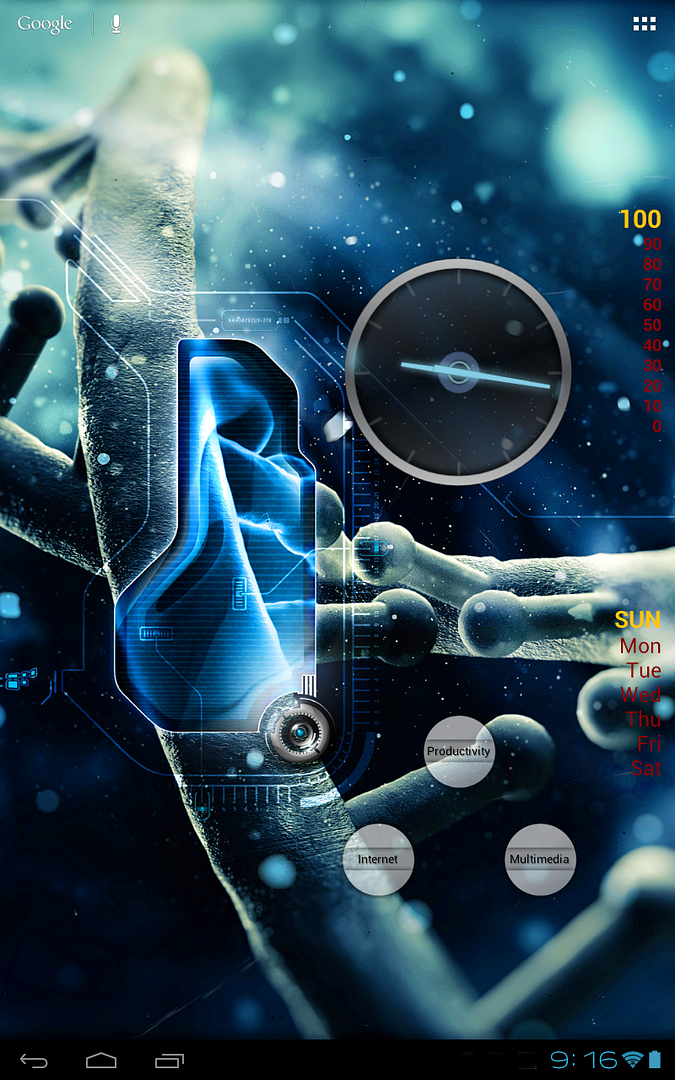
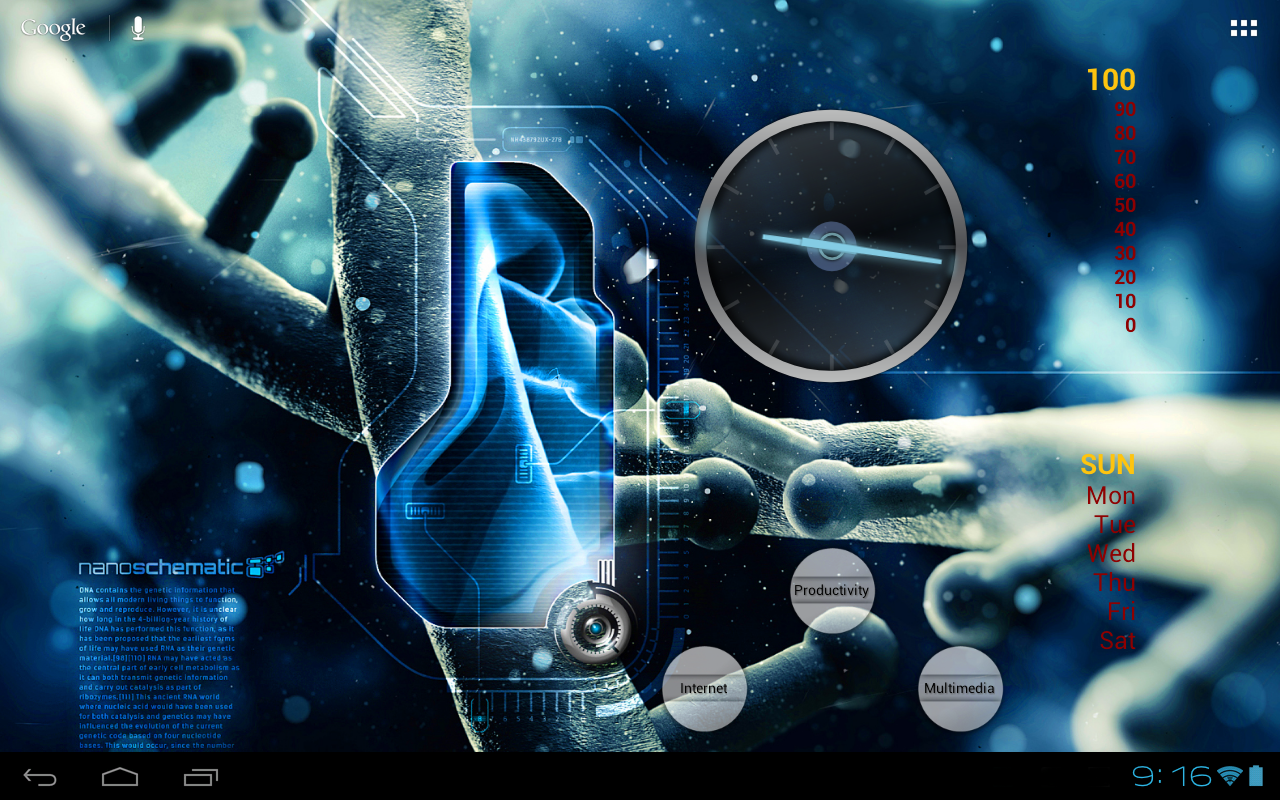
i like a more functional home screen but i like it to still look even and good.
apps: browser, skype, words with friends, youtube, gallery, wii controller ime, and a facebook and android forum shortcut.
widgets: email, gmail, google music beta, pandora, battery moniter, tesla led, and sense analog clock.
wallpaper: "mario live wallpaper" found at: [Live Wallpaper] Mario Live Wallpaper 0.94b [Update: appearance settings] - xda-developers
and everything on my homescreen is FREE!
apps: browser, skype, words with friends, youtube, gallery, wii controller ime, and a facebook and android forum shortcut.
widgets: email, gmail, google music beta, pandora, battery moniter, tesla led, and sense analog clock.
wallpaper: "mario live wallpaper" found at: [Live Wallpaper] Mario Live Wallpaper 0.94b [Update: appearance settings] - xda-developers
and everything on my homescreen is FREE!


 Here is the main screen: