mvaness
Android Enthusiast
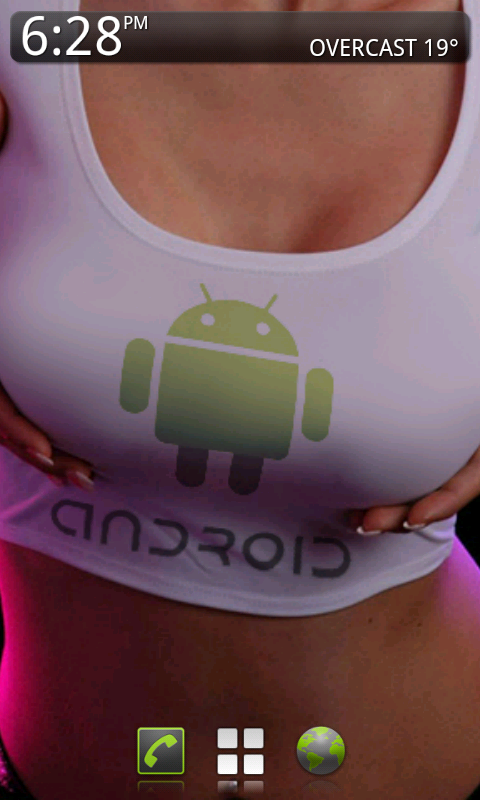
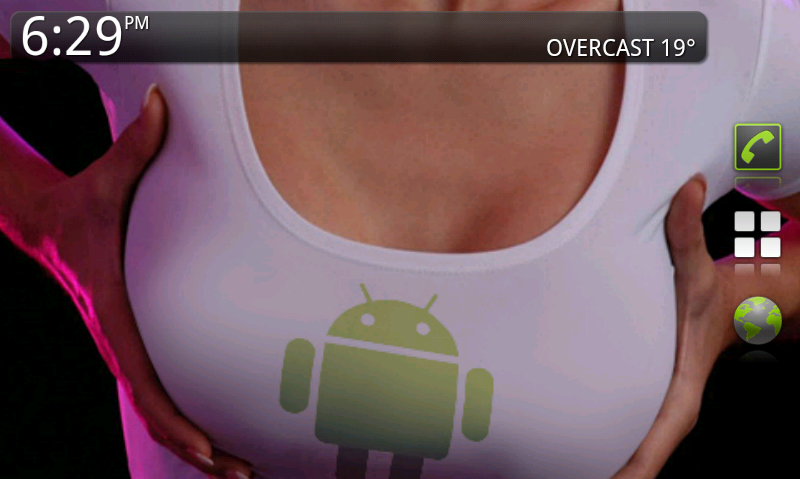
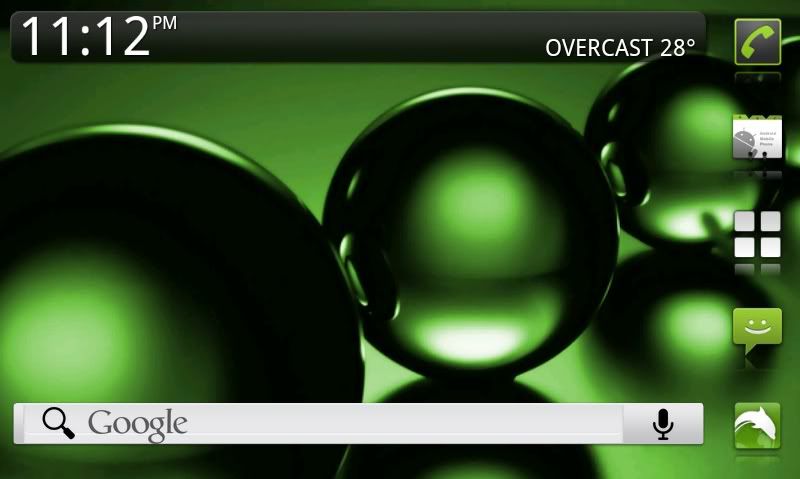
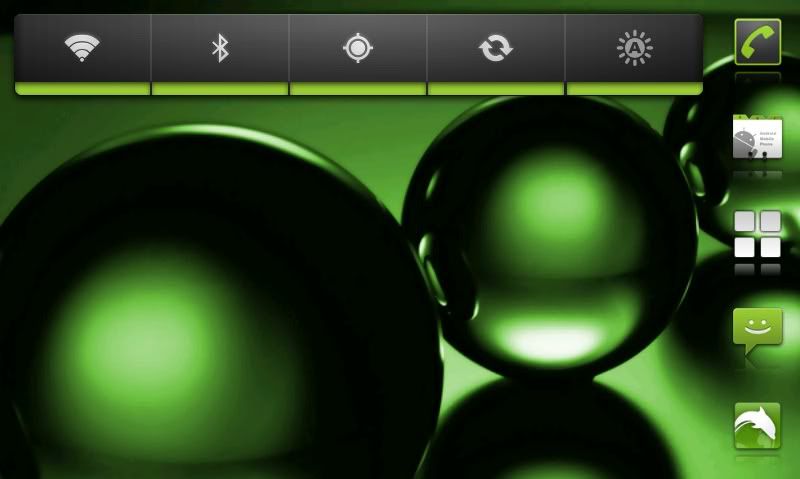
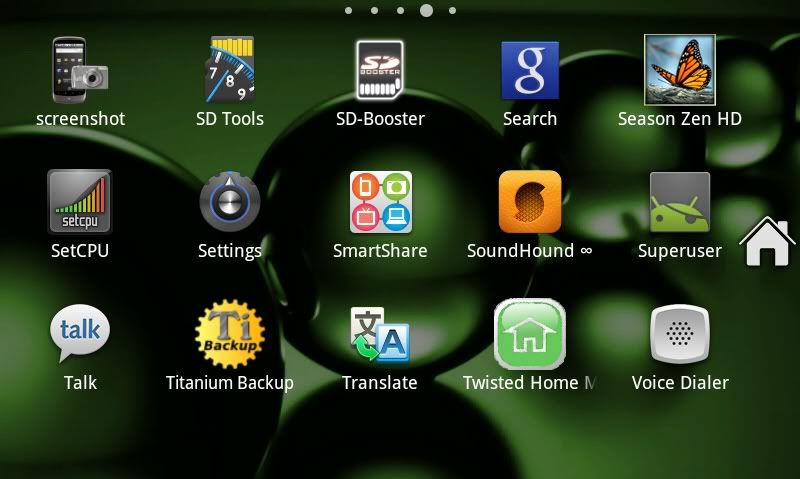
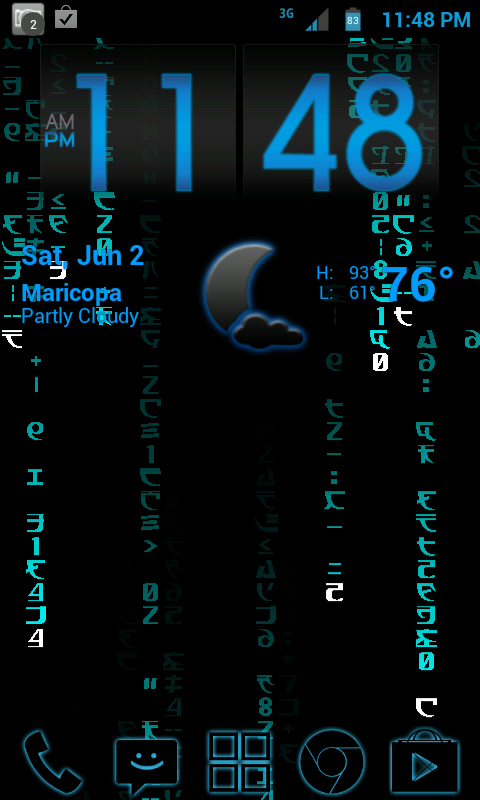
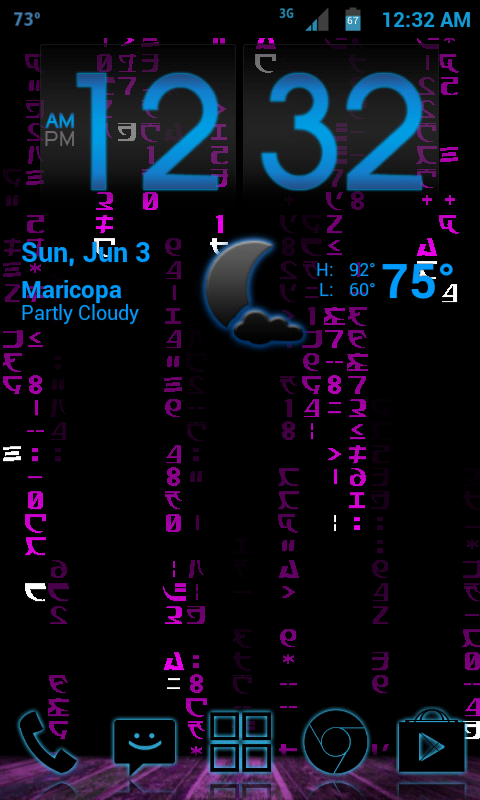
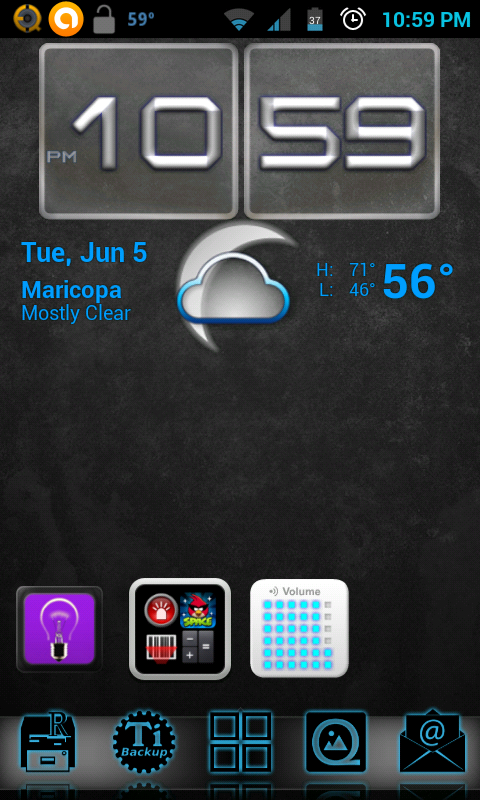
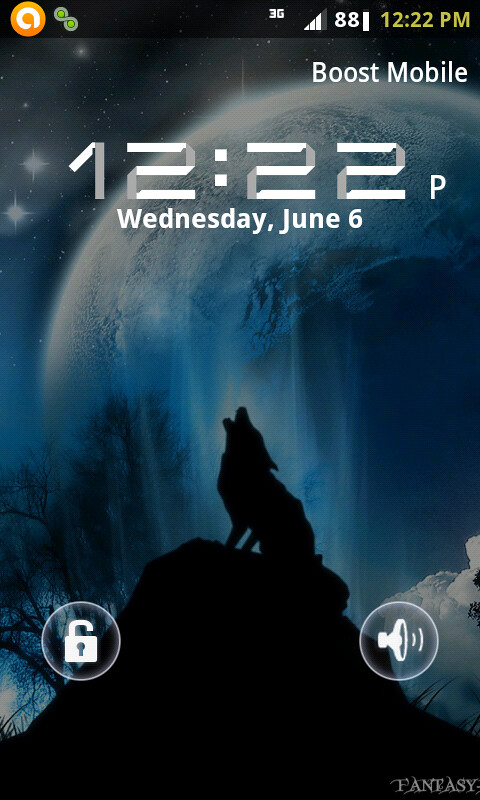
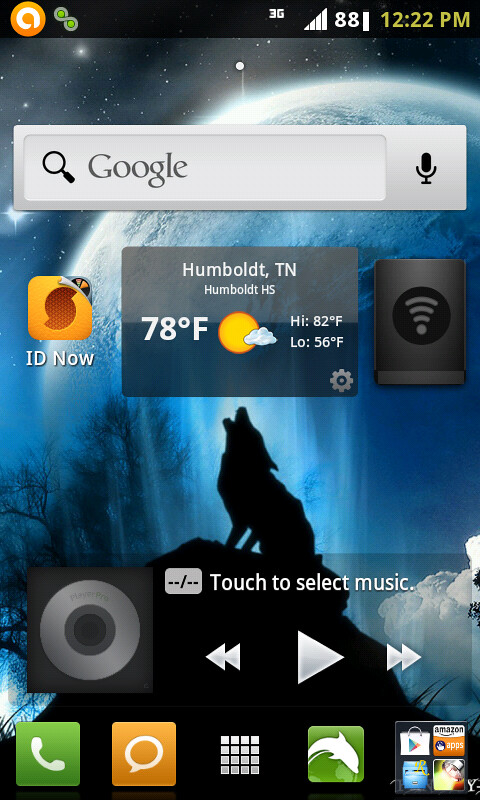
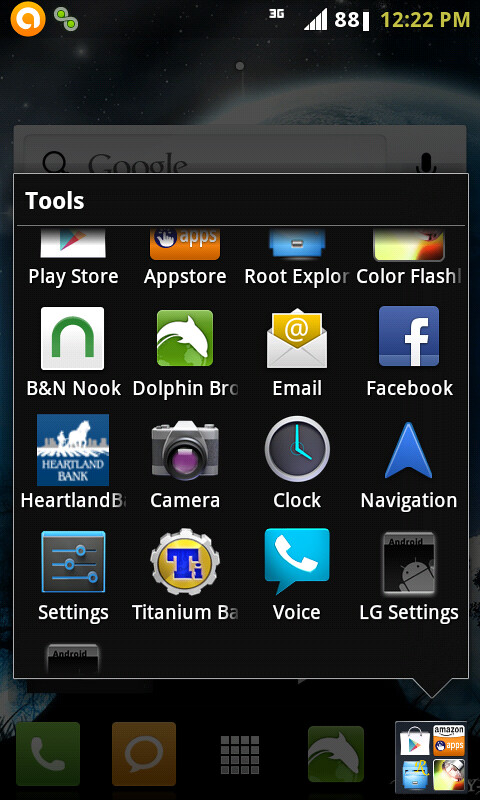
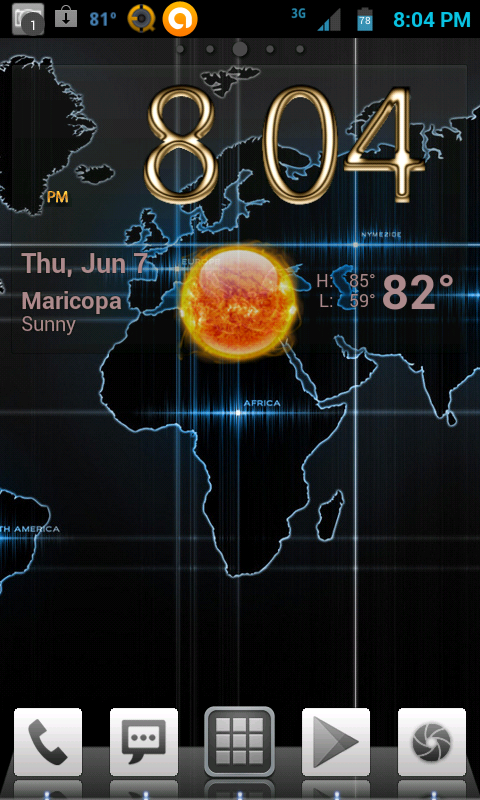
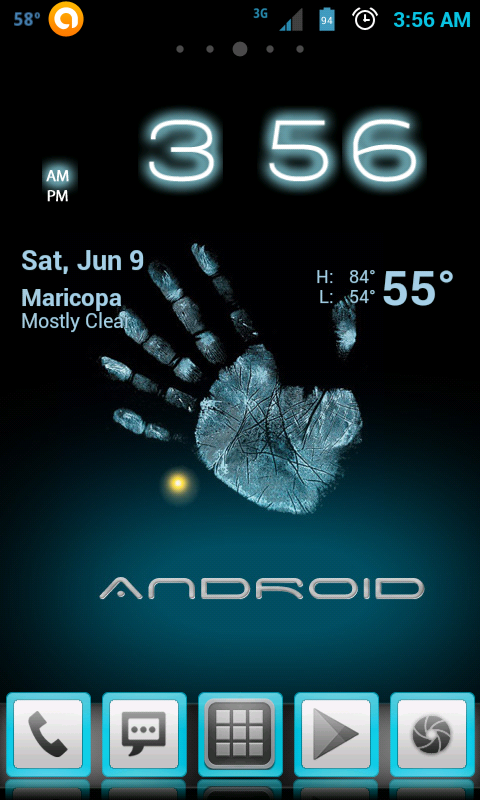
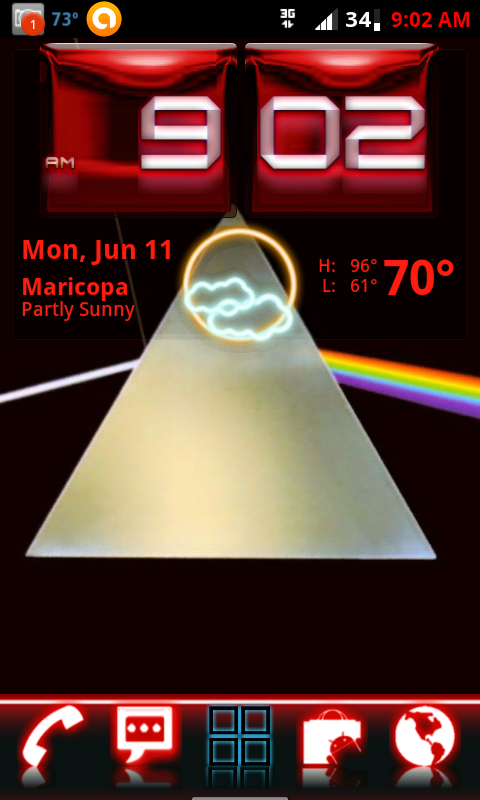
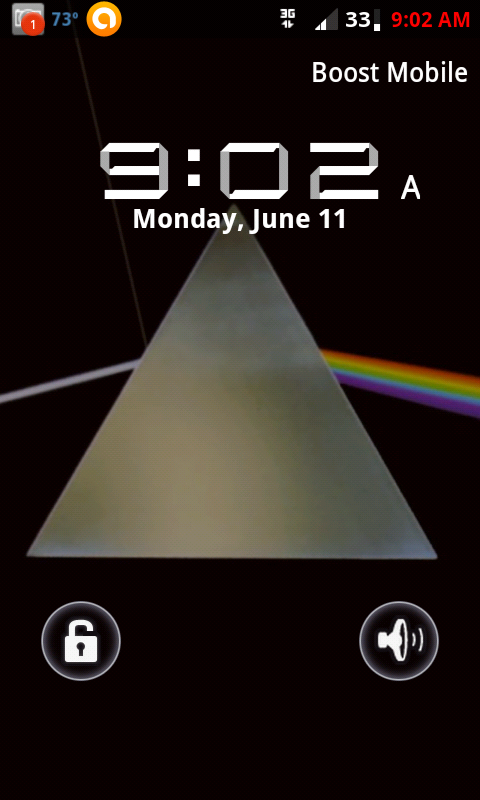
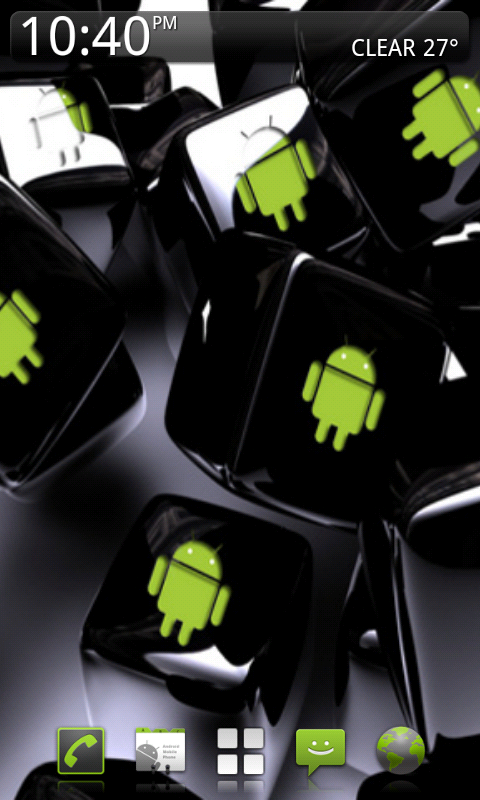
Picked up this idea in another thread... Please indicate what you used to create your homescreen. Here's how I did mine...
First, I rooted the device, then installed Zeam Launcher, with full screen enabled, action bindings set to toggle full screen mode, dock set to transparent.
Android Cubes for wallpaper from Zedge, available on the market.
BeWeather Pro (available free from getjar) mini text Widget with location suppressed.
screenshot to take the screen shot, and photobucket to upload image to this site.
First, I rooted the device, then installed Zeam Launcher, with full screen enabled, action bindings set to toggle full screen mode, dock set to transparent.
Android Cubes for wallpaper from Zedge, available on the market.
BeWeather Pro (available free from getjar) mini text Widget with location suppressed.
screenshot to take the screen shot, and photobucket to upload image to this site.