
Install the app
How to install the app on iOS
Follow along with the video below to see how to install our site as a web app on your home screen.
Note: This feature may not be available in some browsers.
-
After 15+ years, we've made a big change: Android Forums is now Early Bird Club. Learn more here.
You are using an out of date browser. It may not display this or other websites correctly.
You should upgrade or use an alternative browser.
You should upgrade or use an alternative browser.
Root [MOD] LCD Density - DIY!
- Thread starter LexusBrian400
- Start date
-
- Tags
- motorola droid x

LexusBrian400
Android Enthusiast
Has anyone gone lower than 200? 180? 160? :lol:
Yes, and it sucks. 200 is lowest i would go. I'm at 220 personally.

MaxxVE
Well-Known Member
Yes, and it sucks. 200 is lowest i would go. I'm at 220 personally.
Okay thanks. I am at 220 as well. Seems like a little more screen space but still keeping things large enough to read at a distance.


aholeinthewor1d
Newbie
Yea i tried 200 now im at 220....is anyone else noticing the status bar...the wifi, signal bars, and battery icons seem a bit more blurry....if ur not sure switch back to 240 quick and check it out
MaxxVE
Well-Known Member
I just didn't like changing the density because it messes up widgets like "battery life"... oh well... glad everyone else is liking it. Anyone noticing a difference in their batteries since doing it, more drain?
Battery life works well at 220. Time will tell on battery drain though.
aholeinthewor1d
Newbie
I just tried it twice more...it def does make the icons in the status bar a little blurry
LexusBrian400
Android Enthusiast
Battery life works well at 220. Time will tell on battery drain though.
It will not affect the battery in any way shape or form.

chrlswltrs
Extreme Android User
Thanks for this, I changed mine to 200. The icons are a little small for me and I was going to change it to 220 instead, but then getting online when typing in landscape you can see so much more of the screen, this is perfect!! Thanks for posting how to do it manually!!!
Where'd you get that wallpaper with the blue swirls? It's bamf! lol
Ok guys, people seem to be having problems using the LCD Density changer app, so I am making this write up to help you out
If you would like to make your Droid X look like this...
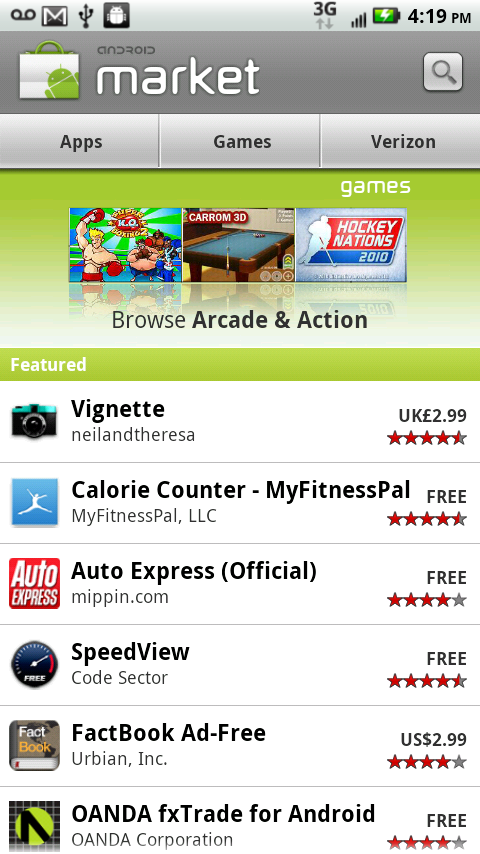
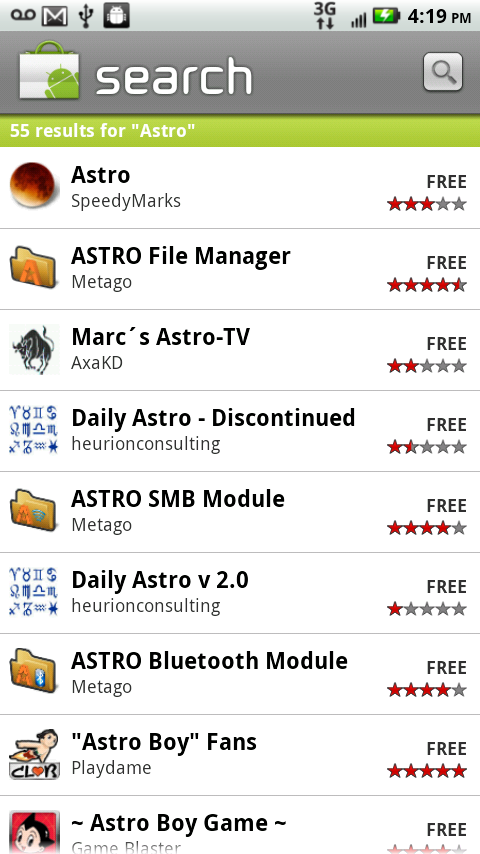
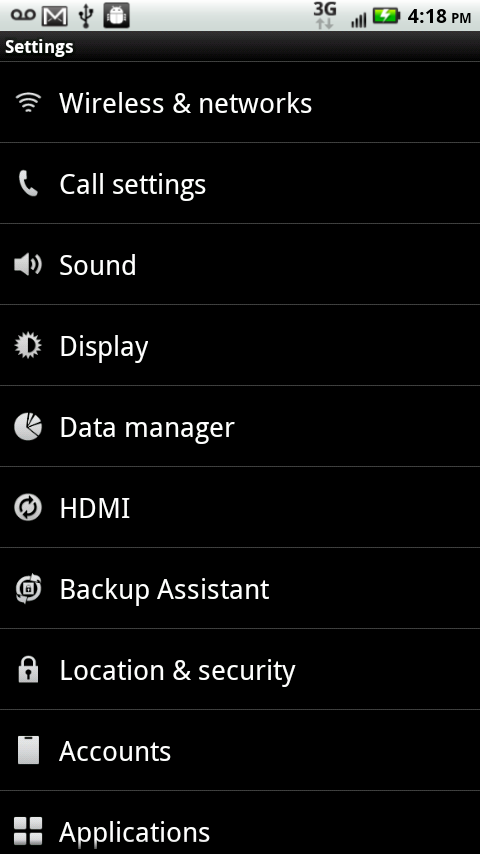
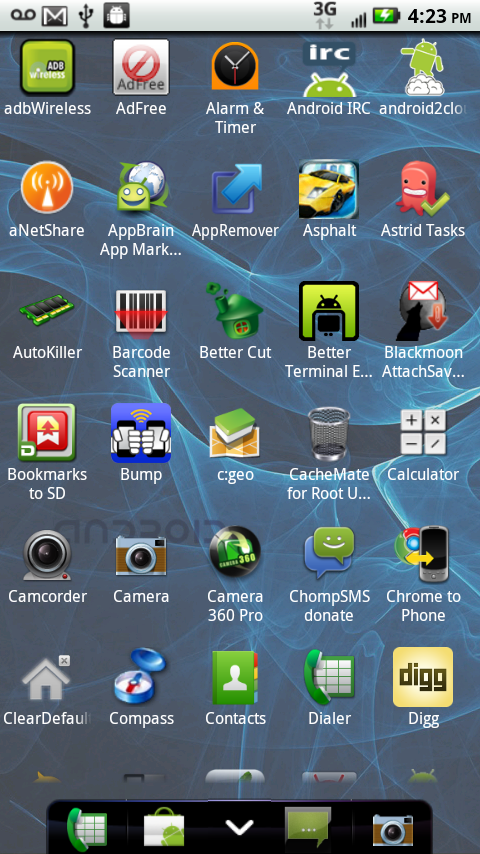
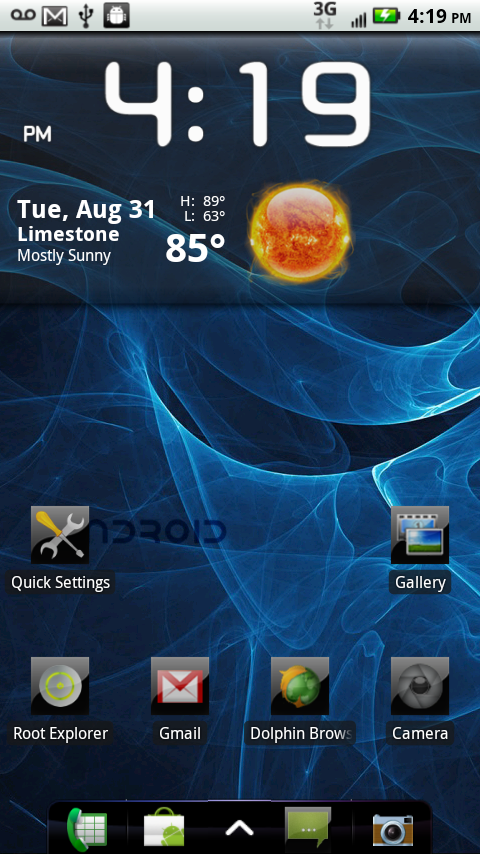
Then follow these steps.
Method 1 - ADB
1. Download LCD Density w/ 2.2 market Fix - This also contains the 2.2 market fix (without the stagefright)
2. Put the build.prop in your android-sdk\tools folder
3. Connect your phone via usb, make sure it shows up with adb devices
4. adb remount
5. adb push build.prop /system/build.prop
6. adb reboot
Method 2 - Root Explorer
1. Copy the build.prop to the root of your SD card
2. Long press on build.prop
3. Select "Copy"
4. Navigate to /system
5. Click R/W in the top right corner
6. Paste, and overwrite
7. Reboot
Your screen will now look like this, giving you much more space. And If using ADW launcher, you can use 6 X 5 rows of icons!!
Now if you really like to do things yourself, in the build.prop..
Change
ro.sf.lcd_density=240
to
ro.sf.lcd_density=200
push, reboot.
If you want to revert back, just push this Stock Build prop back into place.
Credit to appelflap
who made LCD Density app, but it did not work with Droid X phone and koush's recovery installed. People had to SBF, so this post was necessary. Check out his thread -- [APP] LCD Density Changer - create HighRes screen effect - xda-developers
