chrlswltrs
Extreme Android User
I'm using this now. Really nice theme. It is more complete than some of the ones I have paid for! Even includes some of the non market apps I have got from XDA.
Follow along with the video below to see how to install our site as a web app on your home screen.
Note: This feature may not be available in some browsers.

I'm using this now. Really nice theme. It is more complete than some of the ones I have paid for! Even includes some of the non market apps I have got from XDA.

I'm using this now. Really nice theme. It is more complete than some of the ones I have paid for! Even includes some of the non market apps I have got from XDA.
I had a look, not bad in terms of completeness and overall look but a few of the icons are awful. Really don't like the SMS one.
Yeah, I didn't really like that one either so I changed it to a different icon in the theme.

That's sexy what's your setup
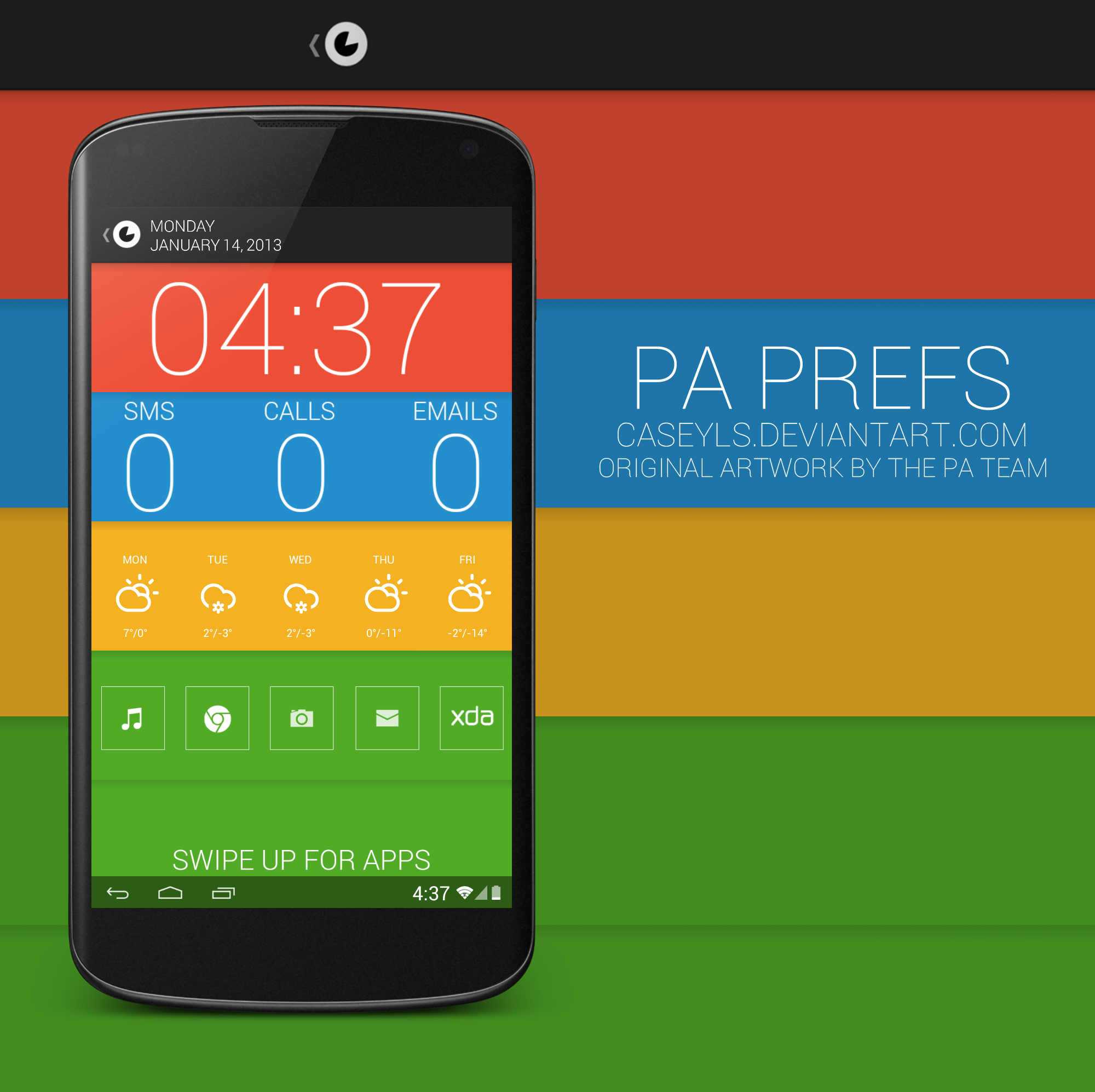
Check my deviantART. It's really all UCCW with some icons that I found on a thread on XDA (I can link them if you want) with a wallpaper I made based on the paranoid android preferences app.


A couple I took yesterday showing PIE. My home screen is always basic though.
 I am on the 21st build and the increase in usability from 18th - 21st was massive, I'd give it another go.
I like this pie thing. I went ahead and got LMT launcher, but can someone explain to me how to make the nav bar go away but still be able to access Google Now?
I can't seem to find Google Now when looking through the options for pie actions.