• After 15+ years, we've made a big change: Android Forums is now Early Bird Club. Learn more here.

Post Your Home Screen Captures

the dock and icons looks to be from LauncherPro Icons | Custom Android app icons for the awesome LauncherPro home screen replacement

dock link: Chouki_desire_empty | LauncherPro Icons

Icons looks to made by uki here is a link to all his icons: uki | LauncherPro Icons

but then agian the icons (not the fone one) looks to be stock Launcher Pro icons

Yup, that's where I got the dock. :D
And the icons were already on the dock. So I would just put my apps to the dock and just edit their icons to make them invisible.
 
After exploring the numerous epic wallpapers on Zedge, I've decided to go more abstract. And I love them. :)

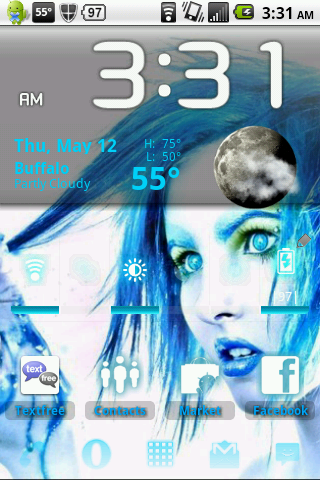
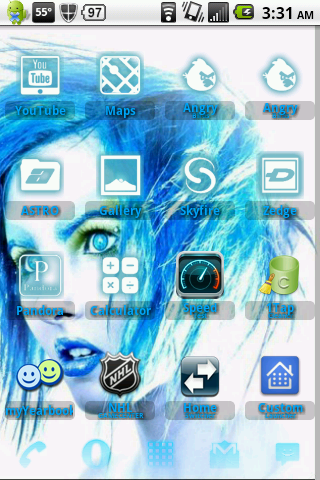
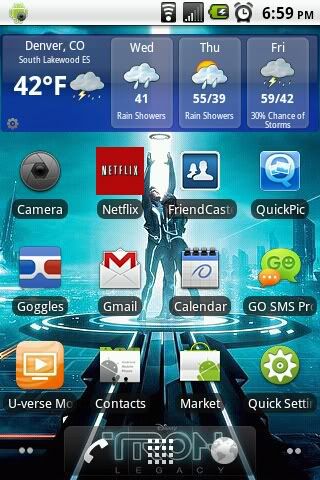
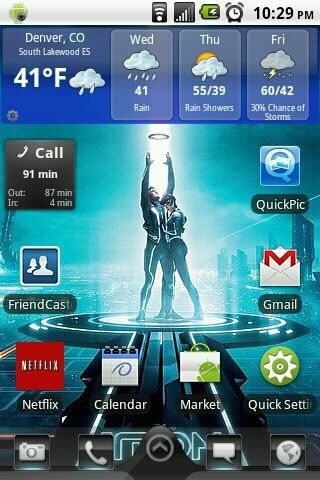
This one's like an icy, cyan them. ADW, and Tron Icon/Theme pack:
icess.png

icess2.png

icess3.png


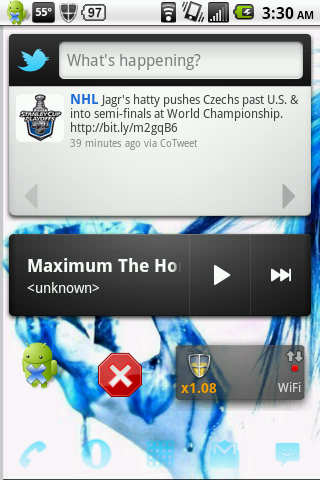
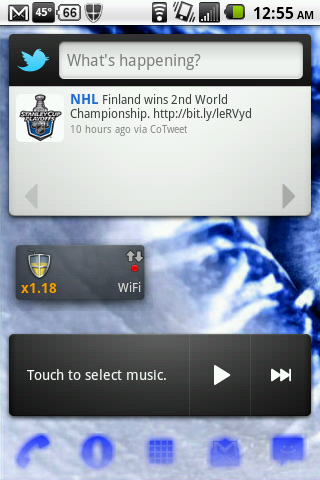
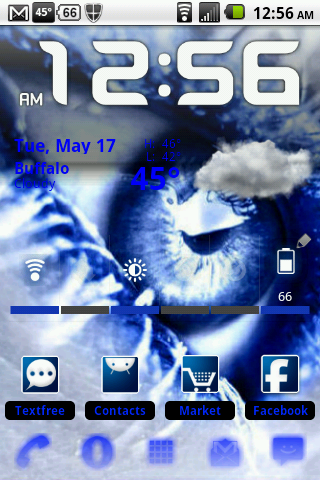
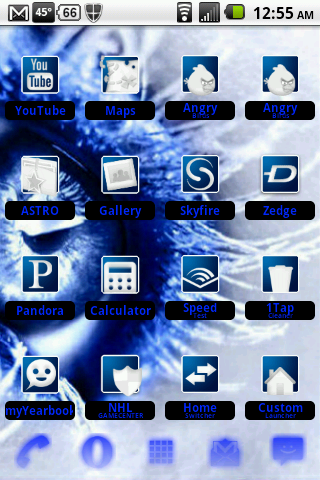
And this one's my current one. Just a simple blue theme. ADW and BBT Blue ADW icons:
eyess.png

eyess2.png

eyess3.png
 
Lots of good creative screens. Heres mine...
With Status bar up...
snap20110518_172023.png

With Status bar down...
snap20110518_172027.png

With transparent status screen down
snap20110518_172235.png
 
Really liking the look of that. Any plans to make it available?

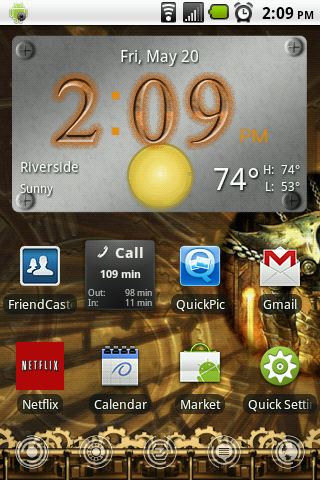
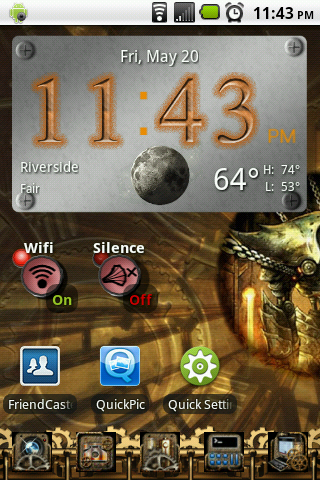
The clock and weather is fancy widgets pro with metallic plate skin, the toggles are from weather and toggles with the steampunk skin, the dock icons were the hardest I ripped those from the steampunk icon pack app since it doesn't work for launcher pro I used screen shot then pic say pro to crop them out, the wallpaper I got from the zedge app it's just called steampunk, the dock background came from LauncherPro Icons | Custom Android app icons for the awesome LauncherPro home screen replacement

Here's the dock stuff:
steampunk_brass.png


text.jpg


net.png


home.png


cam.png


20110520224754-picsay.jpg
 
Back
Top Bottom