• After 15+ years, we've made a big change: Android Forums is now Early Bird Club. Learn more here.

Post Your Home Screen Captures

a8c.jpg
 
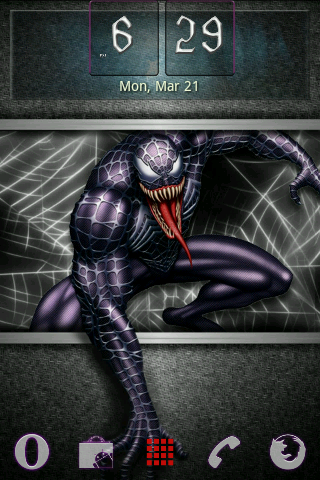
kgill, (or anyone else who might know) what widgets did you use to get this setup? I really like the look of this!

He is using one of the home replacements ADW or LauncherPro for dock.
Text instead of icons is something the home replacement will let you do, a ton of text only icons floating around.
The time/weather is Fancy Widget or Beautiful Widgets.
The date/time is upper left, I've seen but can't remember the widget.
 
VERY NICE! Me likey. :)
My only comment would be to change the gray text to something a little more easily readable.
 
VERY NICE! Me likey. :)
My only comment would be to change the gray text to something a little more easily readable.

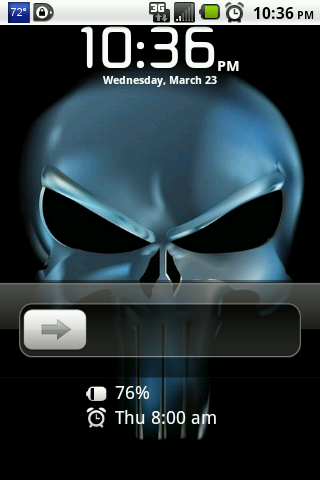
I know, but that wallpaper makes it tough. Black won't show up in the one corner, red doesn't show up well, white is invisible on the skull, etc... LOL :D
 
snapshot1fx.png


Mine. And since I'm using LauncherPro I set it to have three docks so I can rotate. The second dock has Maps, Calendar, Contacts, Clock and News/Weather, and the third has SMS with popup on gesture, Facebook, Gmail, Twitter and Camera (with gesture for Camcorder)
 
snapshot1fx.png


Mine. And since I'm using LauncherPro I set it to have three docks so I can rotate. The second dock has Maps, Calendar, Contacts, Clock and News/Weather, and the third has SMS with popup on gesture, Facebook, Gmail, Twitter and Camera (with gesture for Camcorder)[/QUOTE
 
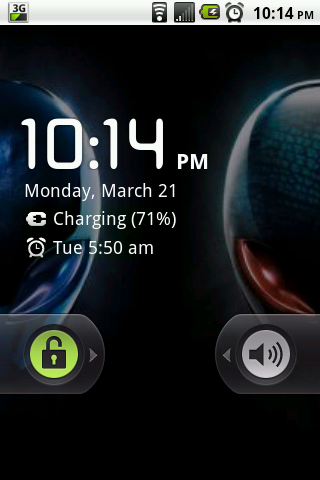
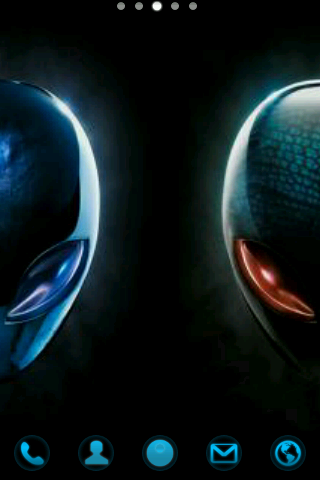
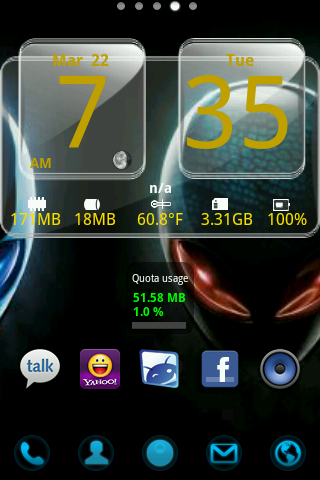
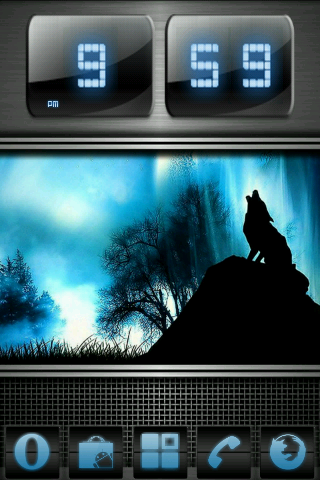
Currently using Launcher Pro, Simi Clock,Simi Folder,Goto Lockscreen,Astrid Task manager,Juice Defender Widget,Andro Noter Widget,Extended Controls,Batt Stat Pro,Calendr , NewsRob ,Double Twist Widget and Audio Manager Widget
 

Attachments

  • -2.jpg
    -2.jpg
    25.6 KB · Views: 150
  • -3.jpg
    -3.jpg
    58.3 KB · Views: 144
  • -4.jpg
    -4.jpg
    85.2 KB · Views: 166
  • -5.jpg
    -5.jpg
    107.7 KB · Views: 124
Back
Top Bottom