Thanks for the help! I wanted to create something that was going to work fluidly with what I have going on (thanks to the help of MANY people on here). I'll probably download droidicon and see what I can do.
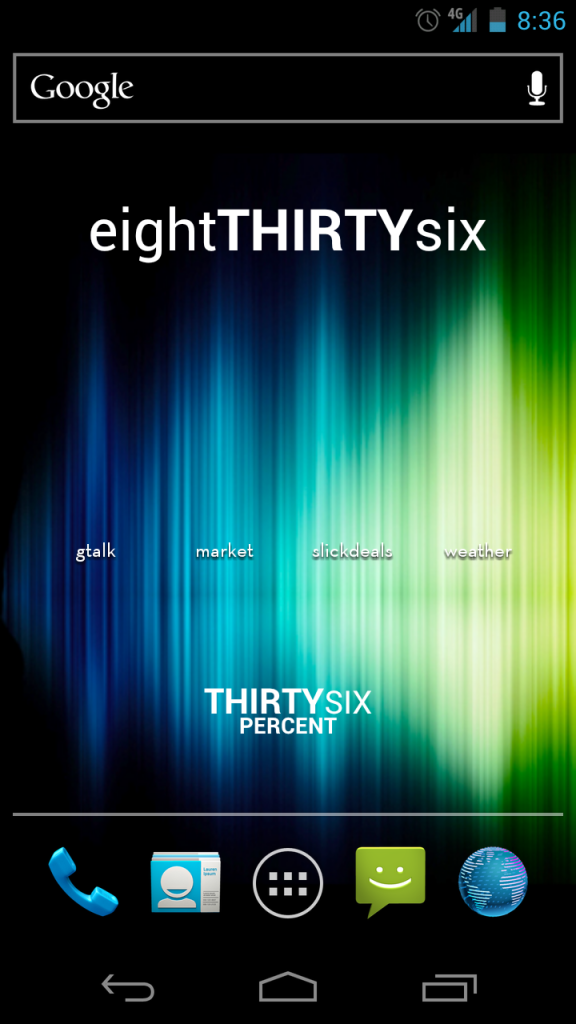
I like your wallpaper. Got a link?
Follow along with the video below to see how to install our site as a web app on your home screen.
Note: This feature may not be available in some browsers.
Thanks for the help! I wanted to create something that was going to work fluidly with what I have going on (thanks to the help of MANY people on here

I like your wallpaper. Got a link?
Does the GPS toggle in extended controls work properly? How 'bout the flashlight/torch feature? Does that work on the Nexus?
Thanks.


I don't know about you guys, but I have a feelin' Steven58 is up all night making the perfect home screen.
I'm waiting for him to post it so I can base mine off of his.


Since this is stickied the OP should update the first post to reflect a standard posting scheme as noted above.

i keep all my stuff off to the sides, including a battery indicator that is displayed in pieces of heart
anyone know if there's a way to change the app selector icon (the circle with 6 squares in it)? desktop visualizer doesn't have an option for that one, and you can't move it either


made a few more changes, i think i am going to keep this set-up for awhile.
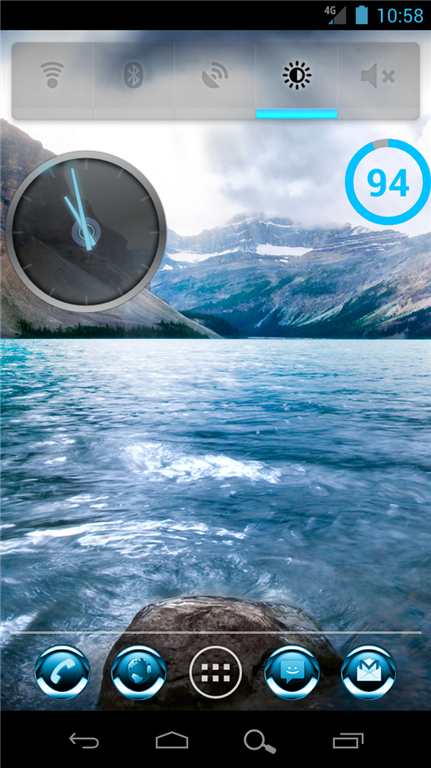
Launcher: NOVA for ICS (6 rows, 5 columns)
Wallpaper: Blue Cold Water via Zedge
Widgets: Extended Controls (1x4, resized to 1x5), ICS Clock (2x2), Circle Battery Widget (1x1)
Icons: Blue Chrome
Softkey Mod: 2nd post here
I'm sorry guys, but a lot of your themes are really horrific from a graphic design standpoint.
Can the background on Extended Controls be made completely transparent?
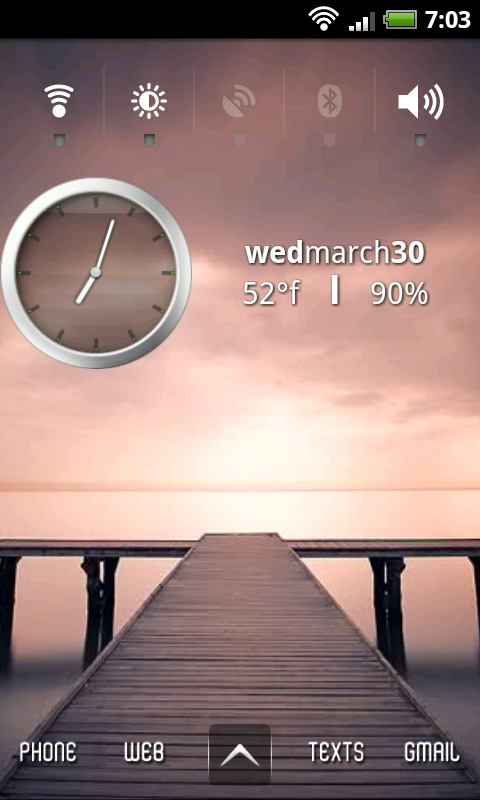

Dang dude that was pretty rude.. If that's a shot of yours you have no room to talk

I'm very minimalistic, as you can see.
I might try NOVA launcher to customize my app buttons to a Tron theme (they're on another homescreen right now).
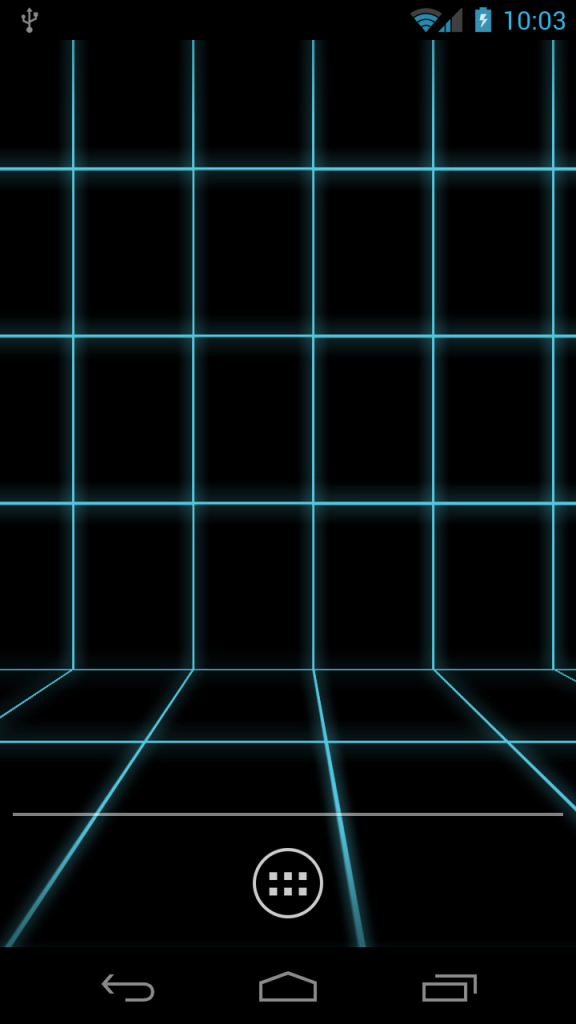
I hope that devs will start working on changing the colors of the software buttons.
Tron blue FTW!

What icon pack are you using for the shurtcuts? I love it!Here are all my screens, from left to right.

I'll try to list every widget/app, if I miss any let me know...
Far Left:
Ubermusic 4x2 widget with clear widget skin
Pandora widget
Shortcuts to - Ubermusic, Netflix, MX video player, yutube
...

posted several times in this thread already, but since you DEMAND it, i'll post it again.
SiMi Clock
I truly like your screen, especially the bottom row with the "bee" in the middle. Searched for it everywhere. Any help, kind sir?