• After 15+ years, we've made a big change: Android Forums is now Early Bird Club. Learn more here.

Post your Screenshots and Wallpaper!

Even the free version of LP gives you 3 dock screen for 15 display icons and each icon has a touch and a swipe shortcut possibility so you can actually have 30 shortcuts. All you have to do to change a shortcut is long press it and follow the on screen directions. Might have to go into preferences>dock settings to turn on all 3 docks


<-- finall found the scrolling feature of LP :p
 
Where can i get the icons of the little android guy holding the various app icons? I really like those icons and would like to get the set.

snap20100928_165910.jpg


snap20100928_165827.png


snap20100928_165834.png


snap20100928_165839.png


snap20100928_165847.png


snap20100928_091746.png


:rolleyes:
 
I decided to take the leap and share with you all :) I am using LP

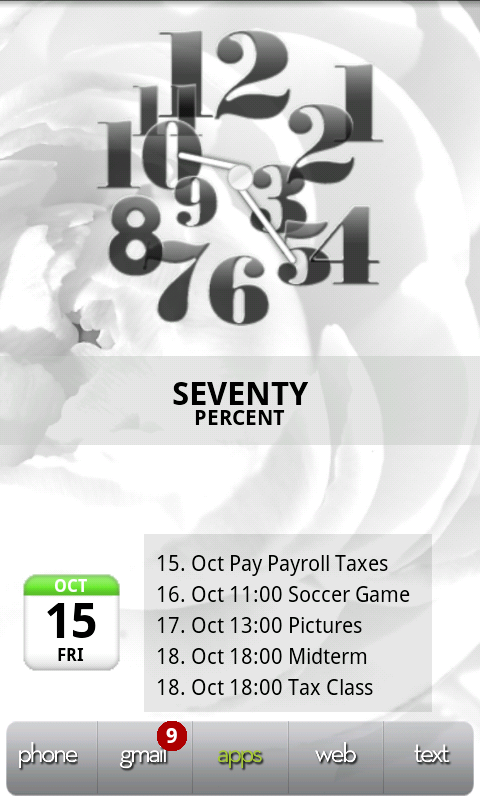
Home Screen
snap20101015_092405-1.png

Hero Clock 4
BattStatt
Calendar Widget 2 and Small Agenda Widget (its scrollable!)

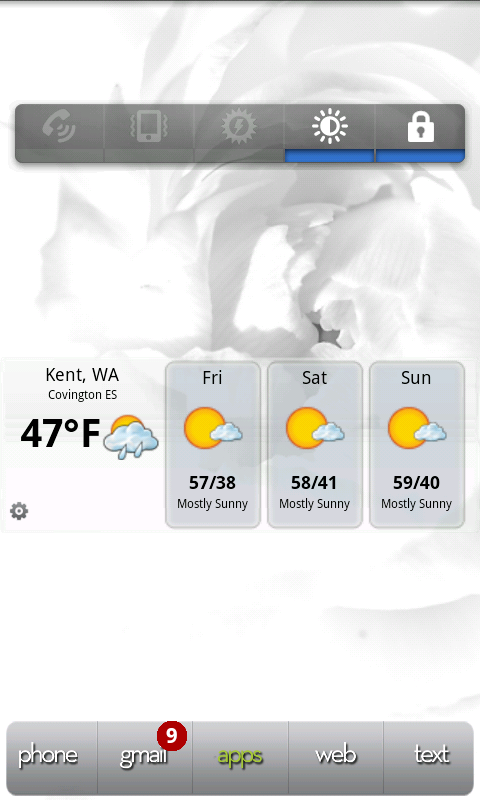
To the left
snap20101015_092410-1.png

Switch Pro
WeatherBug Elite

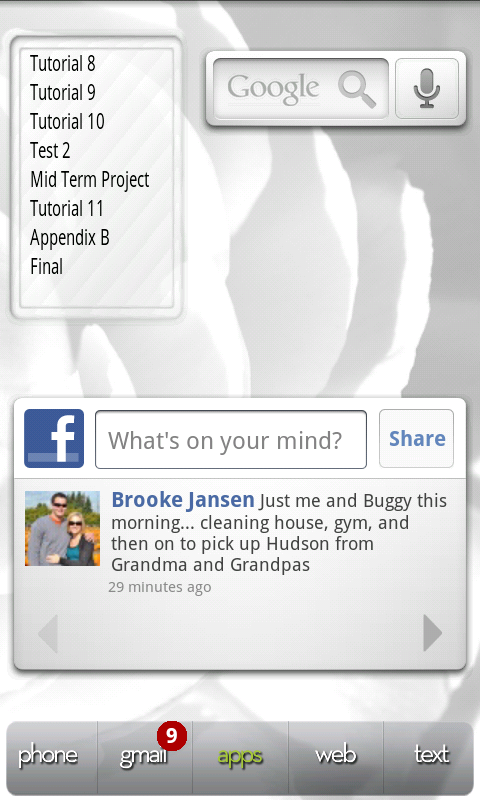
To the right
snap20101015_092414-1.png

gtasks
google search
facebook

As always it is a work in progress. I am in the process of working on making the icons at the bottom bigger using SimpleText. Cant wait till those are done!
 
"Digital Clock Widget" and BattStatt placed on WidgetLocker lockscreen
2vwh8jl.png


Handcent medium widget resized to 4x1
124ftys.png


Home screen with Fancy Widget and google search
4r4zm8.png


YouTube search, SwitchPro, and Last.fm with BattStatt again at the bottom
3145caf.png

What contact widget is that?
 
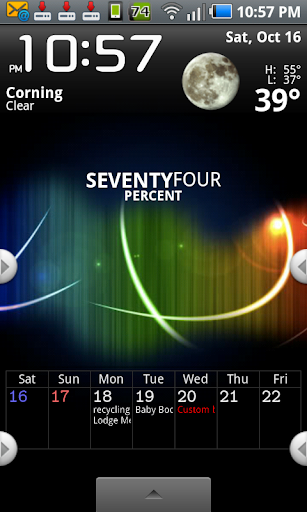
not running the pink any more- found a cool black screen... still running panda home- i tried launcher pro and adw- didn't like having multi screens- i prefer the single screen multi dock look.

running battstatt, beuatiful widgets, and jorte.

snap20101016_225758.png
 
@paulmz
Sooooo sick man.
To get those icon pics with desktop visualizer, do you have to find your own on the web? And put them into your sd or what?
Ahhh so envious! I must do it!
 
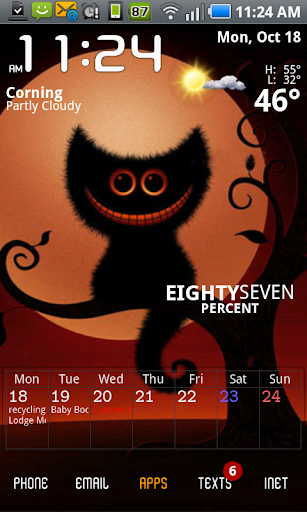
changed my home again. I've only had android fir a few weeks, so I'm still having fun playing a lot (but have got to stop for a bit and get some work done round here, yeesh)

anyway, I decided to try launcher pro again cause I liked the text icons I've been seeing pop around lately- and with a combination of hat and smart shortcuts- voila! launcher pro is growing on me!

I still have just one screen- I don't like a ton of big widgets, so no need for more- I prefer a clean look over the icons across the screen look, which is why I liked panda better with its multiple docks.

but using the 3 docks in launcher pro and consolidating the apps I use most into shortcut groups... happy now.

snap20101018_112427.png
 
tschecter, I assume you're using Jorte as your calendar app? If you are, how do you change the day numbers to be white? Sunday is red by default, Saturday is blue by default, and the rest of the numbers are black, which makes it very tough to read against a dark background.
 
changed my home again. I've only had android fir a few weeks, so I'm still having fun playing a lot (but have got to stop for a bit and get some work done round here, yeesh)

anyway, I decided to try launcher pro again cause I liked the text icons I've been seeing pop around lately- and with a combination of hat and smart shortcuts- voila! launcher pro is growing on me!

I still have just one screen- I don't like a ton of big widgets, so no need for more- I prefer a clean look over the icons across the screen look, which is why I liked panda better with its multiple docks.

but using the 3 docks in launcher pro and consolidating the apps I use most into shortcut groups... happy now.

snap20101018_112427.png

I like pretty much everything about this layout. Please provide AppBrain links to the widgets... and post that wallpaper!

Thanks.
 
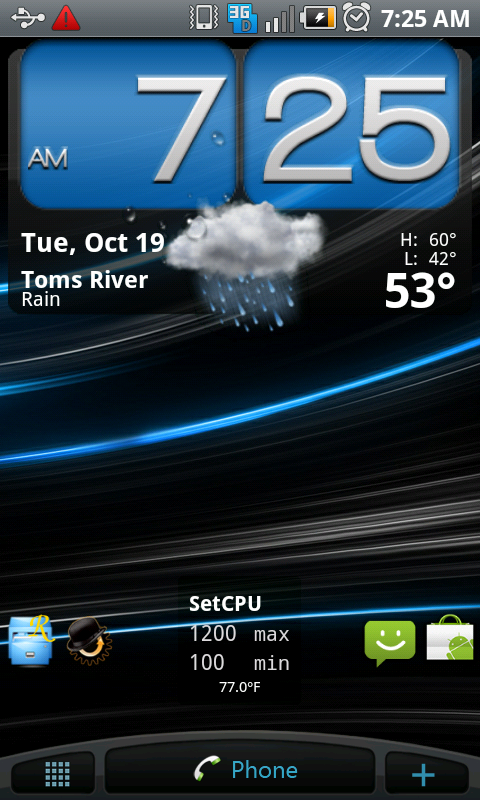
heres my layout of the moment, i change themes backgrounds and alternate between fancy widget, beautiful widgets, and weather toggle widget daily so this will prolly be different a few hours from now, ha

device.png
 
I like pretty much everything about this layout. Please provide AppBrain links to the widgets... and post that wallpaper!

Thanks.

ok. saps got qall the app links right. as for the wall paper- it came from a market app of halloween themed wallpapaers. not sure if I could just grab the wallpaper image from the phone-if someone wants to tell me how, I will... but it is not an image in my gallery.

as for the jorte- I have my calendar theme set to black, which makes the numbers white. (sunday and aturday still default to normal.) then I made the widjet totally transparent. works perfectly with all but the lightest brightest wallpapaers. :)

excuse typos please- I'm a mom with a baby on my lap. :)

for the wallpapaer, I beleive it is from this app-
Halloween Wallpapers
 
Back
Top Bottom