
Install the app
How to install the app on iOS
Follow along with the video below to see how to install our site as a web app on your home screen.
Note: This feature may not be available in some browsers.
-
After 15+ years, we've made a big change: Android Forums is now Early Bird Club. Learn more here.
You are using an out of date browser. It may not display this or other websites correctly.
You should upgrade or use an alternative browser.
You should upgrade or use an alternative browser.
Post Your Vibrant Screenshots!
- Thread starter Android Amateur
- Start date
-
- Tags
- samsung vibrant
maverick777
Well-Known Member
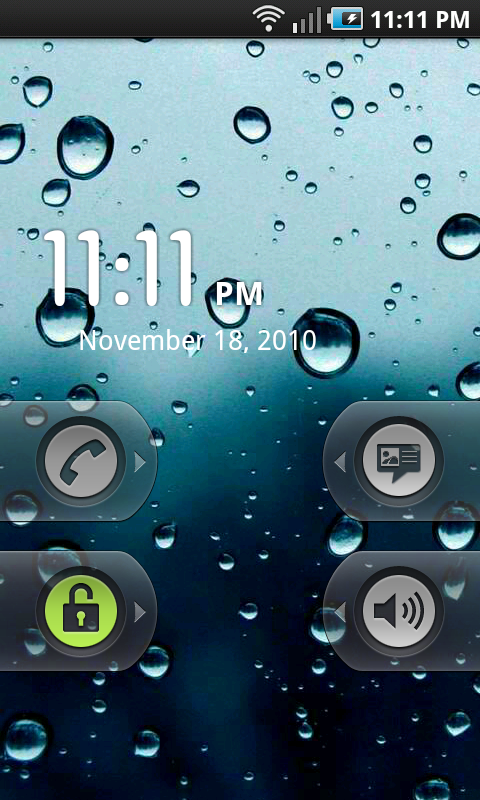
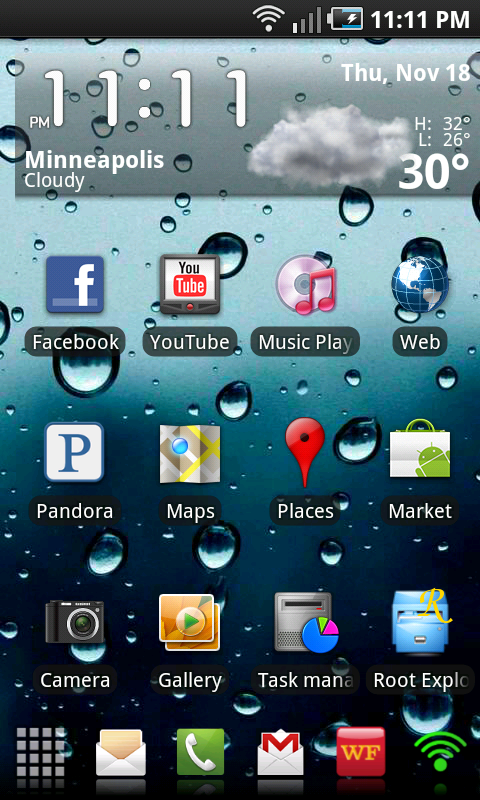
Mine for November. Yay for Android 2.2


D
Deleted User
Guest
little guitar thing I made.. This is my first try.. any thoughts or suggestions would be helpful. 


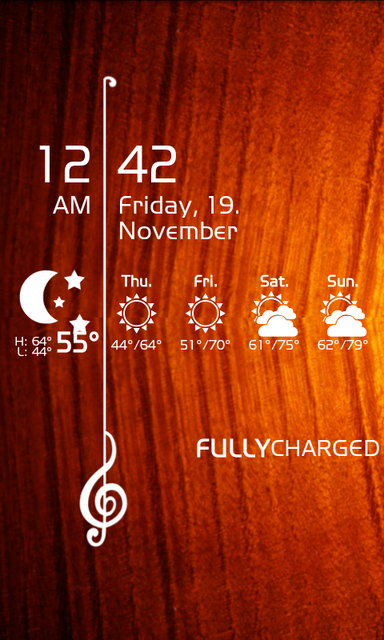
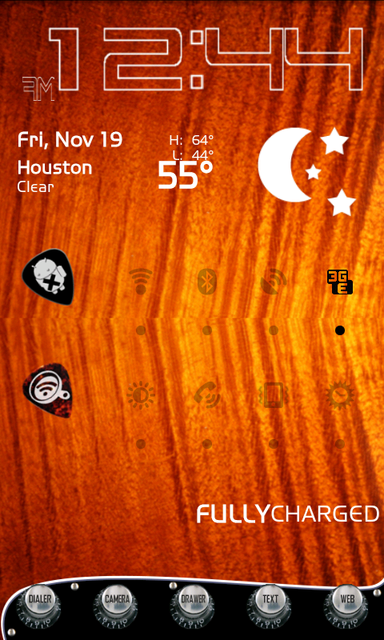

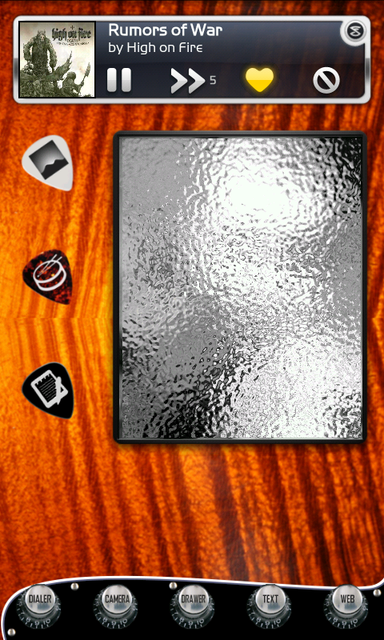
Mine for November. Yay for Android 2.2
What's the widget that runs across the middle?
maverick777
Well-Known Member
What's the widget that runs across the middle?
Switchpro.
Mine for November. Yay for Android 2.2
What ROM are you running?
little guitar thing I made.. This is my first try.. any thoughts or suggestions would be helpful.
Fantastic job! Very well done. I love it. Best I've seen.
maverick777
Well-Known Member
What ROM are you running?
Obsidian V4.2 ULF (Universal Lag Fix) courtesy of Team Whiskey. It's a froyo rom.
JFS Overkill enabled.
samcarroll
Newbie
nothing special

samcarroll
Newbie
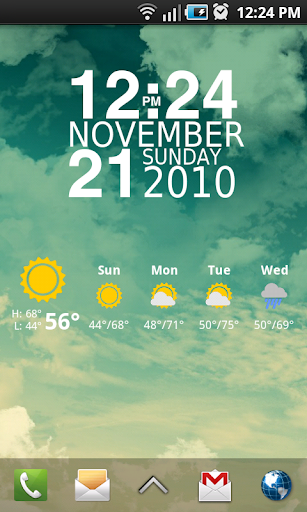
what full page FB widget is that?Latest. Loving Froyo. This phone should have launched with it.
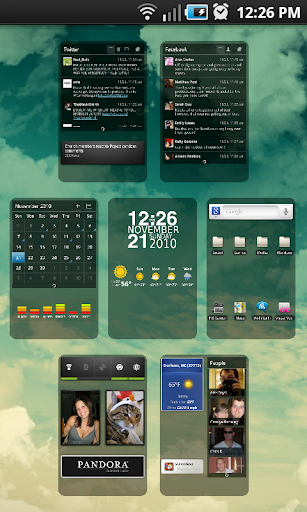
what full page FB widget is that?
The one from LauncherPro Plus. I cant remember the name of the themed version it is though.
coasterman927
Member
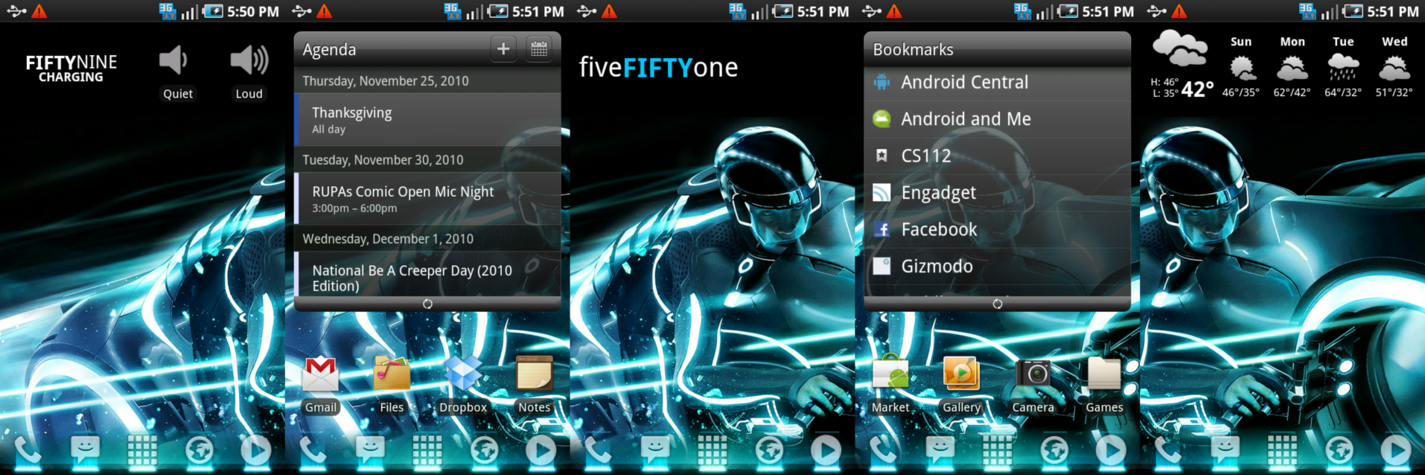
stock, rooted, launcherpro. loving it. can't wait for tron legacy.

Roze
Hiding behind a mystery
I have a real newbie question.
With the Vibrant that has 7 home screens, could some of you tell me what the advantages are of having Launcher Pro?
Thanks!
LP gives you the ability to customize your phone. Customizability that Touch Wiz wouldn't even be able to touch. There's more than simply home screens. You can have more rows or columes on the screen. You are able to add 2 extra docks that will give you 15 total shortcuts. You have features on the docks like gesture swipes on your browser icon that will pop up all of your favourite links. You are able to put unread counts on your SMS or gmail shortcuts on your dock. You can resize your widgets or shortcuts on the screens. This is only SOME things you can do with LP, there's much more but you should try it out and see for yourself

What icon replacement app/icon pack are you using there? It looks gorgeous.
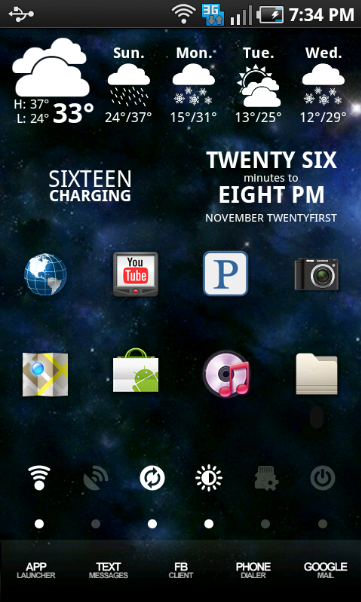
Here's my homescreens:
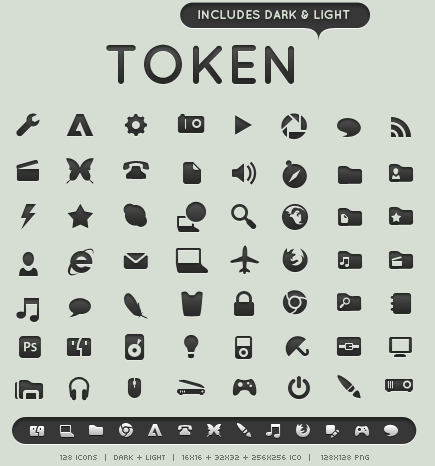
I'm pretty sure most of his icons are Token Light (same ones I use on my Vibrant and W7 PC). You can pick whichever ones you want here:
Token Light Icons | Download Applications & Hardware icon pack | IconsPedia
or what I recommend to do is just grab the whole pack (both light and dark PNG and ICO files) from here from the author's deviantART page:
Token by ~brsev on deviantART
Just copy the PNG files over to your droid to use as icons.
coasterman927
Member
I'm pretty sure most of his icons are Token Light (same ones I use on my Vibrant and W7 PC). You can pick whichever ones you want here:
Token Light Icons | Download Applications & Hardware icon pack | IconsPedia
or what I recommend to do is just grab the whole pack (both light and dark PNG and ICO files) from here from the author's deviantART page:
Token by ~brsev on deviantART
Just copy the PNG files over to your droid to use as icons.
Ah, I'm actually using that same icon set on my PC, haha. But he has an icon for the market in the same styling... is there some other icon pack this guy made or whatever? Or even better, do you think LP dock icons would be fitting for homescreen shortcuts? I kinda wanna give it a shot. I'd like the uniformity.
Ah, I'm actually using that same icon set on my PC, haha. But he has an icon for the market in the same styling... is there some other icon pack this guy made or whatever? Or even better, do you think LP dock icons would be fitting for homescreen shortcuts? I kinda wanna give it a shot. I'd like the uniformity.
Yeah I'm not sure where he got that particular Icon. Launcher Pro actually comes with a pretty similar one that I use on the dock bar for the Market though. Searching for Token Light icons often will yield similarly styled ones that people made to fit the look for their programs (I found a Token Light Android icon as well as a Ventrilo one for example). There is a guy on deviantArt that has made a few as well.
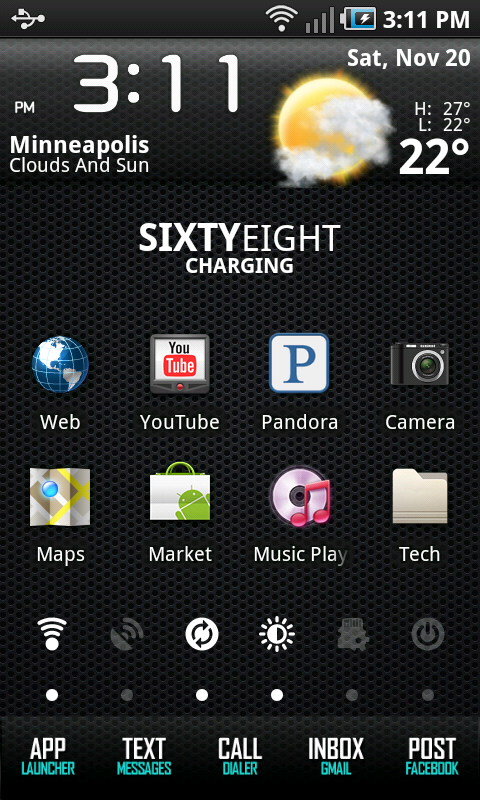
I rooted and flashed my Vibrant with Axura 2.05 and took some screenshots. My only minor issue is that Beautiful Widgets loses my selected skin for the clock when I plug in the USB, though the correct one is shown below:
Axura 2.05
LauncherPro
Beautiful Widgets
Token Light Icons

Axura 2.05
LauncherPro
Beautiful Widgets
Token Light Icons
Mishkadroid
Lurker
Nothing out of the ordinary.
Rooted, launcher pro.


Rooted, launcher pro.
M
mdtolic
Guest



mainevent3405
Newbie

Android Amateur
Well-Known Member
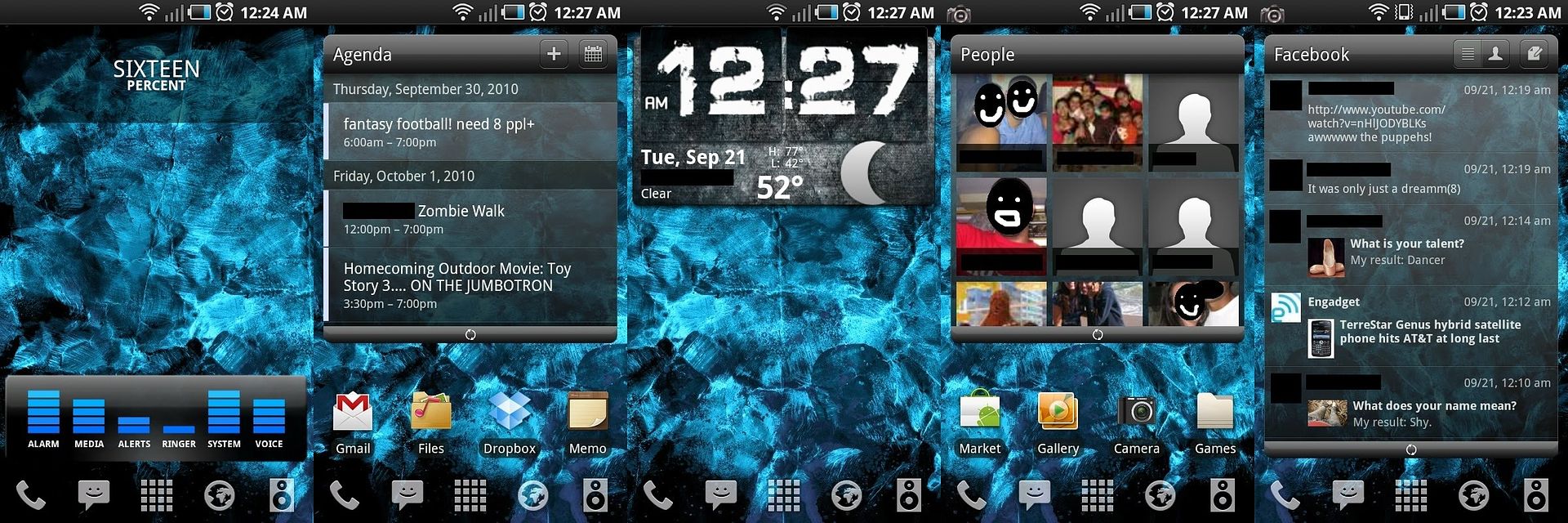
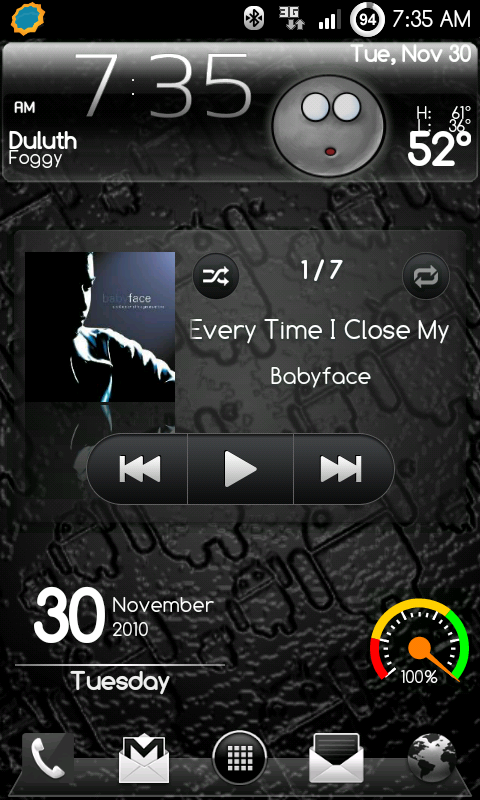
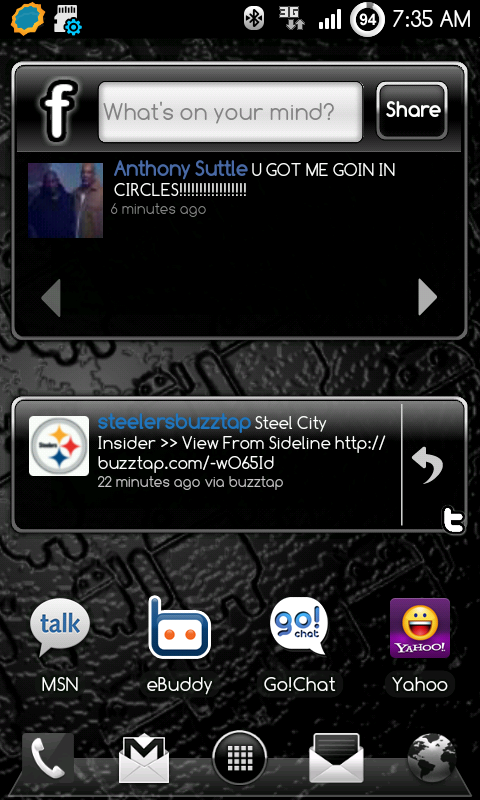
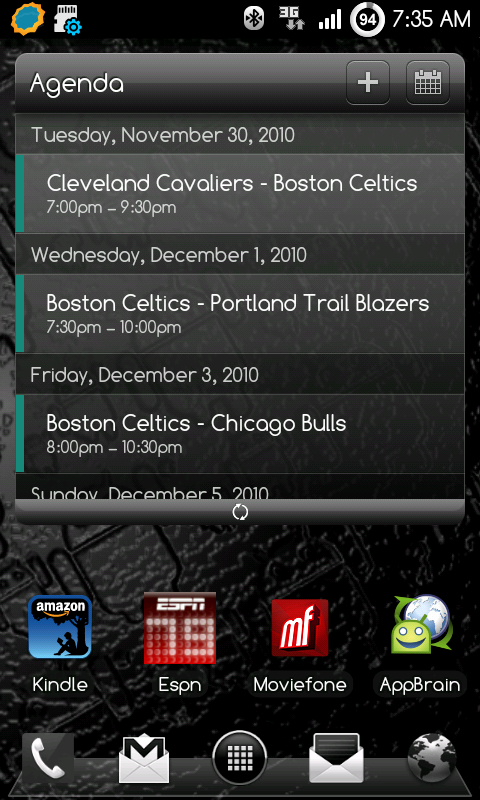
It's been a while. Here is my current setup...
