
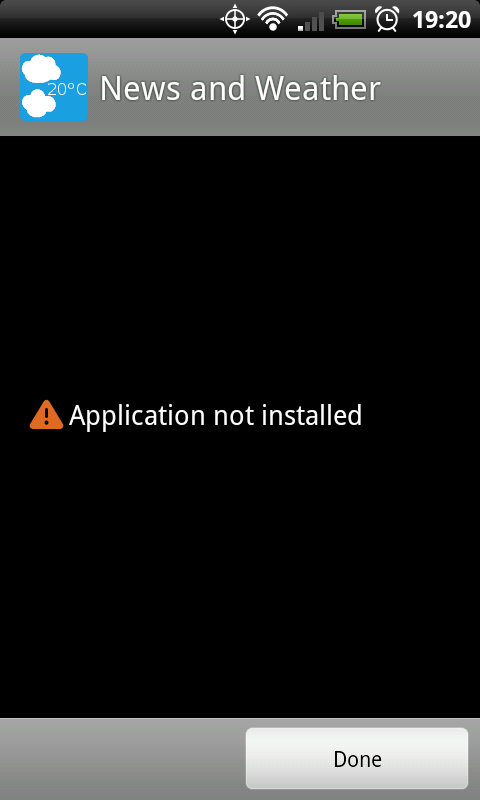
I searched and couldn't find an answer. I'm trying to install a different version of genie.apk than the one that came from the OTA 2.2. I uninstalled the stock version, and now when I try to install the new one through root manager, or astro, it says that application wasn't installed. Any suggestions?
Install the app
How to install the app on iOS
Follow along with the video below to see how to install our site as a web app on your home screen.
Note: This feature may not be available in some browsers.
-
After 15+ years, we've made a big change: Android Forums is now Early Bird Club. Learn more here.
You are using an out of date browser. It may not display this or other websites correctly.
You should upgrade or use an alternative browser.
You should upgrade or use an alternative browser.
Root Replace system application, not wont install new apk
- Thread starter LarsWall
- Start date
-
- Tags
- htc droid incredible

Nicks88
Android Enthusiast
I searched and couldn't find an answer. I'm trying to install a different version of genie.apk than the one that came from the OTA 2.2. I uninstalled the stock version, and now when I try to install the new one through root manager, or astro, it says that application wasn't installed. Any suggestions?
Try a reboot, then install.

iowabowtech
root@android:/ #
Try placing it in system/app using Root Explorer and launch from there.
iowabowtech
root@android:/ #
Maybe the version you are trying isn't compatible? At any rate, you could try to push it via adb if you're familiar w/ it.
adb push GenieWidget.apk /system/app/
adb push GenieWidget.apk /system/app/
iowabowtech
root@android:/ #
Yeah, I'm getting fuzzier by the day since leaning so hard on Root Explorer anymore but if you put the .apk into the sdk tools folder, you'd then boot to clockwork and mount system. Then at CMD:
cd\sdk\tools
adb shell
adb push GenieWidget.apk /system/app/
adb reboot
(note the space after .apk)
Might be wise to have somebody double check my commands by memory. Also, not sure if you could/should do the same command for GenieWidget.odex /system/app or not and if so, if it is pushed by association with the .apk or what?
cd\sdk\tools
adb shell
adb push GenieWidget.apk /system/app/
adb reboot
(note the space after .apk)
Might be wise to have somebody double check my commands by memory.
Also, not sure if you could/should do the same command for GenieWidget.odex /system/app or not and if so, if it is pushed by association with the .apk or what?
The_Law2
Newbie
Yeah, I'm getting fuzzier by the day since leaning so hard on Root Explorer anymore but if you put the .apk into the sdk tools folder, you'd then boot to clockwork and mount system. Then at CMD:
cd\sdk\tools
adb shell
adb push GenieWidget.apk /system/app/
adb reboot
(note the space after .apk)
Might be wise to have somebody double check my commands by memory.
You don't go into adb shell. Just adb push from the tools directory. And if it still doesn't work after that, then yeah it's not compatible. I have the clear genie widget if people need me to post it.