joemossjr
Android Enthusiast

DISCLAIMER: I am not responsible for any damages (bricking/phone ruining) occurred while flashing or using this ROM. By using this ROM, you understand that that I am not liable for any or all consequences of using this ROM. If you don't know what you're doing, DON'T TRY IT. Use at your own risk!
SPECIAL NOTE (please read): These builds are NOT being built from source (only partially). I cannot account for what Xiaomi has done to the Android source. Also, this port is technically a port of a port (DesireS-CN --> DesireS-EN --> Triumph). I can only account for the changes I made personally. There are no records on what was changed up to this point from elsewhere. The fact that this ROM is closed-source has unnerved some people in the Android community (for good reason). These things are something to consider. I have yet to find anything malicious in MIUI (neither has anyone else in the Android community), but if it were me, I would be careful with my sensitive data.
What works:
- RIL/3G/1xRTT
- Audio/Call recording
- WIFI
- USB Tethering
- Bluetooh
- Capacitive button keymapping
- 2D/3D/EGL/GPU [see "Known issues" section below]
- LED (dual-mode)
- Capacitive button lights with PWM control
- Screen rotate/orientation
- E-compass
- Touchscreen with multitouch/screen rotate capable
- USB mounting
- CRT screen off animation
- Proximity sensor
- Camera (front and rear) [see "Known issues" section below]
- GPS
- Ambient light sensor
- HD 720P video recording/FFC video recording
- MMS (send and receive; pictures or video)
- MIUI Torch
- Google Talk with video/voice chat
- Wired headset
- Haptic feedback on capacitive keys
- Native WIFI tethering [see "Known issues" section below]
- HDMI out/mirroring
- These builds, as mentioned, are not being built from source. As such, measures were taken to get everything working. Don't be surprised if you get a FC or eleven. Furthermore, these are developmental builds (i.e. not stable). Some of you may be able to live with it, some won't.
- Since MIUI requires VMSPLIT3G, a new kernel was made to follow this requirement. As such, the memory allocation for the GPU was changed. Most lower-end games should not have any issues, but HD (higher-end) games are mostly unplayable as so many elements are missing.
- While the FFC works, output during video calling and snapshots is not mirrored.
- Native WIFI tethering seems to be picky about the devices it allows to connect. I had no problem tethering my Optimus V, but it wouldn't allow my Ubuntu laptop to see the hotspot.
RAR File With Themes:http://dl.dropbox.com/u/60122779/MIUI.rar
V.2.0 http://dl.dropbox.com/u/60122779/MIUIV.2.zip
Without orange and if you want the centered clock back http://dl.dropbox.com/u/60122779/FIXED%21.zip
Mods:
~4-way Reboot mod
~Speed kernel 5.6 Pre Installed
~Volume+ mod(hold volume up or down to change song)
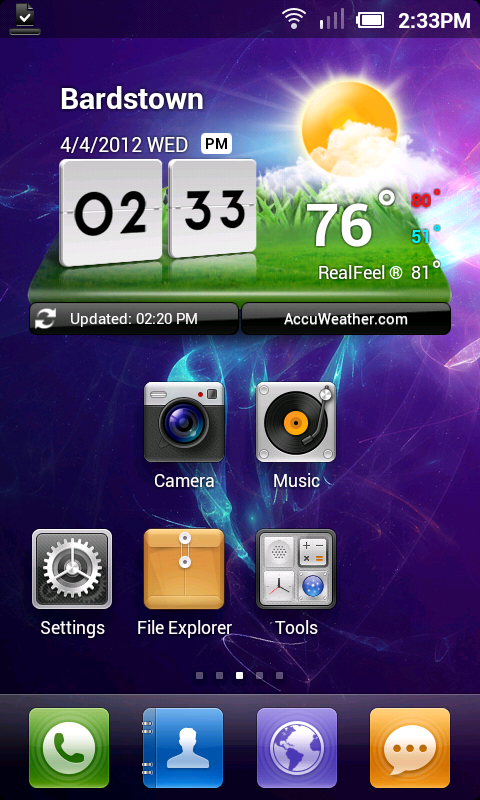
~Lg Widgets(Lg weather and clock does work but force closes sometimes just keep on trying to add it and it shoudl work i dont know how to fix it. but just keep on trying to add it to the screen and it will work after about 5 times.)
~Android Pro Widgets
~Added Wallpapers
~Added galaxy S ringtones
~Added Live Wallpapers Added 3d gallery instead of miui one.)
~Added a RAR file for the miui themes that look good on this unrar it and put the miui folder on the root of your sd card then with a file browser go to the theme folder and apply them like that also some wallpapers on there to.
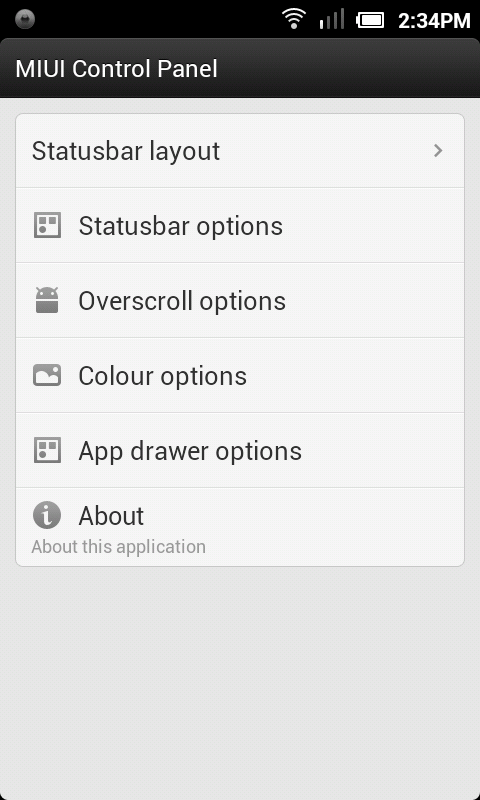
~MIUI Extended Settings
~Lg Keyboard!
~Ics Animations
~Ics Roboto Font
~More things are orange now lol
~Orange overscroll
~Probably more just forgot lol.
SCREENSHOTS
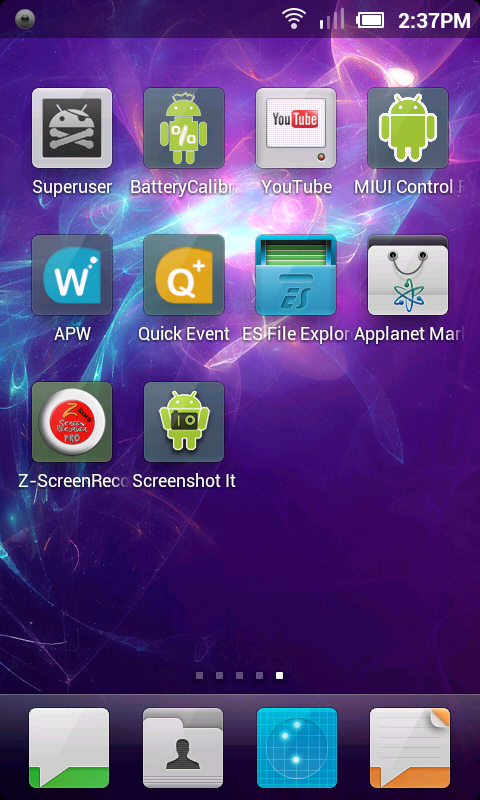
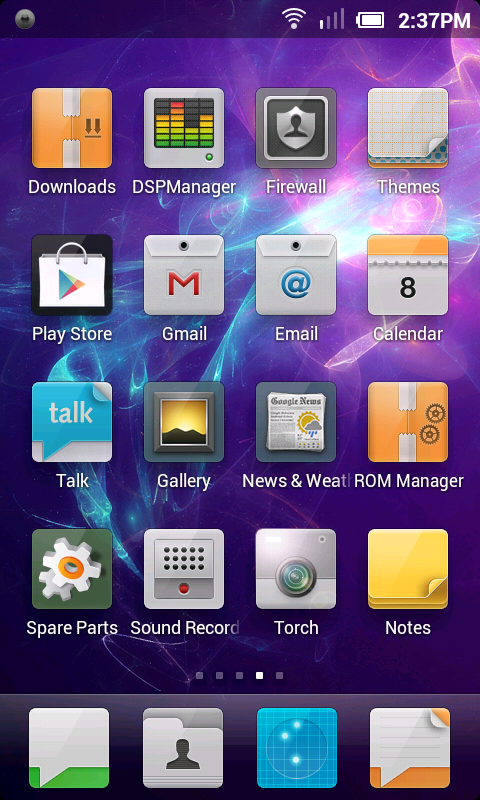
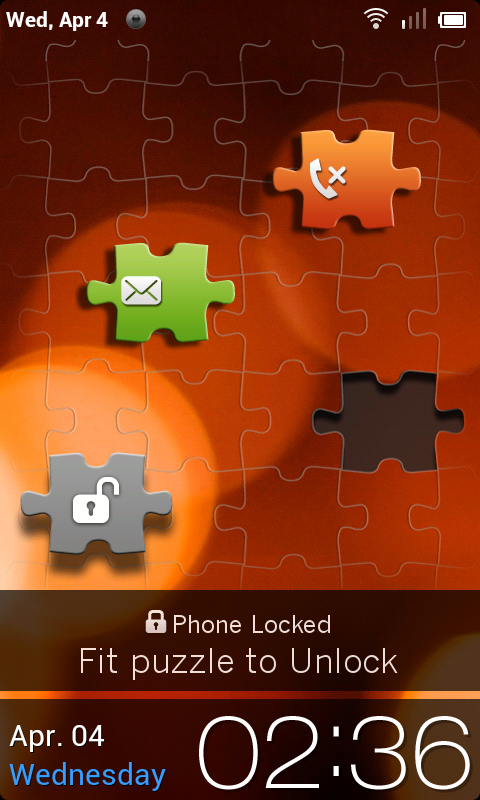
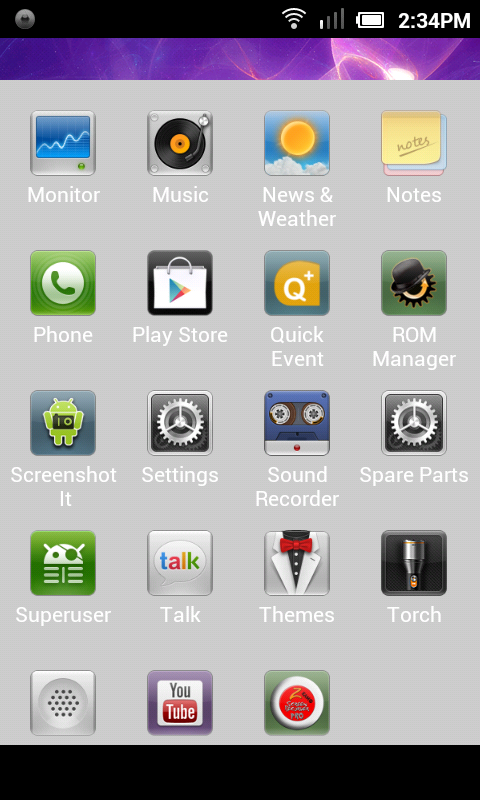
The App Drawer