• After 15+ years, we've made a big change: Android Forums is now Early Bird Club. Learn more here.

Show Us Your X10 Homescreen...

I dont know if its OCD, insanity or what but is it normal to want to completely change your homescreen(s) like every 2 days?? lol. its like "I can do better than that" lol
 
They used to be in a pack called idroid but when I updated to 2.1i had to dld them again and the pack had changed to a pack with iphone like icons I managed to track them down to the xda site and dld the pack there's 105 icons in the pack and you can use better cut to alter any icons you want manually easy once you've done the first one but a bit time consuming doing this on my phone so don't know how to add link to post or display bigger pics so you can see what ones I've changed
ric

Thanks but can I get some clarification on that please?

went to XDA site but got lost there. Would love to have thos different icons for my screens.

Im talking about the icons that are little droid guys instead of the stock ones
 
I dont know if its OCD, insanity or what but is it normal to want to completely change your homescreen(s) like every 2 days?? lol. its like "I can do better than that" lol
The only thing I change at the most, every other day, is my wallpaper. I've had the same layout for a good while now.
 
Still working on this one, tying to decide what to put at the top of the screen on the right...

Left
snap20101124_014652.png


Main
snap20101124_014655.png


Right
snap20101124_014658.png
 
Is there any other screen capture apps because I'm still having problems showing large pics here. I'm using shoot me then photobucket but there still showing small lol
ric

This is what I have been doing, using Shootme and uploading them to Photobucket. Mines seem to be showing in a large size.

What link are you using in PB? I have been copying the 'Direct Link' and then clicking 'Insert Image' button when posting on here.

No idea why yours is showing as small images and mine are not :confused:
 
think i'll give up trying to lost pics lol
If you're using the IMG Code for Forums & Message Boards then I don't know why you're having issues...

sviglv.png


...as all you do is copy that code and paste it. Are you trying to copy that code into insert image feature here as well? I ask because of the img code that's showing in your post.
 
trying again lol

snap20101119_065235.png


snap20101119_065235.png
[/IMG]
snap20101119_065235.png
[/IMG]

arkangeluk
arkangeluk


think i'll give up trying to lost pics lol

I'm not sure that you understand you don't need an account to upload via tinypic.

Go to tinypic.com, then press 'browse', locate your image, press open, then press upload and copy and paste the IMG Code here.
 
My Android.
snap20101124172600.png
snap20101124172542.png
snap20101124172600.png


snap20101124172600.png
snap20101124172553.png
snap20101124172823.png
snap20101124172542.png
snap20101124172613.png

That's sweet man, which launcher is that?

These are mine, still new and still playin around so it's pretty default but it suits my needs for now. Only 3 screens, I don't know how to use more. Then again I always usually go for a minimalistic feel.


They are thumbnails because I couldn't for the life of me figure out how to put them into one image. It comes up distorted on CS4 so Idunno!
 
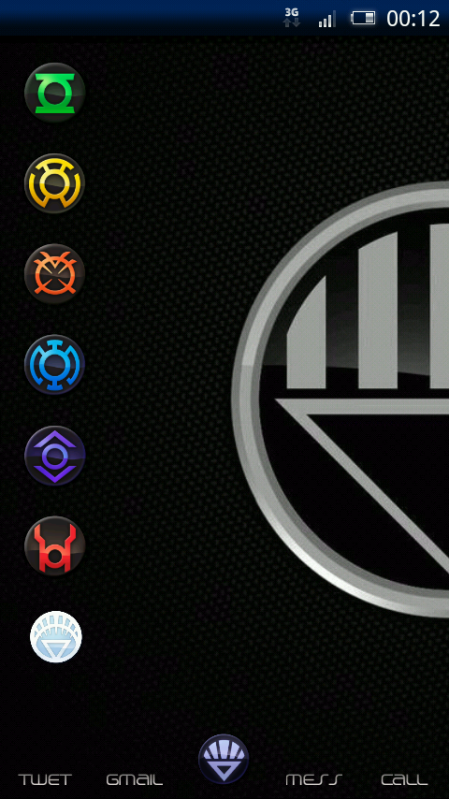
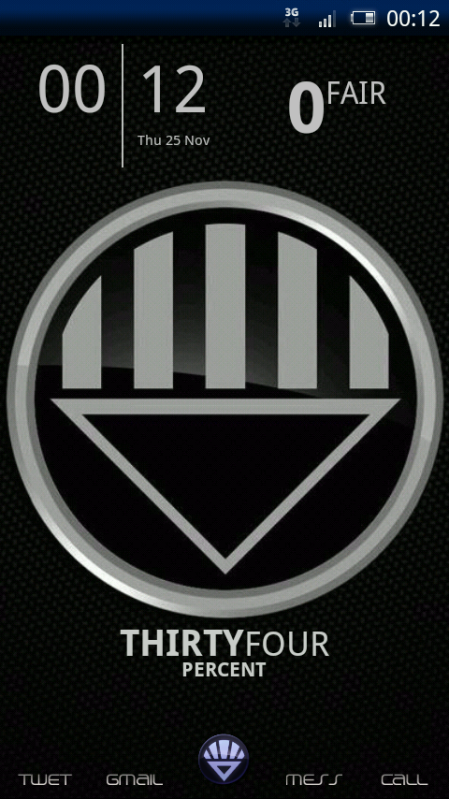
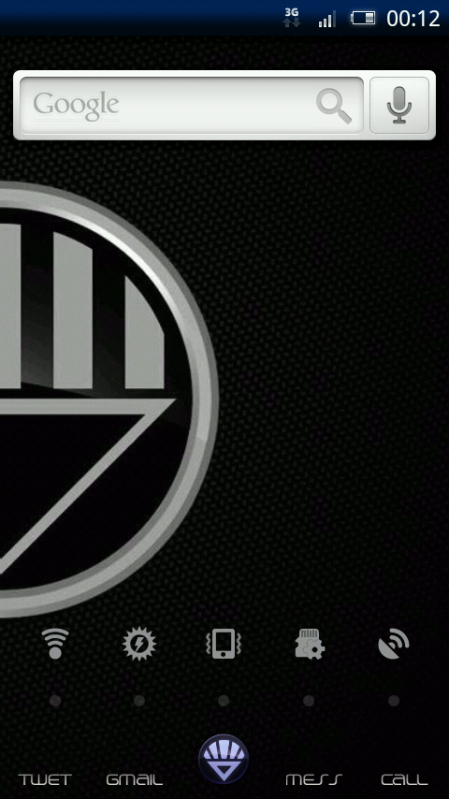
Decided I didn't like the screens I created last night, so changed to a DC comics Black Lantern theme for the time being...

Left Screen
snap20101125_001221.png


Main Screen
snap20101125_001218.png


Right Screen
snap20101125_001224.png
 
:D just ADW.Launcher with Sticky theme.


Are they available in the market ? im using Launcher Pro .. i found ADW a little complicated initially ... but il use that now i guess... are all your Icons and everything part of the them ? can u give me the links if possible ?
 
Okay im not a fan of too many widgets, am tight when it comes to data usage and a little bit of a conspiracist at heart. Either way here is my home screens (that will hopefully show up) that is still currently a work in progress! As im sure many of yours are :P

allinone.png
 
Are they available in the market ? im using Launcher Pro .. i found ADW a little complicated initially ... but il use that now i guess... are all your Icons and everything part of the them ? can u give me the links if possible ?

The ADW.Launcher is free and you can easily search for it and its themes on Market or AppBrain. About the icon, it depends on how many icon the theme you apply covers. The clock, the signal meter and the battery meter are all widgets.

I also like the way Launcher Pro work, but the full version is not free, so I settle with ADW.Launcher.
 
2h6sikn.png
scgkec.png
mtb4gg.png
2ujrzir.png
x4fdah.png
k39l6f.png
auazoz.png


right lets see if this has worked lol

ric

thanks guys got this to work finally lol but slightly bigger than i thought

spikeithard, dont worry havent forgot about those little android dudes.
 
Does anyone know how to make launcherpro app selection have no background? (when you hit the apps button or app grid and it brings up all your stuff)
 
I use the StickerAlbum theme too, but I've modded mine.

Yeah, I can see that, and it definitely look better then the original one :D.

However, ADW.Launcher just get update and the drawer button of the theme is broken. I now have to change to the default theme and wait for the update.

To X10iUser:
I am trying to use NinjaMorph to fix the Drawer button myself but cannot file the .apk file. Can you tell me where it is?
 
Back
Top Bottom