• After 15+ years, we've made a big change: Android Forums is now Early Bird Club. Learn more here.

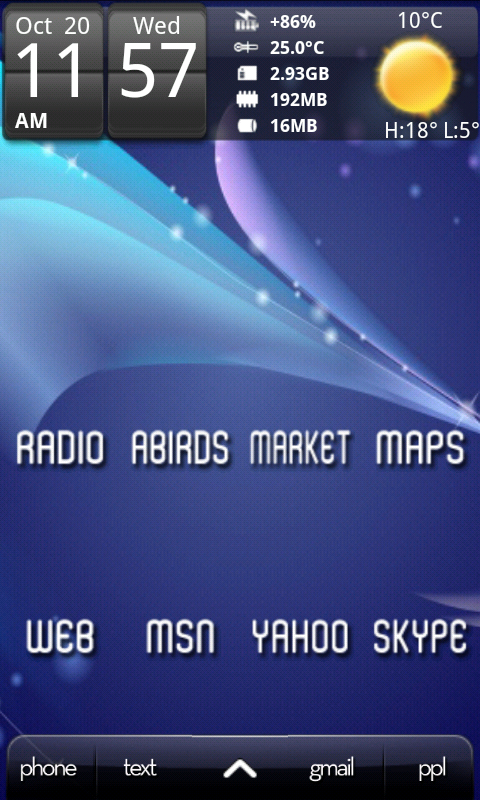
some LauncherPro docks that I have created

CarsnGadgets

Android Expert
just thought I'd upload these for others to use if they want.

just save them to your sdcard in a folder, press menu in launcherpro, go to preferences, appearance settings, dock background, custom, gallery, your folder and set the pic you want as a dock.


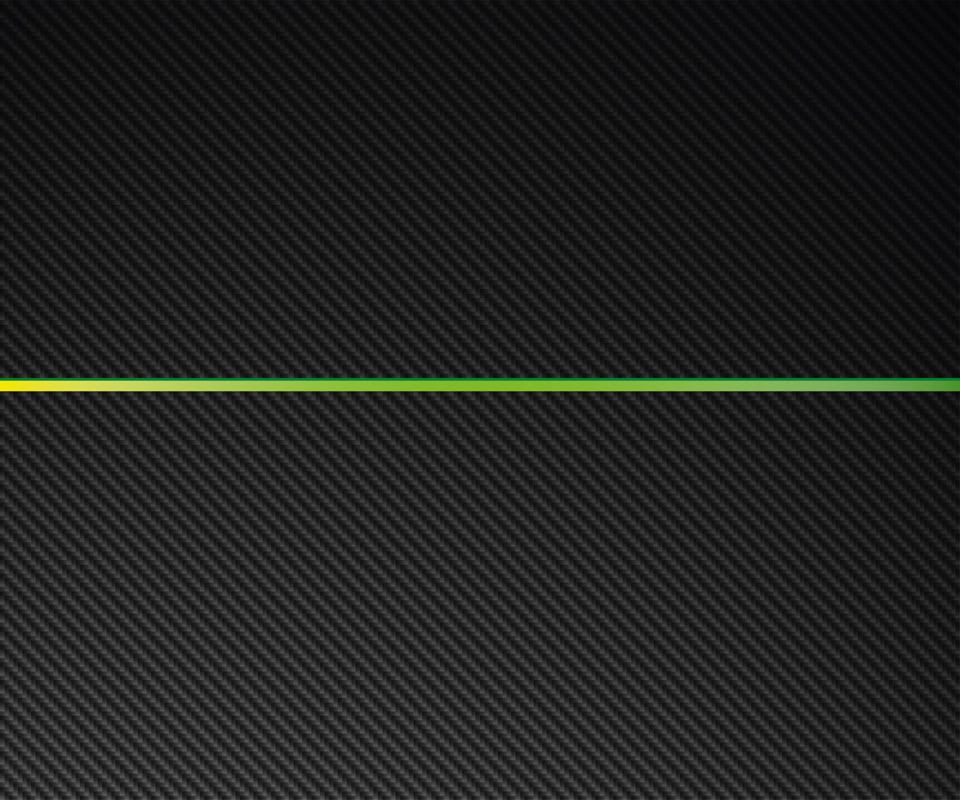
carbondock1.png


customdock1.jpg


fixeddock2x-1.png


hulkeyesdock1.png


I'll post more as I do them. :D

please ad yours below if you have made any or found a good one.
 
just thought I'd upload these for others to use if they want.

just save them to your sdcard in a folder, press menu in launcherpro, go to preferences, appearance settings, dock background, custom, gallery, your folder and set the pic you want as a dock.

carbondock1.png


customdock1.jpg


fixeddock2x-1.png


hulkeyesdock1.png


I'll post more as I do them. :D

please ad yours below if you have made any or found a good one.
Mate, i for one will thank you whole heartedly for these, and any others that you post, i have a bit of an OCD when i comes to LPP docks, i have over 50 on my SD card and i change them more often than i change my undies!! :eek:

Look forward to you adding more, i will also bump this on an hourly basis so you dont forget....... :p (jk by the way)

thanks.
 
Very nice!

Personally, I've set a transparent png as each of the icons for my docked applications(Phone for the left two, app drawer for the middle and Handcent for the right two), and I think it looks very nice and clean :)
 
Thanks Carsn, I chopped down the original dock you made by my request so I thought I'd send it back your way.

fixedbar_small.png
 
Some great stuff here! Thanks :)

One thing I like about the dock backgrounds I have at the moment is there's usually 2 choices for each image - fade to black (as CarsnGadgets above) and fade to white/clear. Fade to clear tends to be favorite with most people as is blends perfectly with any homescreen wallpaper.

I'm working on some of my own and post them here.
 
do you want it blue-ish like the image or black, and with or without the arrow?

is 84px tall enough?, let me know,

Ill have a go soon and post it here when i'm done.
 
Black, yeah 480x84 as usual and you could probalby leave the arrow out, it's blueish because it's transparent, I could probably adjust it myself in gimp. You could also try one in height 69 to see how it turns out.

Thanks, I appreciate it. :D
 
curvebardock.png
same height as the screenshot dock

curvebartall.png
full 84 pixels high

about as close as I can get I think. They both fade to transparent for use on any background.
 
I am just now researching these 3rd party launchers because I love Sense but I am thinking of getting the Fascinate and hate Touch Whiz. So the ability to create your own dock backgrounds is a Launcher Pro Plus feature? Or do most Launchers let you do this? I think it's awesome to be able to create your own icons and widgets, How much can you customize Launcher Pro, as far as creating your own graphics?
 
I have only ever used LauncherPro, so I cant comment on the others, but I'm having a lot of fun customising the desire using LP.

Its very easy using LauncherPro and folder organizer to change the look of the phone to suit you.

I cant remember if you need the Plus version to change the dock, I paid for the PLus version almost straight away to get the widget resize feature, before I started changing the docks etc.

Try getting the free version and go to menu/preferences/appearance/dock background/custom, and use a 480x84 pixel .png image from your sdcard.
 
The basic LauncherPro lets you change the dock, the Plus version gives you LP widgets and the ability to resize widgets.
 
Are there any mail widgets similar to the HTC mail widget? You can shuffle thru emails like sheets of paper without opening the actual email app. That's what I am looking for. Again, I am looking to emulate Sense as much as possible on the Fascinate. I've had an Eris since last Dec. and love the Fascinate hardware-wise. If HTC had a 4" screen phone on Verizon, I would be set. (as long as they can improve on their camera).
 
Are there any mail widgets similar to the HTC mail widget? You can shuffle thru emails like sheets of paper without opening the actual email app. That's what I am looking for. Again, I am looking to emulate Sense as much as possible on the Fascinate. I've had an Eris since last Dec. and love the Fascinate hardware-wise. If HTC had a 4" screen phone on Verizon, I would be set. (as long as they can improve on their camera).

Pure Messenger is a good widget for this. You can have your emails (gmail, hotmail, yahoo mail, etc), SMS and phonecalls(missed and received) all showing in the widget. Plus you can pick from a number of different widget sizes to fit your homescreen layout.

HTH

Elbee
 
Back
Top Bottom