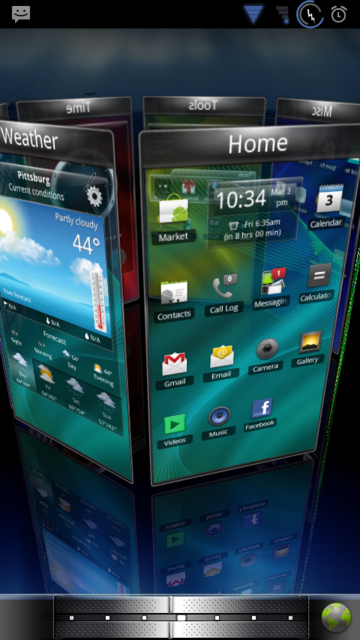
UPDATE:
03-04-2011
I see some ppl can't get it to work while others can when they are running the same Rom. So far I have it CONFIRMED on THESE ROMS:
RubixBlurry 2.0
Apex 1.4.1
Liberty 1.5
Bare with me on this guys, as I'm posting all this from my X while at work.
***PLEASE KEEP IN MIND THAT THIS IS A BETA, AND IT MAY NOT WORK ON YOUR CURRENT ROM. YOU MAY HAVE TO TRIAL AND ERROR DIFFERENT ROMS OR VERSIONS OF SPB TO GET IT TO WORK.***
INSTRUCTIONS:
1. Install the app as you normally would
2. Once installed, hit the HOME key. You should now see spb mobile shell with your other launchers.
3. Select SPB.
4. You should now see THIS screen.
5. Select yes, and allow it to run. YoI should now see THIS screen.
6. When THIS screen
comes up, LONG PRESS THE MENU BUTTON. It should still be loading, with the ERROR COMPATIBILITY notice at the top of your screen.
7. Once its done loading, you should now see THIS
. Notice the dock bar has changed, along with the app arrangement. SPB is now running in the background. DO NOT PRESS OK!!! Instead, press THE search button, and IT will allow you to bypass the error.
It SHOULD now be working for you unless you aren't on one of the aforementioned Roms above. If you get working on a Rom that's not listed, please share. As always, help out the next man and pay it forward.