SimsDelt
Android Expert
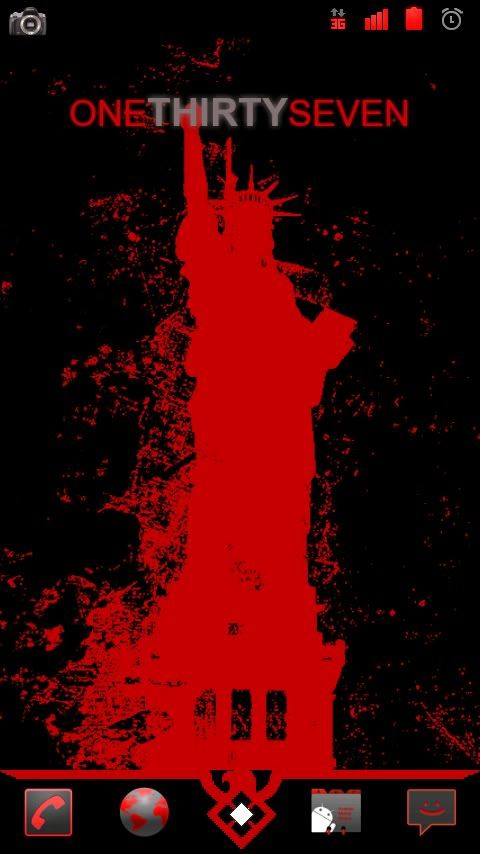
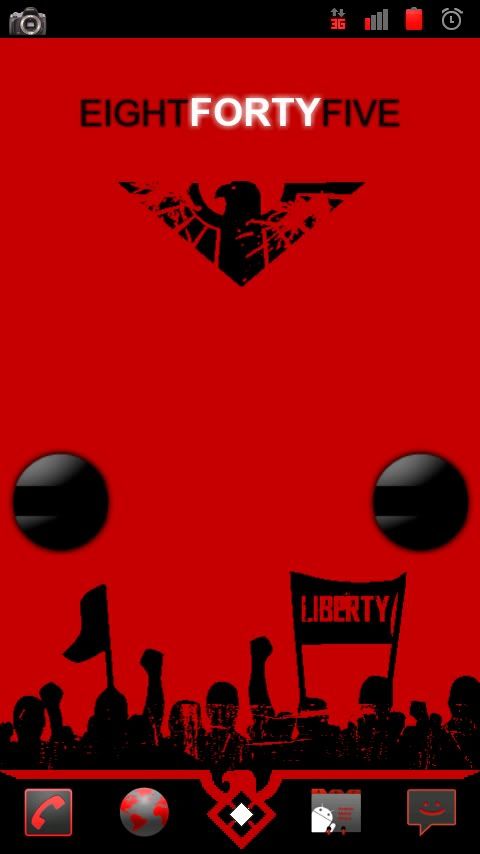
All credit for the theme goes to draya1986 from Droid Forums. I used the dock bar from Prophecy23 from here and edited his dock to fit this theme. All other icons I got from around the forums and edited them to match as well. Wallpaper was a simple change from yellow to black once I extracted it from "LibertyWallpaper.apk". Colors are the exact as the Georgia Bulldogs or Atlanta Falcons... I literally pulled the red from the GA Bulldog logo to make the reds, so its an exact match.
I take no responsibility for how this effects your phone or if it bricks it. Works fine on mine. Just follow directions. The theme here was developed for a D2, but does work flawlessly on a DX. As you can see with mine.
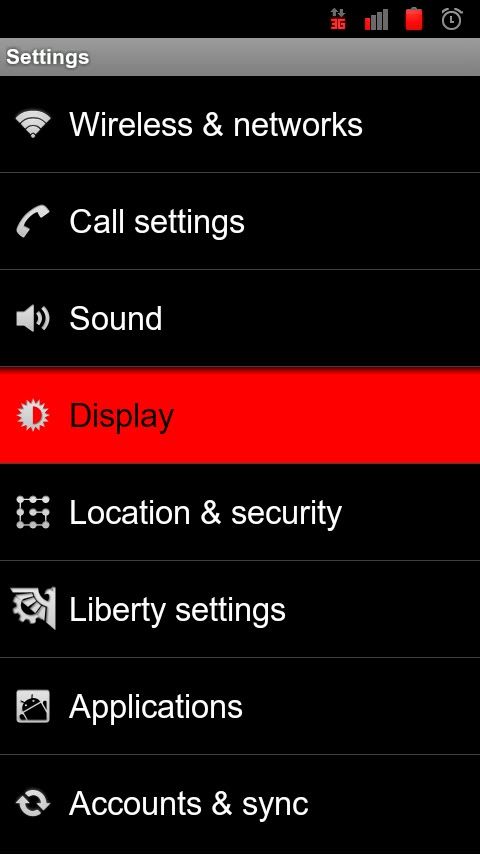
First you need to flash the Red Gingerbread theme:
Installation
Second we need to go back into clockwork recovery and install the no throttle/no clock hack. (credit to atesc at Droid Forums) *** This will remove your clock in the notification bar, as well as remove data throttling... if you want to keep the clock, skip this step***
If you want to just remove data throttling, go here and download the appropriate file.
The rest of the images and icons and dock are contained in the .zip file I have provided with this thread. Just use your launcher to add the dock background (I use launcher pro plus) and then change the icons in your dock bar to custom ones and use the ones I have provided. The center icon should be set to a transparent one (adding to the files at the bottom of the post.)
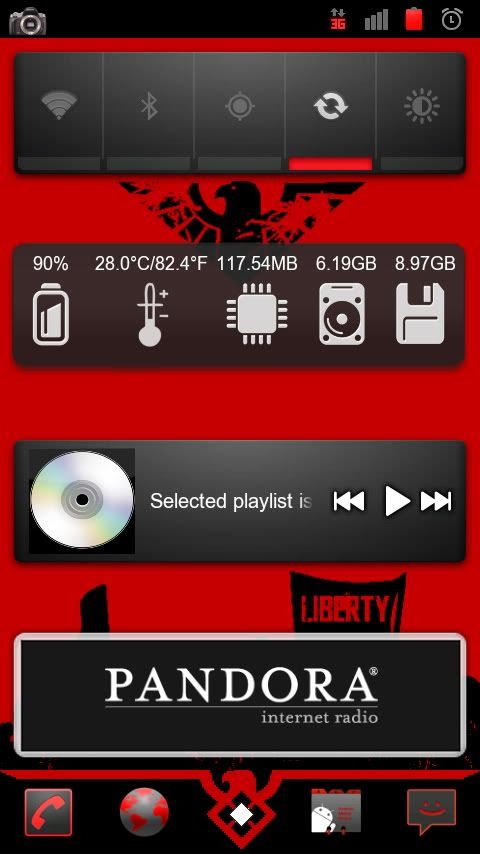
To keep everything clean on my main page I use "minimalistic text" widget for the clock and the two orbs are "Circle Launcher"... both of these are free. Love circle launcher because it keeps my selected apps handy, but out of the way.
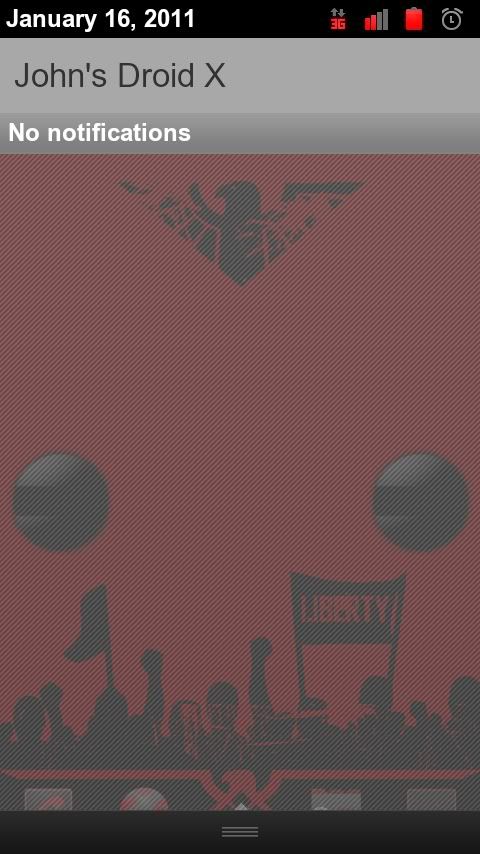
I always recommend making a backup before you add a new theme in case you don't like it, especially if you will be removing the clock from the notification bar. And no, I don't know how to add it back, I'm guessing if you flashed the Red GB theme again it would rebuild the services.jar file and it would come back.
Hope this helps everyone. Enjoy...
Files:
Red Liberty.rar
http://www.mediafire.com/i/?29zreghdkde6140 <---- Transparent Icon
Red Gingerbread Icons
I take no responsibility for how this effects your phone or if it bricks it. Works fine on mine. Just follow directions. The theme here was developed for a D2, but does work flawlessly on a DX. As you can see with mine.
First you need to flash the Red Gingerbread theme:
Installation
- Copy Red_GB_Final_Liberty_1.0 to your sdcard
- Reboot into Recovery
- Install zip from sdcard
- Choose zip
- Browse and select zip
- Install Red_GB_Final_Liberty_1.0.zip
- When complete, use power button to back up
- Reboot phone
Second we need to go back into clockwork recovery and install the no throttle/no clock hack. (credit to atesc at Droid Forums) *** This will remove your clock in the notification bar, as well as remove data throttling... if you want to keep the clock, skip this step***
If you want to just remove data throttling, go here and download the appropriate file.
- Boot into recovery via clockworks bootstrap
- Select "install zip from sdcard"
- Select "choose zip from sdcard"
- Find and select "Liberty-1.0-noclock-nothrottle.zip"
- When complete, use power button to back up
- Reboot phone
The rest of the images and icons and dock are contained in the .zip file I have provided with this thread. Just use your launcher to add the dock background (I use launcher pro plus) and then change the icons in your dock bar to custom ones and use the ones I have provided. The center icon should be set to a transparent one (adding to the files at the bottom of the post.)
To keep everything clean on my main page I use "minimalistic text" widget for the clock and the two orbs are "Circle Launcher"... both of these are free. Love circle launcher because it keeps my selected apps handy, but out of the way.
I always recommend making a backup before you add a new theme in case you don't like it, especially if you will be removing the clock from the notification bar. And no, I don't know how to add it back, I'm guessing if you flashed the Red GB theme again it would rebuild the services.jar file and it would come back.
Hope this helps everyone. Enjoy...
Files:
Red Liberty.rar
http://www.mediafire.com/i/?29zreghdkde6140 <---- Transparent Icon
Red Gingerbread Icons