• After 15+ years, we've made a big change: Android Forums is now Early Bird Club. Learn more here.

Root [Virgin Mobile/Sprint] Black theme for LGSystemUI.apk

I don't have a decompiled LGSystemUI at the moment. I can't tell you exactly where. Look around inside of the xml files. Maybe inside the 'views' folder. I don't have it to reference at the moment.
 
QSlide has been removed.

Link:
LGSystemUI


If someone knows how to turn all the blue text and icons to white on the notification bar and the notification tray please share with me what all the files are. Thanks.

-SodaYodaDude

If you don't mind using Xposed framework, then I would suggest trying GravityBox. It allows you to 'tweak'various aspects, one of which includes the nav bar and icon colors.
 
The v2 upload is a 22b empty zip. I'm thinking interrupted upload to mf. Would love to try this if the file gets up proper.
On robaho v6 odexed. Standing by.
 
Just posted screenshots, I have no clue why it wouldn't work. sorry

It should work now.

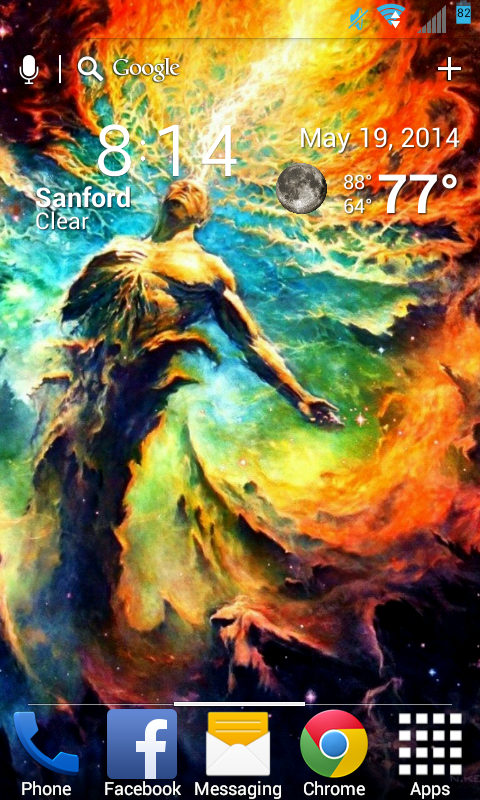
It didnt work because I am running xposed and gravity box. My taskbar is transparent! You can get a transparent taskbar if you use gravity box and a live wallpaper enabled on the stock rom! Oh and it had taskbar icon change options! As well as a color picker taskbar changer!

Screenshot_2014-05-19-20-14-43_zpsfe887fb9.png
 
Flashed this. Didn't see any change. Was looking for inverted screens for the phone settings screen(s).

------------
 
NetSpeedZ,
That would be because this affects LGSystemUI.apk, which is the top status bar and the pulldown notification toggles only.
Settings is LGSettings.apk, which hasn't been themed yet and isn't affected by CM themes / Xthemes (yet).
Sorry. I was looking for something like this too, but I am pleased and satisfied with what this is.
 
NetSpeedZ,
That would be because this affects LGSystemUI.apk, which is the top status bar and the pulldown notification toggles only.
Settings is LGSettings.apk, which hasn't been themed yet and isn't affected by CM themes / Xthemes (yet).
Sorry. I was looking for something like this too, but I am pleased and satisfied with what this is.

Appreciate the clarification. XPosed themes do what I need them to for the notification stuff. Just need something to 'tone' down that bright white settings screen. I'm no albino, but that screen is painfully white on the eyes :)

------------
 
You might try the Xposed Holo Themer app. I don't know if LGSettings uses a Holo theme per se, but if it does that should force it to use the Holo dark gray or black.
I'll try as well and report with results.
 
You might try the Xposed Holo Themer app. I don't know if LGSettings uses a Holo theme per se, but if it does that should force it to use the Holo dark gray or black.
I'll try as well and report with results.

Tried that already. Could never get the settings screen to change from its bright white color.

------------
 
Got it! It requires using GravityBox to set the holo grey to solid black instead, then setting Holo Themer to tell Settings to use Holo Dark, then reboot.
Screenshot imminent.
 
Got it! It requires using GravityBox to set the holo grey to solid black instead, then setting Holo Themer to tell Settings to use Holo Dark, then reboot.
Screenshot imminent.

Don't see the holo grey settings in GravityBox.

------------
 
Back
Top Bottom