
Install the app
How to install the app on iOS
Follow along with the video below to see how to install our site as a web app on your home screen.
Note: This feature may not be available in some browsers.
-
After 15+ years, we've made a big change: Android Forums is now Early Bird Club. Learn more here.
You are using an out of date browser. It may not display this or other websites correctly.
You should upgrade or use an alternative browser.
You should upgrade or use an alternative browser.
WonderMedia WM8650
- Thread starter ndh777
- Start date
-
- Tags
- wondermedia wm8650
Johnny Bravo
Member
I have a Model no. 80461 with Android 2.2 on but have issues with Build no. generic-eng2.2 Froyo Ver1.5.3-20110819.102300 and WiFi is loosing reception randomly.
What can i do to improve this and what other newer firmware/build is availabe for these units.
Running ICS theme on it and looses background pic everytime too.
What can i do to improve this and what other newer firmware/build is availabe for these units.
Running ICS theme on it and looses background pic everytime too.
Did you ever get your tablet to work? I am having the exact same issue.I'm a brand new poster with little or technical knowledge and could badly do with some assistance in getting the wifi working on my girlfriend's WM8650 tablet, which has no manual and may or may not be a copy.
The info I have found out so far from the "about the device" section in "settings" is:
Model: WonderMedia WM8650
Android Version: 2.2
Kernel Version 2.6.32.9 - default
Build Number: generic-eng 2.2 froyo Ver1.3.1 - 20110513.125040
I inserted a phone memory card into the USB port and the device succesfully plays music and views photos from the card but not much else. I tried to set it up for the wireless internet network we have at home already (WPA/WPA2) and that's where I'm stuck. I click wifi to "on", (airplane mode not ticked and a notification box for open networks is ticked) and it gives the message "scanning", then within no time at all a message appears saying "unable to scan for networks" and the wifi automatically switches off again.
"Add Wi-Fi network" will only work when wifi is on for those few seconds, in which time I can't get the SSID and password in. I can save the details though and it appears to accept them but I can't see them anywhere. I can sit the device right next to the wireless router and nothing is being picked up before it switches itself off. My laptop and girlfriend's phone can both get signals outside so signal strength shouldn't be an issue. I tried plugging the device into the modem and keying in what I thought was my user name password to the ADSL settings and that didn't work either. Although I may have got the details wrong. But it's no use to me plugged into the wall anyway. There is also something similar to configure Ethernet but I don't know the relevance of that either.
Can anyone please tell me what my next step should be? Is there a setting somewhere I can adjust or should I be loading a new ROM (not exactly sure what that involves but it sounds quite daunting for the novice)?
Thanks in advance for any help
TCA
any idea how to access fastboot or root or anything? where to find roms for this model 80461? i have no clue what the f it is this tabletI have a Model no. 80461 with Android 2.2 on but have issues with Build no. generic-eng2.2 Froyo Ver1.5.3-20110819.102300 and WiFi is loosing reception randomly.
What can i do to improve this and what other newer firmware/build is availabe for these units.
Running ICS theme on it and looses background pic everytime too.
Hi guys,
I bought a MID tablet last last week and I'm not satisfied with the wifi also the games are kinda choppy. The Gingerbread 2.3 games are much faster but I think I cannot upgrade it to that? Can somebody point me to a lastest rom or upgrade like Uberoid/Hybrid?
Here are my specs:
MID 7" Tablet With SIM Slot
Green Light, Red Light when charging.
Model Numbner: Wondermedia wm8650
ANdroid Version: android 2.2
Kernel Version: 2.6.32.9-default
Build Number: generic-eng2.2 froyo ver 1.5.3-20110920.043830
Any help is greatly appreciated.
I bought a MID tablet last last week and I'm not satisfied with the wifi also the games are kinda choppy. The Gingerbread 2.3 games are much faster but I think I cannot upgrade it to that? Can somebody point me to a lastest rom or upgrade like Uberoid/Hybrid?
Here are my specs:
MID 7" Tablet With SIM Slot
Green Light, Red Light when charging.
Model Numbner: Wondermedia wm8650
ANdroid Version: android 2.2
Kernel Version: 2.6.32.9-default
Build Number: generic-eng2.2 froyo ver 1.5.3-20110920.043830
Any help is greatly appreciated.
Johnny Bravo
Member
sorry mate got no idea but here is some pics and waiting for patch to sort WiFi issue (keeps dropping out).any idea how to access fastboot or root or anything? where to find roms for this model 80461? i have no clue what the f it is this tablet
see zynder got newer build rom above

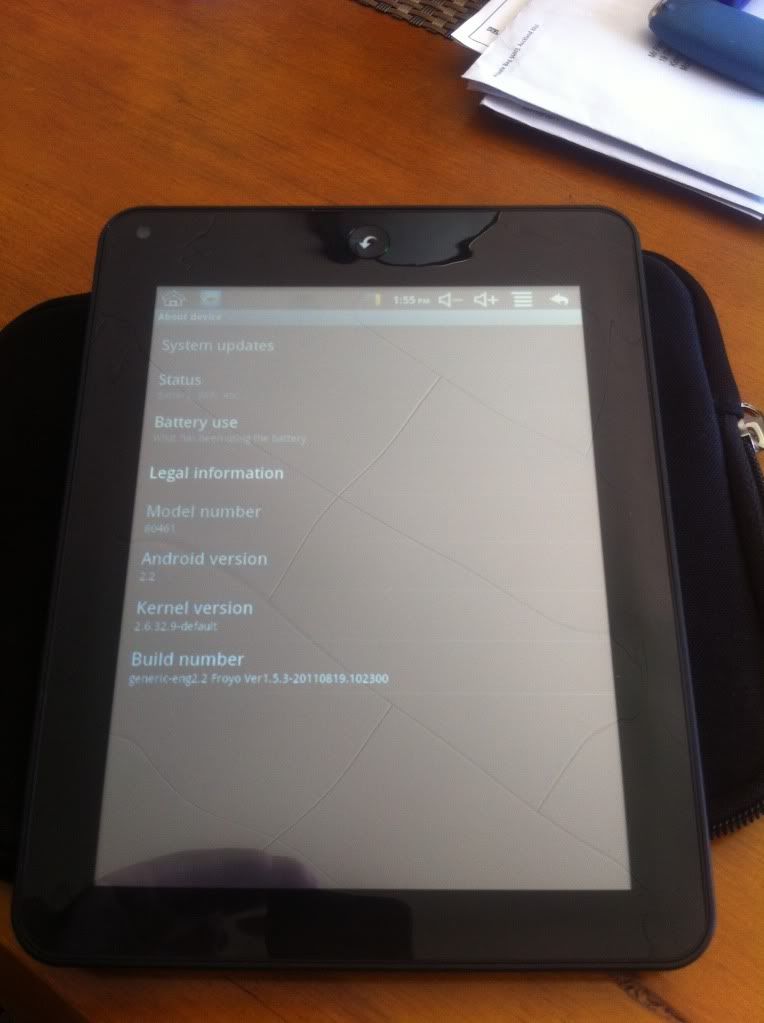
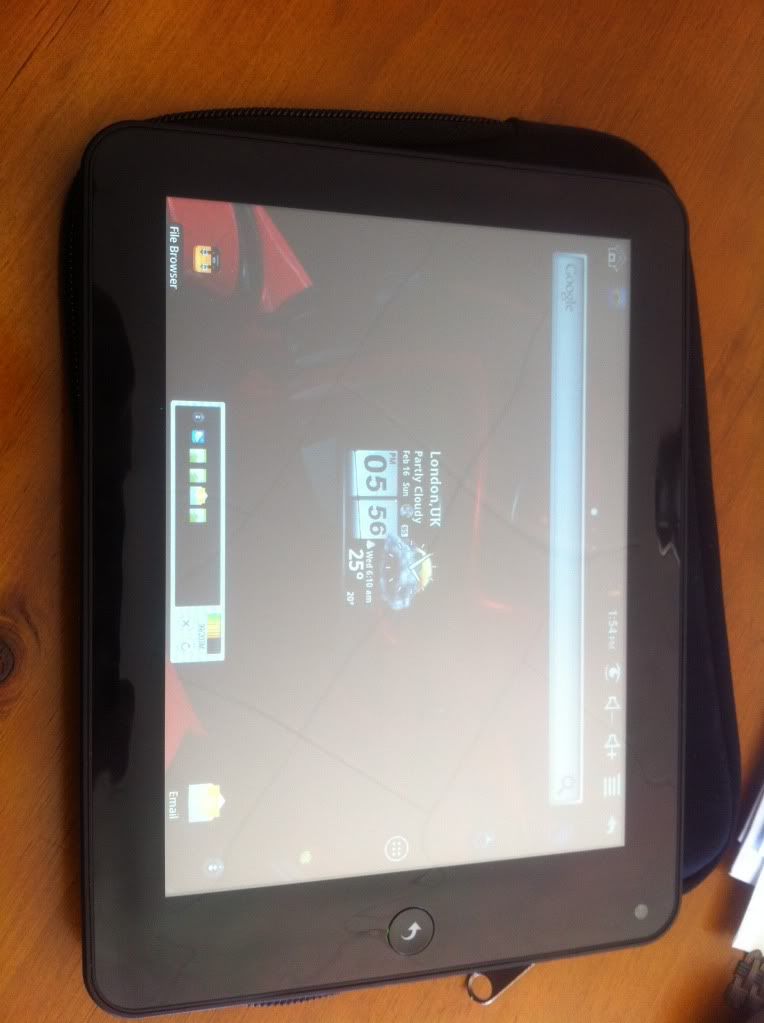
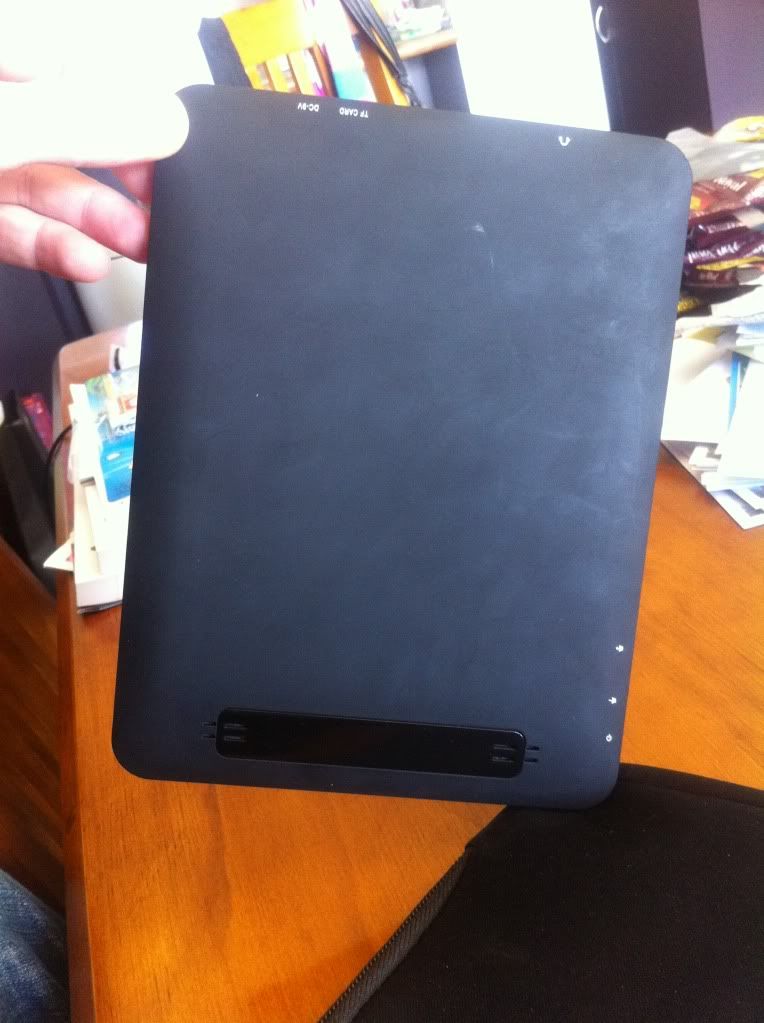
Hi people, I need help here. I really know nothing about programmes etc. I recently load an uberoid rom into my unknown brand 7" tablet and it did work much better; but one problem - the battery widgets always show 100%. I tried many widgets, but the problem is the same. Please help! Thanks!
Hi,
I bought a 7" VIA 8650 Android 2.2 Tablet off of ebay from China on Dec. 26, 2011 and finally got it on Jan. 14, 2012. Turned it on and it worked once, turned it on again and it just stay's on the Android robot where he is just turning in circles, can someone help me fix it, because I can't shipped it back to them because they want it shipped back by the 24th of this month, but I just don't have the money to, so I am just stuck with it, so could someone please help me.
aaliy06
I bought a 7" VIA 8650 Android 2.2 Tablet off of ebay from China on Dec. 26, 2011 and finally got it on Jan. 14, 2012. Turned it on and it worked once, turned it on again and it just stay's on the Android robot where he is just turning in circles, can someone help me fix it, because I can't shipped it back to them because they want it shipped back by the 24th of this month, but I just don't have the money to, so I am just stuck with it, so could someone please help me.
aaliy06
Hi,
I bought a 7" VIA 8650 Android 2.2 Tablet off of ebay from China on Dec. 26, 2011 and finally got it on Jan. 14, 2012. Turned it on and it worked once, turned it on again and it just stay's on the Android robot where he is just turning in circles, can someone help me fix it, because I can't shipped it back to them because they want it shipped back by the 24th of this month, but I just don't have the money to, so I am just stuck with it, so could someone please help me.
aaliy06
I bought a 7" VIA 8650 Android 2.2 Tablet off of ebay from China on Dec. 26, 2011 and finally got it on Jan. 14, 2012. Turned it on and it worked once, turned it on again and it just stay's on the Android robot where he is just turning in circles, can someone help me fix it, because I can't shipped it back to them because they want it shipped back by the 24th of this month, but I just don't have the money to, so I am just stuck with it, so could someone please help me.
aaliy06
phantomseed
Newbie
Ok guys, I have been scouring the net looking for answers for my WonderMedia 8650 and I am glad to say I found it!! I now have Uberoid v. 11 beta installed and it turned my turd into a jewel!!!!
As for some of you guys wanting help, I have to say that in order to use these types of Mods and Rom replacements and also installing either discontinued or cracked APK's, you will have to get used to doing some things you maybe never have done before, one thing namely is using torrent sites, you can find literally thousands of games and appz and others stuff on some torrent sites. Also Applanet and other app finding programs will help you out.
Now for those of you that feel that they do not want to delve into the work of Rom replacements and such i will tell you some of the easy things I did with my fresh out of the box WM8650 MID 7" from China also purchased on Ebay.
First things first, dependent on your version of this tablet you may or maynot ever get contacts working properly! if you have then you are very lucky!!
As for the app market installed, it links to a cheesy ass server in China with only a handful of apps (mostly games) you can install Google market by downloading directly from here some home screen loaders such as Go Launcher or Launcher Pro, if you can access the net on your tablet then you should be able to download them directly of you can use a PC and download the APK files to is and transfer to your tablet, one app I advise to get it Wifi File Tranfer, found on the Applanet Market.
This will allow you to connect to your tablet from your pc and transfer files over your home network, this is how I load new apps to my tablet and cell. After fiels have been transferred you can go to your file browser on the tablet and find the APK you transferred and install it from there.
Now you should be set to download anything from the Android App Market.
If you wan to get a new ROM the I suggest visiting TechKnow they helped me get this MID running like a top!!
As for some of you guys wanting help, I have to say that in order to use these types of Mods and Rom replacements and also installing either discontinued or cracked APK's, you will have to get used to doing some things you maybe never have done before, one thing namely is using torrent sites, you can find literally thousands of games and appz and others stuff on some torrent sites. Also Applanet and other app finding programs will help you out.
Now for those of you that feel that they do not want to delve into the work of Rom replacements and such i will tell you some of the easy things I did with my fresh out of the box WM8650 MID 7" from China also purchased on Ebay.
First things first, dependent on your version of this tablet you may or maynot ever get contacts working properly! if you have then you are very lucky!!
As for the app market installed, it links to a cheesy ass server in China with only a handful of apps (mostly games) you can install Google market by downloading directly from here some home screen loaders such as Go Launcher or Launcher Pro, if you can access the net on your tablet then you should be able to download them directly of you can use a PC and download the APK files to is and transfer to your tablet, one app I advise to get it Wifi File Tranfer, found on the Applanet Market.
This will allow you to connect to your tablet from your pc and transfer files over your home network, this is how I load new apps to my tablet and cell. After fiels have been transferred you can go to your file browser on the tablet and find the APK you transferred and install it from there.
Now you should be set to download anything from the Android App Market.
If you wan to get a new ROM the I suggest visiting TechKnow they helped me get this MID running like a top!!
phantomseed
Newbie
aaliy06, i can help you update it to a better ROM..
Phantomseed, thank you I could really use the help, I had it working some what yesterday, but the touch screen wouldn't calaberate, it would say it failed, so I tried to change the rom again to the beta one on it and it wouldn't do anything and so the only one that will show the desktop is the one that the seller emailed me but the touch don't work, so I tried the Universial one and it did work until like I said I put the Beta. help please.
aaliy06
aaliy06
Hi,
I have been going through the list of Rom's and some of them will get to the desktop like9,20,21,23 and i'm still testing the rest, but they don't have the touch on the desktop, so can someone help me to get the touch to work on one of these rom's, i'm using the M8650 Uberoid v11 beta3 HcH one and how long does it take for it to get to the desktop? some just stays on the colorful honeycombs.
Thanks
aaliy06
I have been going through the list of Rom's and some of them will get to the desktop like9,20,21,23 and i'm still testing the rest, but they don't have the touch on the desktop, so can someone help me to get the touch to work on one of these rom's, i'm using the M8650 Uberoid v11 beta3 HcH one and how long does it take for it to get to the desktop? some just stays on the colorful honeycombs.
Thanks
aaliy06
phantomseed
Newbie
Hi,
I have been going through the list of Rom's and some of them will get to the desktop like9,20,21,23 and i'm still testing the rest, but they don't have the touch on the desktop, so can someone help me to get the touch to work on one of these rom's, i'm using the M8650 Uberoid v11 beta3 HcH one and how long does it take for it to get to the desktop? some just stays on the colorful honeycombs.
Thanks
aaliy06
If it is hanging at the honeycomb then the option you chose will not work, try option 59, I did and it worked marvelous.
phantomseed
Newbie
aaliy06, also before you pick your option make sure you enable wifi support by typing x then enter and write down the wifi command its something like rt3070 then hit enter again it will take you back to the main changer screen, type the wifi command in then hit enter, the enter again and then type in option then enter it it ask for the drive to write to.
Also I dont know if you did this but you should unzip the ROM file to an empty folder on your pc and run the changer there, not on the SD card, the sd should be formatted with fat32 and waiting in a adapter to be written to! not sure if you knew that.
Also I dont know if you did this but you should unzip the ROM file to an empty folder on your pc and run the changer there, not on the SD card, the sd should be formatted with fat32 and waiting in a adapter to be written to! not sure if you knew that.
phantomseed
Newbie
aaliy06, does yours look like this one?


phantomseed
Newbie
and how do you get the full Android Market? and thanks for all the help
The MOD has it in it, so once you install the MOD then the market should be there!!! sorry for the long time between posts, I have been busy, let me know how it goes!!
phantomseed, I used no. 59 and it works, but it don't have the full market, but I can go online from my laptop and go to the Android market and download lot more apps straight to the tablet, but it won't let me download angry birds to the tablet and I know that it was on here before it messed up, do you know why that is? and thanks for your help.
aaliy06
aaliy06