• After 15+ years, we've made a big change: Android Forums is now Early Bird Club. Learn more here.

Help WhatsApp won't prompt for chat restoration from local backup

Incredibly, this worked! In part because I had to first construct an adapter for the nanoSIM, in part because I never imagined this might be a device-specific issue, it never occurred to me that there might be a workaround path utilizing the old S4, the new nanoSIM, and Google Drive. To my knowledge, no one else on the web came up with this idea either. I cannot thank you enough.

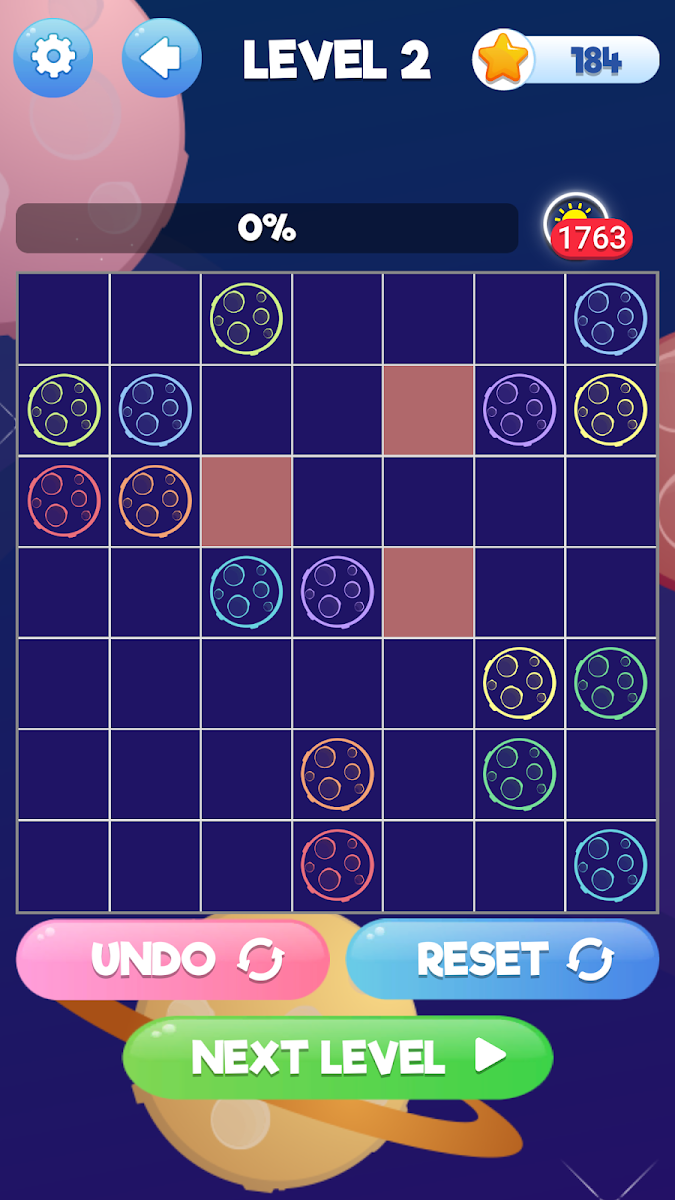
Plynk – Planet Match Puzzle[free][Game]

Plynk – Planet Match Puzzle

Connect the planet icons by drawing lines between them to solve the amazing pipeline puzzle game.
It is time to turn on your space adventurer mode! Put your focus and puzzle solving skills to test with this new and exciting space puzzle game. The pipeline puzzle game is all about matching the planets shown to you on the game board and solve the entire puzzle in as few moves as possible.
Whether you are a new player or a polished professional line puzzle solver, this game will test your skills – all thanks to tons of varying difficulty levels.
Try it now!
Download to Google play :Plynk – Planet Match Puzzle
nhKrRDXMvndjDLnJ1Xdflf6mWzq4nFHtMP5R-Sx89cQXFz5lkCI79yJAIFHzeAkc2w=w2504-h1200

Can't update from 6.0.1

Same here: I can find nothing that suggests anything later than Android 6 was ever released for the M8s. And I've not only looked for official software but also custom ROMs based on it (which would certainly not stick with an earlier Android version than the official releases).

In general if you don't have anything showing in the software updates menu your only option is to find a compatible RUU (ROM Upgrade Utility) with newer software. "Compatible" is important: unless you have modified the phone (specifically gained S-Off) a carrier-branded HTC won't accept software that doesn't have the same carrier, an unbranded phone won't accept software intended for a different region, etc.

If you are prepared to root the device (not everyone is up for such things, and it may mean that some apps stop working so do your research first) then looking in the XDA development forum for this model I can see ROMs based on more recent versions of Android. But those based on more recent versions seem to be based off AOSP sources rather than HTC firmware, so there would be a change in interface in addition (you lose the HTC Sense interface and all HTC apps).

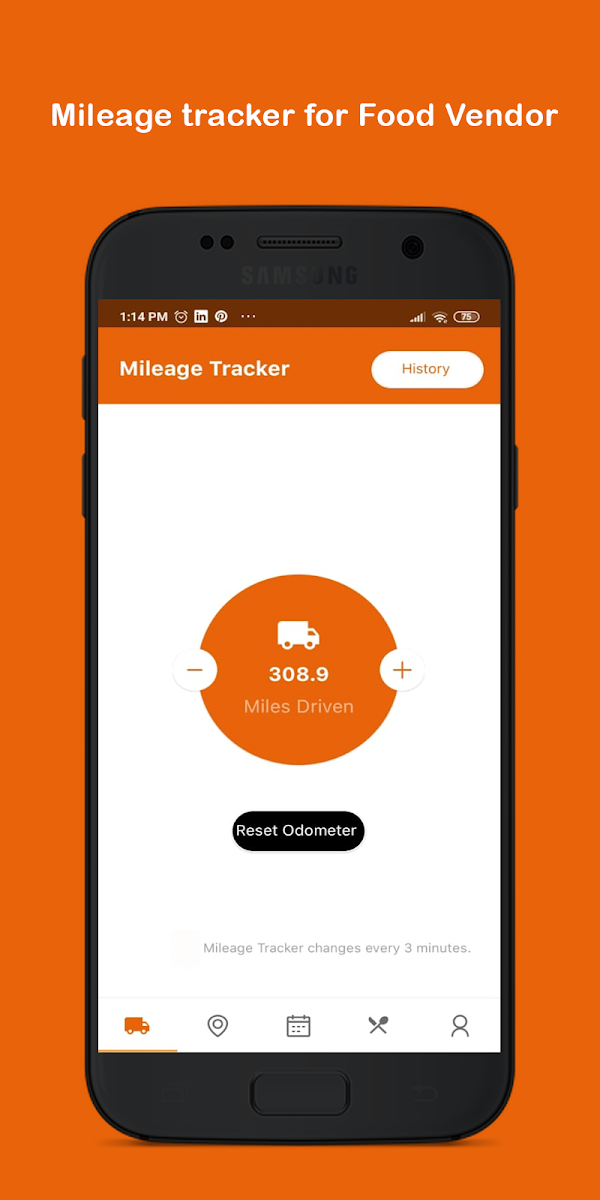
Mobile Food Vendor[Free][App]

Mobile Food Vendor

Looking for the best foodtrucks in your area this app help bridge the gap between foodtruck and communities with real time GPS tracking, vendor mile tracking, and customer updates when vendors are nearby. This app also help you market your foodtruck business to consumers all over the world.

Download to Google play:Mobile Food Vendor[Free][App]
hEV9pI7J6U5WgCApDB0f5A2H48T_-cdDLxxCA8atjXVAVpZwSt1i1HABl-8XEh0Rig=w2504-h1200
gNuVD4bYfTvUG7et-4A2J1Mute_51X4rq9hanHRnkAsD4tLDrGtayD_H08yzr-8a-H0=w2504-h1200

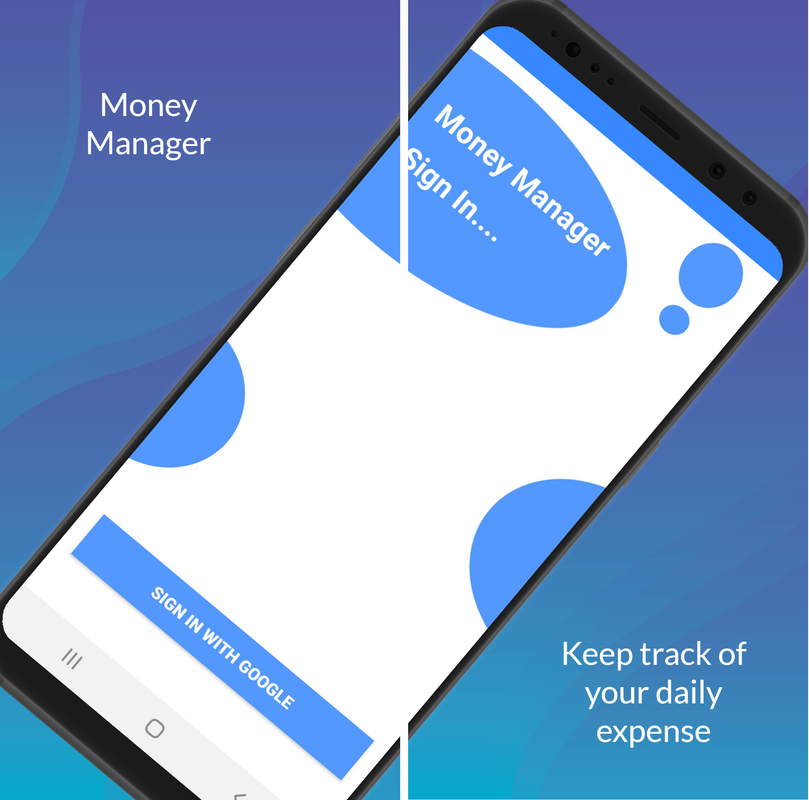
Money Manager - Free money management application for Android

If you don't manage what you already have well, your life will never add any value. Managing your finances every day will help you build great habits and benefit your life. In fact, there are many useful applications to help you manage your personal spending optimally and conveniently such as Mint, Clarity Money ..., and now I will recommend Money Manager , a very good application that people appreciate so you have more choices for yourself.
ic-app-01.png

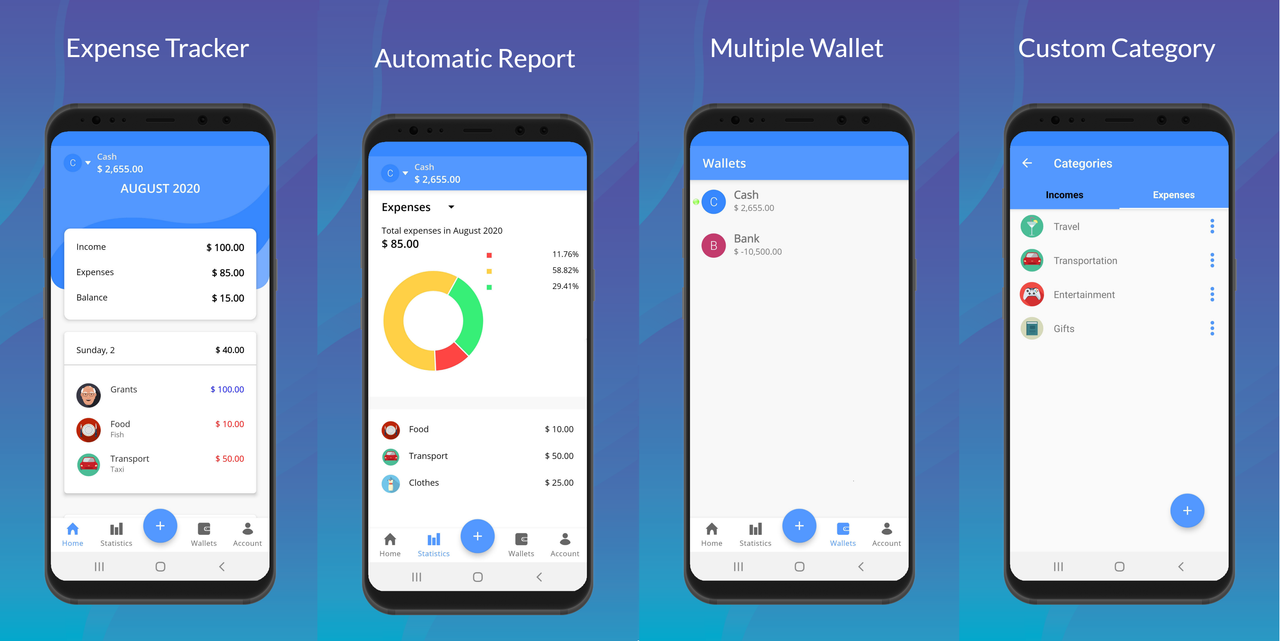
Money Manager an application with a simple design makes the application light and very easy to use. This application is not bothered by ads, has no feature limitations like other management apps but still ensures to meet your daily needs such as revenue and expenditure management, multi-wallet support, detailed statistics and backup and restore via Google account.

Everyone can use it, download it and explore the functions of Money Manager together!

ic-app-02.png

Main function:
- Keep track of revenues and expenditures.
- Support creating multiple wallets (sources of money).
- Track in multiple currencies.
- Editing of previous records.
- Fast, simple operation, you do not need to fill anything except the amount.
- Statistics and detailed reports on the situation of revenues and expenditures, total income or expenditure in the period.
- Backup / Restore via Google account.

Information:
Support for Android 4.4 and above
Version: v1.0.1
Size: 12 MB

Download link:
DOWNLOAD MONEY MANAGER

How to draw histograms very quickly?

Hello,


I would like to create an Android application with rapidly varying histograms, ideally at 60 fps. I'd like it not to be fullscreen but in a tab with text displayed around it.

With the classic classes of android.graphics, it seems that this is impossible and you have latency as soon as you go over several line drawings per second and it easily takes a second to trace the whole histogram. What better api/framework can I use ? Vulkan, Unity or other?


Thank you in advance,
Bretwa

Android Studio - New Class Dialogue missing

Hi folks,

Sry if I'm wrong here or didn't find the answer.

Trying to start Android development with Android Studio via Tutorial.

But when I want to make a new class I'm getting just a short dialogue where I can choose from class, enum, annotation and interface and name it.

All options like package, superclass, modifiers etc are missing.

Everywhere in the Internet it shows these options in the dialogue.

Can anybody tell me how to enable the full dialogue?

Thx and best regards

Filter

Back
Top Bottom