Install the app
How to install the app on iOS
Follow along with the video below to see how to install our site as a web app on your home screen.
Note: This feature may not be available in some browsers.
-
After 15+ years, we've made a big change: Android Forums is now Early Bird Club. Learn more here.
You are using an out of date browser. It may not display this or other websites correctly.
You should upgrade or use an alternative browser.
You should upgrade or use an alternative browser.
Lets see your UI layout!
- Thread starter GrdLock
- Start date
-
- Tags
- htc droid eris



AdrianC14
Android Expert
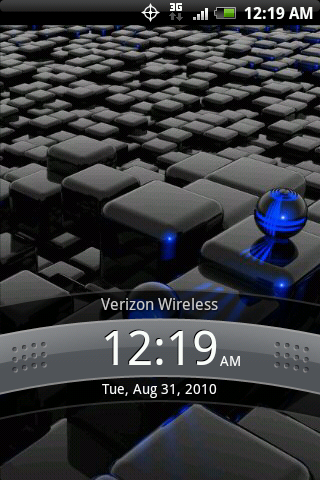
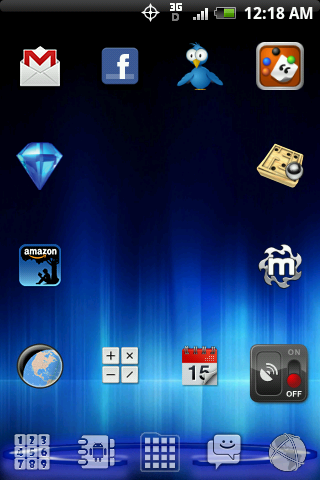
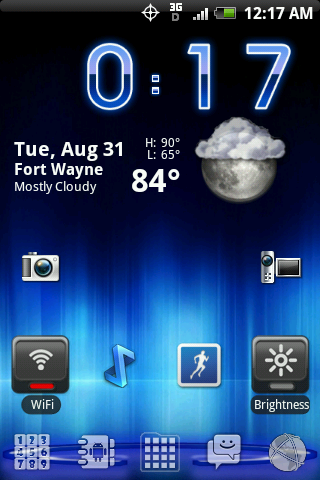
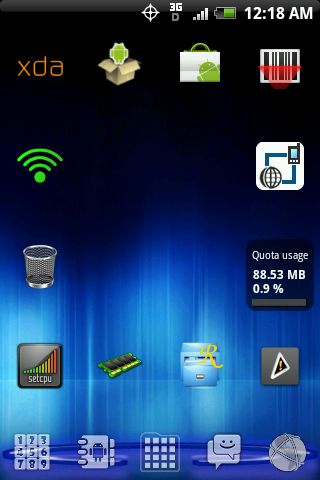
I'm running the BlackMod version of Nonsensikal v4.6 which can be found here: [ROM][8/24] Nonsensikal v4.6 [Froyo|Black|Blue|Vanilla] - xda-developers
The icons (Gloss
The icons (Gloss

taterdiditoo
Member
NCAA Football season starts soon...time to give my phone some team spirit!


Even gave Handcent some spirit!


Even gave Handcent some spirit!


pavirotten
Android Enthusiast
Using Transparent Chaos 1.6


Extremely cool. I like it.

DROIDdoesyourmom
Newbie
im sorry.. im such a nub.. how do you change font on your droid eris ??
can anyone help me.. maybe step by step if can.. please.. ill appreciate it!
can anyone help me.. maybe step by step if can.. please.. ill appreciate it!

Frisco
=Luceat Lux Vestra=
There is a lot of good stuff posted in this thread, but every once in a while I see a "WOW" home screen.. that is a WOW home screen.
Those text icons are first class.

There is a lot of good stuff posted in this thread, but every once in a while I see a "WOW" home screen.. that is a WOW home screen.
Those text icons are first class.
Thank you. Unfortunately, the wallpaper had TOO much detail and I feel that it cluttered the screen too much for my taste so it had to go.


ToastPwnz
Android Enthusiast
Thank you. Unfortunately, the wallpaper had TOO much detail and I feel that it cluttered the screen too much for my taste so it had to go.
If you wouldn't mind posting that wallpaper, I would love to try it on my phone once I knock out some of my icons and widget clutter. (Most likely by rooting/flashing Nonsensikal)
Last background was too much.

i dig this launcher dock, but couldn't figure out how to get the icons to not show up over the top of the dock?
are there clear or blank icons I can slip over so the letters don't get covered up by the icons?
cableguynoe
Android Expert
Trying to make the Android guy into something I like.. I've always thought the stock one looked more like a trash can than an android.
Gosh darnit Frisco.... Now I see I trash can every time


If you wouldn't mind posting that wallpaper, I would love to try it on my phone once I knock out some of my icons and widget clutter. (Most likely by rooting/flashing Nonsensikal)

ToastPwnz
Android Enthusiast
Thank ya very much.
D
Deleted User
Guest
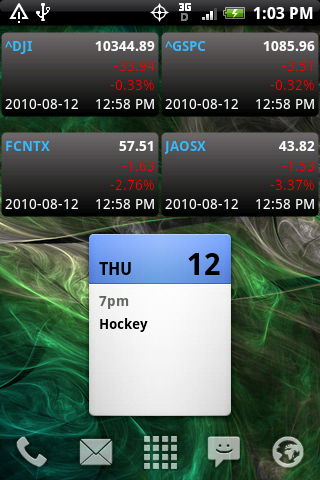
This is my current setup.. as always, a work in progress.


ToastPwnz
Android Enthusiast
how does one do screen shots again?
Taken from here.
With root
1) Download the Screenshot application (free).
2) Open the application, give it su permission, and once the text comes up, close it.
3) Press and hold the camera button for a second at the home screen. The camera application will pop up after a second with a Toast that tells you where the screenshot is saved. Whalah.
Without root
1) Install the Android SDK
2) Enable USB debugging on your device
3) Run DDMS from the tools directory
4) Select your phone from the list
5) Go in the menu, select Device, and then Screen capture. Whalah.

ACD168
Android Expert

Trying to make the Android guy into something I like.. I've always thought the stock one looked more like a trash can than an android.
Frisco, how are?
What clock is that??

n0ct3m
Android Enthusiast
Taken from here.
With root
1) Download the Screenshot application (free).
2) Open the application, give it su permission, and once the text comes up, close it.
3) Press and hold the camera button for a second at the home screen. The camera application will pop up after a second with a Toast that tells you where the screenshot is saved. Whalah.
Without root
1) Install the Android SDK
2) Enable USB debugging on your device
3) Run DDMS from the tools directory
4) Select your phone from the list
5) Go in the menu, select Device, and then Screen capture. Whalah.
Or you can always download shootme and get your shake on