• After 15+ years, we've made a big change: Android Forums is now Early Bird Club. Learn more here.

Post your Screenshots and Wallpaper!

okay... try not to snicker too loudly... but from time to time I want a totally black screensaver.... so I took a picture in the pitch darkness (without a flash)... and VOILA .. easy black background that I set as my screensaver. I'm not as "blonde" as I appear by all appearances ...
Turning into a SF pro there gg. Nice idea. Allow me your first thanks :D
 
tee hee... thanks for the "thanks" saps.... I've always been better known for my "street smarts".... I always seem to land on my feet. Just... please, PLEASE... don't EVER ask me to do MATH!!.... LMAO
 
tee hee... thanks for the "thanks" saps.... I've always been better known for my "street smarts".... I always seem to land on my feet. Just... please, PLEASE... don't EVER ask me to do MATH!!.... LMAO
hate_math.gif
 
here you go

clicky

The dimensions aren't 960x800, but it doesn't matter since there is no picture, so it won't get distorted or cut off or anything

This is probably going to be a stupid question, but how do I get that as my wallpaper? Do I go on these forums on my Fascinate, click the picture and try to save it as my wallpaper? Also has pure black wallpapers really been proven to conserve battery life on the Galaxy S phones?
 
This is probably going to be a stupid question, but how do I get that as my wallpaper? Do I go on these forums on my Fascinate, click the picture and try to save it as my wallpaper? Also has pure black wallpapers really been proven to conserve battery life on the Galaxy S phones?

I just saved em on my computer and transferred it to the SD card - if there's a way to save pictures in a browser on the phone, I'd love to hear it! For whatever reason, long-tapping the homescreen and going to Wallpaper > Gallery doesn't work for me. However, going directly to the Gallery app, finding the picture, and tapping Menu > More > Set As > Wallpaper, and then stretch/shrink the selection box to your liking (and hit Save, of course).

I'm not sure about "proven", but the way AMOLED screens work is that each pixel is powered separately (might not have the right wording on that..). There is no backlight. So the color black is just the pixel being turned off, instead of being set to show black and still have a light go though it.

And my apologies if I've said something you already know, just covering the bases.
 
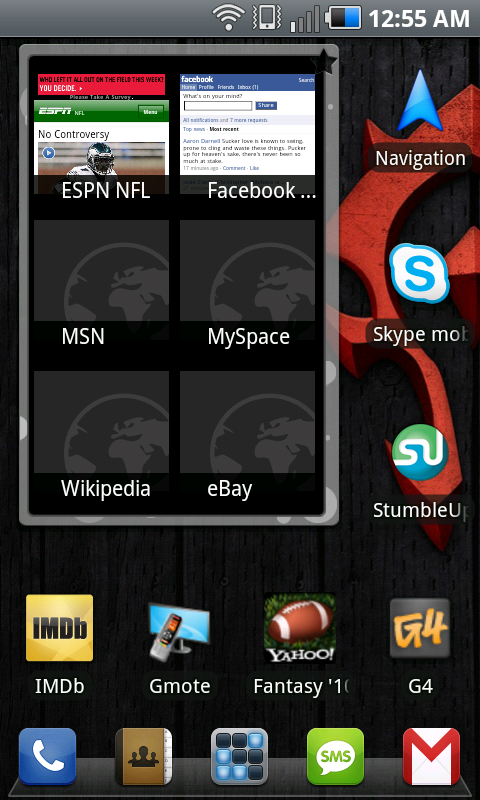
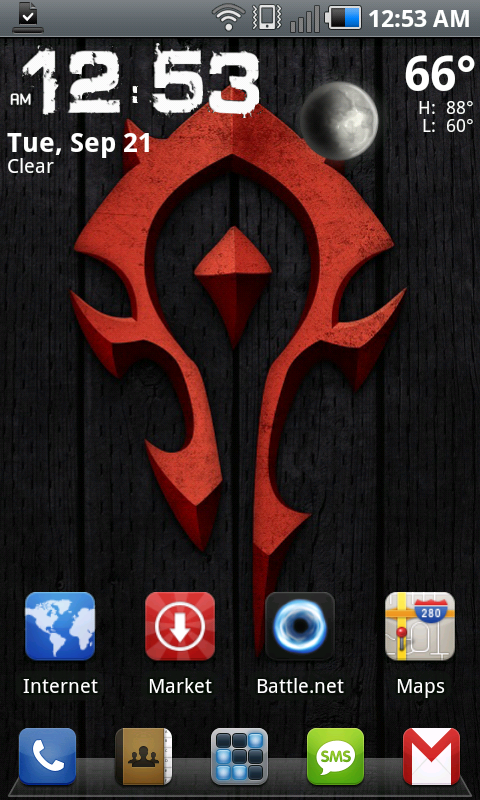
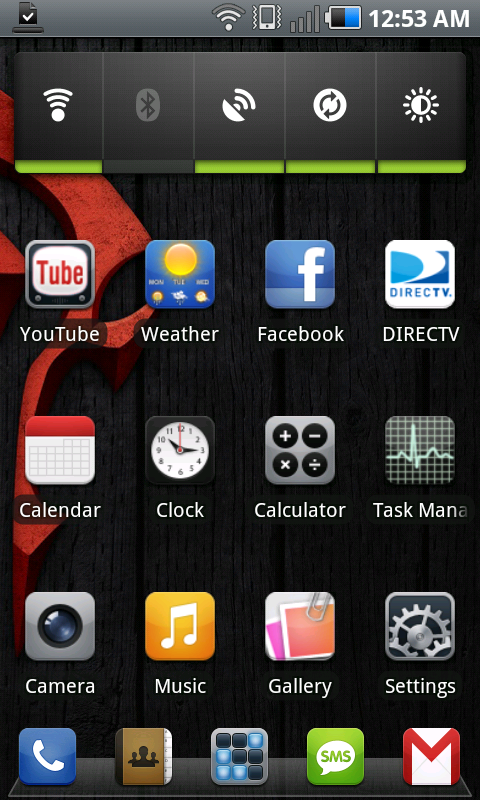
Here's my current one, I change everything far to often lol. Oh and hello everyone this just happens to be my first post here. :D Also you guys may like to know that the app ShootMe will work on the Fascinate WITHOUT being rooted.

snap20100921_005511.png
snap20100921_005305.png
snap20100921_005309.png


And here's the bg if anyone wants it
horde.jpg
 
Working clock.. no theme pack.. just me fooling around.

The clocks are from Market and come in that style in several colors for 99 cents: "Droid Eye Blue," etc...
 
I just saved em on my computer and transferred it to the SD card - if there's a way to save pictures in a browser on the phone, I'd love to hear it! For whatever reason, long-tapping the homescreen and going to Wallpaper > Gallery doesn't work for me.

Tap Menu, Wallpaper, and choose a wallpaper...

[OTE]Also you guysQU may like to know that the app ShootMe will work on the Fascinate WITHOUT being rooted.[/QUOTE]

Really, i have to try that out~~ Thanks

Oh shit! it works!!!!

OMG Guys, you can tottally use the shoot me app to take screenshots on your fascinate...

ShootMe (Screen Grabber)
by Johan Cloetens
50,000 downloads, 2667 ratings (4.2 avg)
Free
rating9.png
 
Tap Menu, Wallpaper, and choose a wallpaper...

[OTE]Also you guysQU may like to know that the app ShootMe will work on the Fascinate WITHOUT being rooted.

Really, i have to try that out~~ Thanks[/QUOTE]
Very true. Every screenie I put up is taken with ShootMe. Its pretty nice. I take the pic, crop if needed and then upload to picasa so I can link it in threads and what not. Needless to say I am rooted.
My only minor complaint with ShootMe is its shake sensitivity. Sometimes I shake it and it doesnt take a snapshot. So then I shake it a lot and it takes 2 pics. Again, very minor problem and it might just be a me problem
 
Well mine is a process, i keep changing, but i really like everything as minimal as possible, but not minimalistic...


Beautiful widgets: Beautiful live weather. Clock Skin "Pinkcashmere"
Switch pro widget
snap20100921_122131.jpg


Battery Gauge widget
snap20100921_122135.jpg


snap20100921_125652.jpg


Ugh, i need a Samoled screen on my laptop, this is not looking very samsung right now! It looks so bland...
 
Sometimes I shake it and it doesnt take a snapshot. So then I shake it a lot and it takes 2 pics. Again, very minor problem and it might just be a me problem

That has happened to me to. I'm pretty sure that it actually takes the screen shot, but doesn't give you the notification. So when you try it again, it shows 2.
 
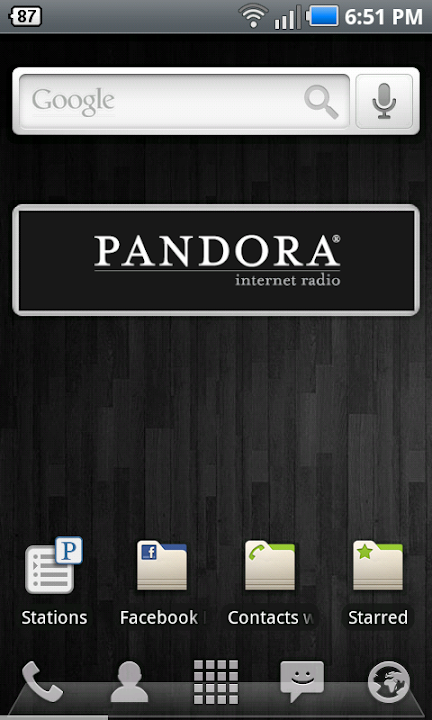
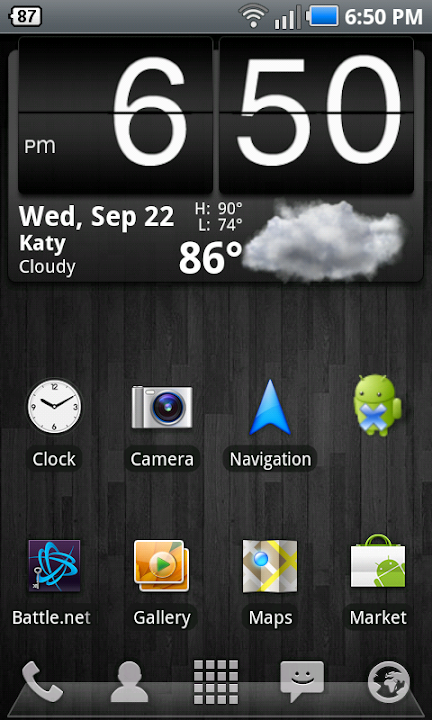
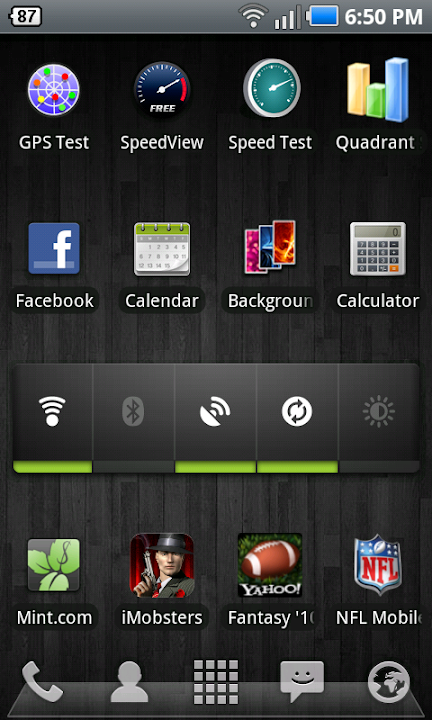
w00t it does work! So I'm very new to smart phones, though I tech savvy as a mofo. So this is my first go at customizing my SF. Let me know if i forget to label something please.

Using Launcher Pro Free which I mostly used to change the dock, get rid of extra screens I don't need (yet =P), and to hide bloatware. I have Battery Indicator Pro up top in the notification bar and Beautiful Widget on my main screen for clock and weather.
snap20100922_185100.png
snap20100922_185053.png
snap20100922_185057.png


Hehe I just previewed my post - it looks nice =P

quick question - to post the screenies, I did what someone above mentions which was upload them to picasa. Then I just right clicked and copied location and pasted that to the 'Insert Image' prompt. That the right way to do it?
 
@noroth yes thats right

Bumping this up since it is really easy to do with shoot me! post em people
 
@noroth yes thats right

Bumping this up since it is really easy to do with shoot me! post em people
Not everyone is rooted though to use Shoot Me! Although Shoot Me alone is worth the 2 minutes it takes to root.
 
Back
Top Bottom