• After 15+ years, we've made a big change: Android Forums is now Early Bird Club. Learn more here.

What Does Your Epic 4G Screen Look Like?

I'm in the same boat as you are, and unfortunately I have no idea what DV is. LOL, but I do plan on reading up on .apk creating and i'll make a thread with my findings.

***

So after 2 days or resizing, copying and pasting here's what i've come up with. It doesn't compare to the screen's I've seen in this thread (jealous) but it's not bad for my first try. :)

ws4t41.jpg

Great job for a first attempt. Much better than what I've come up with. Please do post up what you find about .apk creating. I want to learn!

P.S. DV = Desktop Visualizer. :)
 
Great job for a first attempt. Much better than what I've come up with. Please do post up what you find about .apk creating. I want to learn!

P.S. DV = Desktop Visualizer. :)

Oooooooooh! Silly me! :D
Yeah, Desktop Visualizer is pretty cut and dry. The hard part is resizing the pictures but I have a trick for that. :)

For a full horizontal bar (ex: my 'browser' widget) you wanna make it 470 x 132.
For a small vertical bar (ex: my 'alarm' widget) you wanna go with 115 x 266.
For a small horizontal bar (ex: my 'Qik' widget) you'd use 355 x 132.
If you wanna use 2 side by side (ex: Handcent & Phone) make it 235 x 132.
And for my 4 vertical widgets that are side by side (1st screen) I used 120 x 286 for each of them.

It took a while but I found that system worked for me.

Also after saving the pictures to your SD Card, Use the following guide for selecting the right size widget:

4 Vertical Side by Side & Small Vertical - 1 x 2
Small Horizontal - 3 x 1
Full Horizontal - 4 x 1
2 Side by Side - 2 x 1

The best way I found to select the correct widget size is by long pressing on a screen, selecting 'widgets' and then selecting the correct 'desktop visualizer' widget size. Once you select it, you then choose the image and the shortcut. You can add text to the widget if you don't have text in the image.

Hope this helps! Let me know if you get stumped.

And thanks for the comment on my screens BTW. :D

 
I want a new dialer so bad... Is there a place I cant download any or possibly a tutorial on how I can make my own?

Me too, and I want that battery indicator as well.


There are different dialers available on the market but to do what the user did, you have to be rooted (and using a custom deodexed ROM). After that, it's not TOOoooooo difficult.

There was an app out called "circular battery indicator" that did something similar without rooting though. Check THIS.

I know you have to create an .apk file to take place of the stock dialer and I read somewhere that you need ADB in order to make the replacement happen. Unfortunately thats all I've got. :(

Editing the res png's and 9.png's in the apk. It can be time consuming for sure. :)

So after 2 days or resizing, copying and pasting here's what i've come up with. It doesn't compare to the screen's I've seen in this thread (jealous) but it's not bad for my first try. :)

Have you checked THIS THREAD for the tips/tricks of get everything to line up? :)
 
Oooooooooh! Silly me! :D
Yeah, Desktop Visualizer is pretty cut and dry. The hard part is resizing the pictures but I have a trick for that. :)

For a full horizontal bar (ex: my 'browser' widget) you wanna make it 470 x 132.
For a small vertical bar (ex: my 'alarm' widget) you wanna go with 115 x 266.
For a small horizontal bar (ex: my 'Qik' widget) you'd use 355 x 132.
If you wanna use 2 side by side (ex: Handcent & Phone) make it 235 x 132.
And for my 4 vertical widgets that are side by side (1st screen) I used 120 x 286 for each of them.

It took a while but I found that system worked for me.

Also after saving the pictures to your SD Card, Use the following guide for selecting the right size widget:

4 Vertical Side by Side & Small Vertical - 1 x 2
Small Horizontal - 3 x 1
Full Horizontal - 4 x 1
2 Side by Side - 2 x 1

The best way I found to select the correct widget size is by long pressing on a screen, selecting 'widgets' and then selecting the correct 'desktop visualizer' widget size. Once you select it, you then choose the image and the shortcut. You can add text to the widget if you don't have text in the image.

Hope this helps! Let me know if you get stumped.

And thanks for the comment on my screens BTW. :D

Great info. How do you edit the size (..i.e..115 x 266)?
 
There are different dialers available on the market but to do what the user did, you have to be rooted (and using a custom deodexed ROM). After that, it's not TOOoooooo difficult.

There was an app out called "circular battery indicator" that did something similar without rooting though. Check THIS.


Editing the res png's and 9.png's in the apk. It can be time consuming for sure. :)


Have you checked THIS THREAD for the tips/tricks of get everything to line up? :)

Well I rooted my Epic with the one click root but how do I know if its a deodexed rom? And I'm about to make my way over to that thread to see about the alignment of my widgets. Thanks Kelmar! :)

Great info. How do you edit the size (..i.e..115 x 266)?

I used windows paint to create my widget pictures and just dragged the points at the bottom and right hand side to the correct length and width. I had to have 2 Paint's open though. One for the original image and another for the size for the widget. It was alot of copying and pasting going on but it worked. Hope it helps!

**edit**
Since the original post I've found out alot...

Sedan, I was using paint because I refuse to pay out the a** for Photoshop, and with me currently being unemployed, I wont be purchasing anything thats not needed right now. On my old laptop I downloaded an app called GIMP. I hadn't downloaded it to my new laptop because I couldn't remember the name of it! And since I completely wiped the Hard Drive on it, I was stuck with Paint. But thanks to Kelmar directing me to that thread (Thanks again Kelmar!!!! :D) Someone posted a link to the app and I clicked on it almost immediately. I would strongly suggest this app as a great comparison to Photoshop if you dont have a photo editing program you're already using.

You can it by clicking the link below.
Download GIMP v2.6.11

The thread also educated me on changing the number of rows on my screen (didn't know I could do that) so now theres 5. You can only do that with LauncherPro though (hopefully you have it already) although there may be other launchers out there that do it as well.

The only thing thats gonna cause some thinking is the size of the screen in reference to the size of the widget images. The OP in the Win7 Thread has a set of sizes for each widget size (1x4, 1x2, etc.) but as the thread grows the sizes change for specific devices. I tried searching the thread for 'Epic" but came up with nothing. I'm gonna check this thread as well and hopefully i'll find some reliable sizes but if not i'll play around with it and see what works best. My findings will be posted either way.
 
Well I rooted my Epic with the one click root but how do I know if its a deodexed rom? And I'm about to make my way over to that thread to see about the alignment of my widgets. Thanks Kelmar! :)
Only custom ROMs are deodexed (most custom ones are). So if you are rooted but still stock you aren't deodexed. You can check your /system/framework folder if you are on a custom rom and see if you have a any .odex files, if so, you cant theme it.
 
Well I rooted my Epic with the one click root but how do I know if its a deodexed rom? And I'm about to make my way over to that thread to see about the alignment of my widgets. Thanks Kelmar! :)


I used windows paint to create my widget pictures and just dragged the points at the bottom and right hand side to the correct length and width. I had to have 2 Paint's open though. One for the original image and another for the size for the widget. It was alot of copying and pasting going on but it worked. Hope it helps!

**edit**
Since the original post I've found out alot...

Sedan, I was using paint because I refuse to pay out the a** for Photoshop, and with me currently being unemployed, I wont be purchasing anything thats not needed right now. On my old laptop I downloaded an app called GIMP. I hadn't downloaded it to my new laptop because I couldn't remember the name of it! And since I completely wiped the Hard Drive on it, I was stuck with Paint. But thanks to Kelmar directing me to that thread (Thanks again Kelmar!!!! :D) Someone posted a link to the app and I clicked on it almost immediately. I would strongly suggest this app as a great comparison to Photoshop if you dont have a photo editing program you're already using.

You can it by clicking the link below.
Download GIMP v2.6.11

The thread also educated me on changing the number of rows on my screen (didn't know I could do that) so now theres 5. You can only do that with LauncherPro though (hopefully you have it already) although there may be other launchers out there that do it as well.

The only thing thats gonna cause some thinking is the size of the screen in reference to the size of the widget images. The OP in the Win7 Thread has a set of sizes for each widget size (1x4, 1x2, etc.) but as the thread grows the sizes change for specific devices. I tried searching the thread for 'Epic" but came up with nothing. I'm gonna check this thread as well and hopefully i'll find some reliable sizes but if not i'll play around with it and see what works best. My findings will be posted either way.

Great! I have PS, so I'll try to use that to edit my pictures. Oh boy, this is going to be a fun process.
 
Only custom ROMs are deodexed (most custom ones are). So if you are rooted but still stock you aren't deodexed. You can check your /system/framework folder if you are on a custom rom and see if you have a any .odex files, if so, you cant theme it.

I'll have to look into that. Is there a thread around here with steps on creating your own dialer? Thanks Again!!!

Great! I have PS, so I'll try to use that to edit my pictures. Oh boy, this is going to be a fun process.

If you have PS then you're good to go. In the thread Kelmar linked the OP posted some links to resizing the pictures and adding font. I believe he posted Screenshots as well. Go check it out!

Also, before you start, here are the pixel sizes each widget pic should be. I just finished remaking my screens and they fit perfectly with each other (see below)

2x1 Widget - 230x125
2x2 Widget - 230x260
3x1 Widget - 350x125
4x1 Widget - 470x125
1x2 Widget - 110x260
1x4 Widget - 110x665
4x4 Widget - 470x665

Hope this helps! And now for my updated screens. I must say, I like the way everything came out. :)
dondxw.jpg
 
I'll have to look into that. Is there a thread around here with steps on creating your own dialer? Thanks Again!!!

Not that I've seen. BUT, I have a handful of links from XDA that got me started in the right direction when I was "theming" for the Hero. Let me know if/when you are ready to tackle it and I'll see if I can dig them back up.

You will need to be pretty handy in photoshop/gimp IMO though.
 
I'll have to look into that. Is there a thread around here with steps on creating your own dialer? Thanks Again!!!


If you have PS then you're good to go. In the thread Kelmar linked the OP posted some links to resizing the pictures and adding font. I believe he posted Screenshots as well. Go check it out!

Also, before you start, here are the pixel sizes each widget pic should be. I just finished remaking my screens and they fit perfectly with each other (see below)

2x1 Widget - 230x125
2x2 Widget - 230x260
3x1 Widget - 350x125
4x1 Widget - 470x125
1x2 Widget - 110x260
1x4 Widget - 110x665
4x4 Widget - 470x665

Hope this helps! And now for my updated screens. I must say, I like the way everything came out. :)

I feel like even with those sizes, my image distorts. Any suggestions?
 
I feel like even with those sizes, my image distorts. Any suggestions?

Did you go into the launcher pro settings and change the number of rows to 5? If so then you've lost me. Post a screenshot of how it came out and i'll be able to let you know what needs to be done to clear the issue.
 
Did you go into the launcher pro settings and change the number of rows to 5? If so then you've lost me. Post a screenshot of how it came out and i'll be able to let you know what needs to be done to clear the issue.

Ahh, that may cure my issues. I'll try that and post back.
 
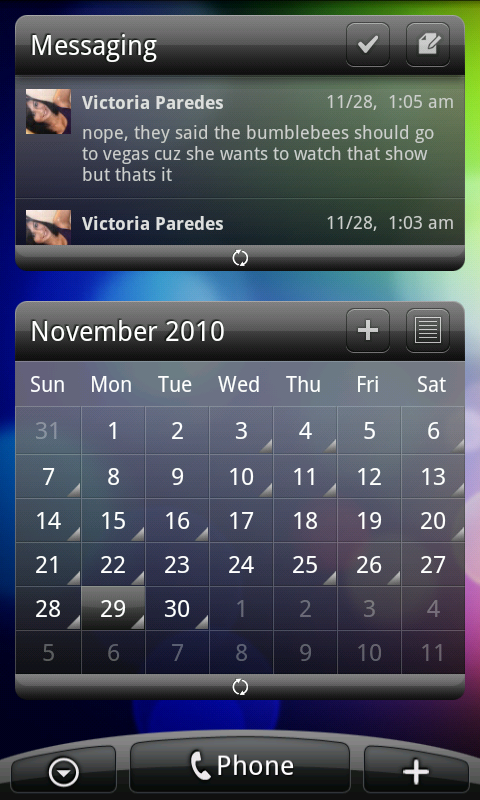
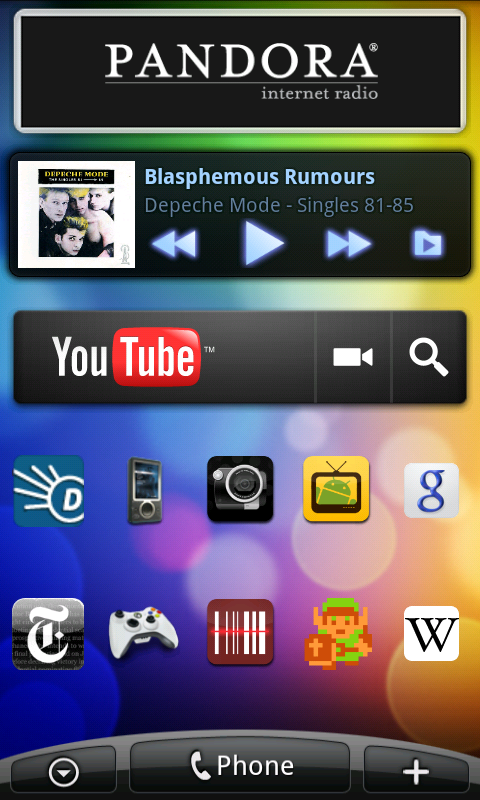
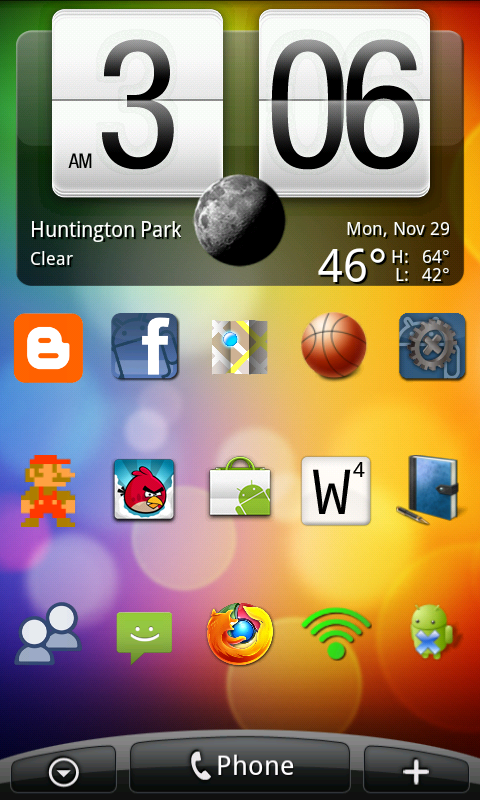
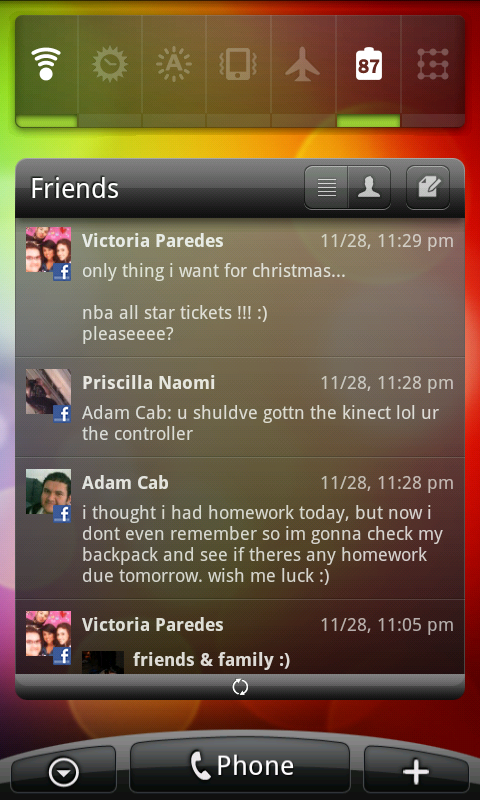
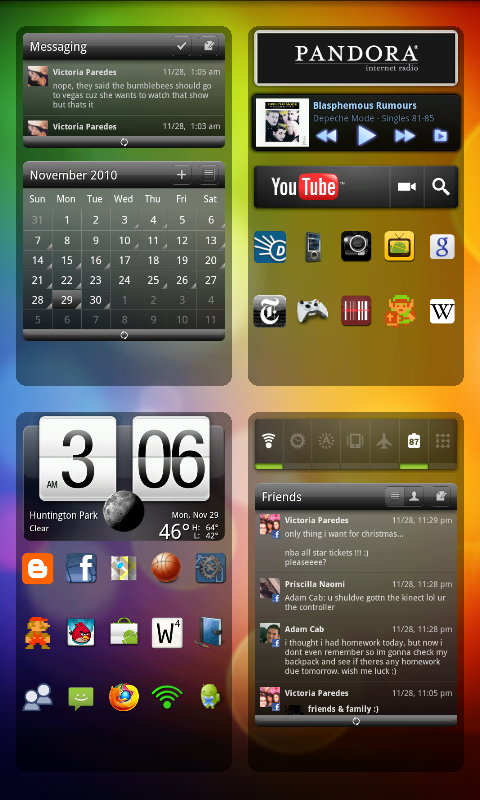
here's my latest desktop setup, using LauncherPro+, HTC Sense Dock and Fancy Widget for the clock. Folder Organizer for the homescreen folders, 5 rows and hidden status bar, no labels

Messaging & Calender Widget (LP+)
snap20101129_030636.png


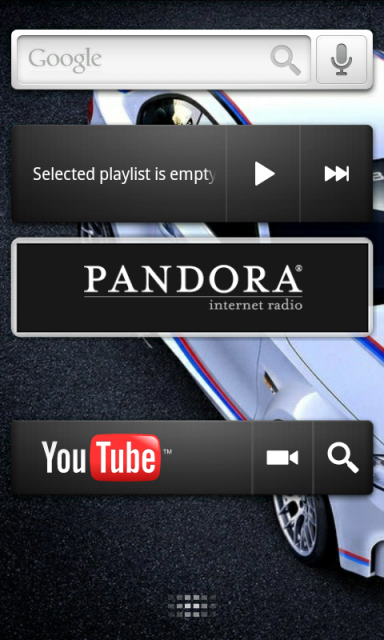
Pandora, PowerAMP, and YT Widgets
snap20101129_030641.png


Fancy Widget (not in market)
snap20101129_030644.png


SwitchPro and Friends (LP+)
snap20101129_030647.png


snap20101129_030655.png

 
I feel like even with those sizes, my image distorts. Any suggestions?

Sedan_Clan:

Without screenshots, I can only take guesses:

1. If you're resizing images, make sure that you have something like "Constrain Proportions" checked. Otherwise, entering different dimensions that are not proportionate to the original image will definitely distort it. The best way of resizing am image for these icons is to use the crop method: Image Resizing Using Photoshop.

2. Make sure you have the Image Quality set correct for Desktop Visualizer: Desktop Visualizer Update v. 1.1.1 Image Quality Setting.

3. Make sure that you have the "Auto-Fit Items" option selected in LauncherPro: Enable LauncherPro Auto-Fit Option for Android 7 Theme.

4. Finally, make sure that you are using the correct image sizes. I originally had the 4-high dimension incorrect on my list and has since been updated:

1x1: 110px x 125px
1x2: 110px x 260px
1x3: 110px x 395px
1x4: 110px x 530px
2x1: 230px x 125px
2x1: 230px x 260px
3x1: 350px x 125px
3x3: 350px x 395px
4x1: 470px x 125px
4x4: 470px x 530px


Dimensions are for a 480x800 resolution device using LauncherPro set to 4-columns by 5-rows with notification bar on.

If you have the notification bar hidden, dimensions for that are in this post: DROID Incredible Desktop Visualizer Image Dimensions With Notification Bar Hiding.

Hope this helps! If you have any other questions, please feel free to ask.
 
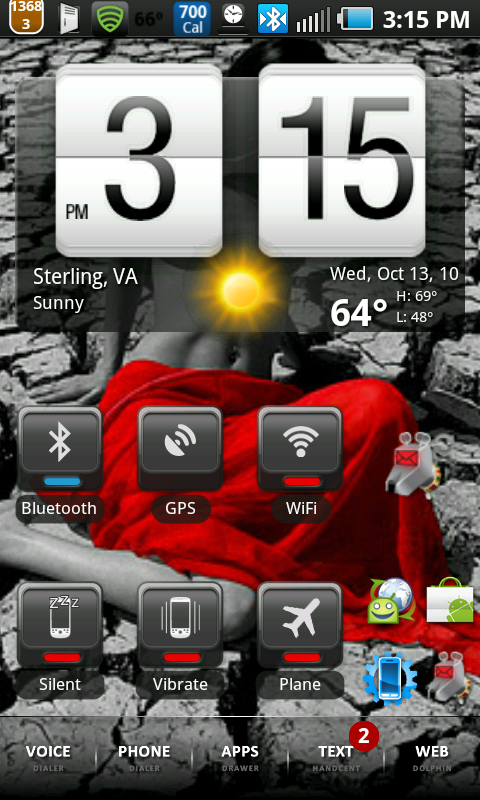
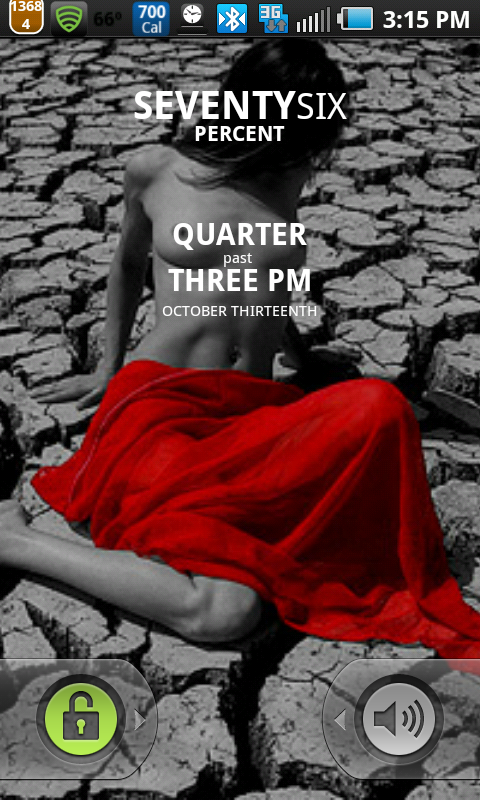
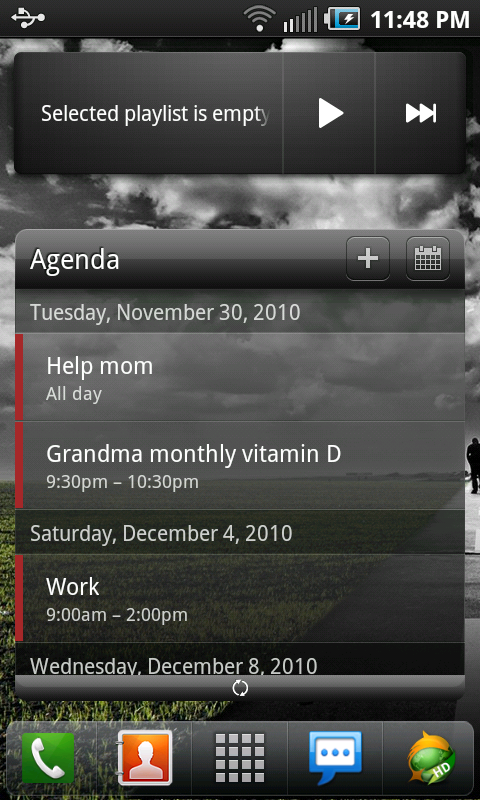
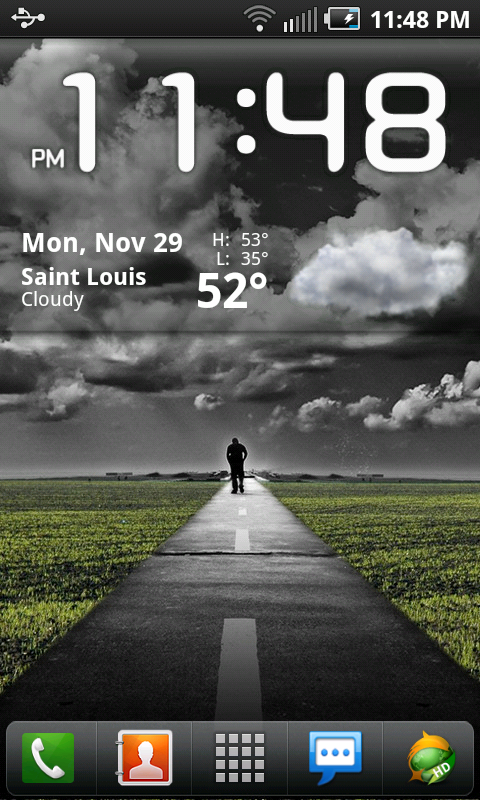
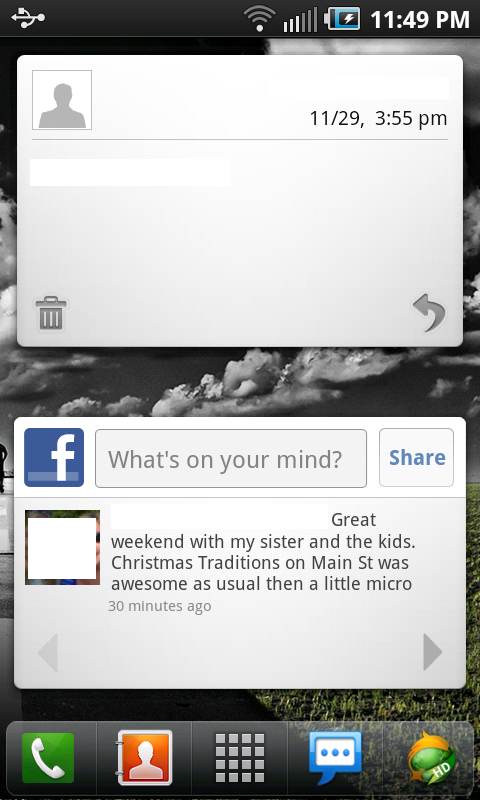
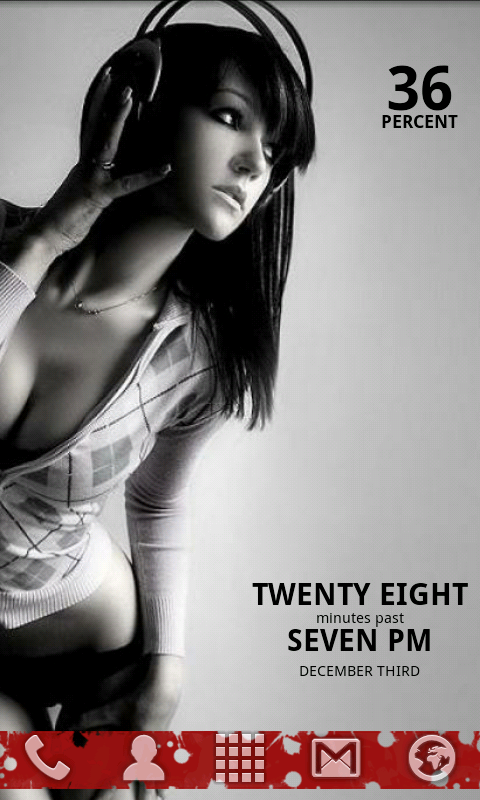
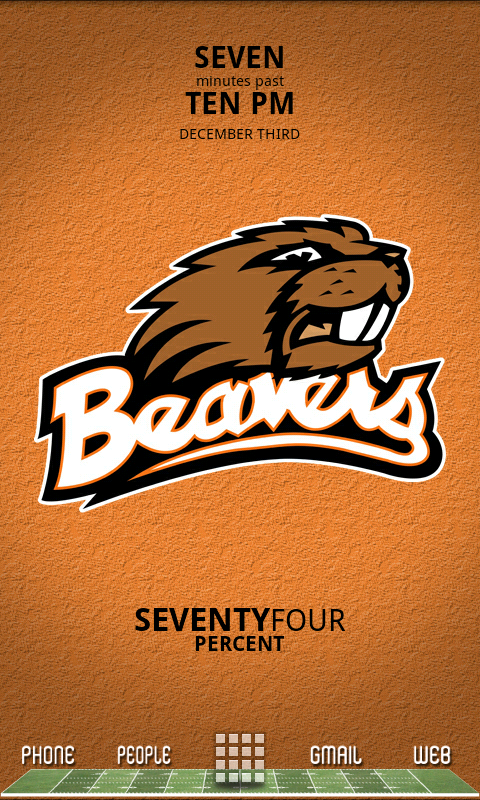
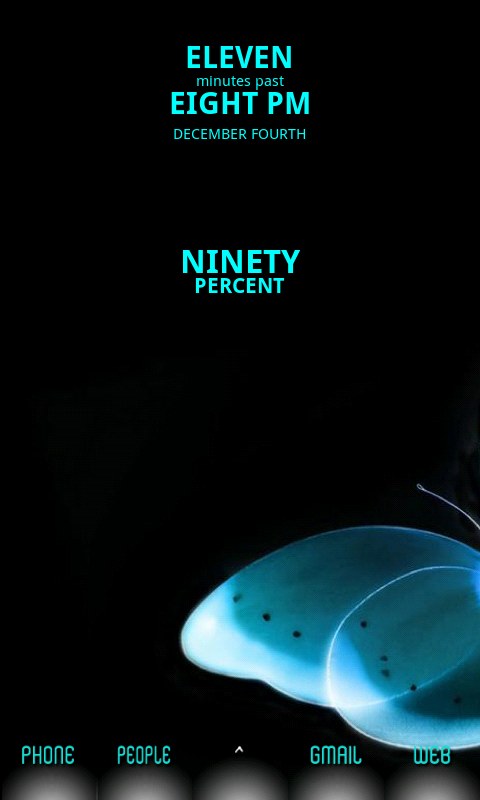
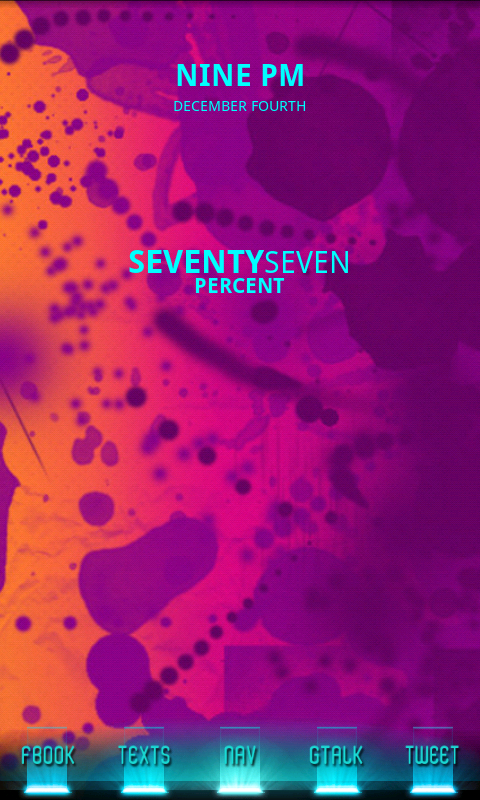
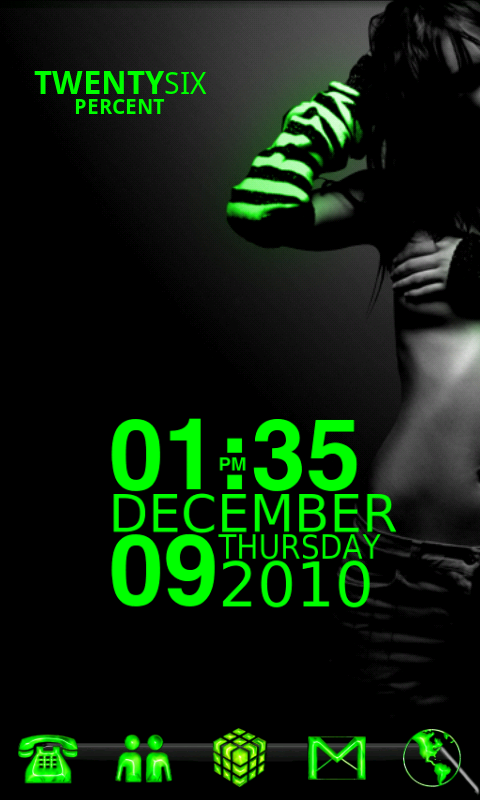
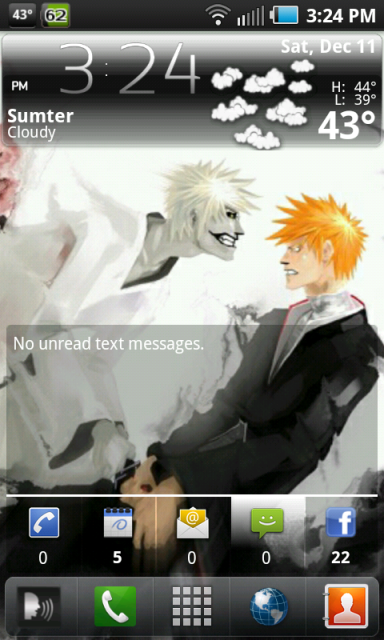
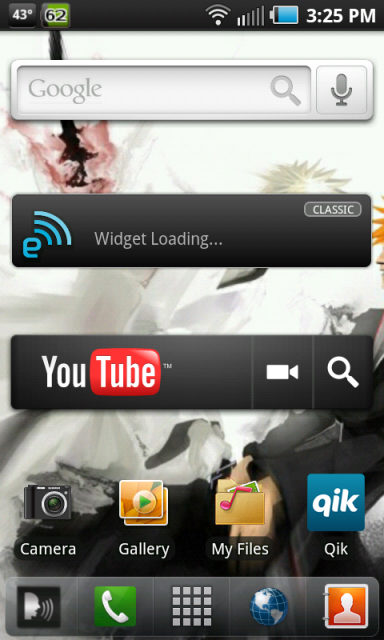
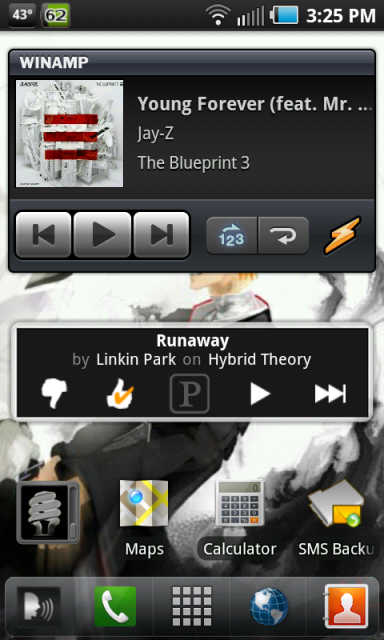
Paul, thanks for the advice. I'm going to try that and see if it helps. Until then, my screens are minimalistic at best. Here are my shots:

snap20101209_142524.png


snap20101209_142527.png


snap20101209_142533.png
 
Back
Top Bottom