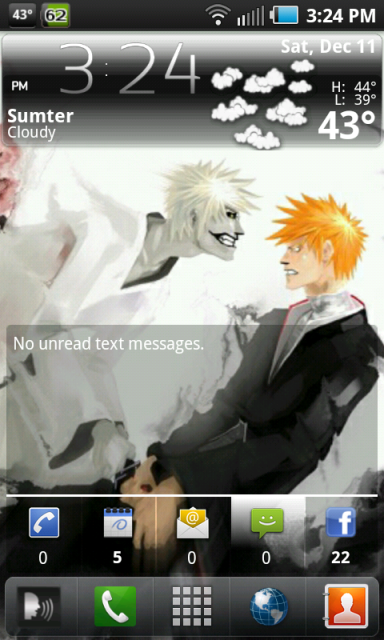
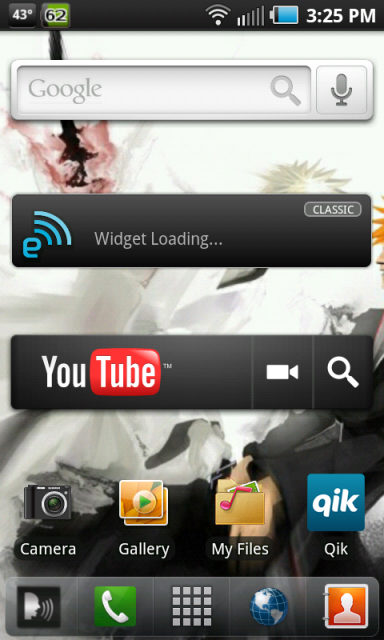
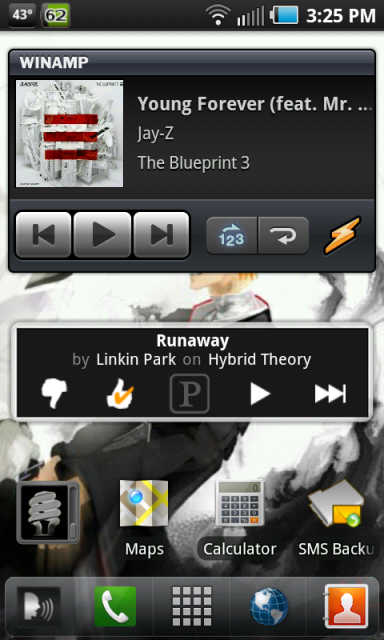
Oooooooooh! Silly me!

Yeah, Desktop Visualizer is pretty cut and dry. The hard part is resizing the pictures but I have a trick for that.

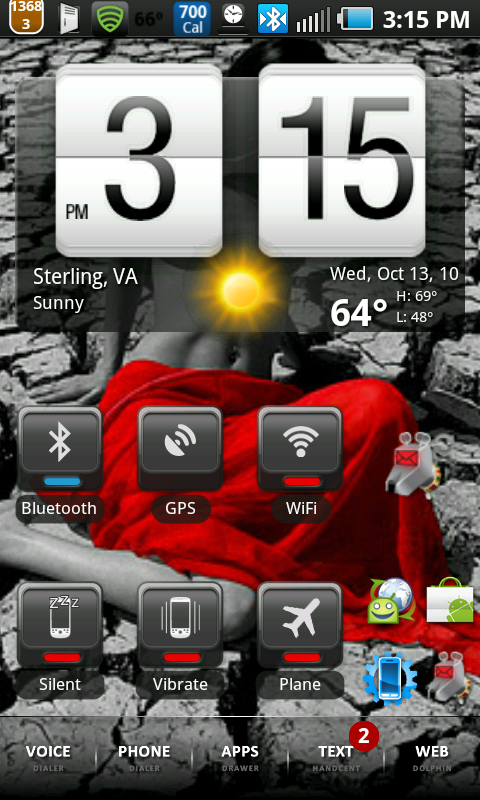
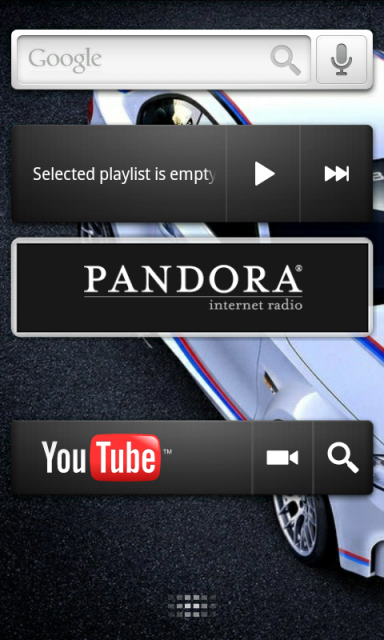
For a full horizontal bar (ex: my 'browser' widget) you wanna make it 470 x 132.
For a small vertical bar (ex: my 'alarm' widget) you wanna go with 115 x 266.
For a small horizontal bar (ex: my 'Qik' widget) you'd use 355 x 132.
If you wanna use 2 side by side (ex: Handcent & Phone) make it 235 x 132.
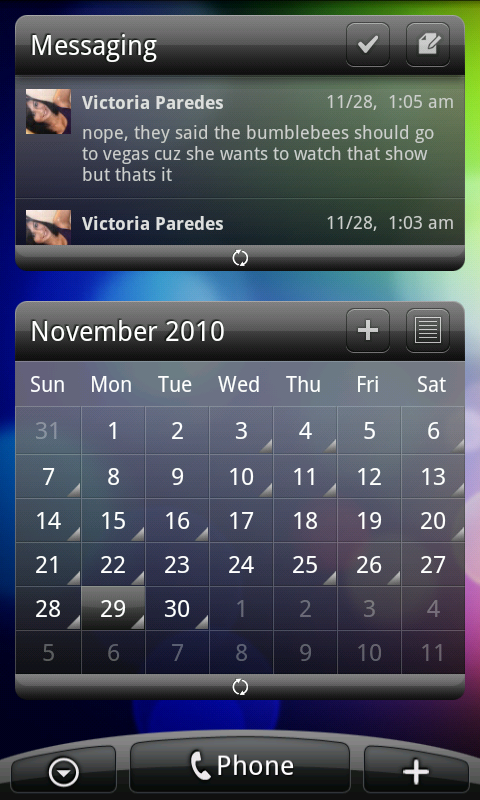
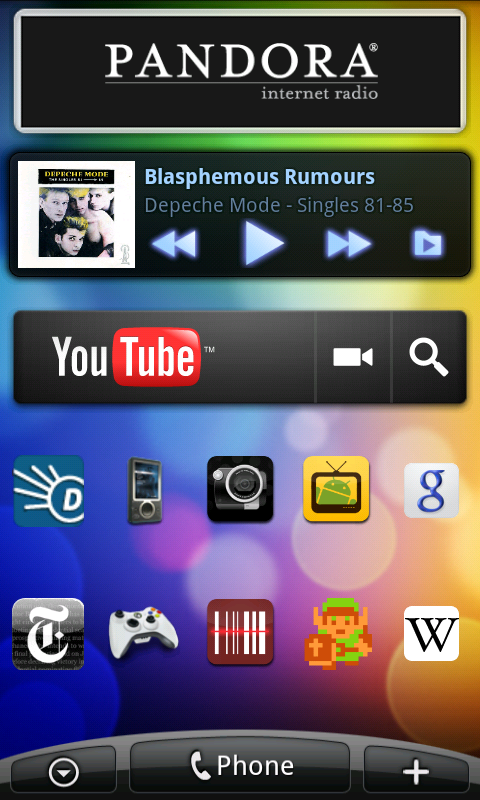
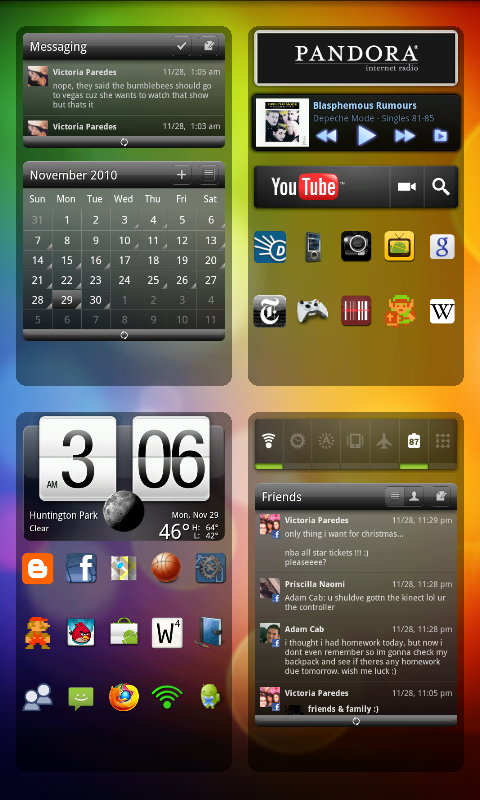
And for my 4 vertical widgets that are side by side (1st screen) I used 120 x 286 for each of them.
It took a while but I found that system worked for me.
Also after saving the pictures to your SD Card, Use the following guide for selecting the right size widget:
4 Vertical Side by Side & Small Vertical - 1 x 2
Small Horizontal - 3 x 1
Full Horizontal - 4 x 1
2 Side by Side - 2 x 1
The best way I found to select the correct widget size is by long pressing on a screen, selecting 'widgets' and then selecting the correct 'desktop visualizer' widget size. Once you select it, you then choose the image and the shortcut. You can add text to the widget if you don't have text in the image.
Hope this helps! Let me know if you get stumped.
And thanks for the comment on my screens BTW.